Workspaces
Creative Project Spaces for AI Workflows
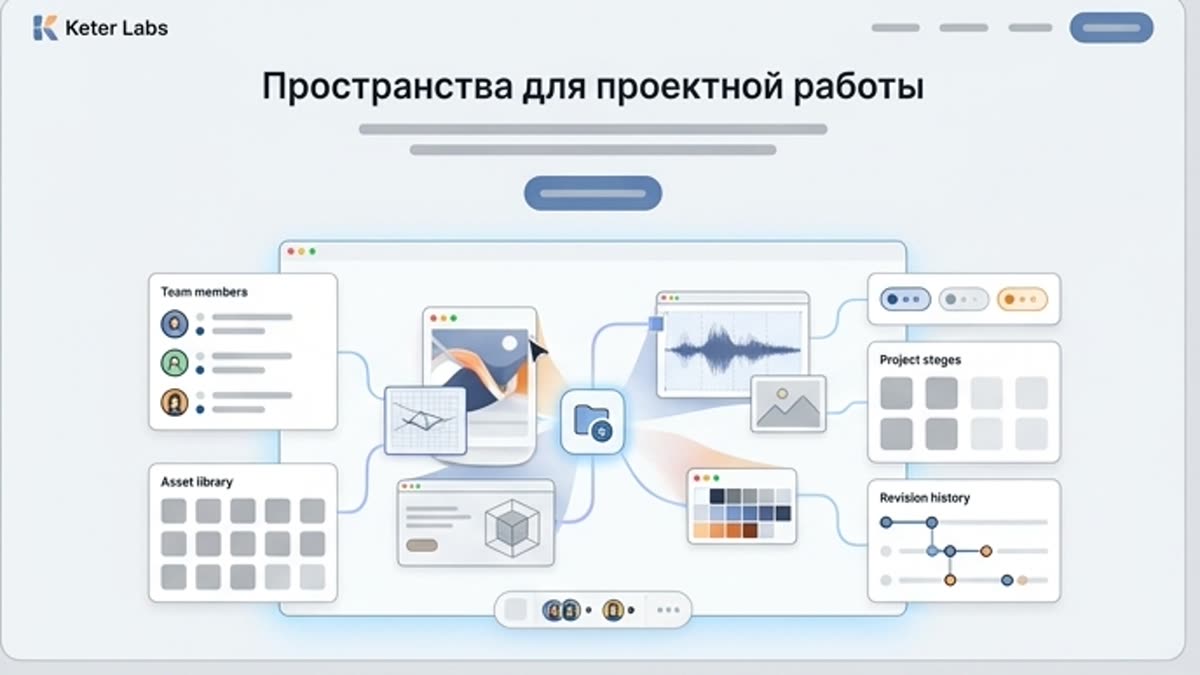
Organize AI generations, assets, brand materials and team collaboration in Keter Labs Spaces for campaign-ready creative workflows.
What's included
What this section gives you.
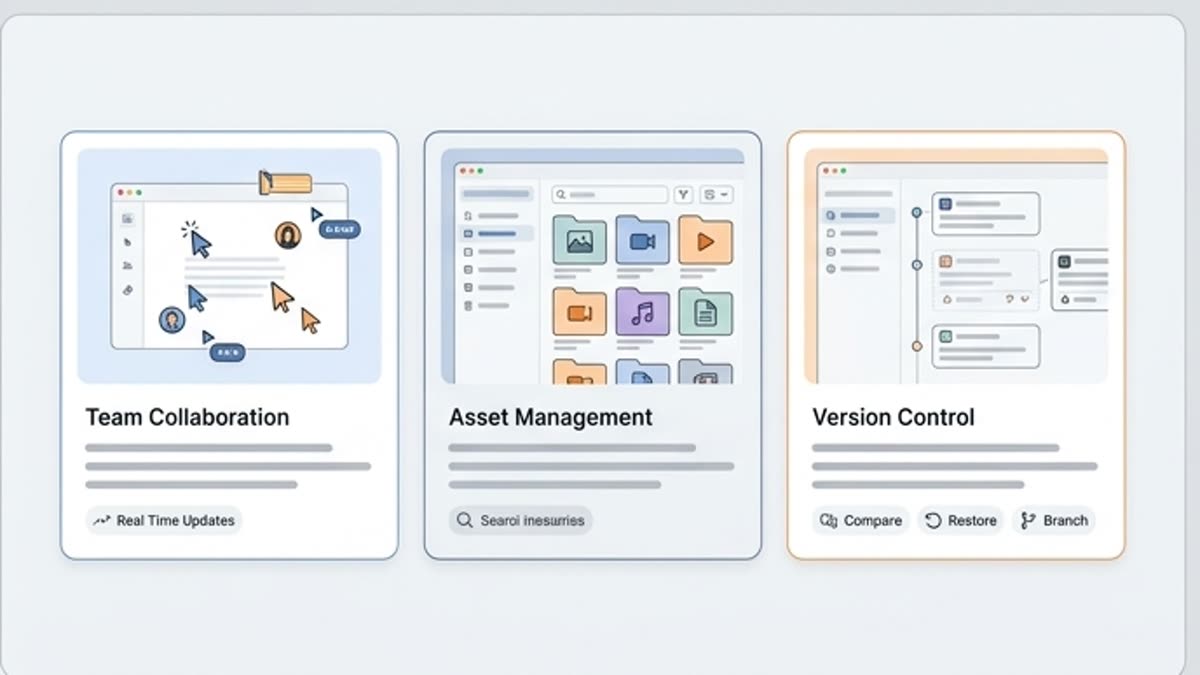
Structured projects
Store assets by client, campaign, product line or department.
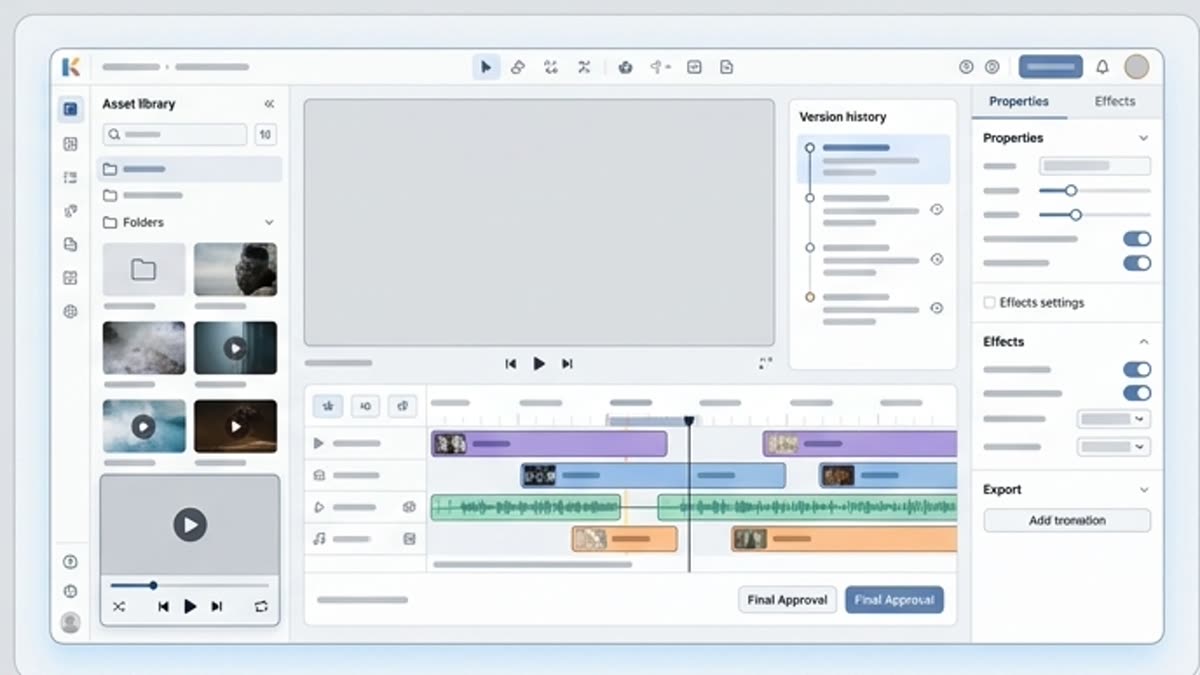
Built-in collaboration
Invite teammates, share materials and keep the project's context in one place.
Brand controls
Curate references, styles and templates so new output stays on-brand.
Inside this section
Jump straight to the right page.
Open a specific tool, library or workspace inside this section so you can start with the action you need instead of searching through navigation.
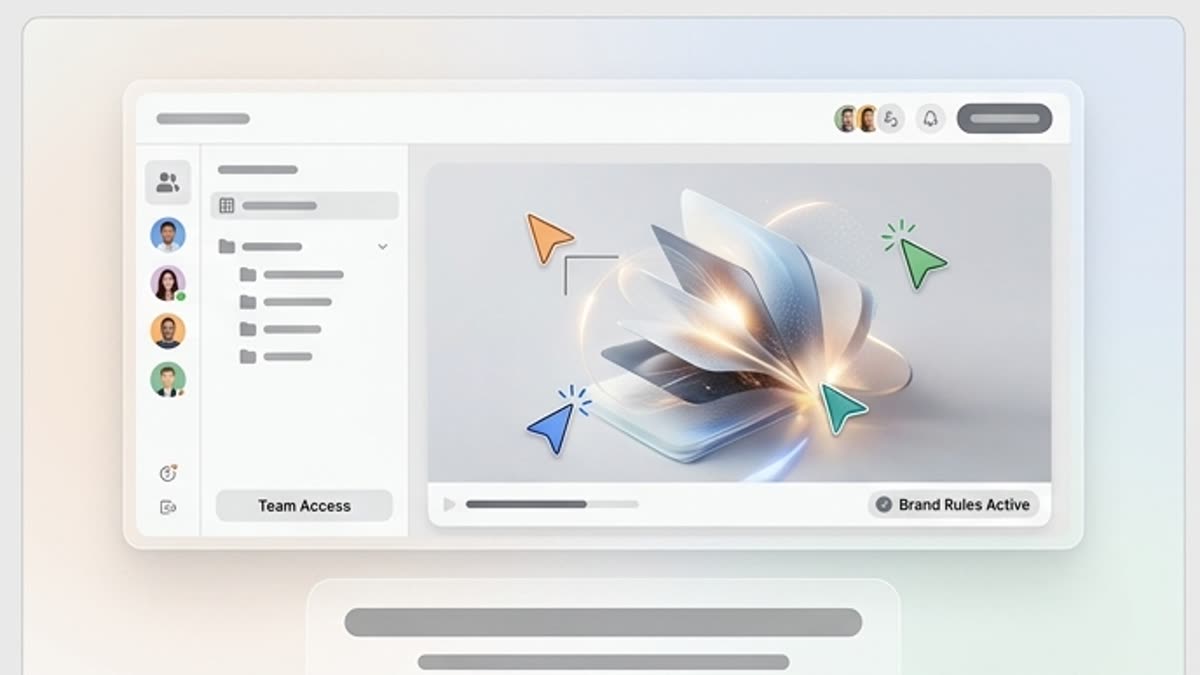
Keter Labs for business teams
A managed creative AI platform for teams that need access control, brand governance, security review and predictable content output.
Open Keter Labs for business teams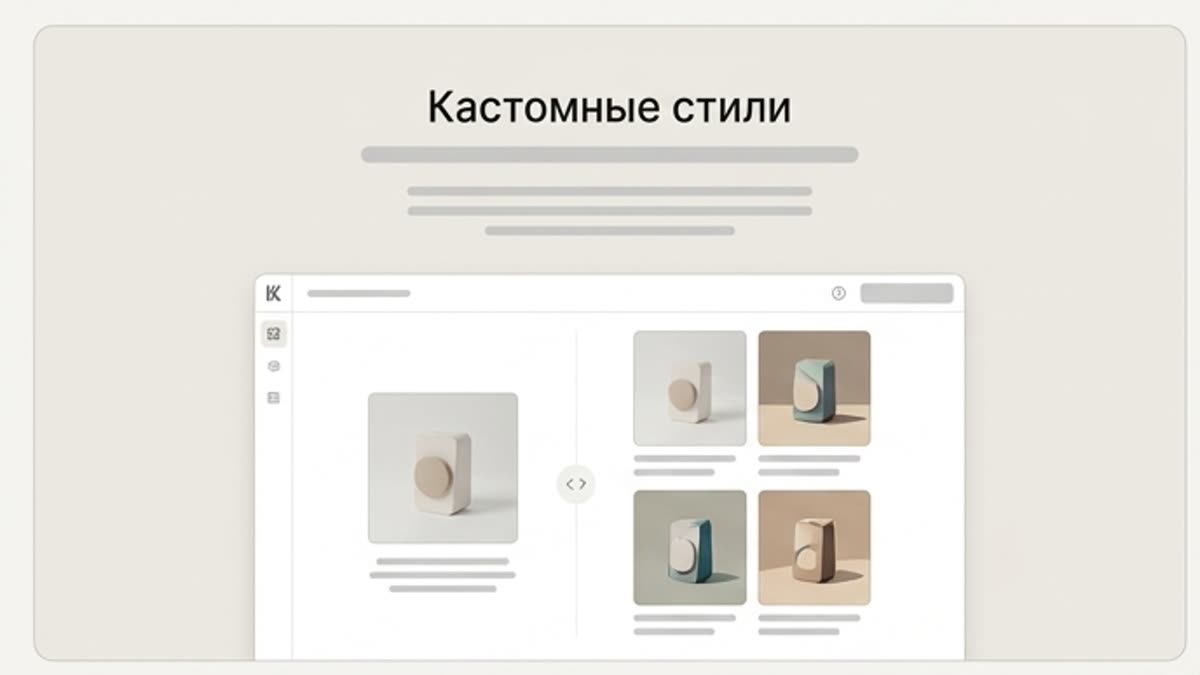
Custom styles
Custom AI styles help keep the brand visually consistent: color, light, composition, image character, finishing and the rules that make new assets look like part of one system.
Open Custom styles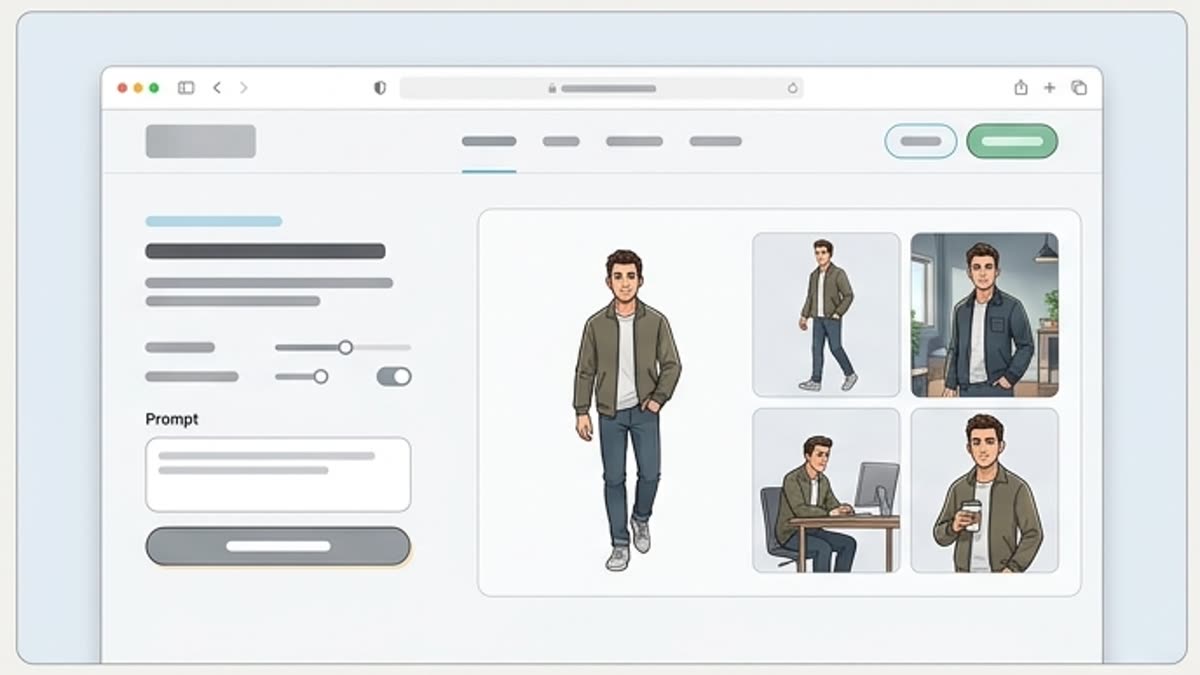
Custom characters
Custom AI characters help you create repeatable heroes for ad series, training materials, social content, explainers and brand campaigns. The character stays recognizable, and the team gets more control over variations.
Open Custom characters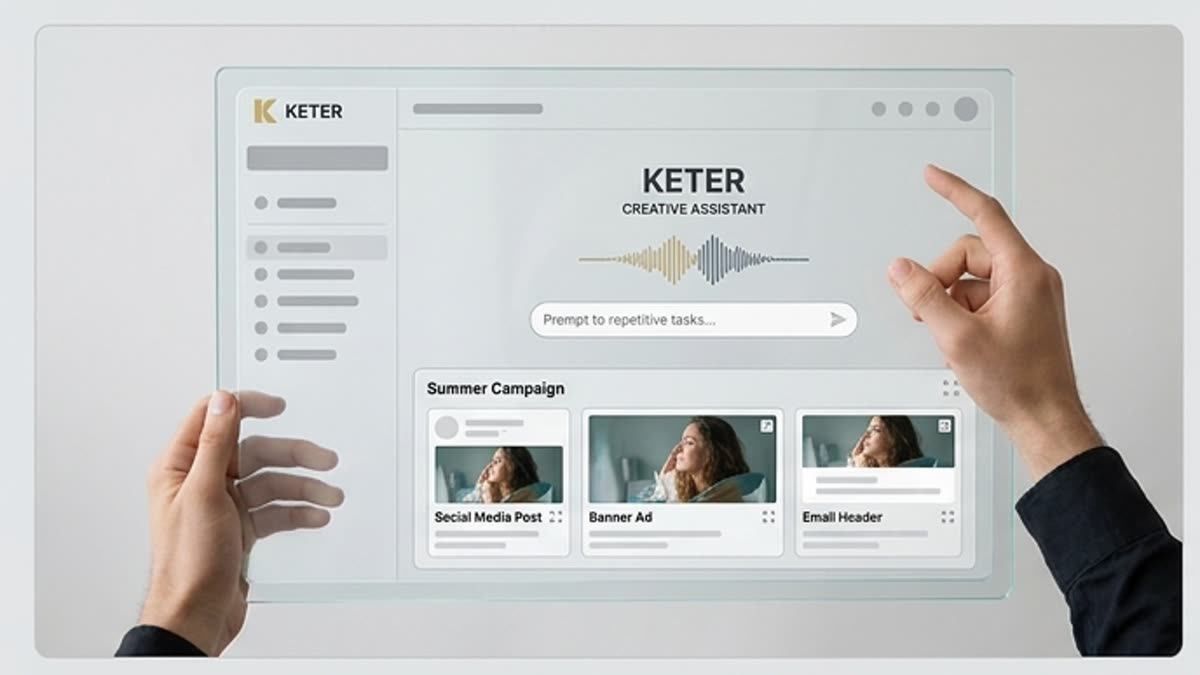
AI agents for creative production
Plan repeatable creative workflows that turn briefs into image, video and audio tasks while your team keeps approval control.
Open AI agents for creative production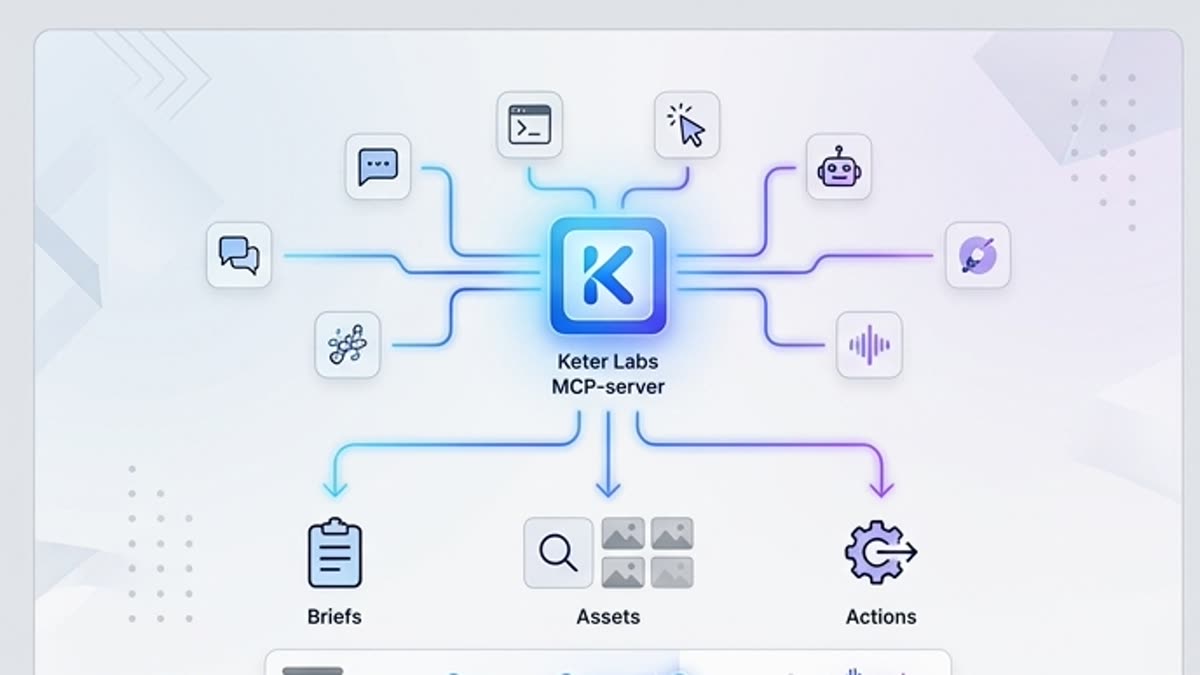
MCP server for AI assistants
Connect Keter Labs creative capabilities to AI assistants and internal tools through the Model Context Protocol.
Open MCP server for AI assistantsWorkflow
How it works inside Keter Labs.
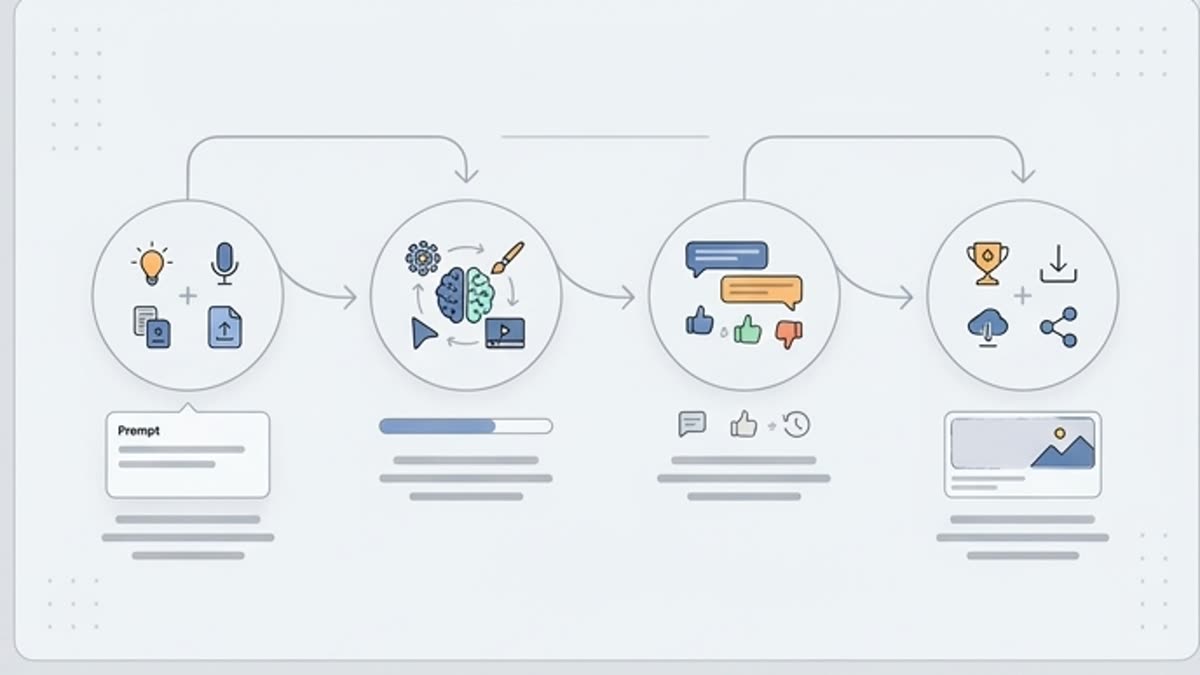
Every section in Keter Labs follows the same shape: a clear brief, a fast first draft, refinement in the editor, and a result saved into the project.
Step 1
Create a space for the project or team.
Step 2
Add assets, references and members.
Step 3
Generate and edit inside a shared context.
Related sections
Where to go next.
Keter Labs for business teams
A managed creative AI platform for teams that need access control, brand governance, security review and predictable content output.
Open Keter Labs for business teams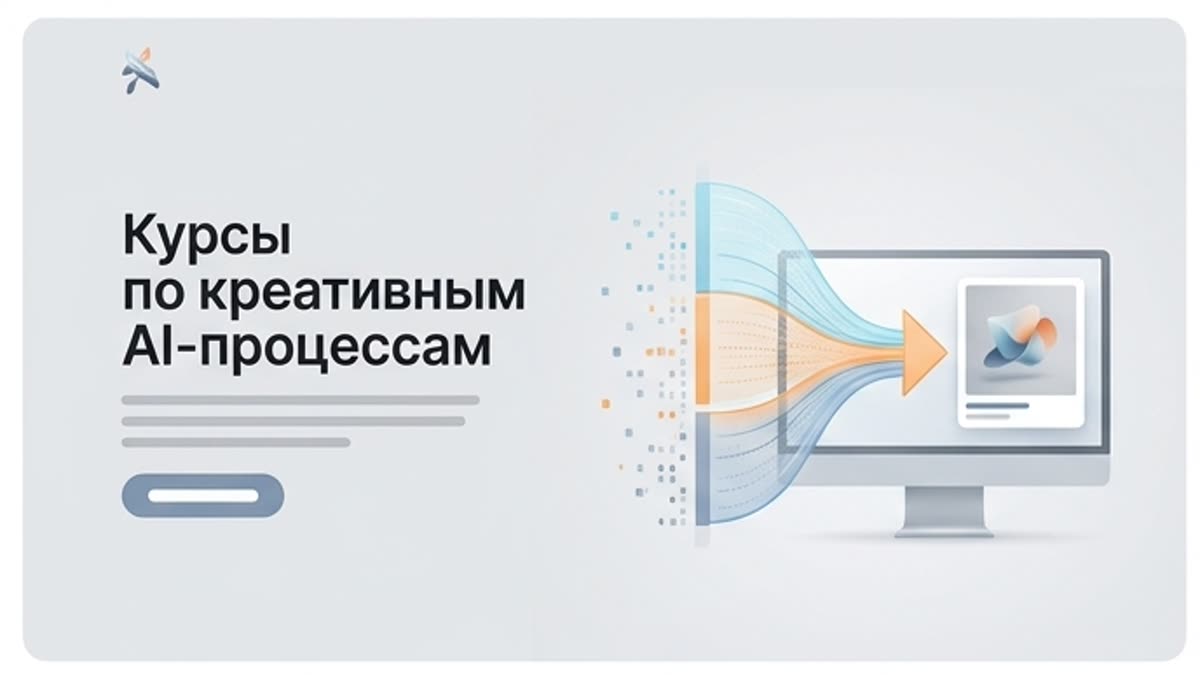
Courses for creative AI workflows
Structured programs for teams that want a clear, repeatable process for producing AI-powered content in Keter Labs.
Open Courses for creative AI workflowsCustom styles
Custom AI styles help keep the brand visually consistent: color, light, composition, image character, finishing and the rules that make new assets look like part of one system.
Open Custom stylesFAQ
Frequently asked questions
What are Keter Labs Spaces?+
Keter Labs Spaces are project workspaces where teams can organize AI generations, creative assets, brand materials, references and collaboration around a specific workflow or campaign.
Who should use Spaces?+
Creators, marketers, agencies, studios and business teams can use Spaces when they need one shared place for assets, project context and creative production.
How do Spaces help creative teams?+
Spaces help teams keep briefs, generations, edits, references, files and project decisions together instead of spreading creative work across disconnected tools.
Can Spaces support campaign production?+
Yes. Teams can use Spaces to organize campaign assets, track production steps, collaborate on visuals and keep reusable brand materials close to the work.
Do I need to code to use Keter Labs Spaces?+
No. Spaces are designed for creative workflow organization and collaboration. Teams can use them without coding, while technical teams can still connect advanced workflows when needed.
Ready when you are
Bring this workflow into your next project.
Spin up assets, lock in versions and align your team around a single creative platform.
Create account