Video
Voice video workspace
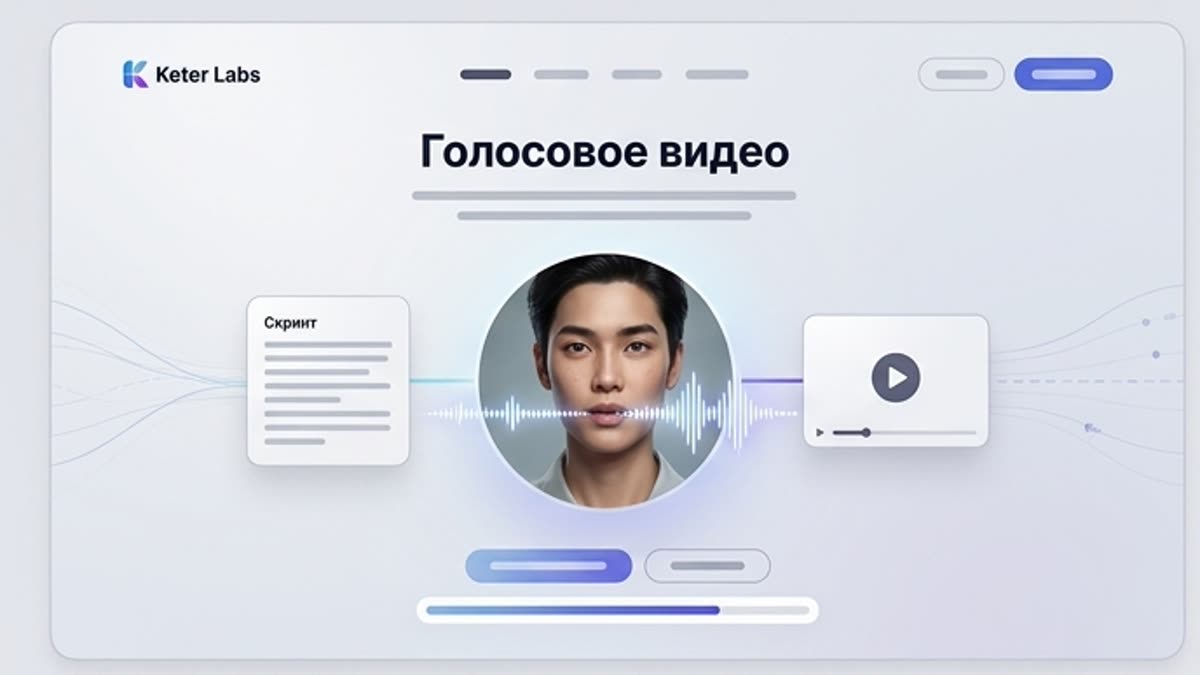
Voice video combines a script, a voice and motion into a speaking video asset for explanations, ads, training, presentations and social content. It is a fast way to turn text into a video with a clear delivery.
What's included
What this section gives you.
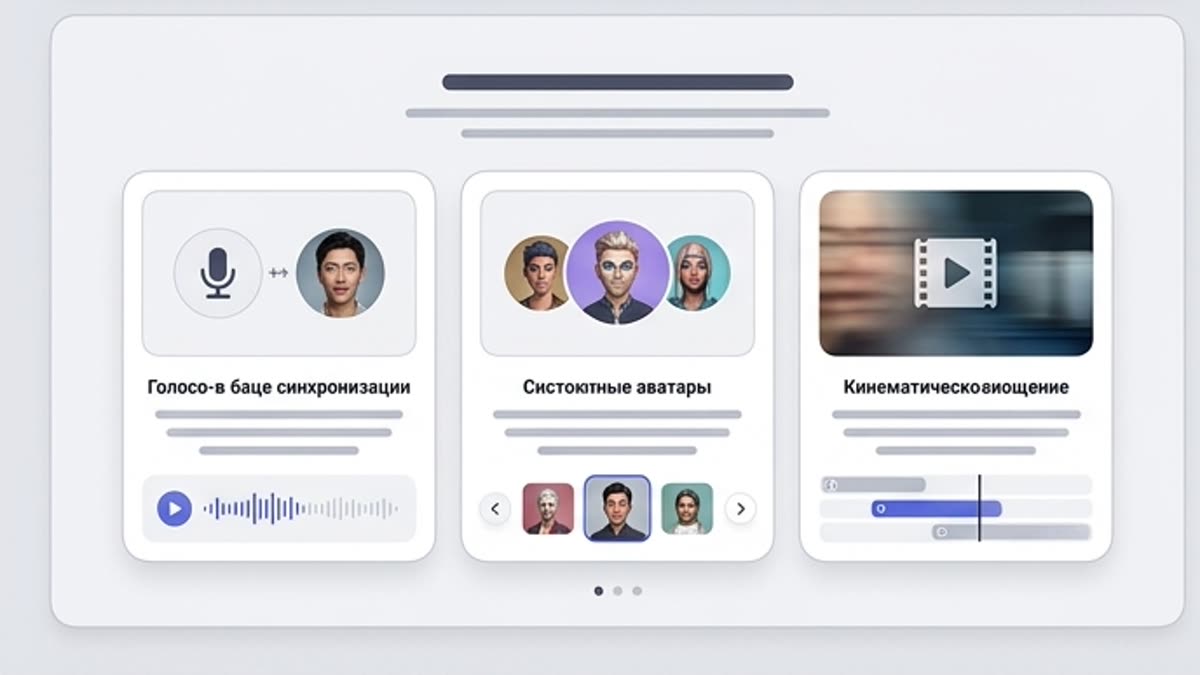
The script becomes a video
Use text, a voiceover and a visual scene to quickly assemble an explainer or promo asset.
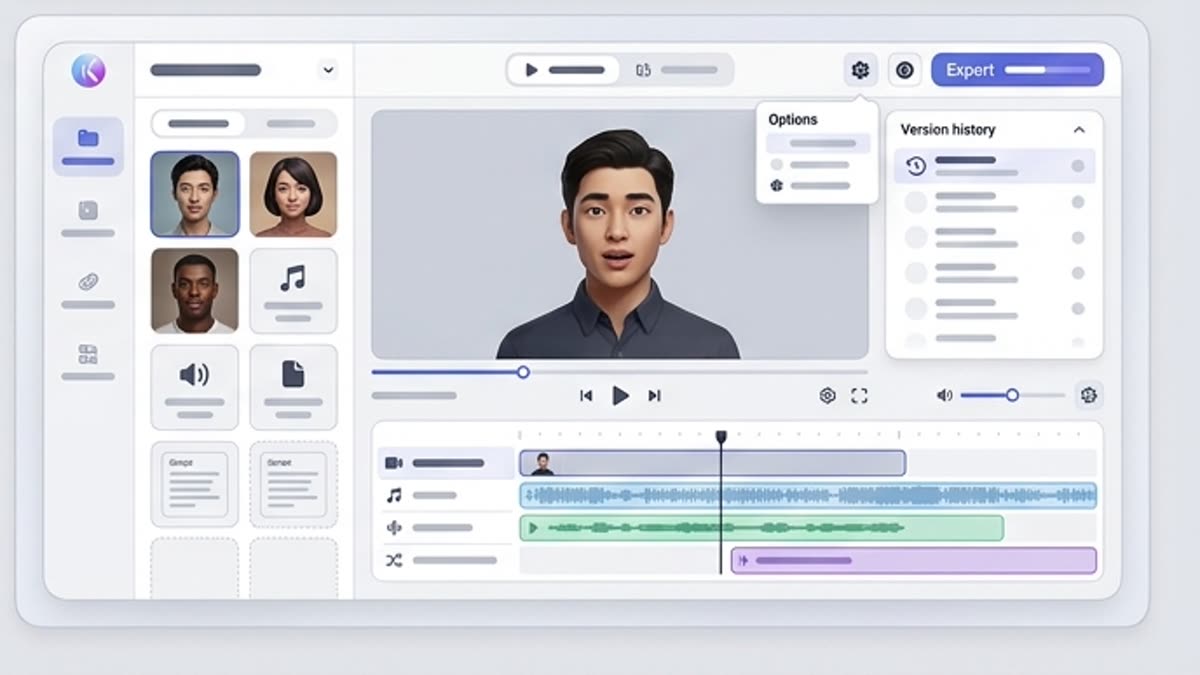
Built for repeatable content
Create series of short explainers, updates, product notes, training videos or social videos.
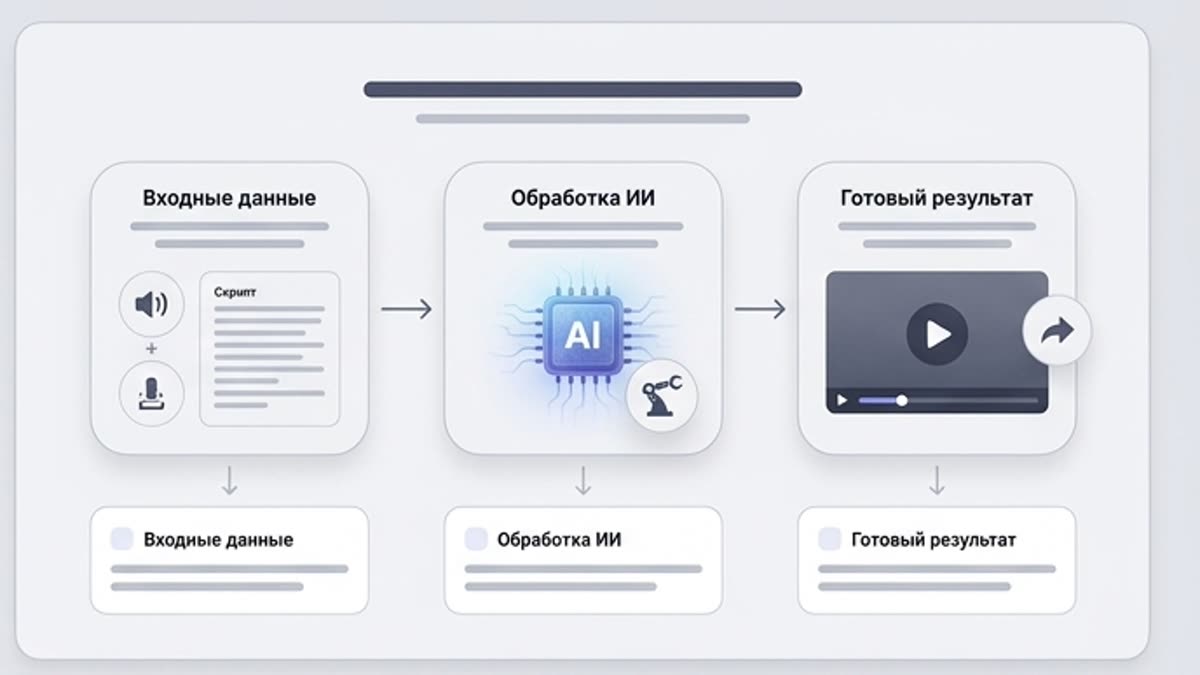
Control over the message
The team owns the text, tone, visuals and final version, while AI speeds up production.
When to use it
Common jobs this section is built for.
These examples make it easier to choose where to start and which nearby section to open next.
You need to explain a product
Create a short video where a voice walks the user through a feature, scenario or value.
You need a training video
Turn an instruction or internal material into a video that is easier to watch and share.
You need to ship updates fast
Use voice video for regular messages, announcements, product notes and social content.
Workflow
How it works inside Keter Labs.
Every section in Keter Labs follows the same shape: a clear brief, a fast first draft, refinement in the editor, and a result saved into the project.
Step 1
Prepare the script, the video's goal, the voice and the visual direction.
Step 2
Assemble the talking video and check the pace, clarity, picture and sound.
Step 3
Save the final video or send it to the video editor for additional edits.
Related sections
Where to go next.
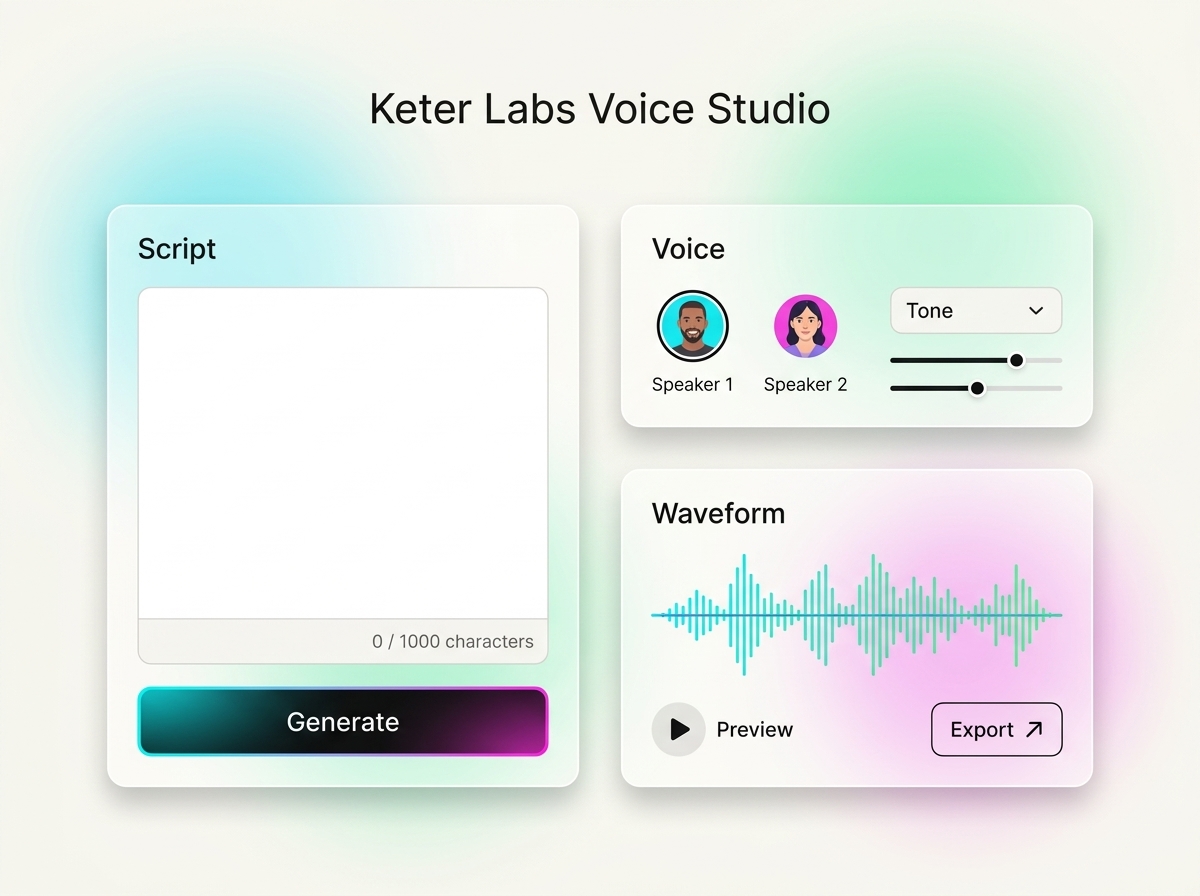
AI voice generator
AI voice generator helps users understand a specific AI creative task in plain language: what goes in, what comes out, where it fits in production, and how to keep the result useful instead of treating it as a one-off experiment.
Open AI voice generator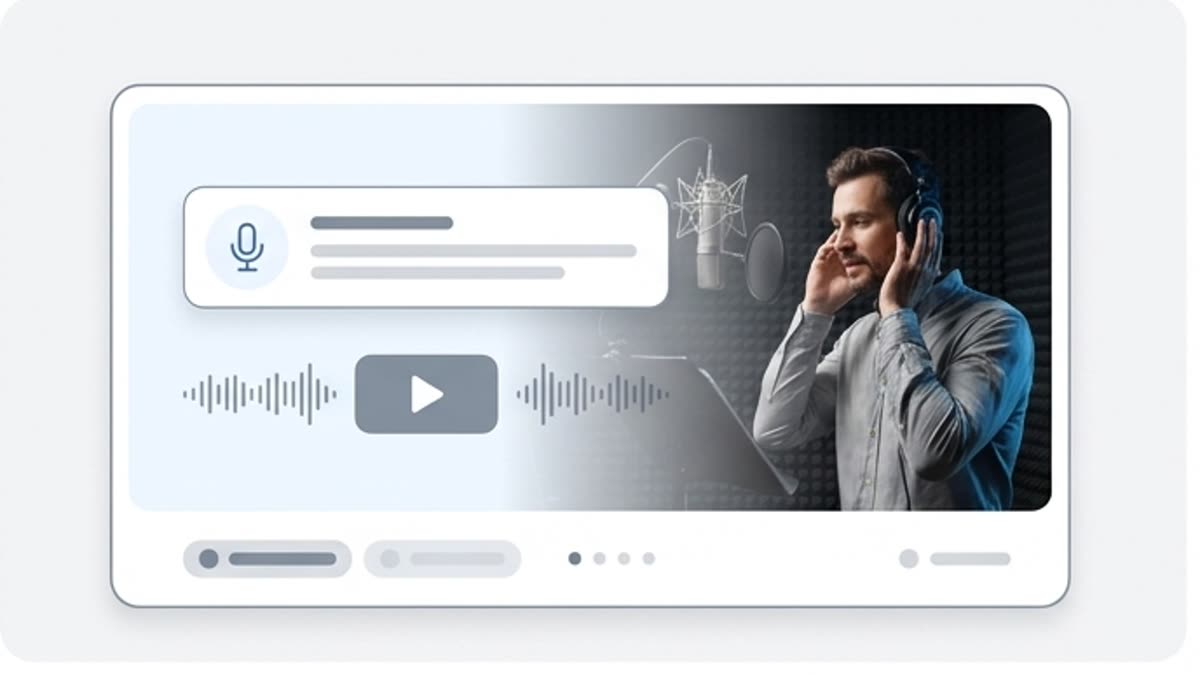
Voiceover workspace
The voiceover workspace helps you prepare voiceovers for explainers, ads, product demos, presentations, training and social content. The script, voice versions and final tracks stay in one project.
Open Voiceover workspace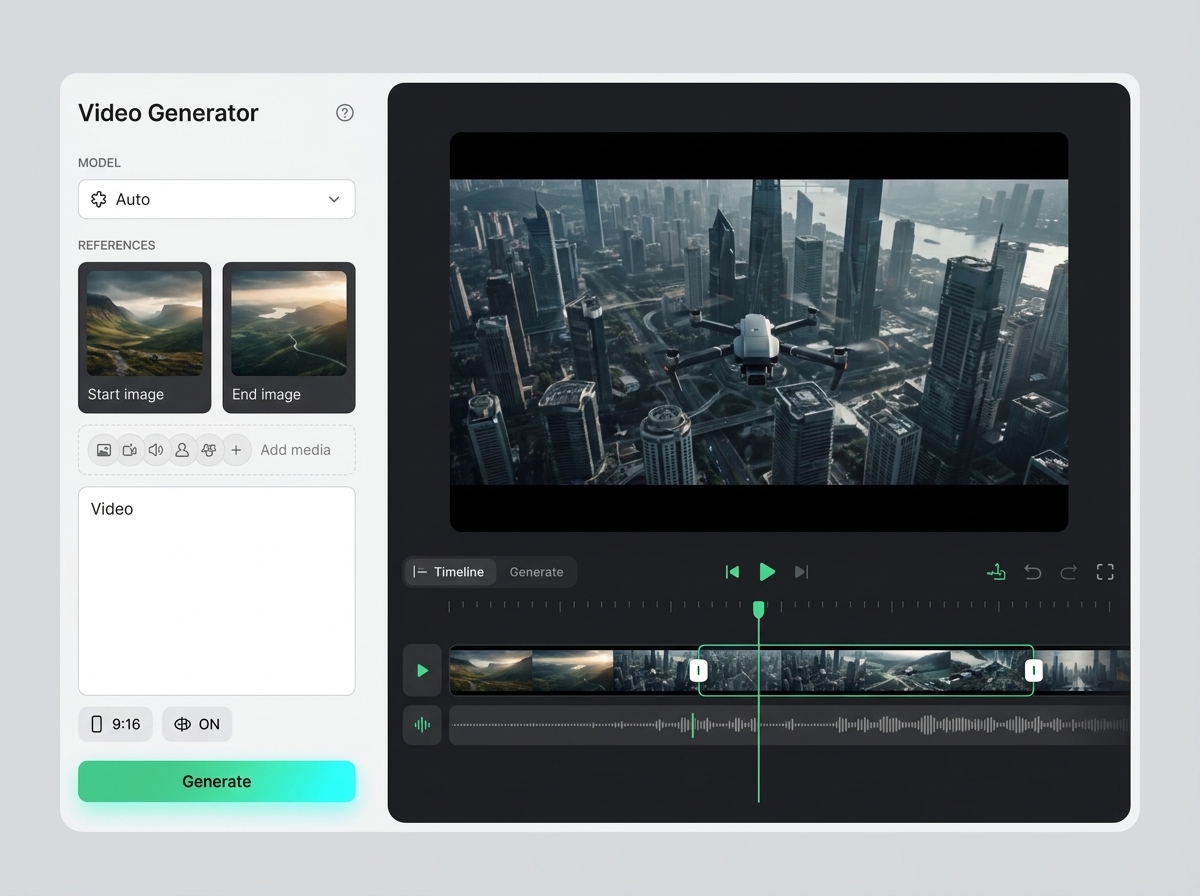
AI video generator
AI video generator helps users understand a specific AI creative task in plain language: what goes in, what comes out, where it fits in production, and how to keep the result useful instead of treating it as a one-off experiment.
Open AI video generatorReady when you are
Bring this workflow into your next project.
Spin up assets, lock in versions and align your team around a single creative platform.
Create account