Design
Icon editor
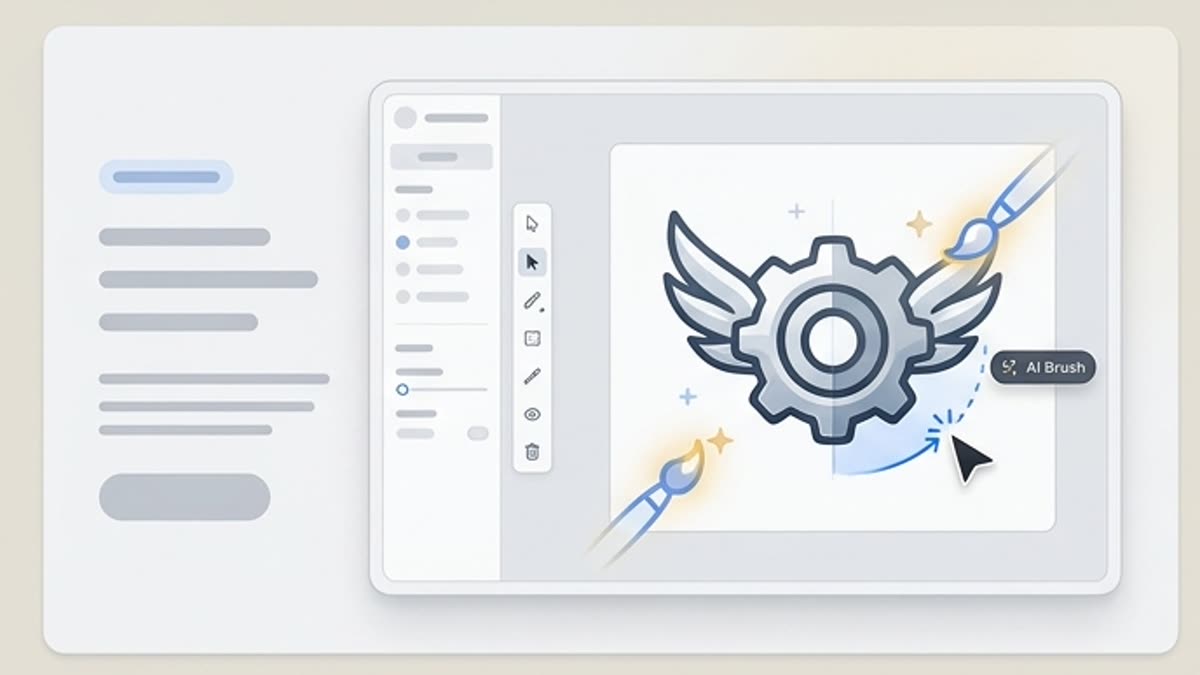
The icon editor helps you bring individual symbols and entire icon sets to a consistent style: shape, stroke weight, corner radius, color, legibility and export ready for a product, website or presentation.
What's included
What this section gives you.
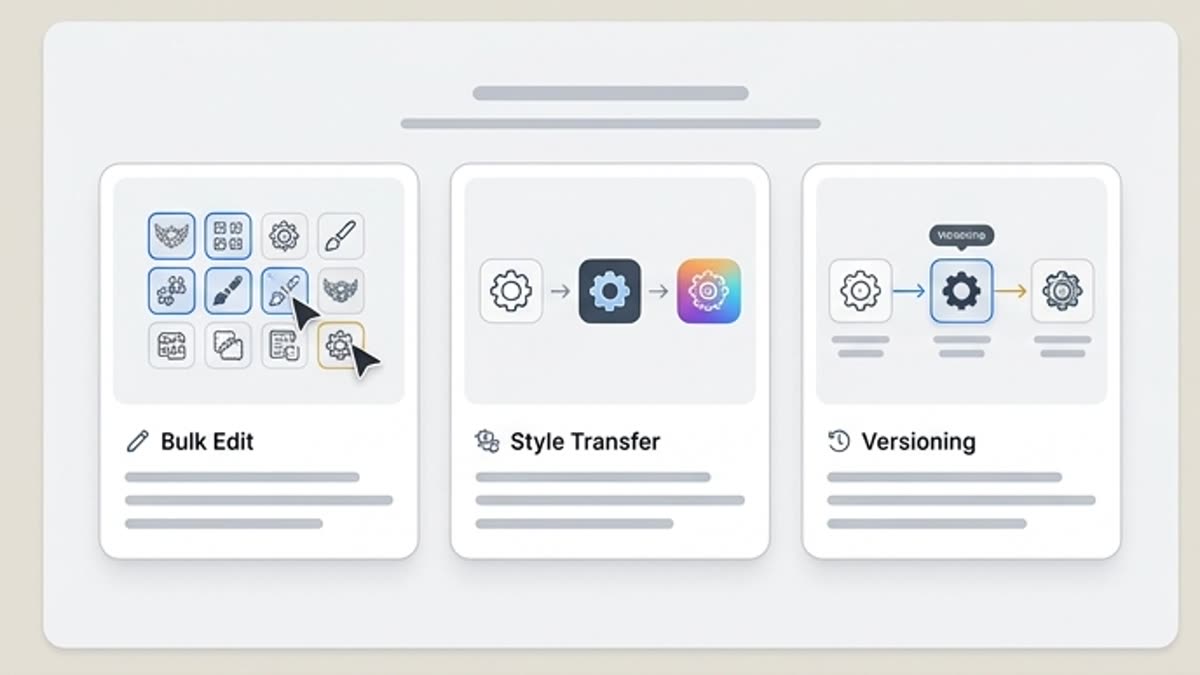
Precision after generation
Fix individual icons, align details and bring the whole set into one visual system.
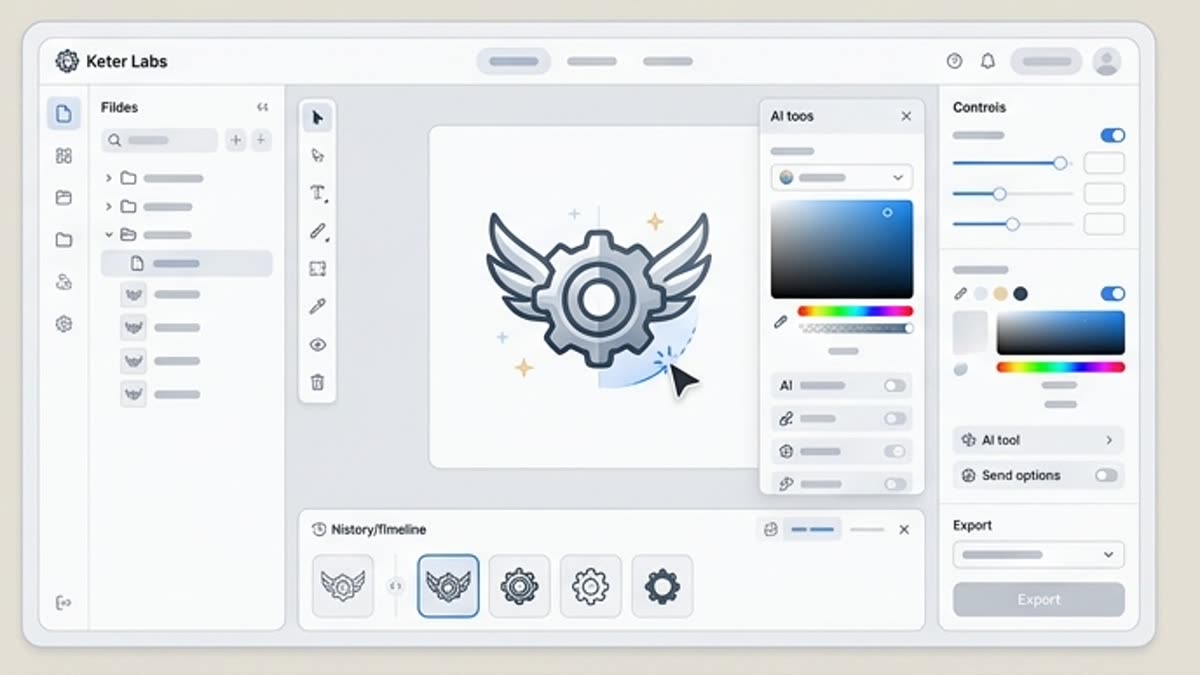
Legibility checks
An icon has to work at small sizes, on light and dark backgrounds, in an interface, presentation or landing page.
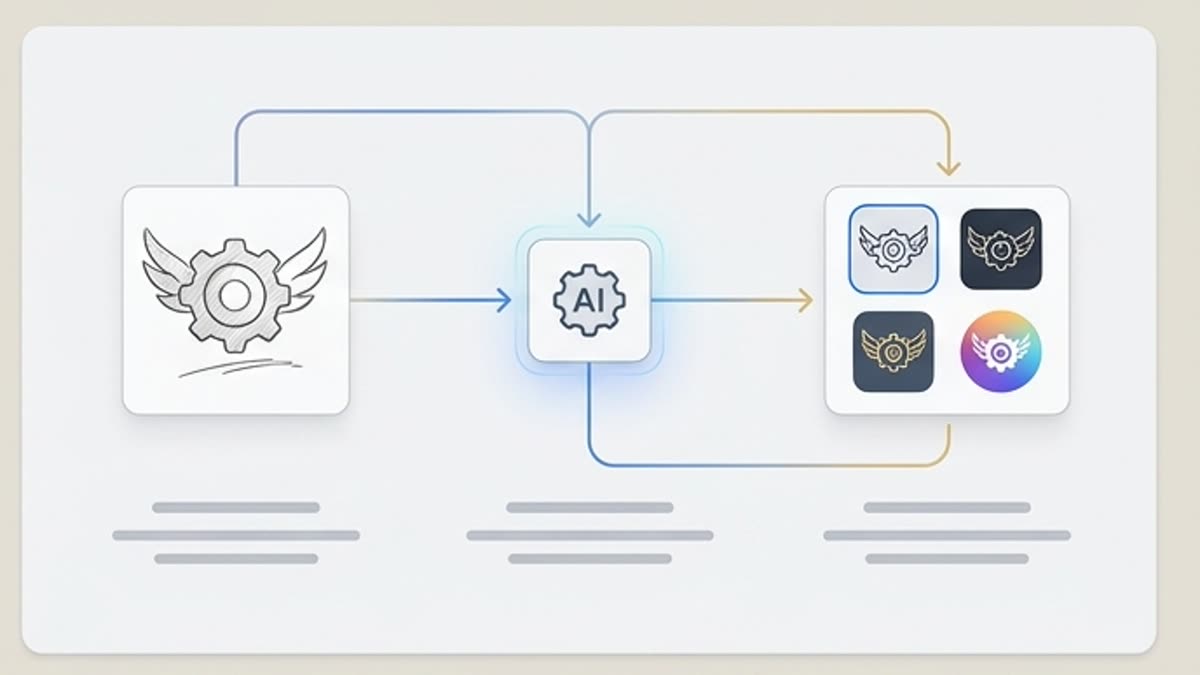
Ready for your design system
Keep icon sets next to layouts, brand materials and the pages where the icons are used.
When to use it
Common jobs this section is built for.
These examples make it easier to choose where to start and which nearby section to open next.
The set looks inconsistent
Align the icon style so the website, product or presentation looks professional.
An icon is hard to read
Simplify the shape, refine the outline and check how the symbol looks at small sizes.
You need to prepare the final export
Save versions for the interface, landing page, presentation or marketing kit.
Workflow
How it works inside Keter Labs.
Every section in Keter Labs follows the same shape: a clear brief, a fast first draft, refinement in the editor, and a result saved into the project.
Step 1
Open a generated or uploaded icon and decide what needs fixing.
Step 2
Adjust the shape, color, stroke weight, level of detail and visual rhythm of the set.
Step 3
Export the final versions and save them in the project or design system.
Related sections
Where to go next.
Icons
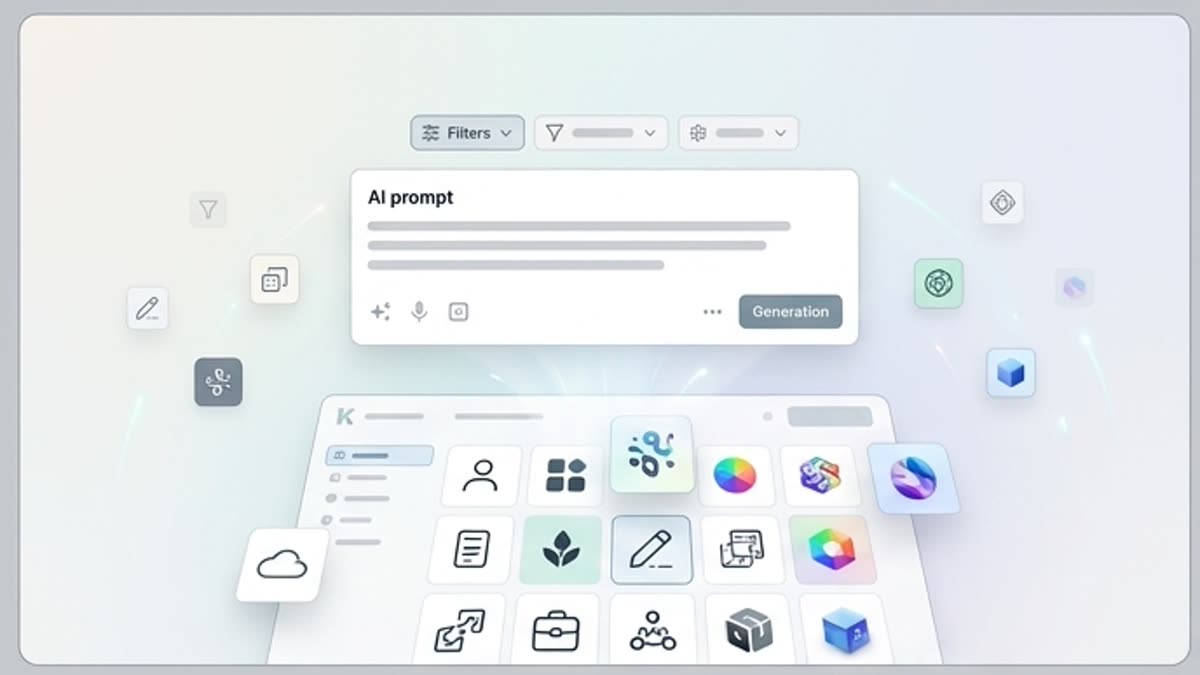
The icon library helps you quickly find clear symbols for an interface, landing page, presentation, pricing plan, guide or design system. Use icons as they are or adapt them to the project's visual style.
Open Icons
AI icon generator
AI icon generator helps users understand a specific AI creative task in plain language: what goes in, what comes out, where it fits in production, and how to keep the result useful instead of treating it as a one-off experiment.
Open AI icon generator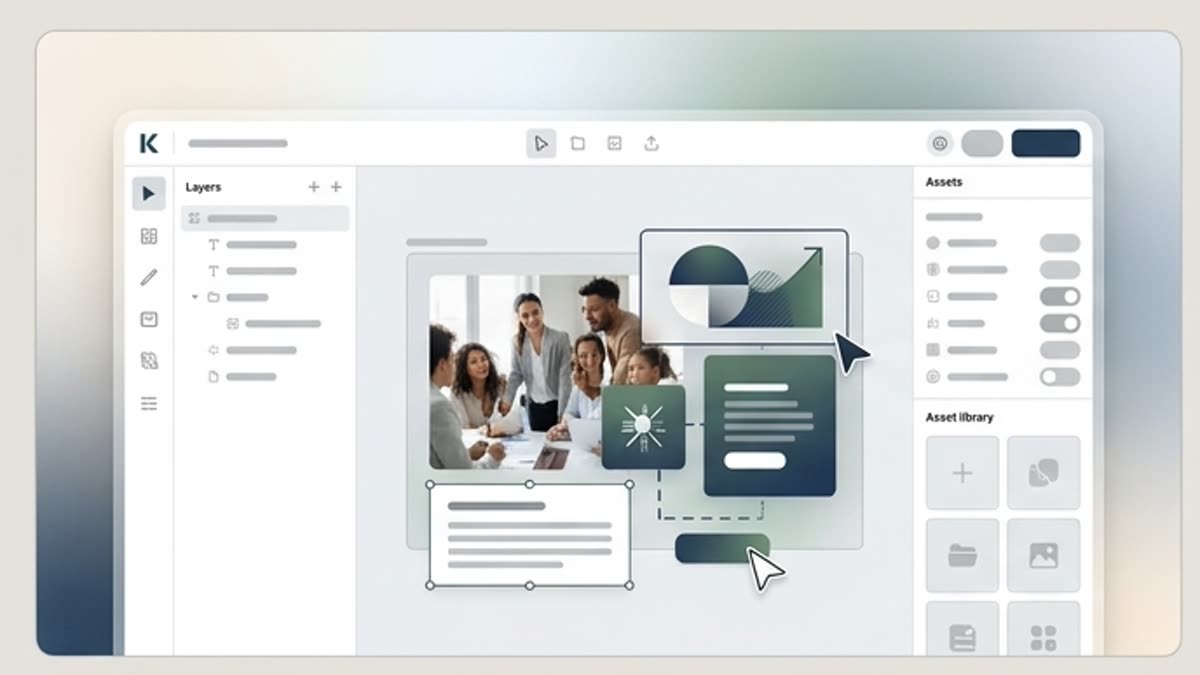
Designer for layouts and campaigns
Build visuals, adapt templates, mix stock and AI assets and ship campaigns inside a single editor.
Open Designer for layouts and campaignsReady when you are
Bring this workflow into your next project.
Spin up assets, lock in versions and align your team around a single creative platform.
Create account