Images
Quick image tool
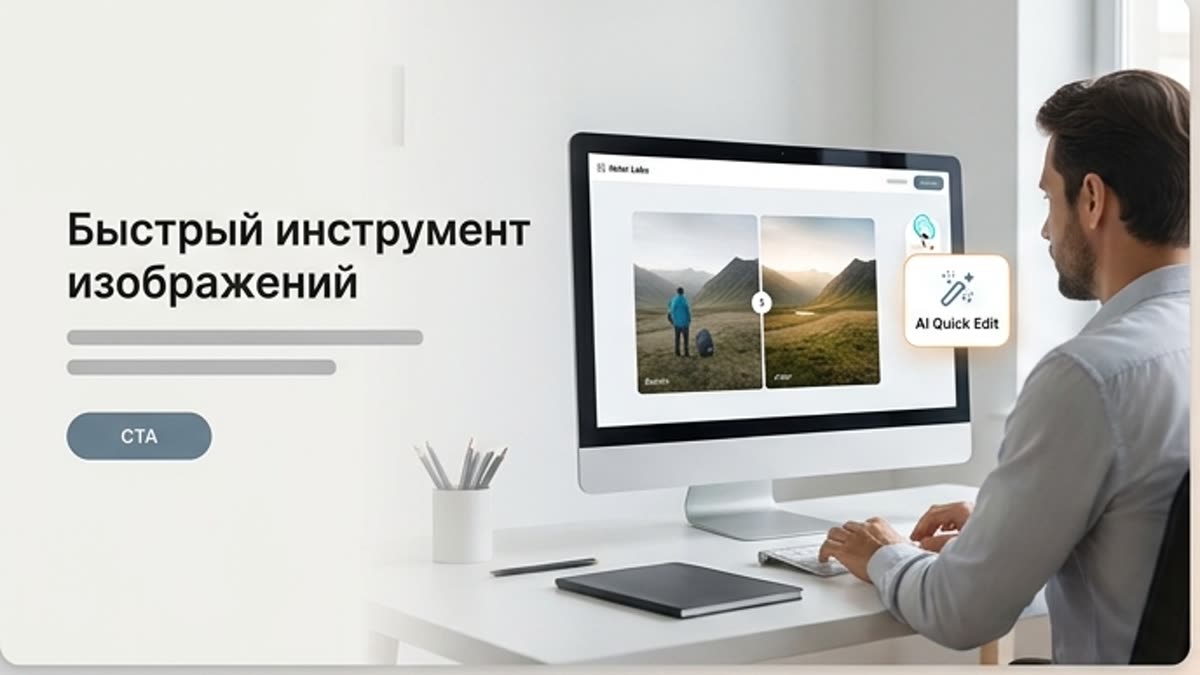
The quick image tool is built for short edits inside the studio: improve a visual, prepare a variant, test an idea, fix the format or send the result on into the project workflow.
What's included
What this section gives you.
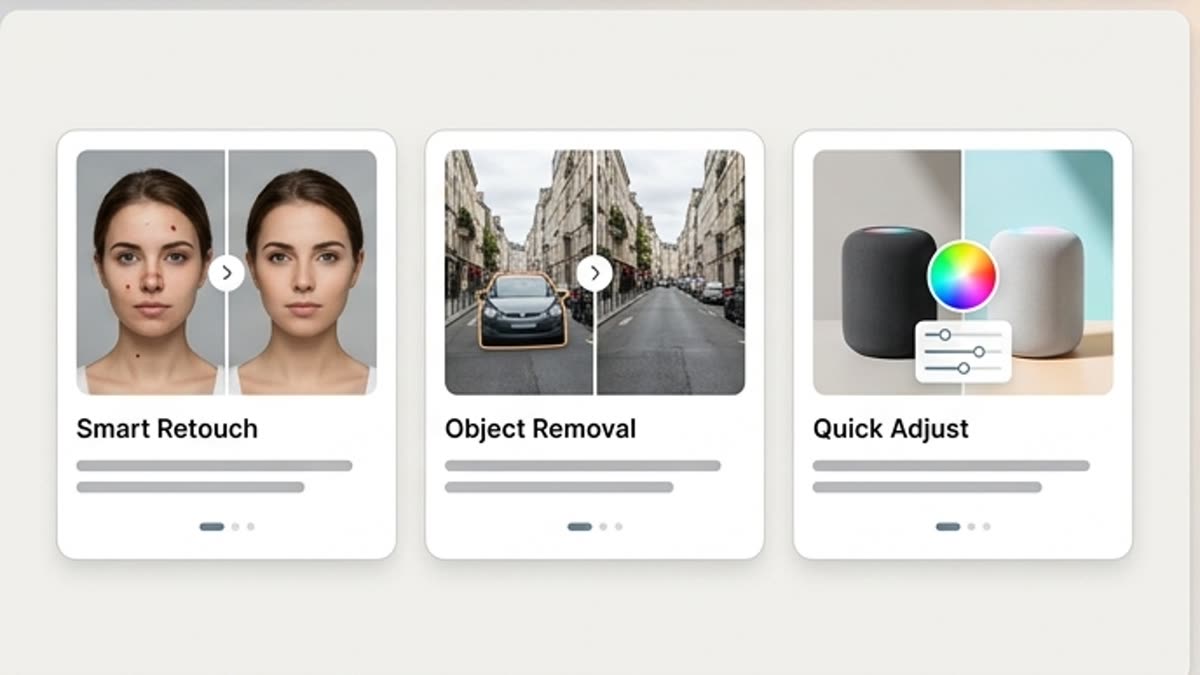
Edits without switching context
Open an image from the project and run the action you need without jumping between separate services.
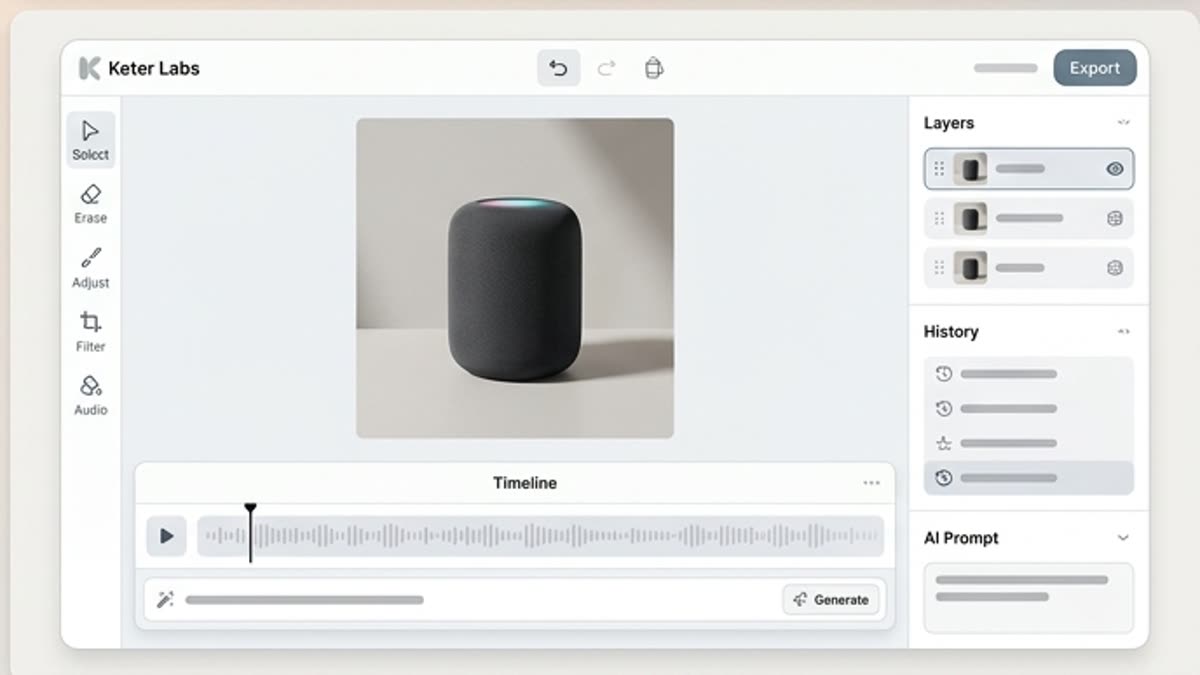
Built for fast iterations
Use the tool to test one hypothesis, fix a frame or prepare an intermediate version.
The result stays in the project
Save variants next to the source, brief, references and final files.
When to use it
Common jobs this section is built for.
These examples make it easier to choose where to start and which nearby section to open next.
You need a quick edit
Fix the image right in the studio without opening the full production workflow.
You need to test a variant
Create one or two versions before running a big generation or design job.
You need to keep the context
Save edits next to the project so the team sees what changed.
Workflow
How it works inside Keter Labs.
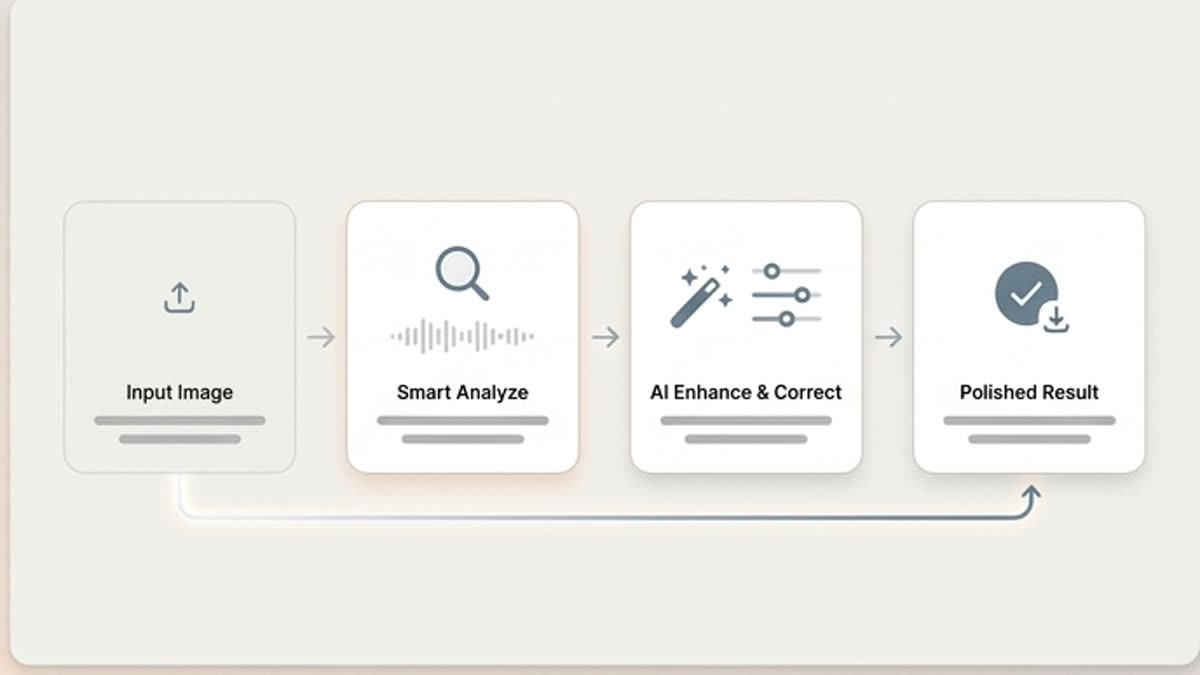
Every section in Keter Labs follows the same shape: a clear brief, a fast first draft, refinement in the editor, and a result saved into the project.
Step 1
Pick an image from the project or upload a new file.
Step 2
Run the edit you need: enhancement, format, background, sharpness or a variant.
Step 3
Save the result and continue in the editor, designer or generator.
Related sections
Where to go next.
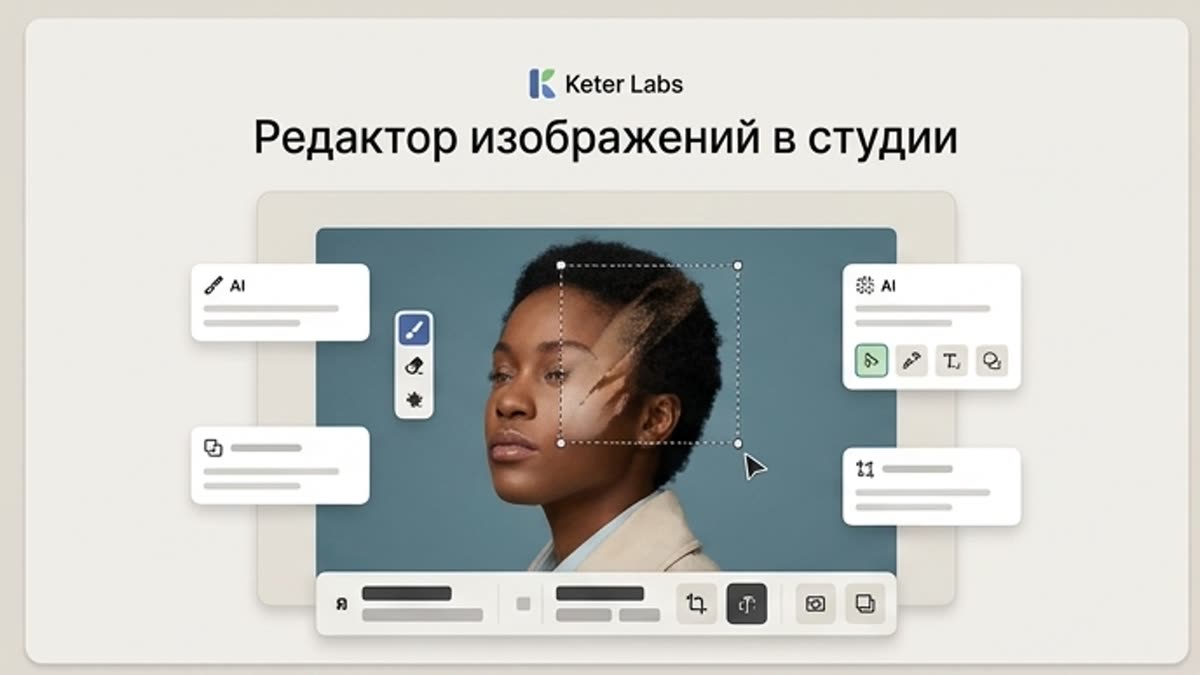
Studio image editor
The studio image editor helps you bring AI visuals, photos, stock assets and product shots to a working state: background, subject, framing, quality, lighting, size and final composition.
Open Studio image editor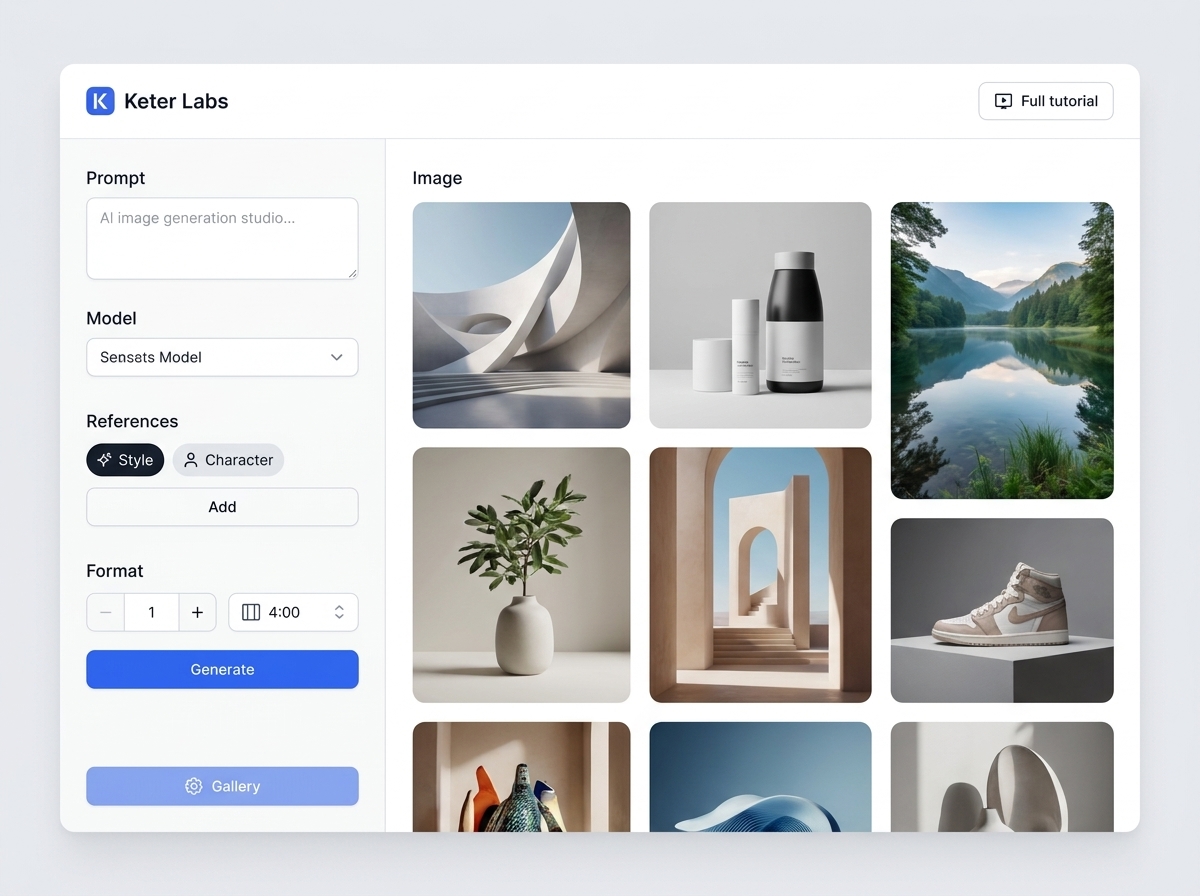
AI image generator
AI image generator helps users understand a specific AI creative task in plain language: what goes in, what comes out, where it fits in production, and how to keep the result useful instead of treating it as a one-off experiment.
Open AI image generator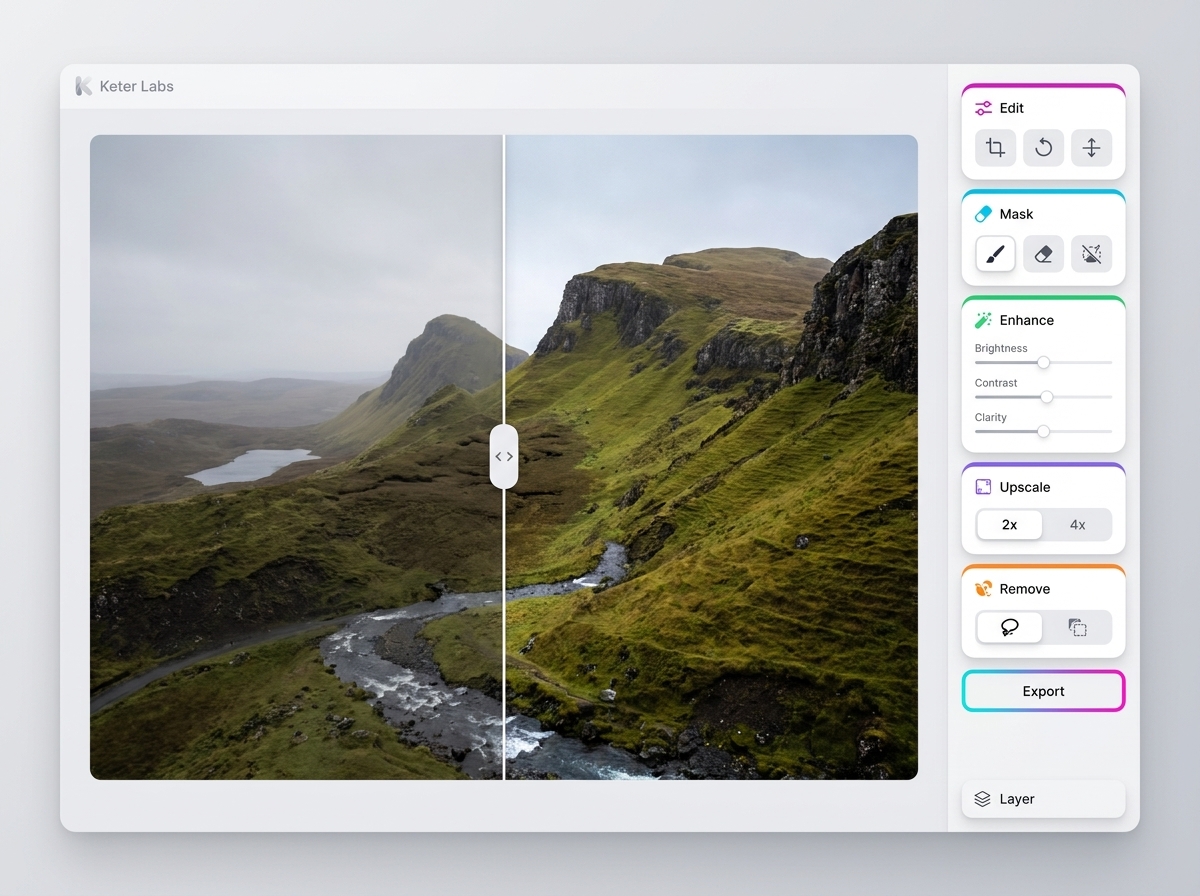
AI photo editor
AI photo editor helps users understand a specific AI creative task in plain language: what goes in, what comes out, where it fits in production, and how to keep the result useful instead of treating it as a one-off experiment.
Open AI photo editorReady when you are
Bring this workflow into your next project.
Spin up assets, lock in versions and align your team around a single creative platform.
Create account