Editing
Variations tool
Variations help you develop a strong visual without losing the core idea. Change details, style, background, color, composition or mood to quickly find the best version for a campaign, landing page, ad or presentation.
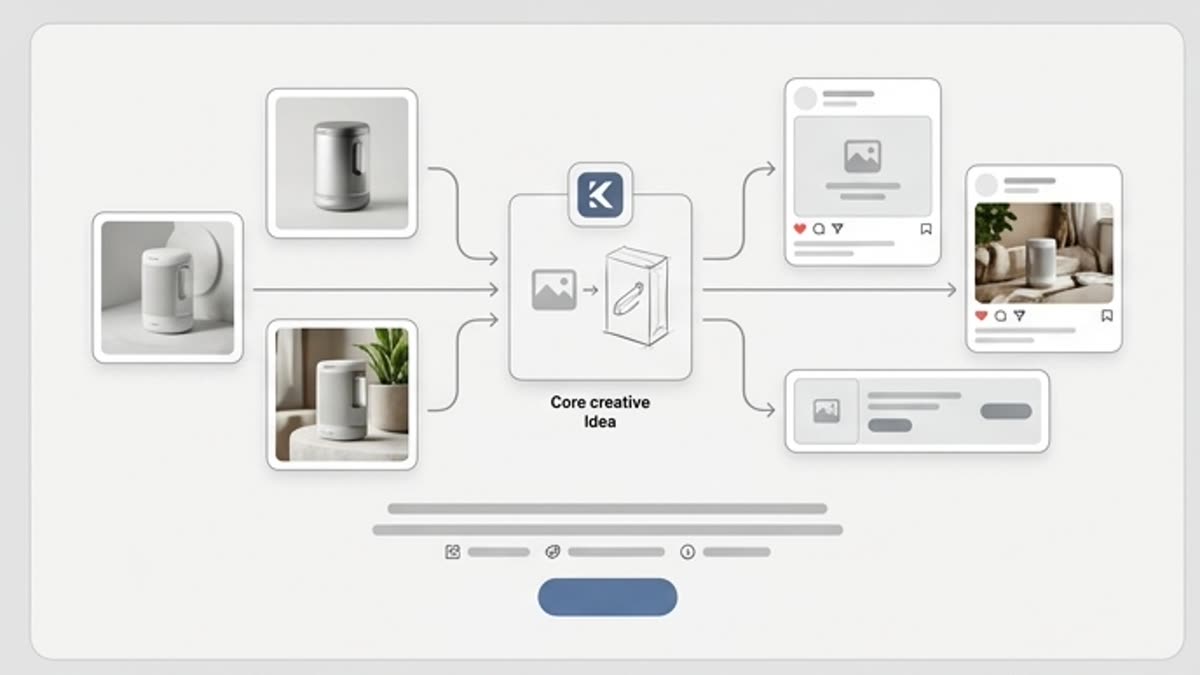
What's included
What this section gives you.
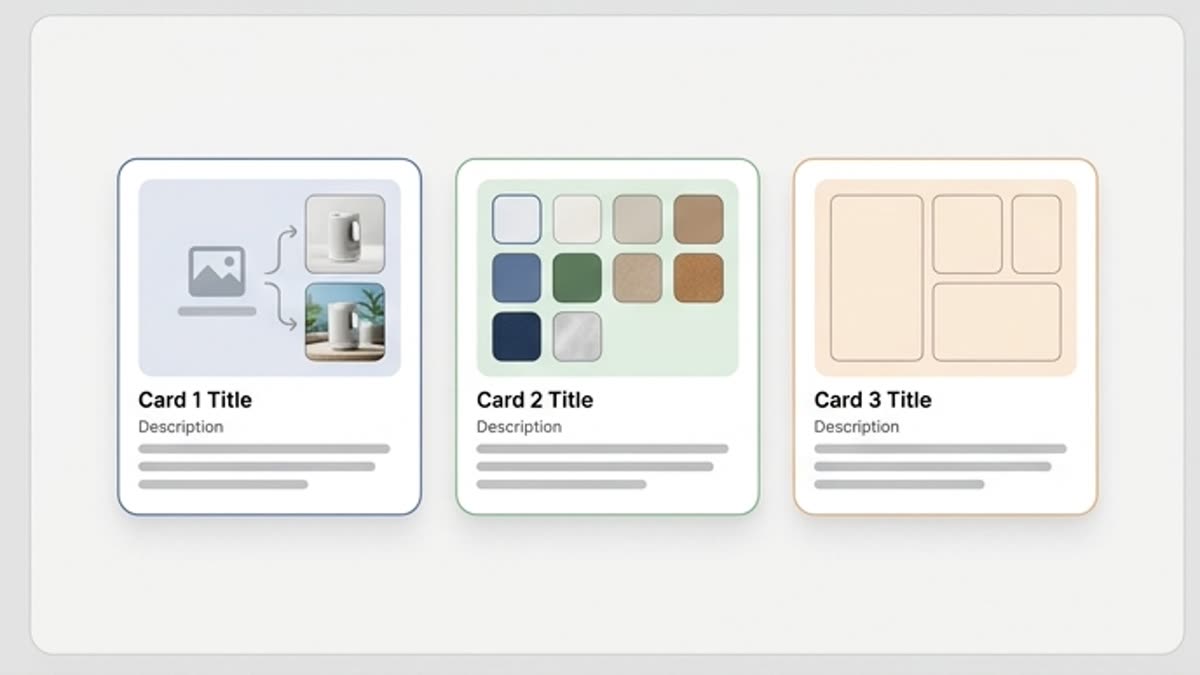
More options from a strong base
When one frame already hits the mark, variations let you explore nearby directions without starting over.
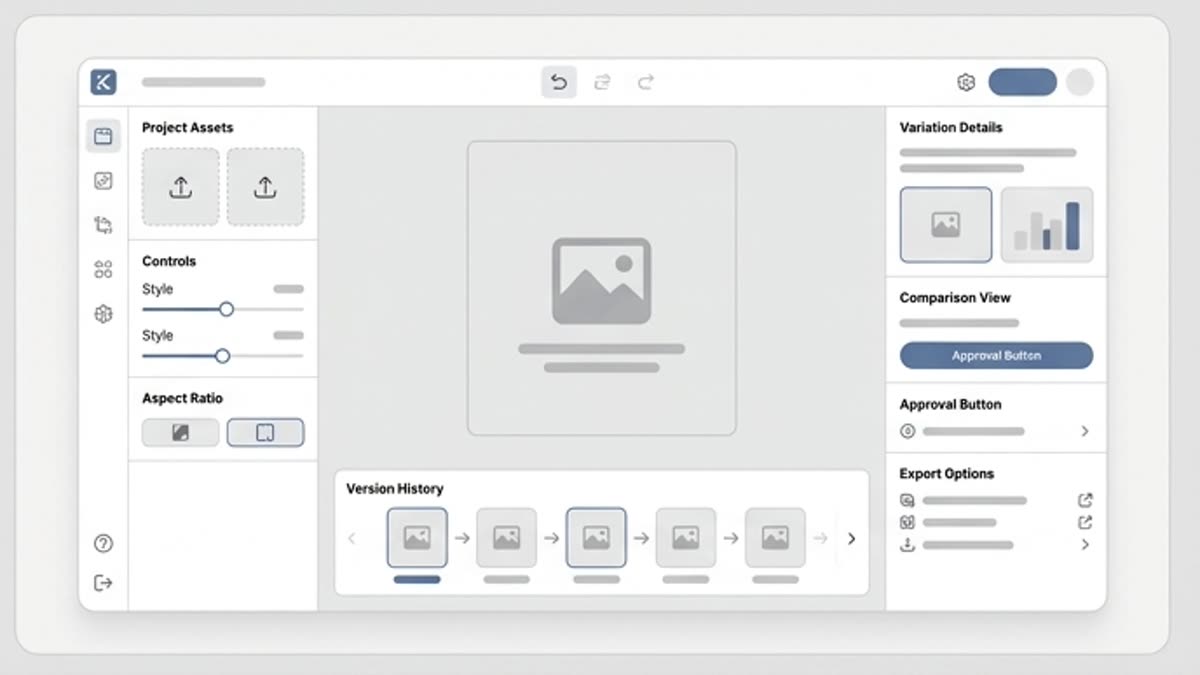
Control over changes
Keep the essentials — the product, character, composition or meaning — and change only the elements you want to test.
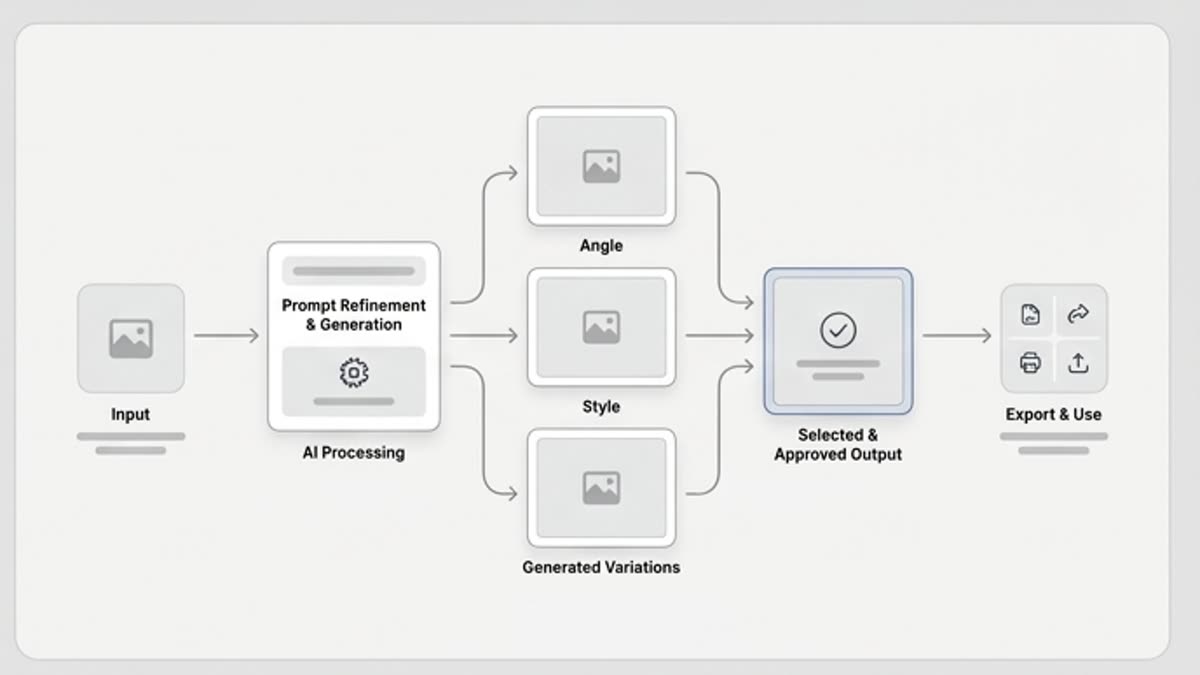
Useful for decisions
The team compares versions faster when they are built around one idea and differ by clear parameters.
When to use it
Common jobs this section is built for.
These examples make it easier to choose where to start and which nearby section to open next.
You need to find the best creative
Make several close versions and pick the one that works hardest for the product, offer or audience.
You need to adapt a visual
Test other backgrounds, colors, angles or styles while keeping the recognizable base.
You need to show options to a client
Prepare a clear set of alternatives where the differences are easy to discuss.
Workflow
How it works inside Keter Labs.
Every section in Keter Labs follows the same shape: a clear brief, a fast first draft, refinement in the editor, and a result saved into the project.
Step 1
Pick an image or scene the team considers promising.
Step 2
Describe what can change and what must stay stable.
Step 3
Compare the variants, save the best one and send it to the editor, resize, layout or final export.
Related sections
Where to go next.
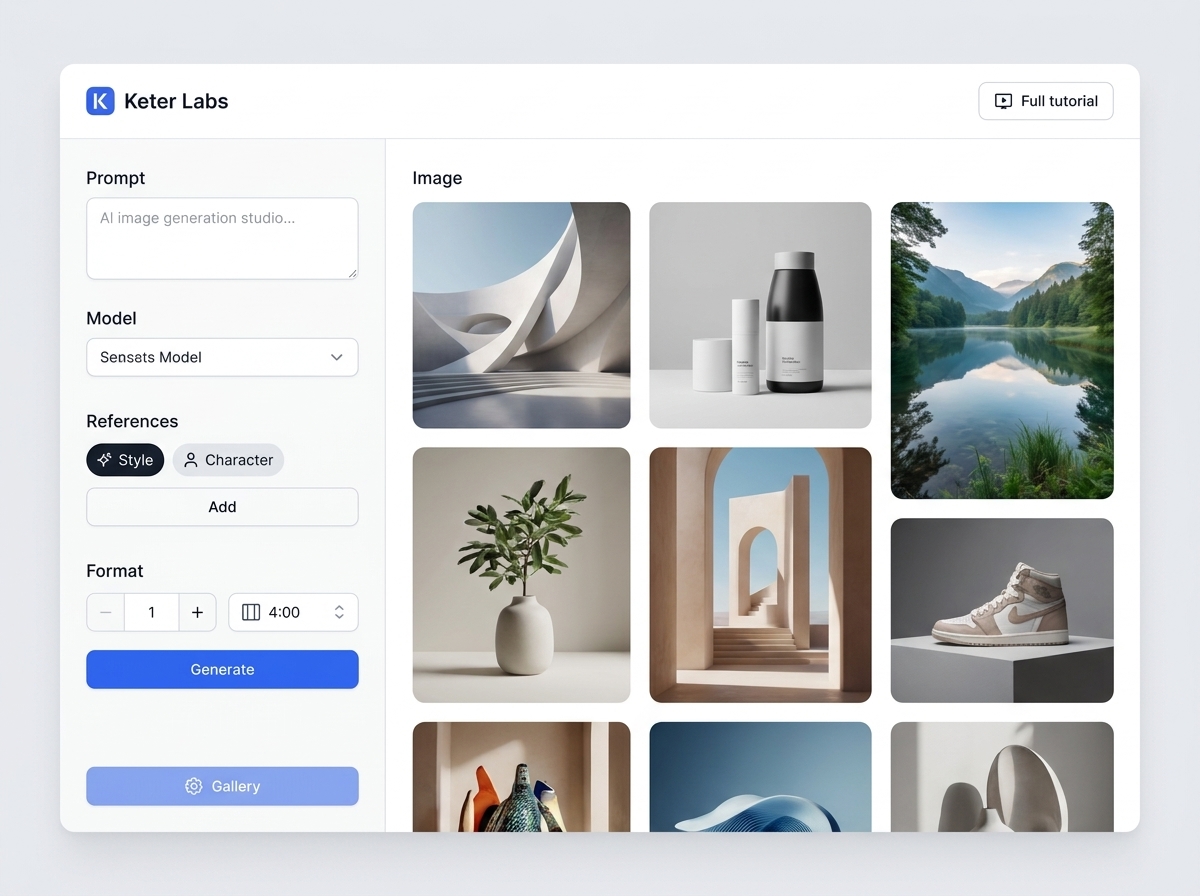
Reimagine
Reimagine helps you find new visual takes on an existing idea, image or composition. Use it when the current version is close but you want to test another style, scene, mood, angle or level of detail.
Open Reimagine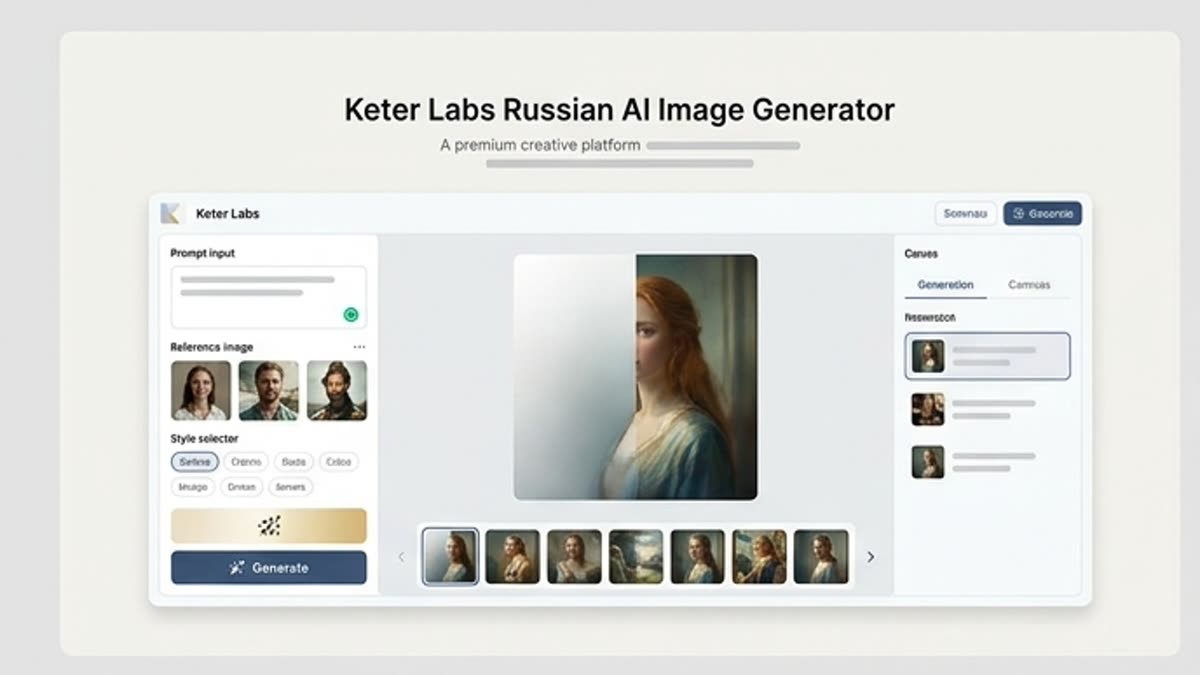
Studio image generator
The studio image generator is built for project-based work with AI visuals: briefs, references, prompts, variants, history and final files live in one working context.
Open Studio image generator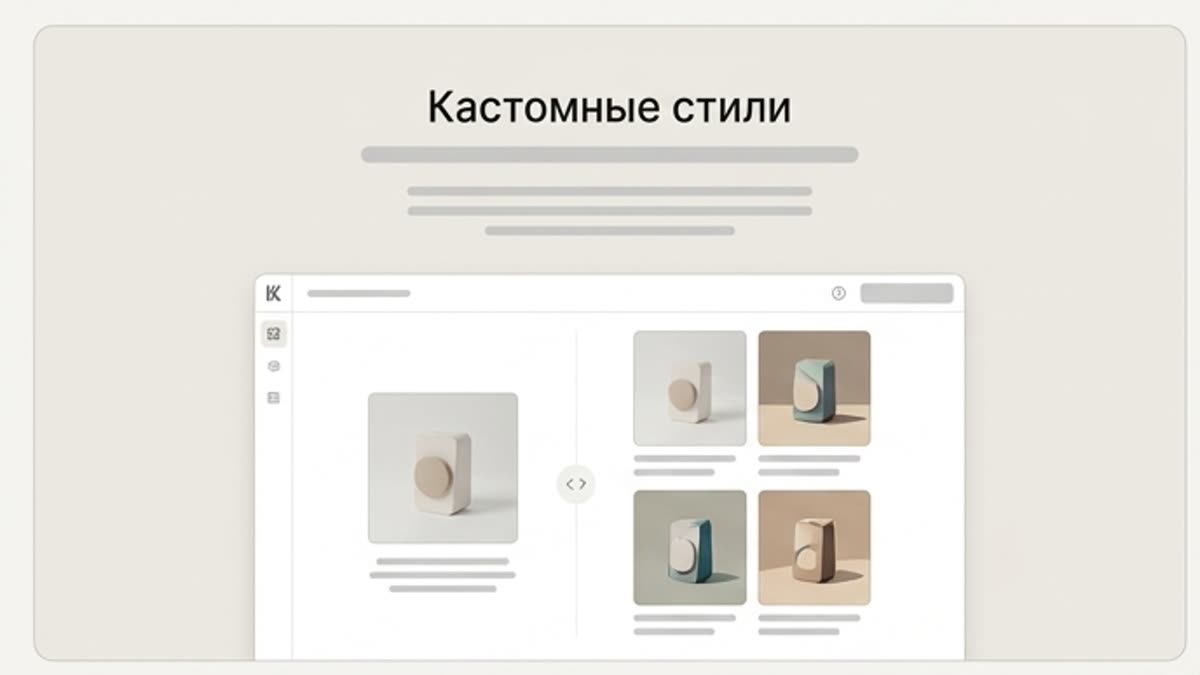
Custom styles
Custom AI styles help keep the brand visually consistent: color, light, composition, image character, finishing and the rules that make new assets look like part of one system.
Open Custom stylesReady when you are
Bring this workflow into your next project.
Spin up assets, lock in versions and align your team around a single creative platform.
Create account