Video
Video upscaler tool
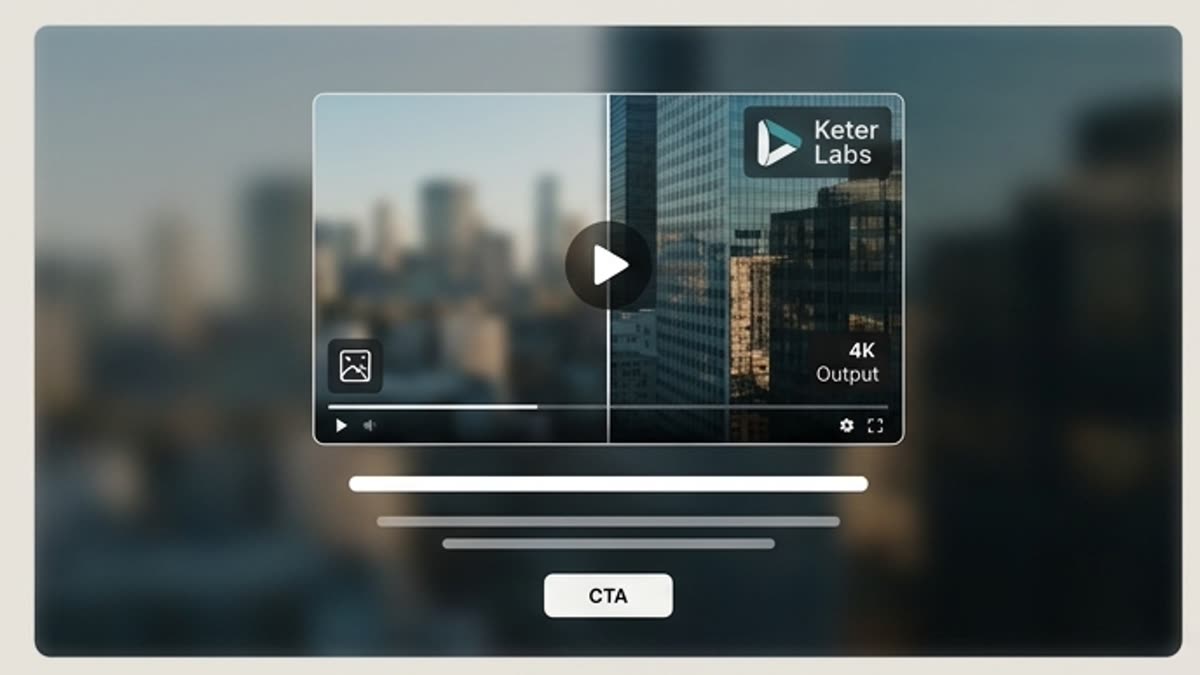
The video upscaler helps prepare a video for publishing: sharpen the image, remove the draft feel, improve detail and make the footage more confident for a website, ad, presentation or social media.
What's included
What this section gives you.
The final step before export
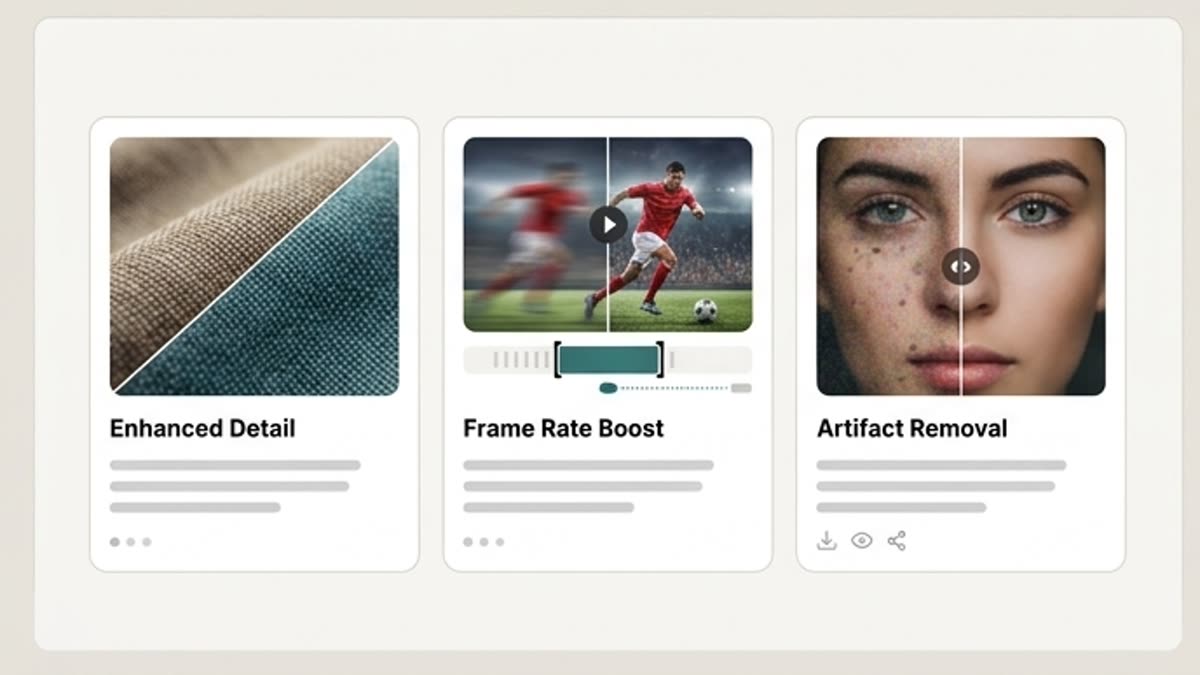
Improve videos after generation, editing or a test render, once the idea is approved and only the quality needs a lift.
More confidence in the details
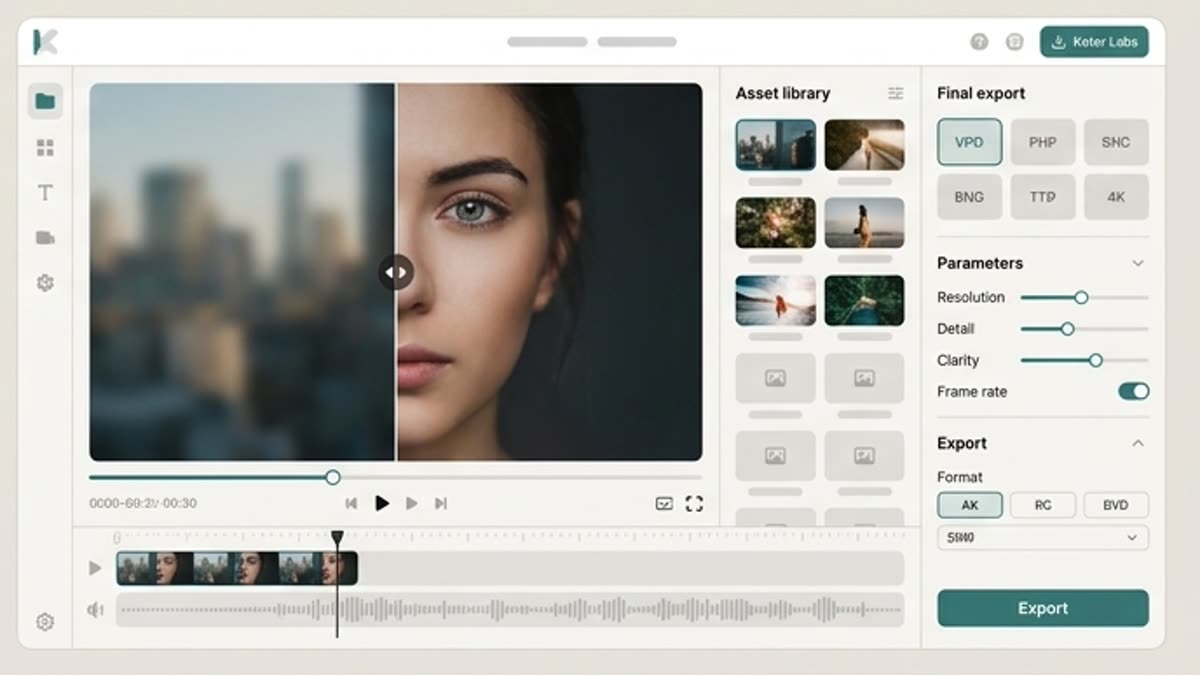
Upscaling makes textures, edges, the product, a face, an interface or a scene more readable.
Fits any channel
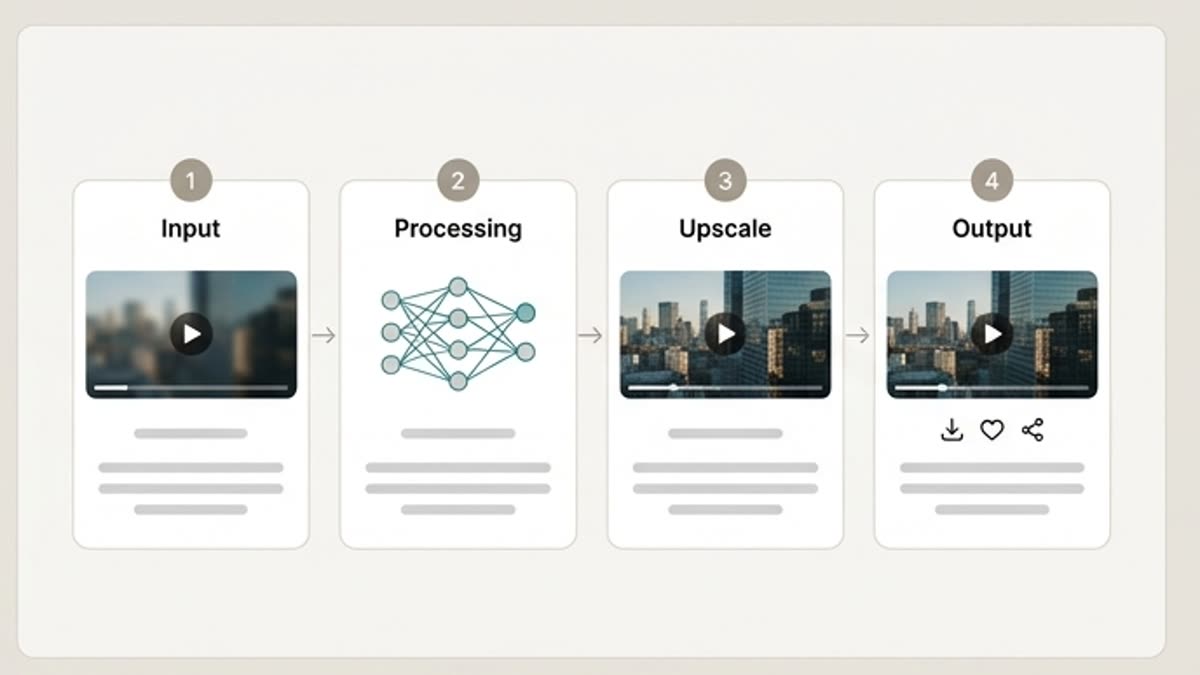
Prepare video for a landing page, product demo, social ads, a presentation, an internal update or a client screening.
When to use it
Common jobs this section is built for.
These examples make it easier to choose where to start and which nearby section to open next.
The AI video looks like a draft
Raise the quality before showing the video to a client, the team or investors.
You need a video for a landing page
Improve the clarity and feel of a video that will run above the fold or in a product section.
You need to keep a strong take
When the motion came out well, upscaling brings that exact take to a cleaner state.
Workflow
How it works inside Keter Labs.
Every section in Keter Labs follows the same shape: a clear brief, a fast first draft, refinement in the editor, and a result saved into the project.
Step 1
Pick a video that already works in terms of scene, pacing and meaning.
Step 2
Run the quality improvement and check the sharpness, stability, details and absence of new artifacts.
Step 3
Save the version for publishing or send it to the final edit.
Related sections
Where to go next.
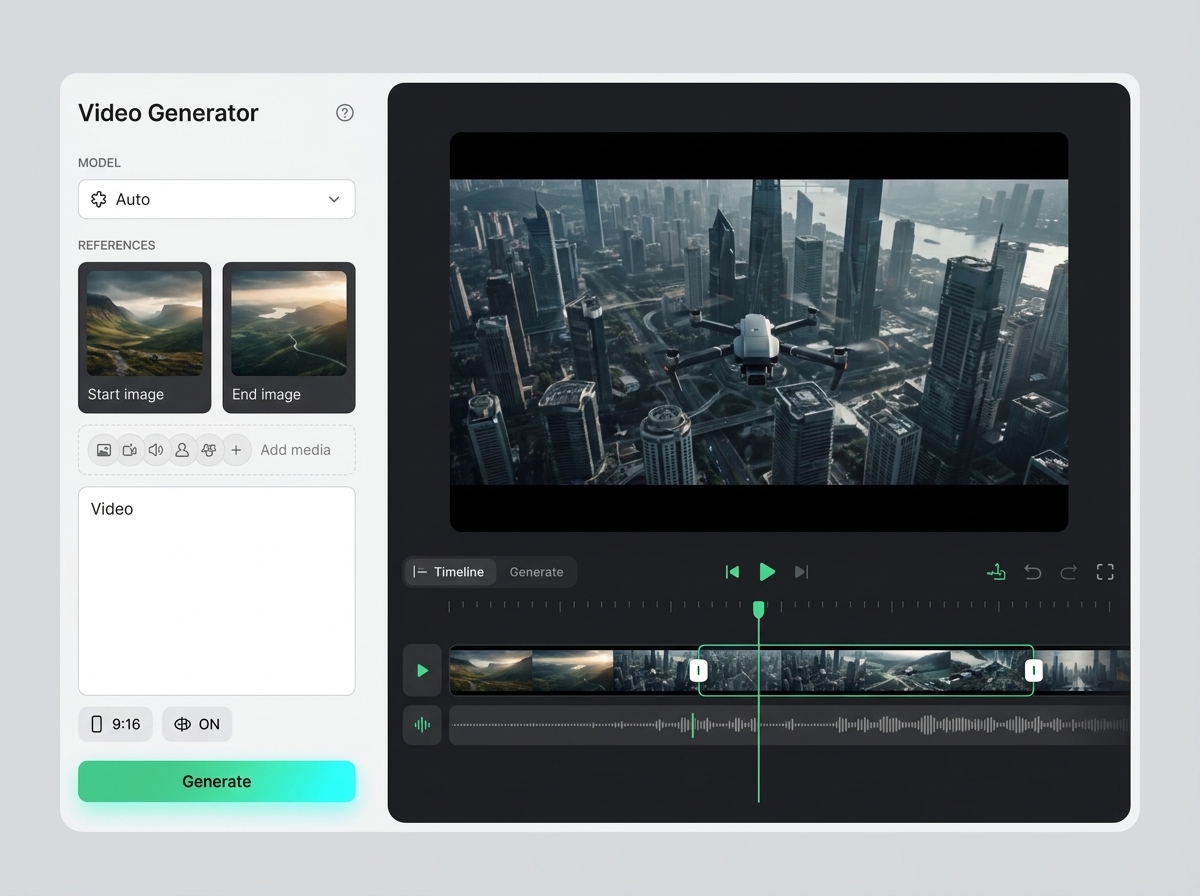
AI video upscaler
AI video upscaler helps users understand a specific AI creative task in plain language: what goes in, what comes out, where it fits in production, and how to keep the result useful instead of treating it as a one-off experiment.
Open AI video upscaler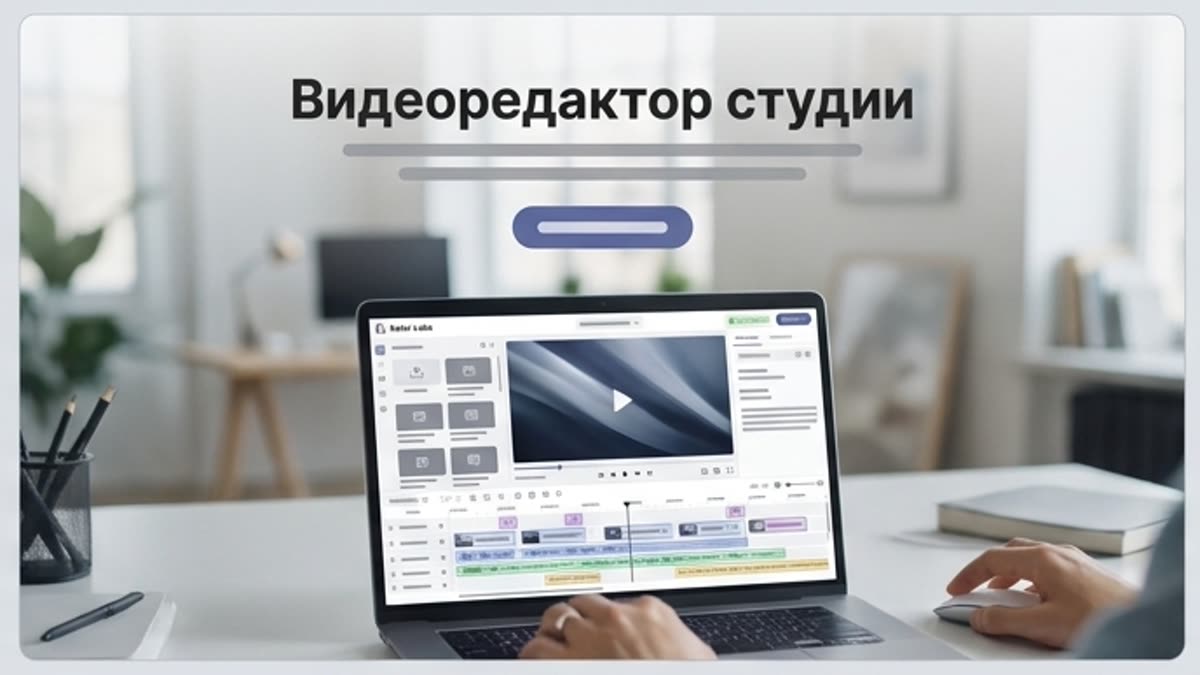
Studio video editor
The studio video editor helps you assemble generated and uploaded clips into a working video: length, pace, order, quality, sound and versions for each channel.
Open Studio video editorGoogle Veo 3.1
Google Veo 3.1 is covered as a production option inside Keter Labs, not as a standalone novelty. The page explains where the model fits, what kind of input it needs, and how to judge whether the result is ready for a real project.
Open Google Veo 3.1Ready when you are
Bring this workflow into your next project.
Spin up assets, lock in versions and align your team around a single creative platform.
Create account