Preview status
Gemini Omni Flash remains a Google preview model. Its interface, limits and availability may change while the preview develops.
Preview model
Gemini Omni Flash is Google's preview model for multimodal video generation and conversational editing. It is not yet enabled in Keter Labs; this page documents the model and points to Kling 3.0 and Seedance 2.0 as current alternatives.
What's included
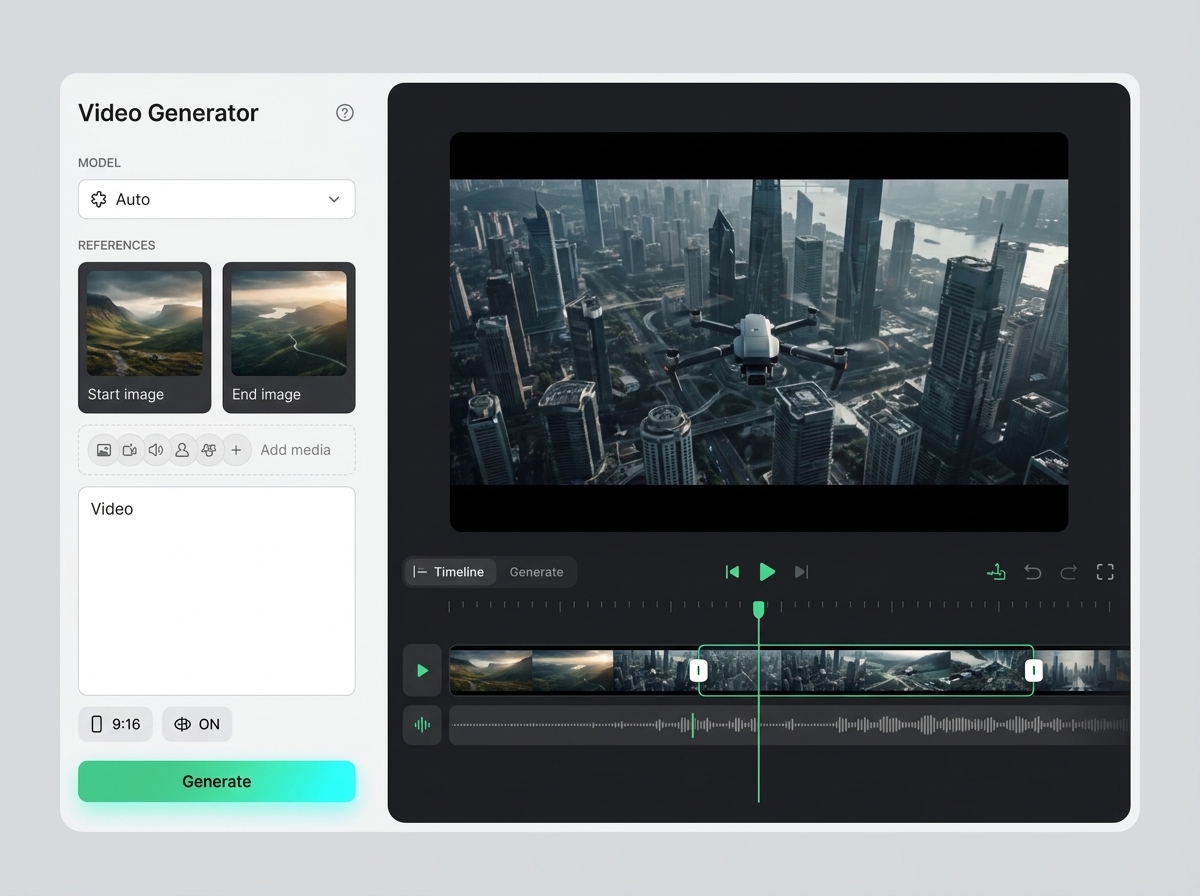
Google describes the preview as accepting text, images and video to generate or edit video output from one combined context.
The official workflow supports follow-up instructions that refine a generated or uploaded video while carrying the previous interaction forward.
Keter Labs does not currently expose an executable Gemini Omni Flash route. No Omni request is started from this page.
When to use it
These examples make it easier to choose where to start and which nearby section to open next.
Use the page to understand the official Omni direction without assuming the model is already connected to Keter.
Use Kling 3.0 when the current task needs a direct, supported video-generation route.
Use Seedance 2.0 in Canvas when a prompt or one source image should feed connected production steps.
Details
Gemini Omni Flash remains a Google preview model. Its interface, limits and availability may change while the preview develops.
Keter does not present a Kling or Seedance result as Omni. The alternatives are named explicitly so the executed model is clear.
The primary alternative is Kling 3.0 for direct generation; Seedance 2.0 is available in Canvas for text-to-video and single-image animation.
Workflow
Every section in Keter Labs follows the same shape: a clear brief, a fast first draft, refinement in the editor, and a result saved into the project.
Use this page to understand Gemini Omni Flash and its preview status; it is not a Keter execution surface.
Choose Kling 3.0 for direct text-to-video generation from a prompt.
Choose Seedance 2.0 in Canvas for video workflows that start from text or one source image.
Return to the model page for an explicit availability update before expecting Omni execution in Keter.
Related sections
Seedance 2.0 is available as a video-generation node in Keter Canvas. The current reliable paths are text-to-video and animation from one source image, with the result connected to the rest of the workflow.
Open Seedance 2.0Kling 3.0 is covered as a production option inside Keter Labs, not as a standalone novelty. The page explains where the model fits, what kind of input it needs, and how to judge whether the result is ready for a real project.
Open Kling 3.0Google Veo 3.1 is covered as a production option inside Keter Labs, not as a standalone novelty. The page explains where the model fits, what kind of input it needs, and how to judge whether the result is ready for a real project.
Open Google Veo 3.1Video AI models is a practical Keter Labs help page on how to choose a video model based on duration, motion, style, speed, and generation budget. It helps you quickly understand the preparation, limitations, sequence of steps, and criteria for a finished result without a long search across multiple pages.
Open Video AI modelsReady when you are
Spin up assets, lock in versions and align your team around a single creative platform.
Try Kling 3.0