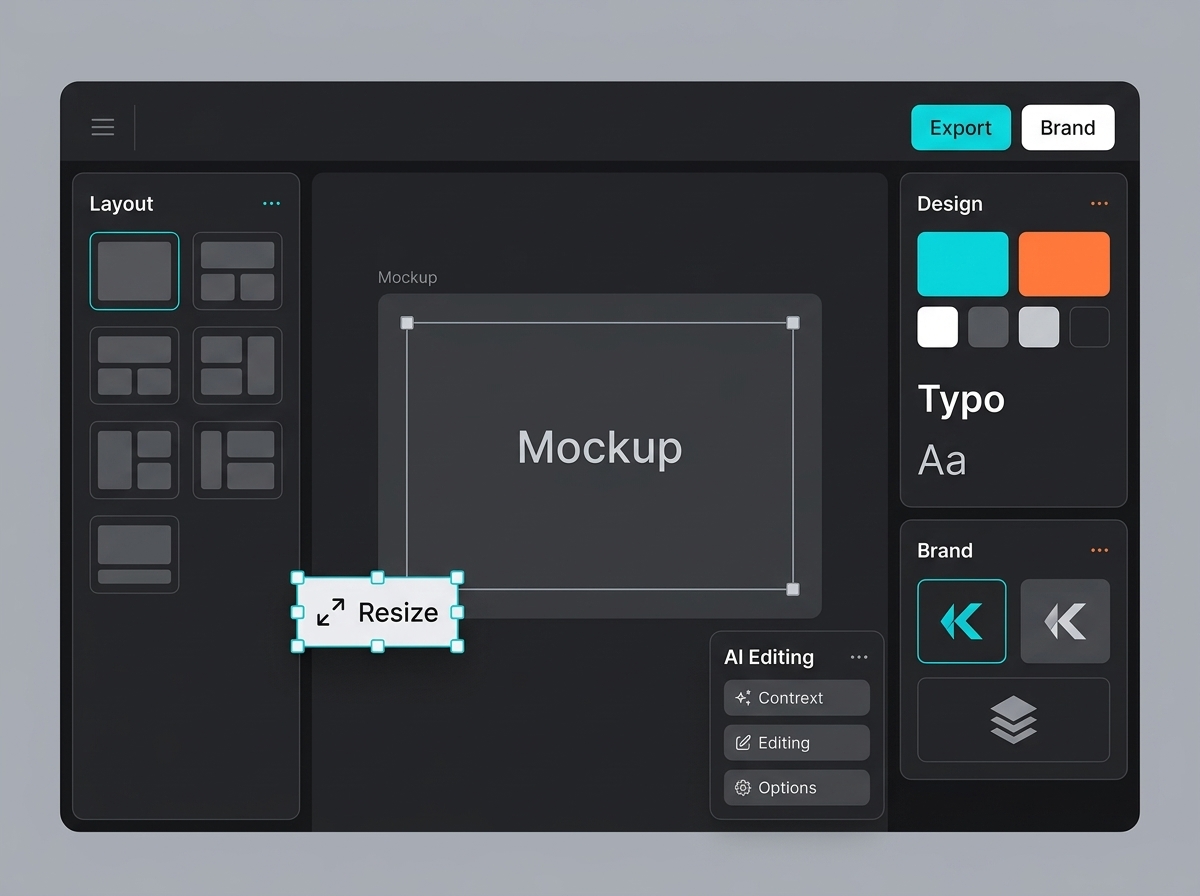
Integration layer
MCP is useful where creative work already has repeatable steps
The Model Context Protocol is especially useful when an assistant needs to work with tools without becoming an uncontrolled publishing system.
In a creative process this means: prepare the brief, find assets, run an authorized task, and return the result for review.
Expose actions that are understandable, limited, and reversible
It is better to start with simple actions: find material in a space, assemble prompts, prepare channel versions, gather references, or send an approved visual to the editor.
The assistant should not publish on its own, spend credits without limits, or overwrite approved files. Speed should leave a clear trail.
A good first action
Gather approved brand references and prepare prompts for three campaign directions.
A good second action
Create resize tasks for approved visuals across the channels from the brief.
A risky action
Generate, approve, and publish a campaign without human review and scoped permissions.
Permissions and logs make automation team-ready
Teams adopt automation faster when they trust its boundaries. You need authorization, roles, credit limits, space-level scoping, and clear action logs.
A good MCP scenario feels like a reliable production assistant: it moves the work forward, explains what it did, and leaves the final decision to the team.