// TRANSPARENT PNG MAKER
Transparent PNG maker — upload an image, get the subject cut out
The background comes off and the subject comes back as a PNG you can place on any colour, photo or layout.
Ten images, full resolution, no watermark.
What the PNG maker does
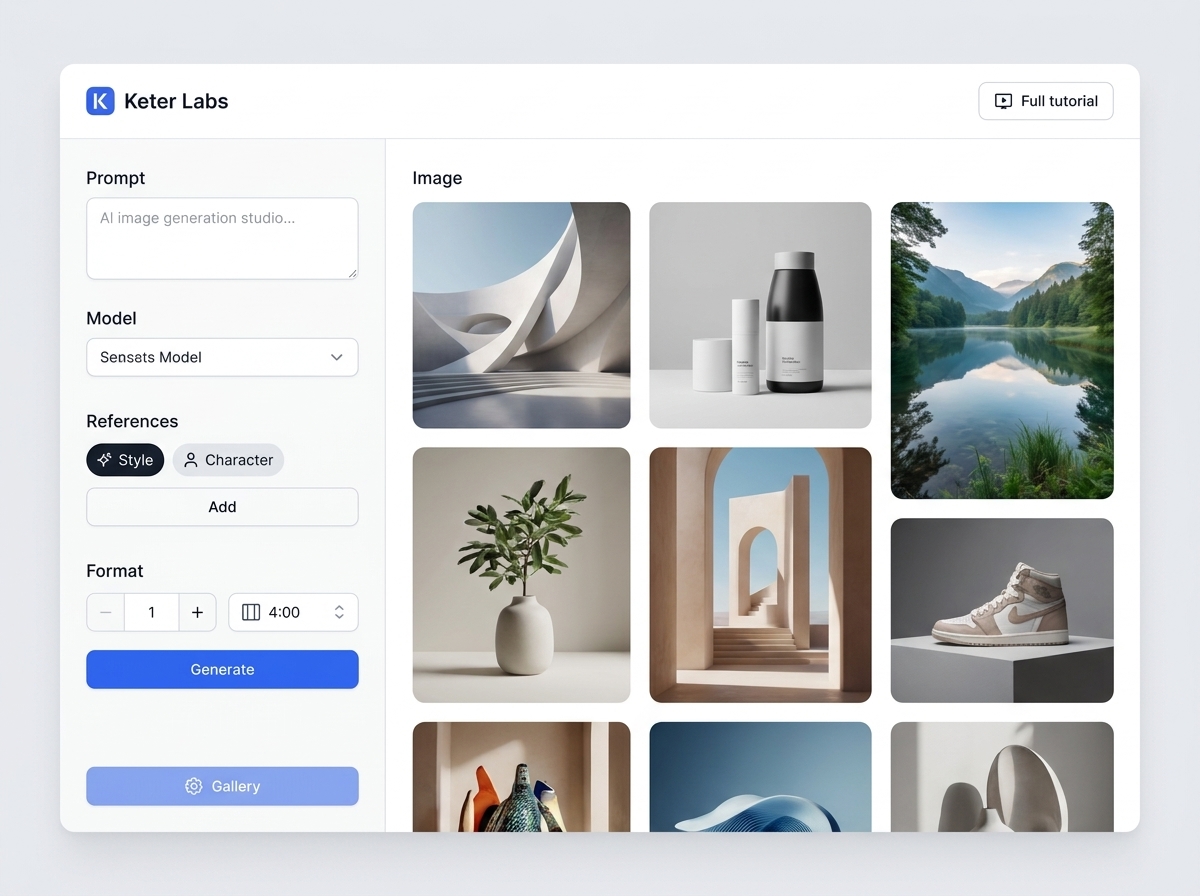
The PNG maker is a tool inside Keter Labs, an AI creative studio. You upload an image, the model separates the subject from its background, and the subject comes back as a PNG with a transparent background. Nothing is painted in behind it, so whatever you place the file on shows through.
- Takes
- PNG, JPEG or WebP, up to 8 MB
- Returns
- The subject as a PNG with a transparent background
Background and edge options
Two settings change the result. Leave Background on Transparent if you want a PNG you can place on anything.
| Setting | Options | What it does |
|---|---|---|
| Background | Transparent · White · Soft paper | Transparent gives you the cut-out. White and Soft paper replace the background instead of removing it. |
| Edges | Balanced · Clean · Soft | Balanced keeps hair, fabric texture and small details. Clean cuts a crisp outline. Soft slightly feathers the edge. |
How to make a transparent PNG
- 1
Upload the image
PNG, JPEG or WebP, up to 8 MB.
- 2
Choose Transparent, then an edge
Balanced suits hair and fabric. Clean suits hard-edged products.
- 3
Generate and download
The PNG comes back with the background removed.
What you get
| Output format | PNG with a transparent background |
| Output resolution | Full, the same as your upload |
| Watermark | None |
| What is kept | The subject, with its colours, shape and proportions unchanged |
| What is removed | Everything behind the subject |
| Upload formats | PNG, JPEG, WebP |
| Upload size | Up to 8 MB |
| Images per run | One |
| Free images | Ten |
| Cost after that | 3 credits each |
| Failed runs | Refunded, so a timeout costs no credits |
Looking for a PNG to download
This isn't a library of ready-made PNGs. There's no catalogue of logos, icons or cut-out objects to search and download here. It works on an image you already have. If you need a PNG of something you don't own, a stock or clipart site is the right place.
What this tool doesn't do
HEIC files aren't accepted. Convert to PNG or JPEG first.
Uploads are capped at 8 MB.
One image per run.
There's no brush or eraser to correct an edge by hand.
White and Soft paper backgrounds are not transparent.
A subject that blends into a similar-coloured background can be cut imperfectly.
You get a finished PNG, not a layered file.
Who it's for
Sellers
one product photo that works on any marketplace background
Designers
a logo that sits on an image without a white box behind it
Anyone building a deck
a cut-out that follows the slide instead of fighting it
Frequently asked questions
Is the background actually transparent, or just white?+
Transparent, as long as Background is set to Transparent. The file is a PNG with an alpha channel, so a coloured background behind it shows through instead of a white rectangle.
Which edge option should I pick?+
Balanced for hair, fur and fabric, because it keeps the fine detail. Clean for products and shapes with a hard outline. Soft when you want the edge feathered slightly into whatever sits behind it.
Is the download full resolution?+
Yes. The PNG comes back at the resolution you uploaded, with no watermark on it.
What's the difference between this and the background remover?+
They're the same tool. This page is about the PNG file you get back. The background remover page covers cleaning up product and campaign photos.
Can I upload a HEIC photo from my phone?+
No. Uploads accept PNG, JPEG and WebP. An iPhone photo saved as HEIC has to be converted first.
Is it free?+
New accounts get 30 welcome credits, which covers ten images. Each one after that costs 3 credits. Output is full resolution with no watermark at any point.
Upload an image and get the PNG.