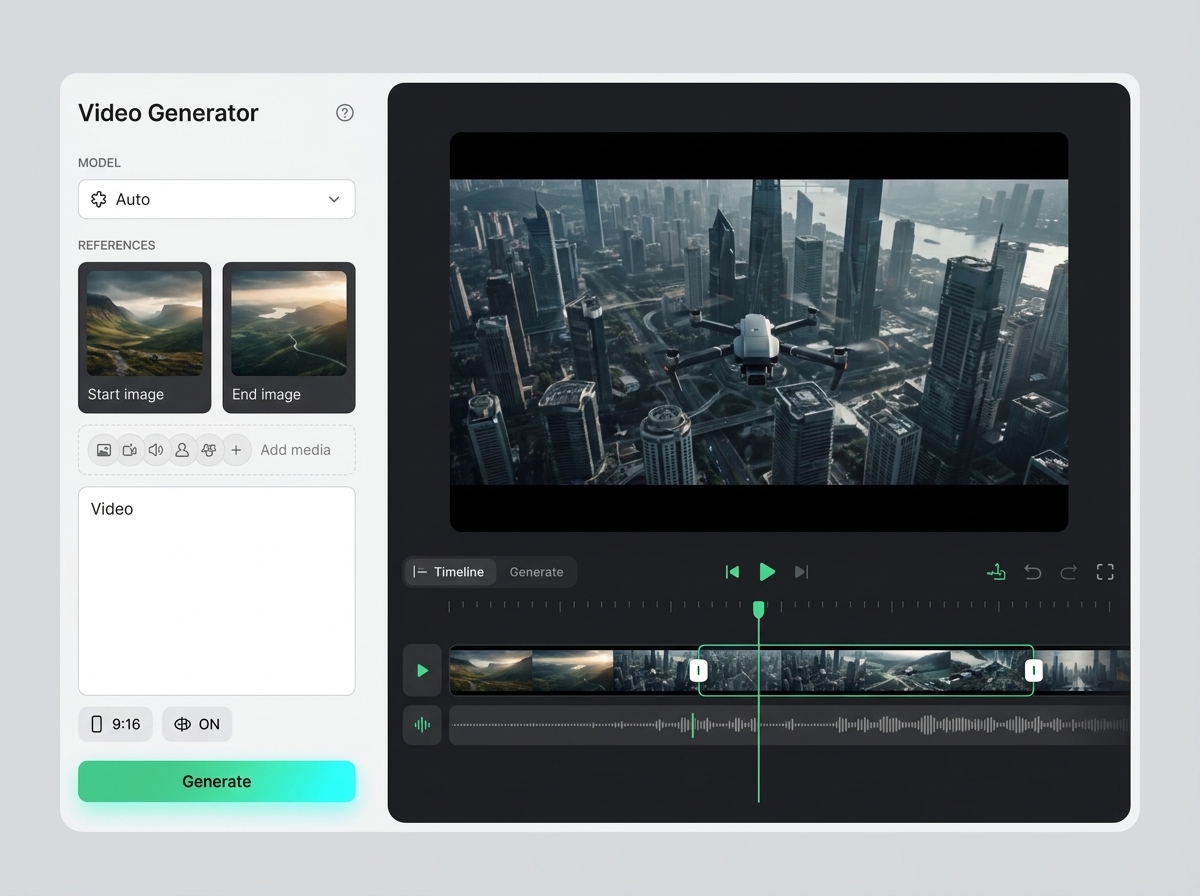
What to keep from the reference
The important part of Видео is the workflow logic: what the user brings in, what the system produces, and how the result moves forward. The page should not copy old interface wording or brand-specific presentation.
Platform
Browse stock videos for ads, social content, presentations, landing pages and campaign creative inside the Keter Labs asset library.
What's included
The page turns Видео into a clear task with inputs, expected output, and the next action inside Keter Labs.
Users can see what to prepare before running the tool or workflow, which reduces random iterations and unclear reviews.
The result can move into editing, upscaling, export, or a related workflow without leaving the project context.
When to use it
These examples make it easier to choose where to start and which nearby section to open next.
Use Видео when the team needs a concrete direction quickly and wants to review something visual, not just discuss a brief.
The workflow helps turn a promising result into something cleaner, correctly sized, and easier to hand off.
The page explains the task in a way that marketers, designers, producers, and founders can discuss together.
Details
The important part of Видео is the workflow logic: what the user brings in, what the system produces, and how the result moves forward. The page should not copy old interface wording or brand-specific presentation.
The copy should stay direct and concrete. It should explain what to upload, what to expect, what can go wrong, and how to judge the final output.
Every page should point naturally to related tools, workflows, docs, or examples so users can continue without searching through the whole site.
Workflow
Every section in Keter Labs follows the same shape: a clear brief, a fast first draft, refinement in the editor, and a result saved into the project.
Clarify the task for Видео: the audience, format, source material, and quality bar.
Prepare references, brand constraints, output size, and any files that should guide the result.
Run the tool or workflow, compare versions, and keep the strongest direction inside the project.
Review rights, visual quality, export format, and the next step before handing the asset to a team or campaign.
Related sections
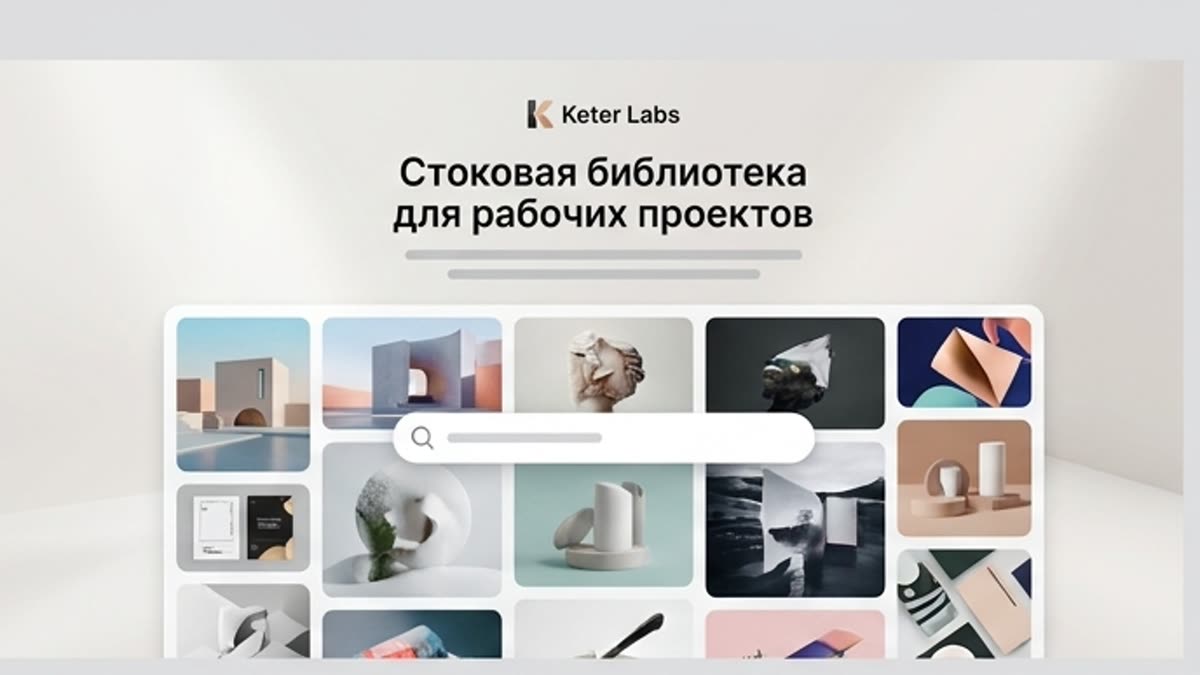
Photos, illustrations, video, templates, fonts, 3D and audio for fast launches and clean commercial work, with editor-ready handoff.
Open Stock library for production work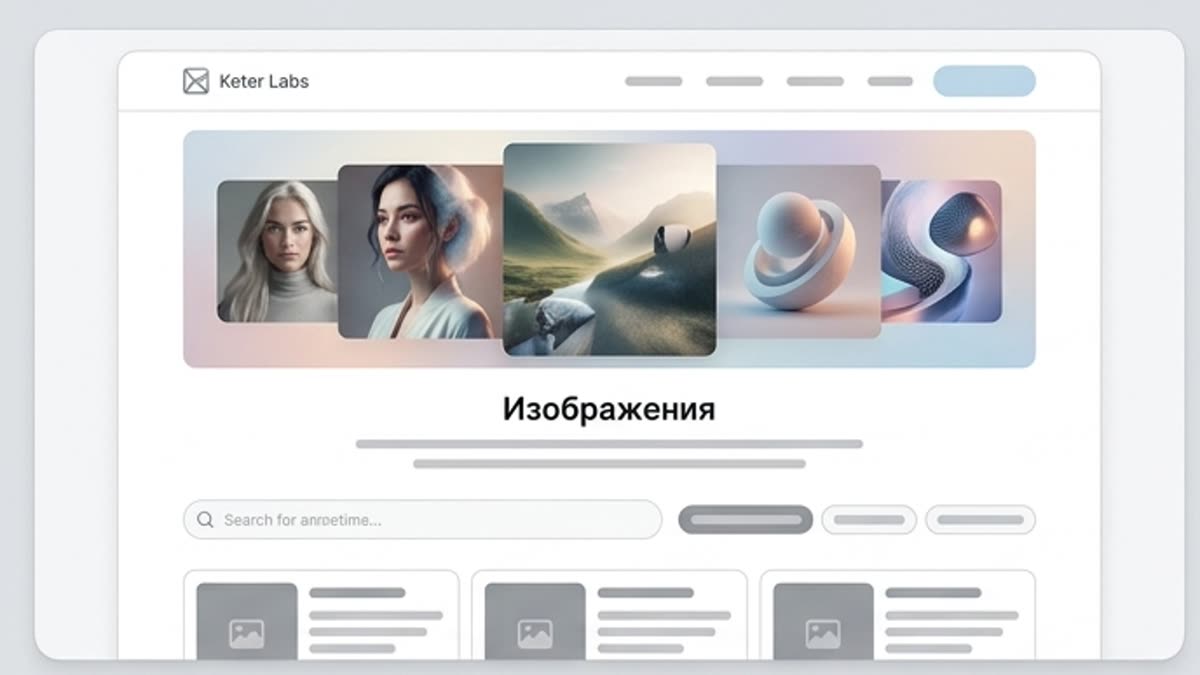
The images section helps you quickly pick visuals for a website, ad, presentation, article, social post or internal material. It is a good starting point when you need a ready asset rather than generating from scratch.
Open Images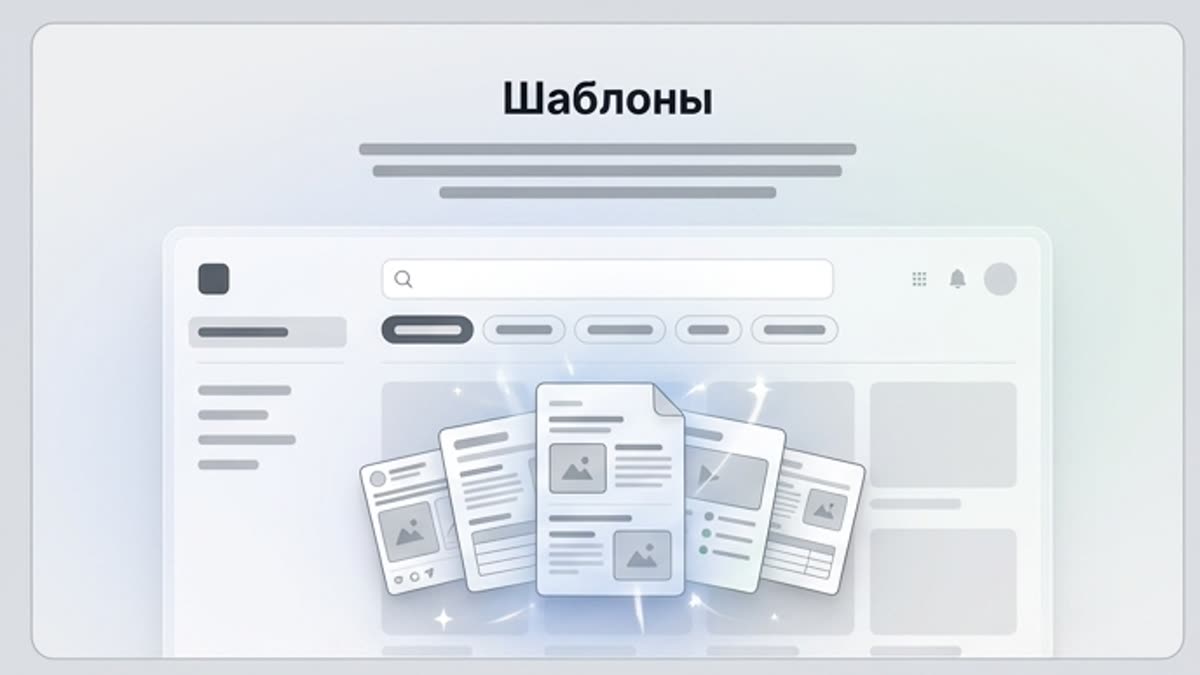
Templates speed up producing materials for marketing, branding, social media, banners, presentations, covers, stationery and personal projects. They are a good starting point when the structure is clear and the design just needs to reach publication fast.
Open Templates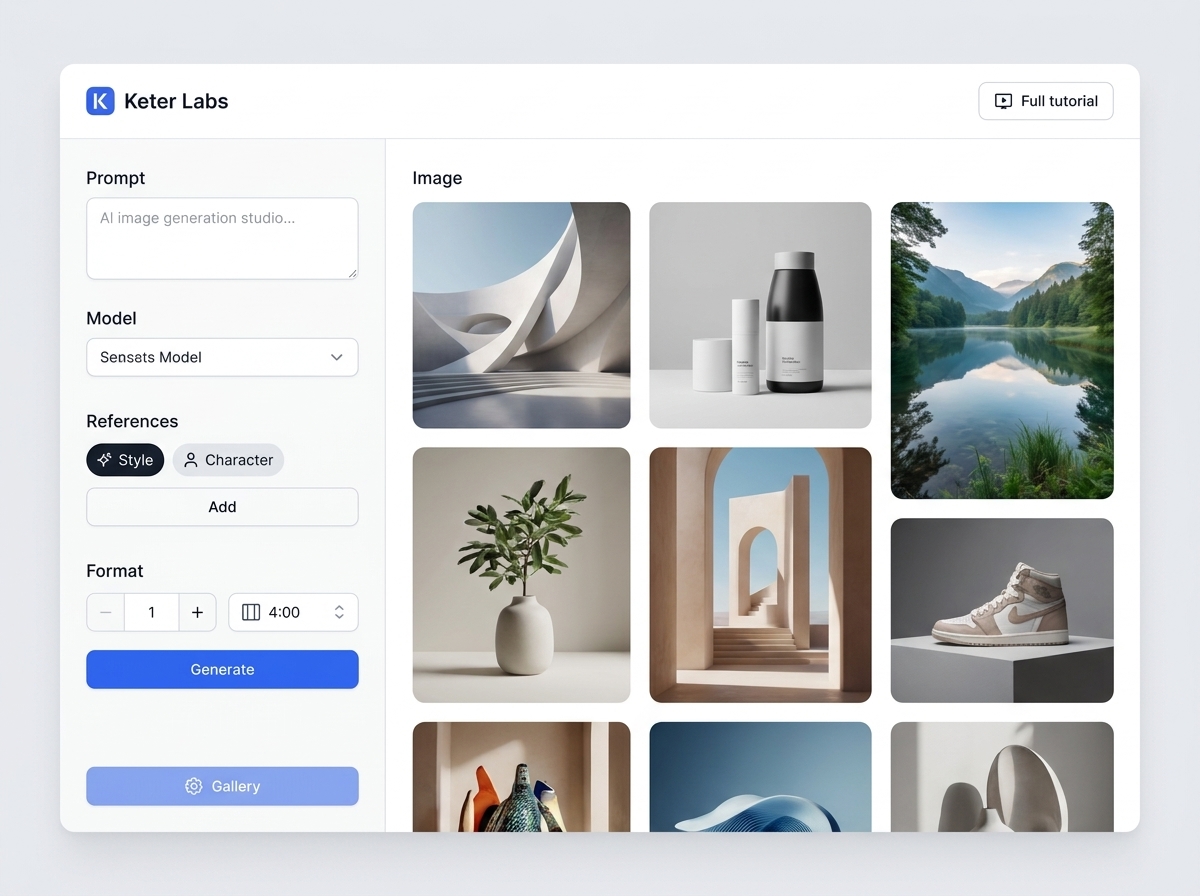
AI image generator helps users understand a specific AI creative task in plain language: what goes in, what comes out, where it fits in production, and how to keep the result useful instead of treating it as a one-off experiment.
Open AI image generatorFAQ
The Keter Labs stock video library helps teams find video assets for ads, social content, presentations, landing pages and campaign creative.
Creators, marketers, agencies, studios and business teams can use stock videos when they need motion assets without filming from scratch.
Stock videos can support social posts, ads, presentations, landing pages, product stories, explainers, intros and campaign concepts.
Videos can be used with editing, music, sound effects, voice, templates and AI creative workflows inside Keter Labs.
Yes. Marketing teams can use stock videos to build campaign assets faster when original footage is not available.
Ready when you are
Spin up assets, lock in versions and align your team around a single creative platform.
Create account