Design
Layout tool
The layout tool helps you quickly assemble a visual composition from a product, background, text, logo and supporting elements. Use it for banners, cards, presentations, landing pages and first drafts of advertising materials.
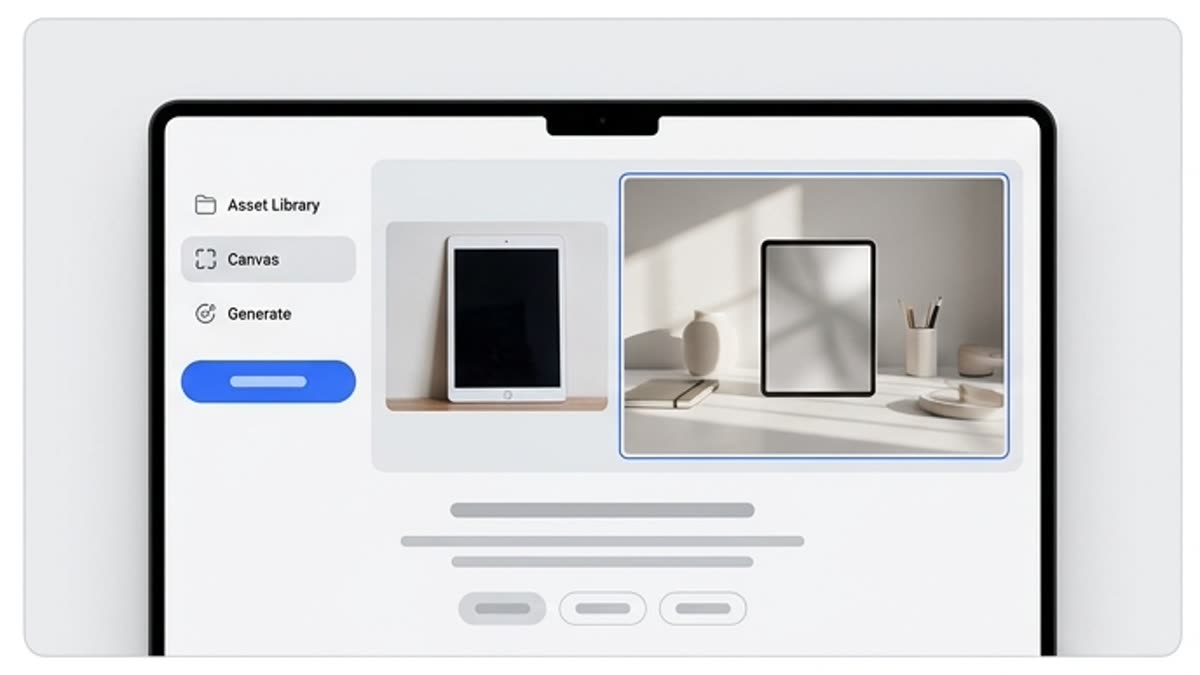
What's included
What this section gives you.
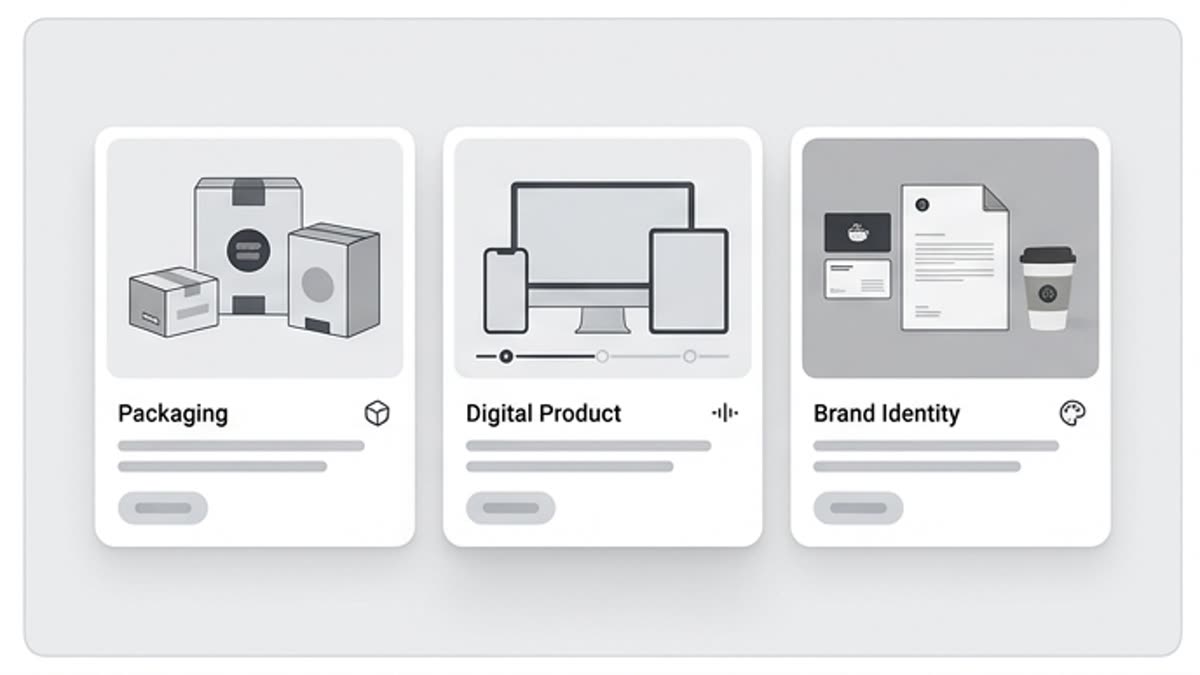
Composition from ready assets
Use images, layers, backgrounds, brand elements and text blocks to build a coherent layout without lengthy manual prep.
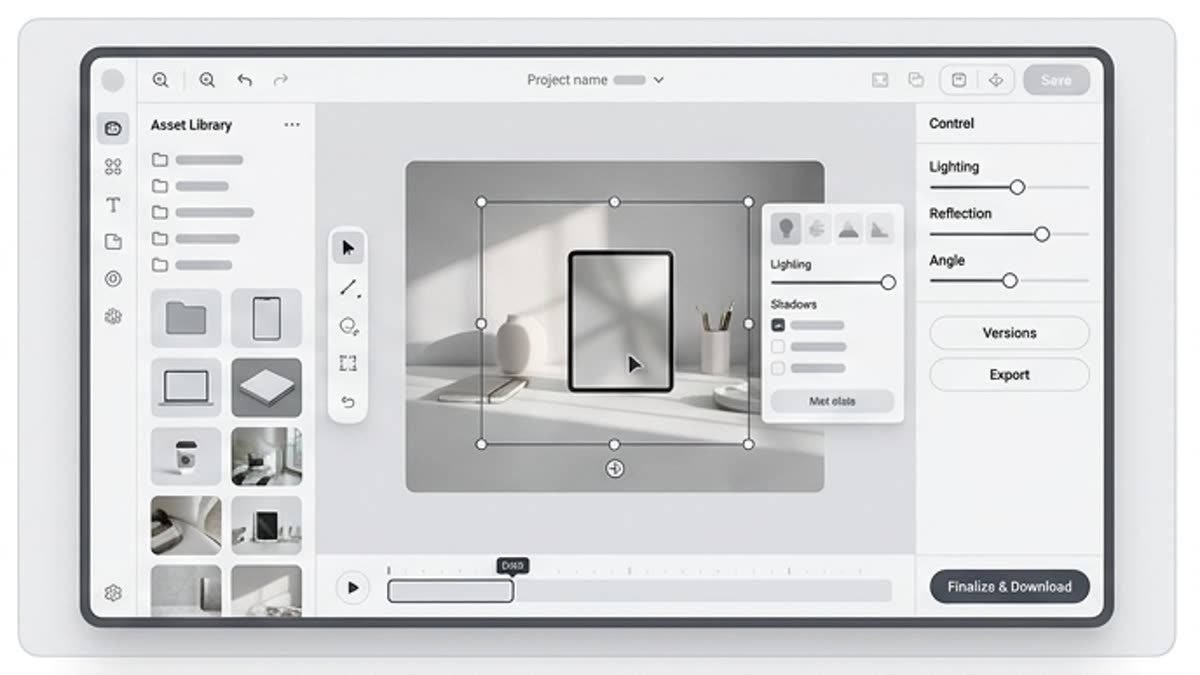
A fast idea check
Compare several arrangements before handing off to a designer or assembling the final creative.
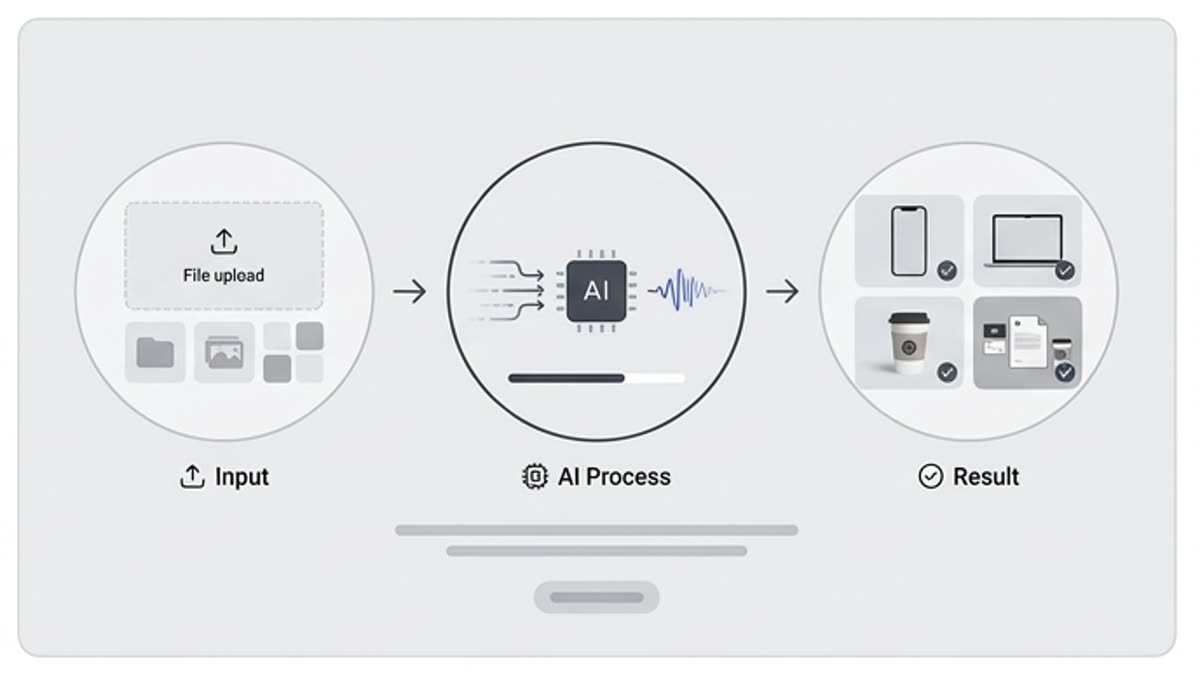
Built for campaigns
Prepare versions for social media, product cards, presentations, email campaigns, ads and promo pages in one project context.
When to use it
Common jobs this section is built for.
These examples make it easier to choose where to start and which nearby section to open next.
You need a promo creative fast
Draft a banner, card or social media layout so the team sees the direction right away.
You need to test different compositions
Compare placements of the product, call to action, headline and graphics before the final design build.
You need a base for adaptations
Build a central layout that makes versions for different channels and sizes easier to produce.
Workflow
How it works inside Keter Labs.
Every section in Keter Labs follows the same shape: a clear brief, a fast first draft, refinement in the editor, and a result saved into the project.
Step 1
Choose the product, background, images, logo and text that belong in the layout.
Step 2
Build the composition and check the hierarchy, spacing, readability and balance of visual elements.
Step 3
Save the strong variant as a working layout or send it on to the editor and adaptations.
Related sections
Where to go next.
Studio mockup workspace
The mockup workspace helps you place products, interfaces, logos, packaging and graphics into ready-made scenes for presentations, landing pages, case studies and advertising materials.
Open Studio mockup workspace
Mockups
Mockups show a design, product, packaging, interface or brand material in context. It is a fast way to prepare a presentation visual for a website, portfolio, client, investor or internal review.
Open MockupsReady when you are
Bring this workflow into your next project.
Spin up assets, lock in versions and align your team around a single creative platform.
Create account