Learning
Use case library
The use case library shows how real marketing, design, video, stock and team tasks translate into concrete Keter Labs workflows. It is a navigation layer from a problem to the right tool and sequence of steps.
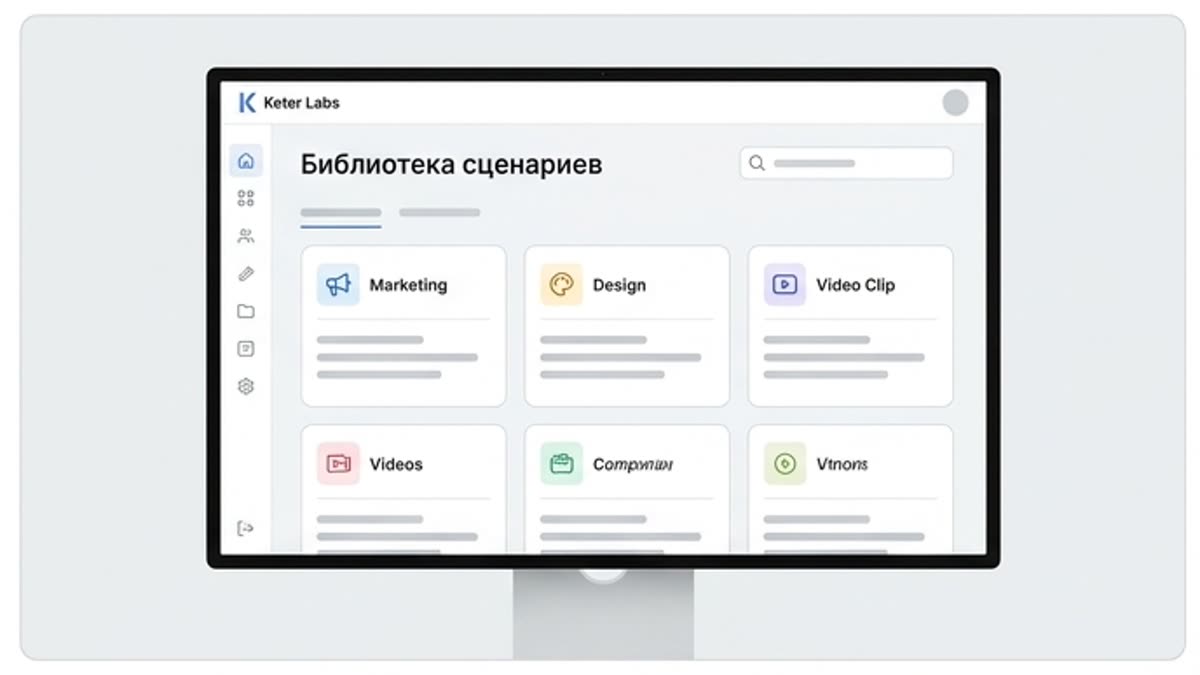
What's included
What this section gives you.
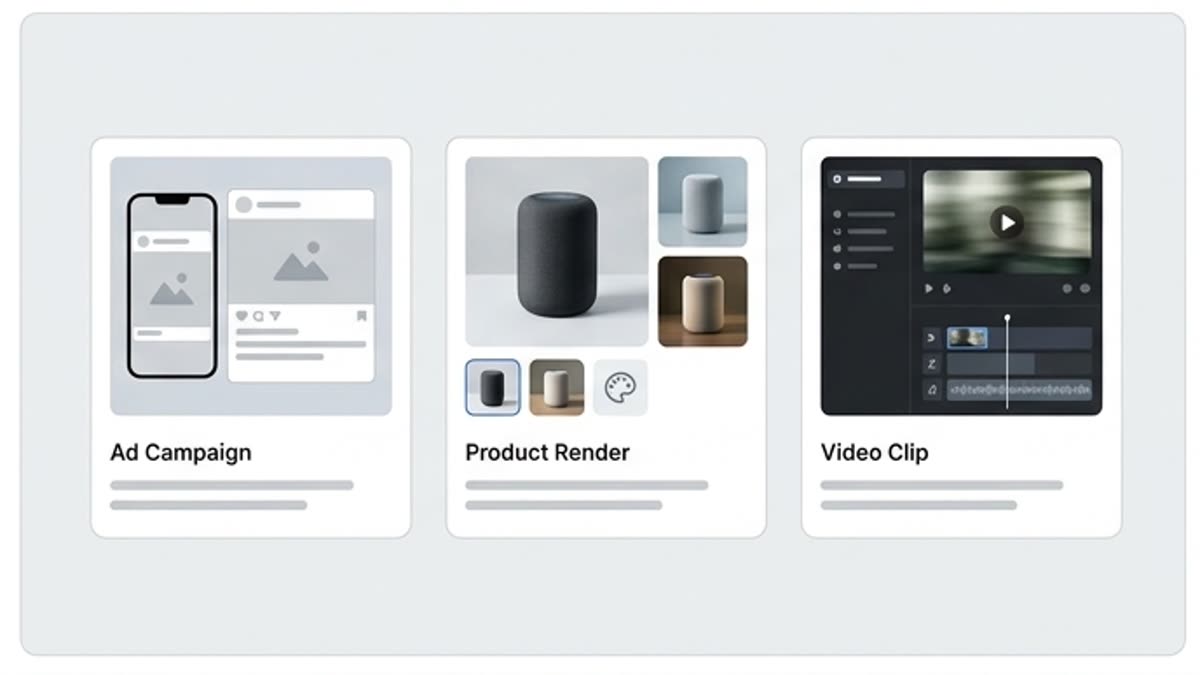
Scenarios instead of a list of buttons
Users see tasks, not just tools: prepare a campaign, improve a visual, make a video, build a layout or adapt assets.
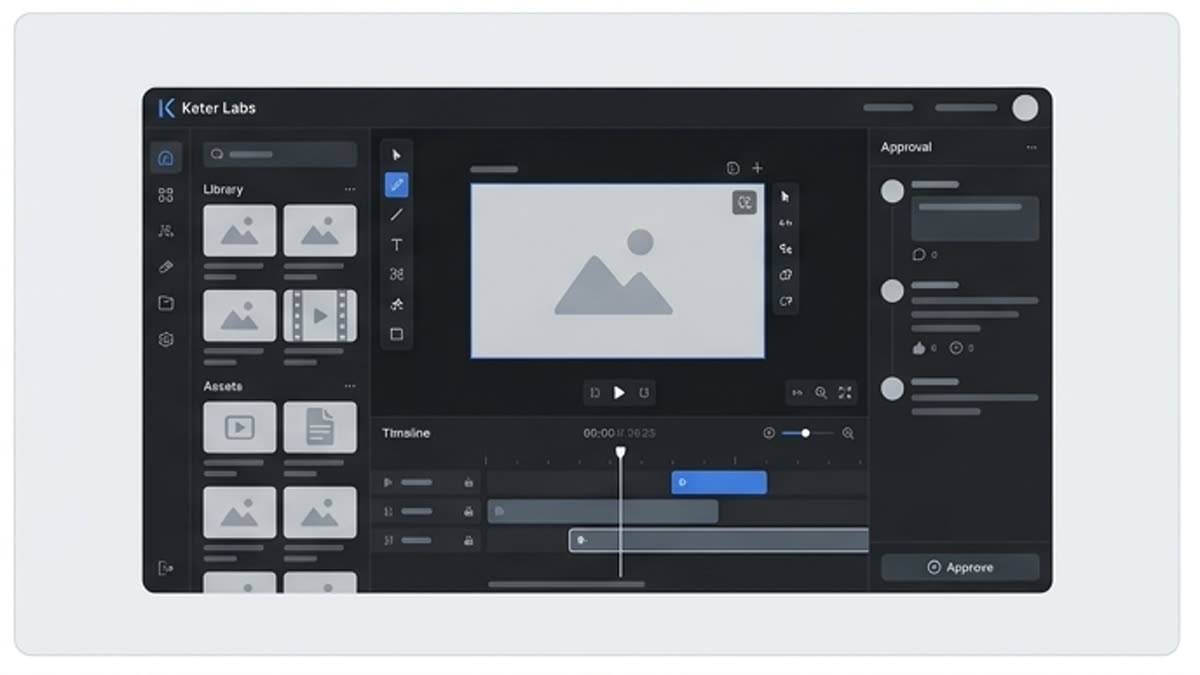
The process becomes repeatable
Each use case explains where to start, which materials are needed and what the logical next step is.
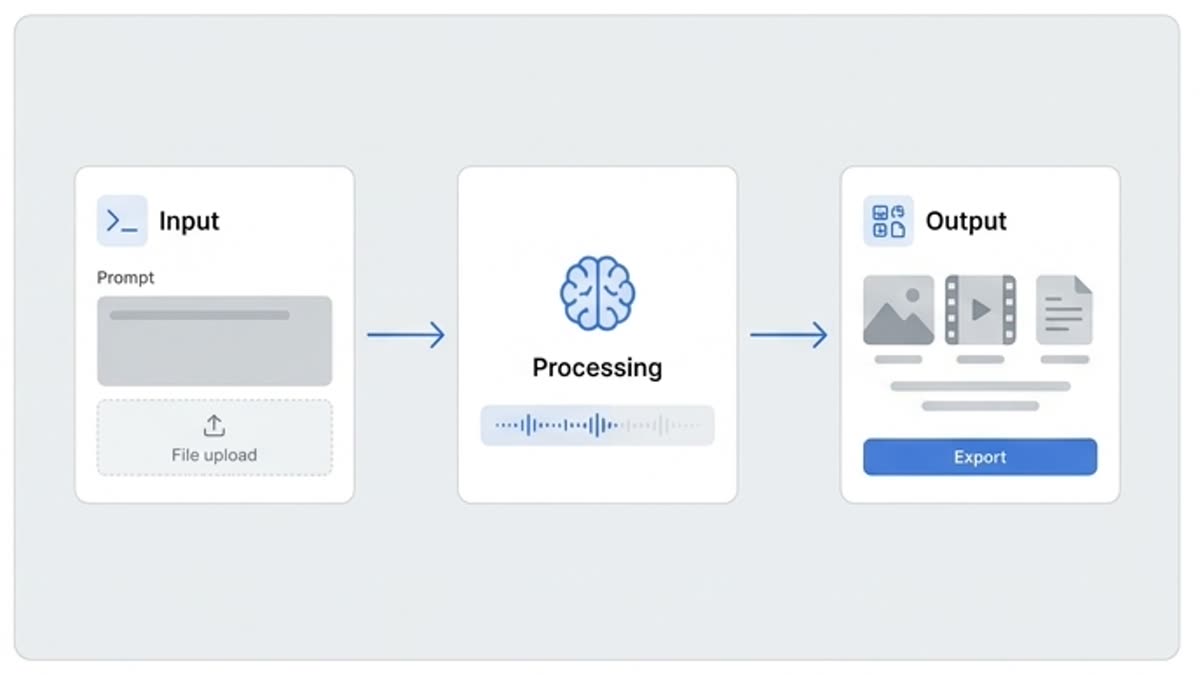
Good for team onboarding
New members quickly learn how to use the platform in real work instead of just exploring the interface.
When to use it
Common jobs this section is built for.
These examples make it easier to choose where to start and which nearby section to open next.
You need to explain the platform to the team
Use cases show real processes from brief to finished file, not isolated features.
You need to pick the right workflow
Compare similar scenarios and choose the path for an image, video, design, audio or team project.
You need to repeat a successful process fast
Open a scenario as a checklist and reuse it for the next campaign or client.
Workflow
How it works inside Keter Labs.
Every section in Keter Labs follows the same shape: a clear brief, a fast first draft, refinement in the editor, and a result saved into the project.
Step 1
Pick a scenario that resembles the team's current task.
Step 2
See which tools, references and steps the result requires.
Step 3
Open the linked section and save the process for future campaigns.
Related sections
Where to go next.
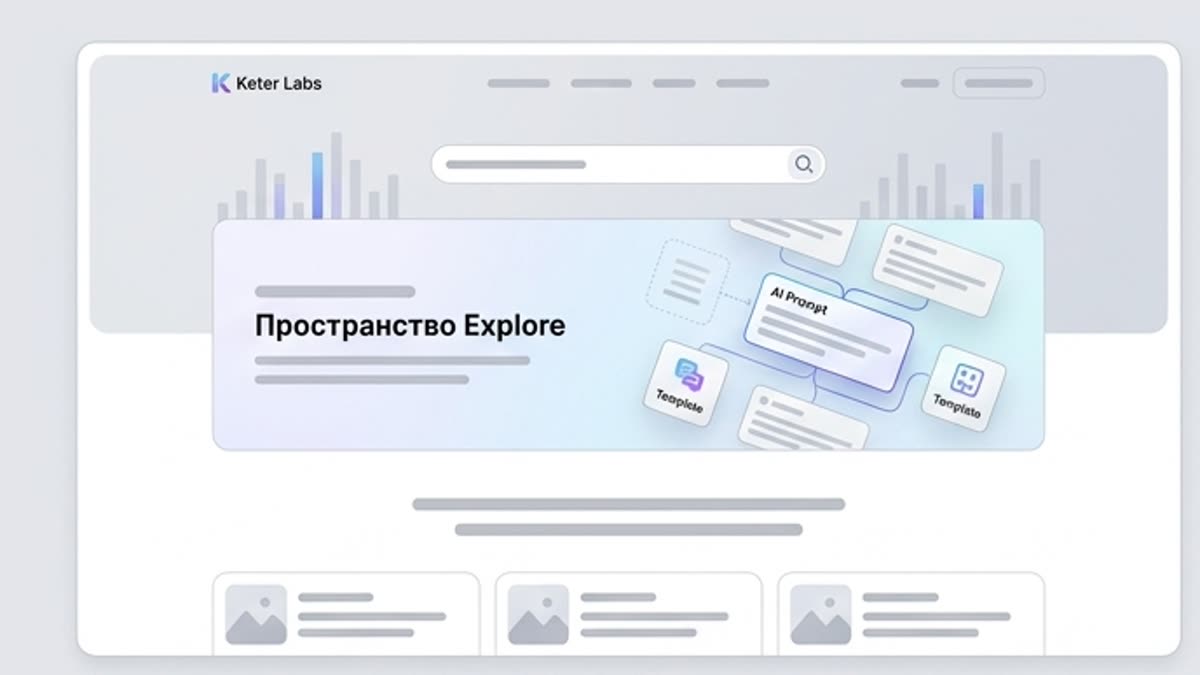
Explore workspace
Explore helps you start not from a blank screen but from clear examples, scenarios, prompts, templates and visual directions. It is a working space for finding an idea, tool or process for the current campaign.
Open Explore workspace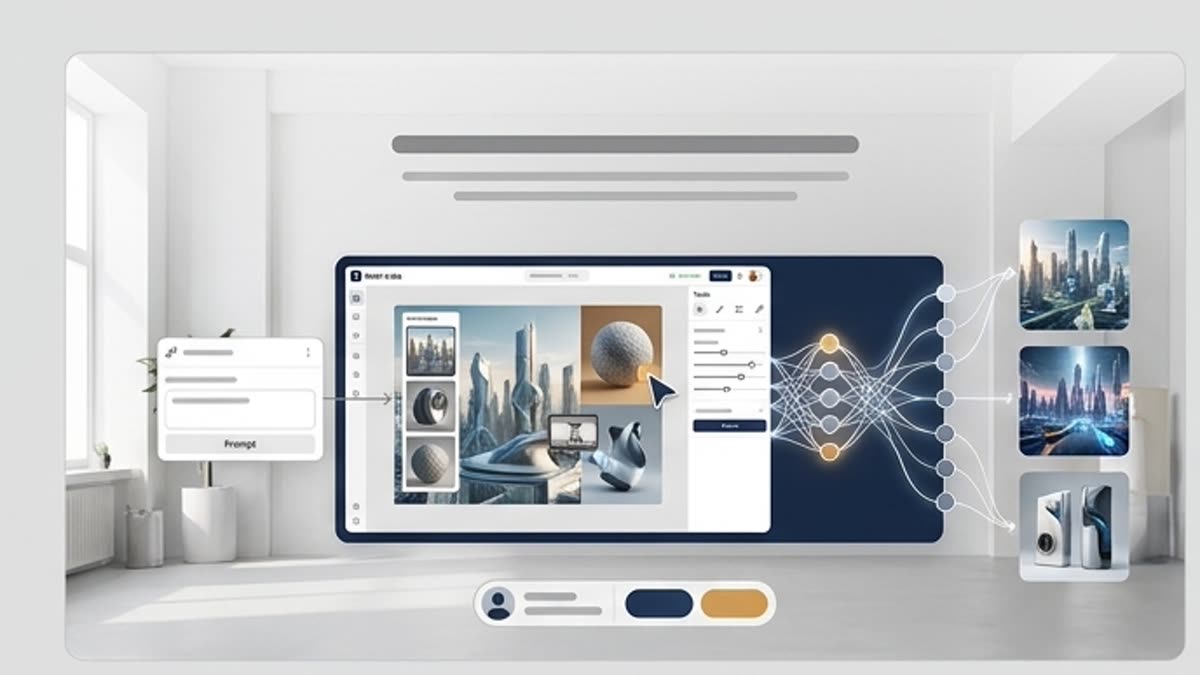
Keter Labs Academy
Hands-on guides, courses and short lessons that help you master generation, the editor, prompting and team workflows faster.
Open Keter Labs Academy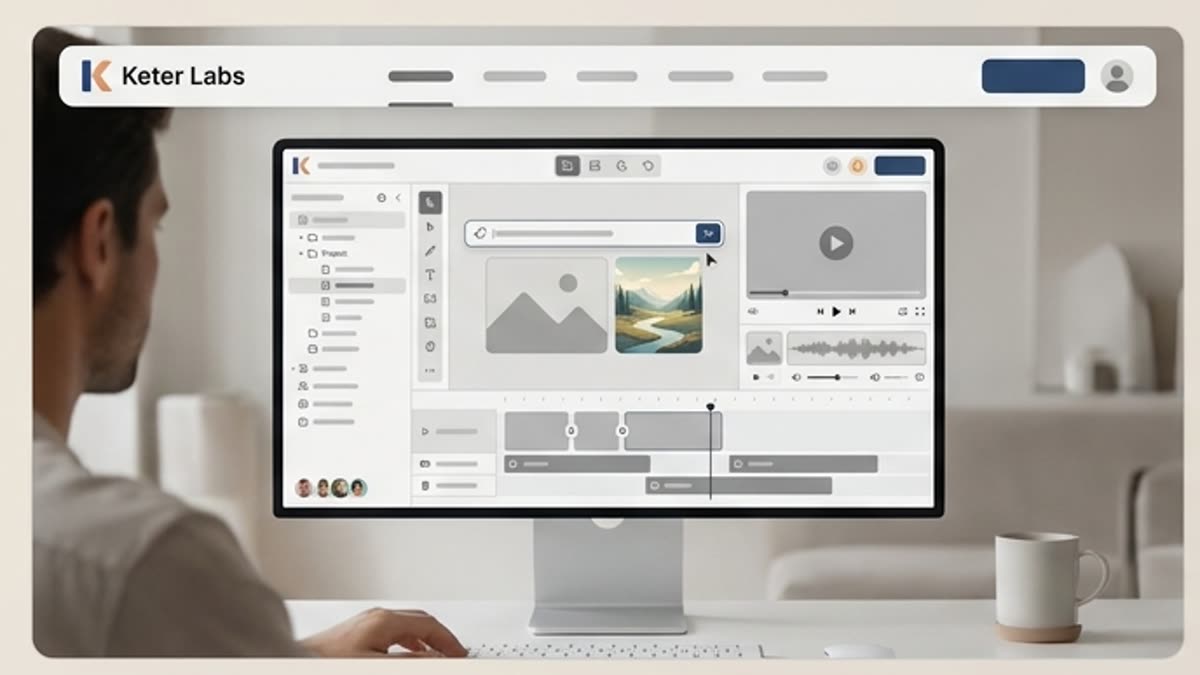
AI tools
A unified set of AI tools for generating, editing and upscaling image, video, audio and design assets — all in one studio.
Open AI toolsReady when you are
Bring this workflow into your next project.
Spin up assets, lock in versions and align your team around a single creative platform.
Create account