Stock library
PSD Source Files for Editable Design Assets
Find layered PSD source files for editable designs, mockups, campaigns, presentations and brand assets inside the Keter Labs library.
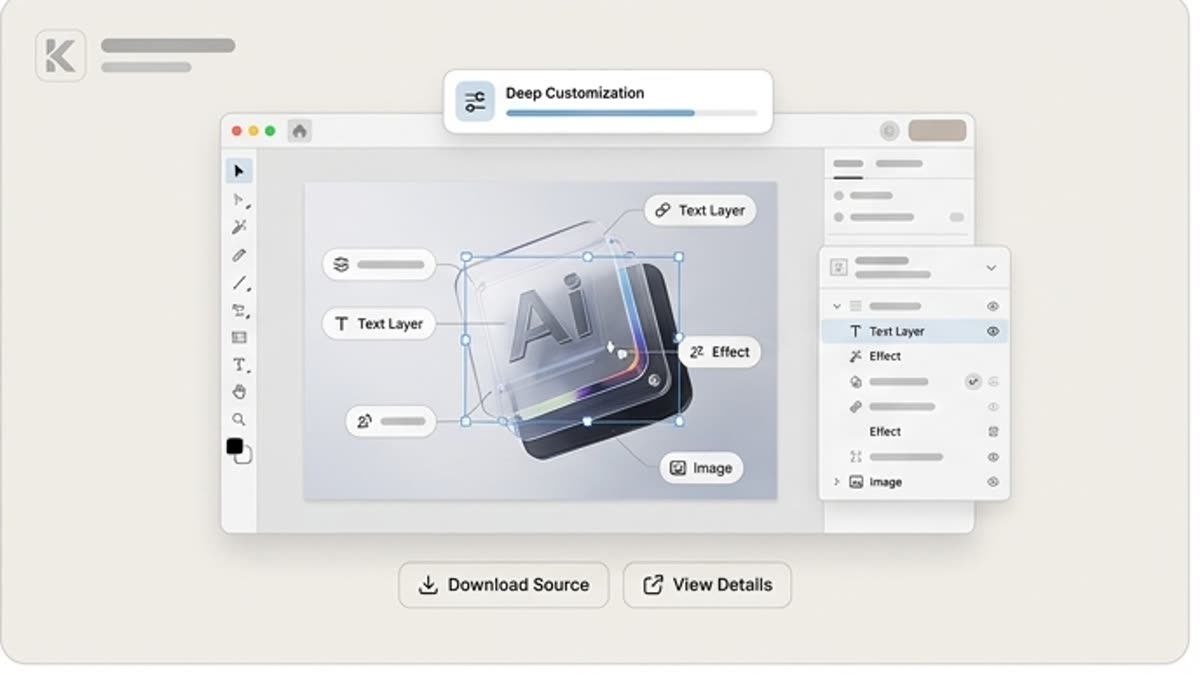
What's included
What this section gives you.
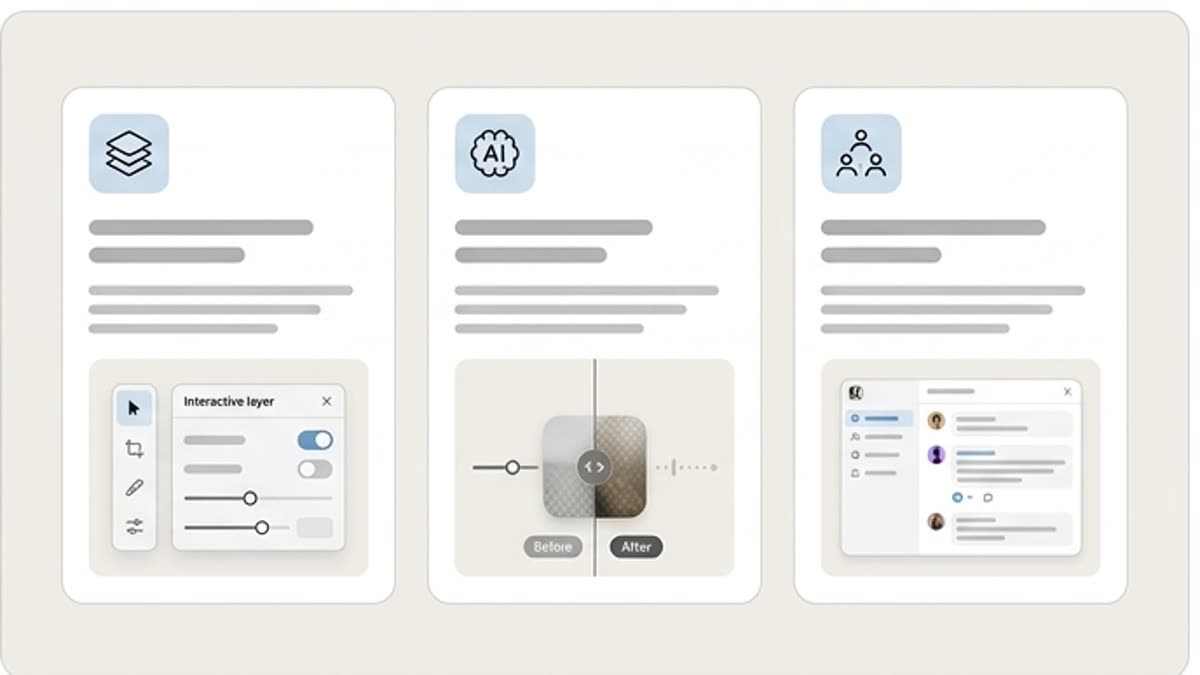
More control over the layout
The layered structure lets you change text, images, shadows, colors, objects and effects without rebuilding the whole file.
Fits final design work
PSD sources are useful for banners, mockups, ad materials, presentations, packaging and visual concepts.
Convenient for the team
A designer can quickly read the file structure, make edits and prepare the final export for the right channel.
When to use it
Common jobs this section is built for.
These examples make it easier to choose where to start and which nearby section to open next.
You need deep adaptation
Use a PSD when a plain PNG or template doesn't give enough control over the details.
You need an ad asset fast
Take a source file with a ready structure and swap in the content for the campaign.
The team works in a familiar pipeline
Hand the designer a layered file they can open, check and refine by hand.
Workflow
How it works inside Keter Labs.
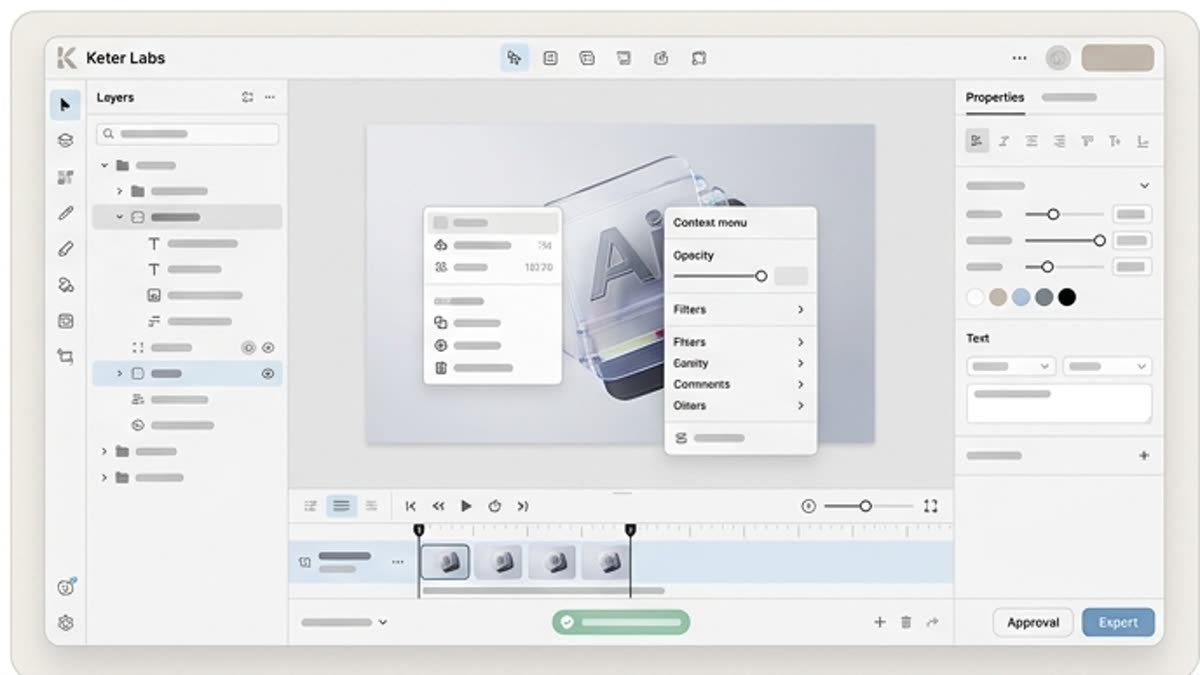
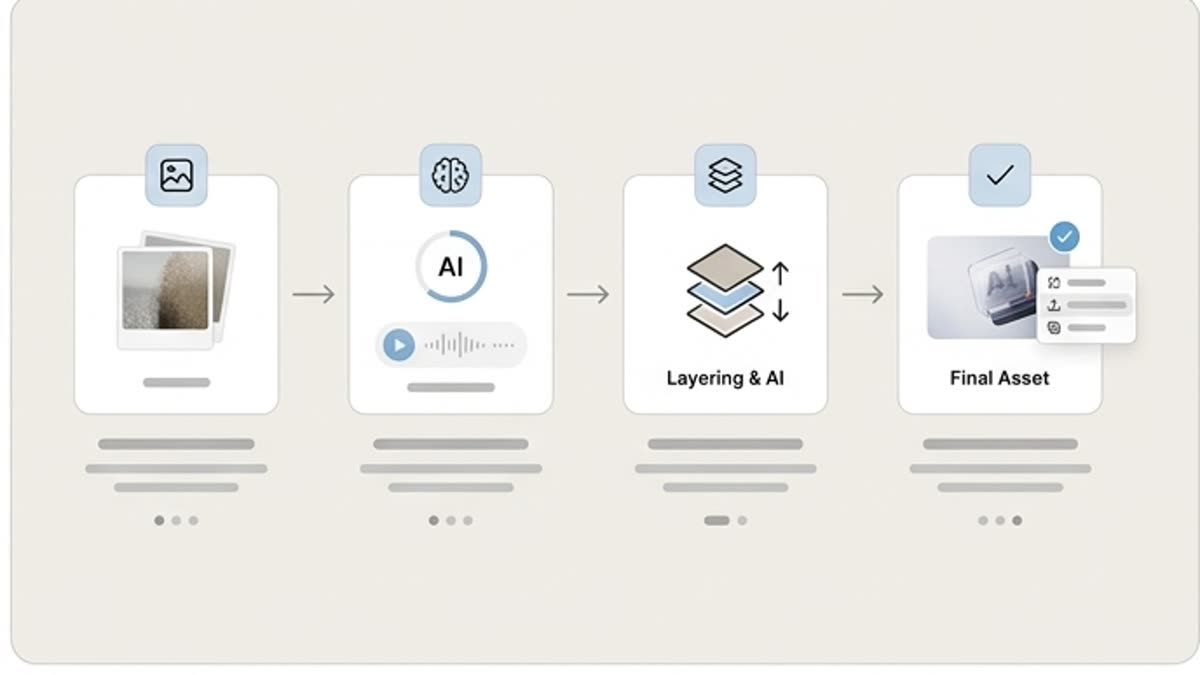
Every section in Keter Labs follows the same shape: a clear brief, a fast first draft, refinement in the editor, and a result saved into the project.
Step 1
Choose a source file that fits by composition, style, layers and editing options.
Step 2
Replace the text, images, colors, logos and key elements for your project.
Step 3
Check the layers, export the sizes you need and save the final material.
Related sections
Where to go next.
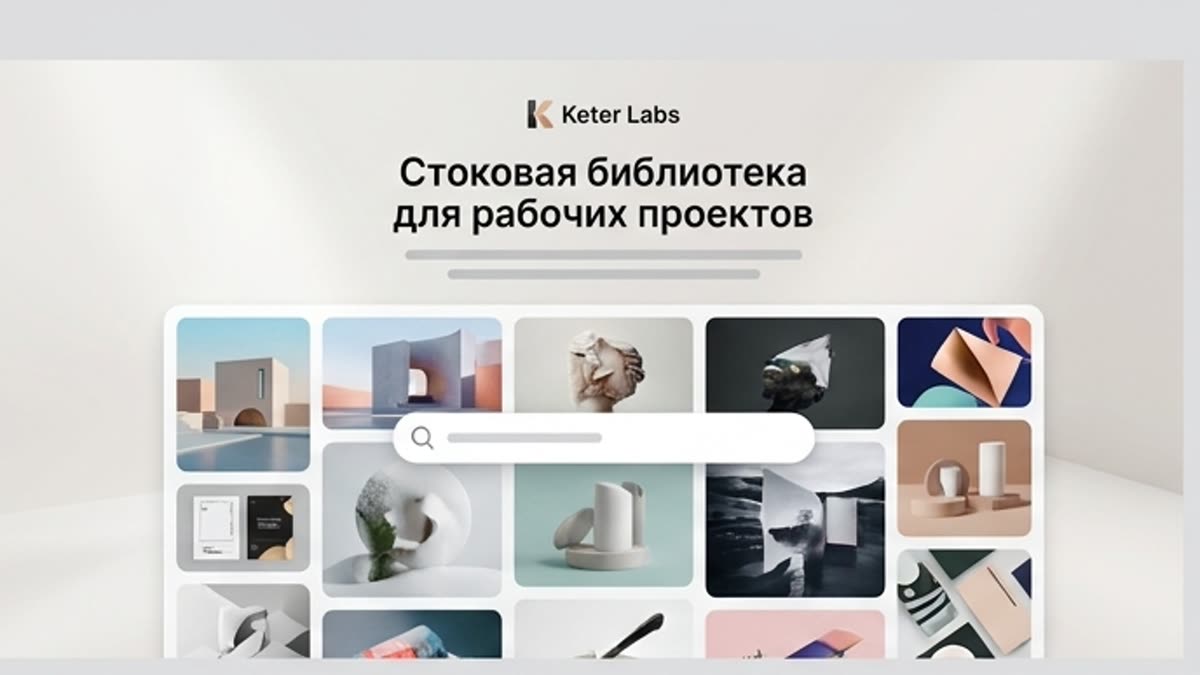
Stock library for production work
Photos, illustrations, video, templates, fonts, 3D and audio for fast launches and clean commercial work, with editor-ready handoff.
Open Stock library for production work
Templates
Templates speed up producing materials for marketing, branding, social media, banners, presentations, covers, stationery and personal projects. They are a good starting point when the structure is clear and the design just needs to reach publication fast.
Open Templates
Pricing for creators and teams
Pick the plan that fits your generation volume, team workflow and commercial output — from solo creators to production studios.
Open Pricing for creators and teamsFAQ
Frequently asked questions
What are PSD source files in Keter Labs?+
PSD source files are layered editable design files that teams can use for mockups, campaign assets, presentations, brand materials and design production.
Who should use PSD source files?+
Designers, agencies, marketers and creative teams can use PSD source files when they need precise control over layers, text, effects and layout.
What can PSD files be used for?+
PSD files can be used for editable ads, product mockups, presentation graphics, landing page visuals, brand materials and campaign creative.
Why choose a PSD file instead of a flat image?+
A PSD file keeps layers and editable elements available, making it easier to customize design details for a specific campaign or brand.
How do PSD files fit into Keter Labs?+
PSD assets can support mockup, design, template, campaign and brand workflows inside Keter Labs.
Ready when you are
Bring this workflow into your next project.
Spin up assets, lock in versions and align your team around a single creative platform.
Create account