Video models
Kling 3.0 Motion Control
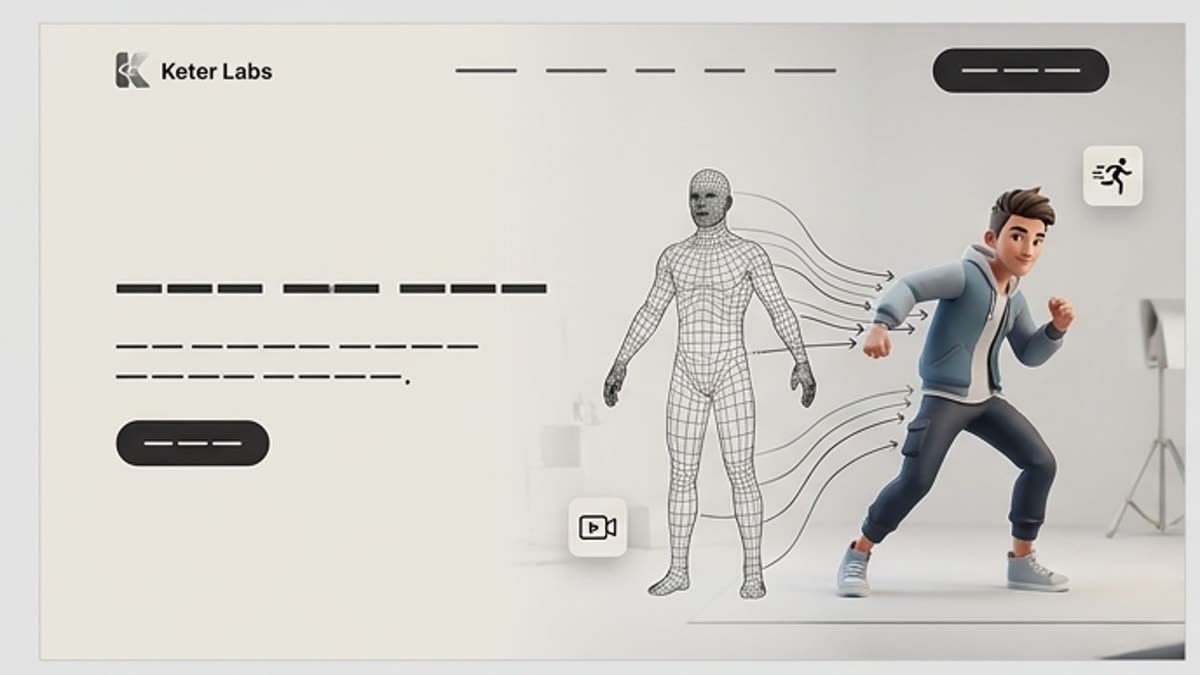
Kling 3.0 Motion Control plugs a modern generation model into the unified Keter Labs workflow. Reach for it when you need directable camera and subject motion, stable output and a clear path to refinement.
What's included
What this section gives you.
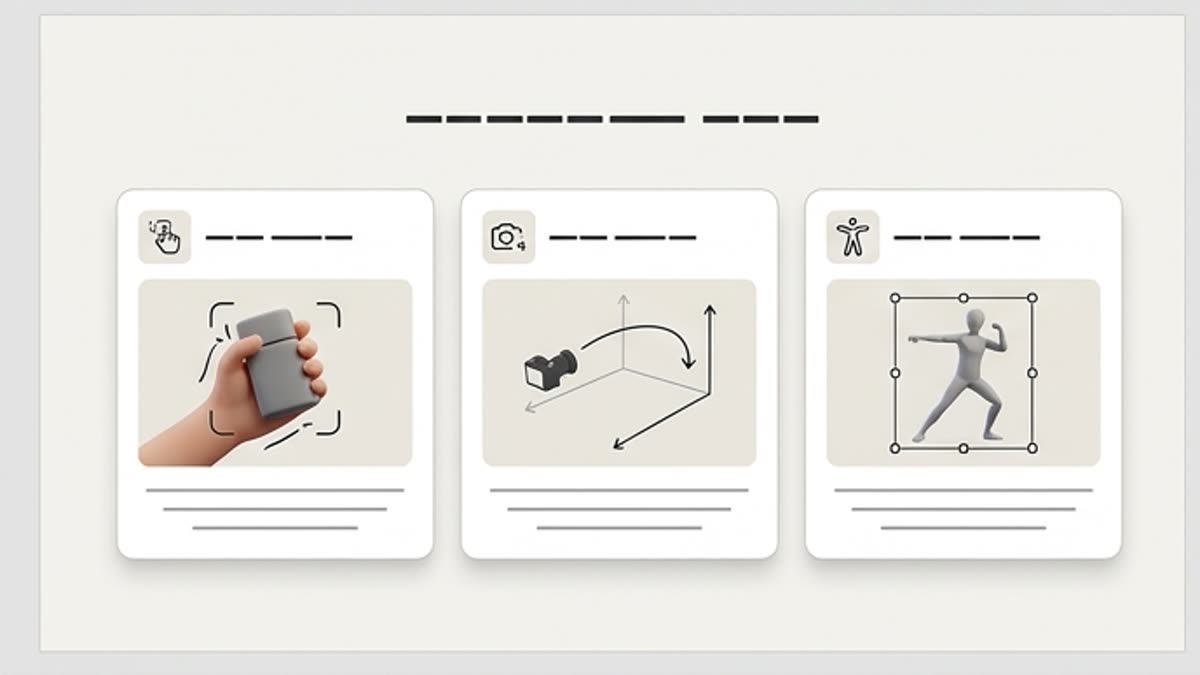
The right model for the job
Best suited to scenarios where directable camera and subject motion and predictable iteration matter most.
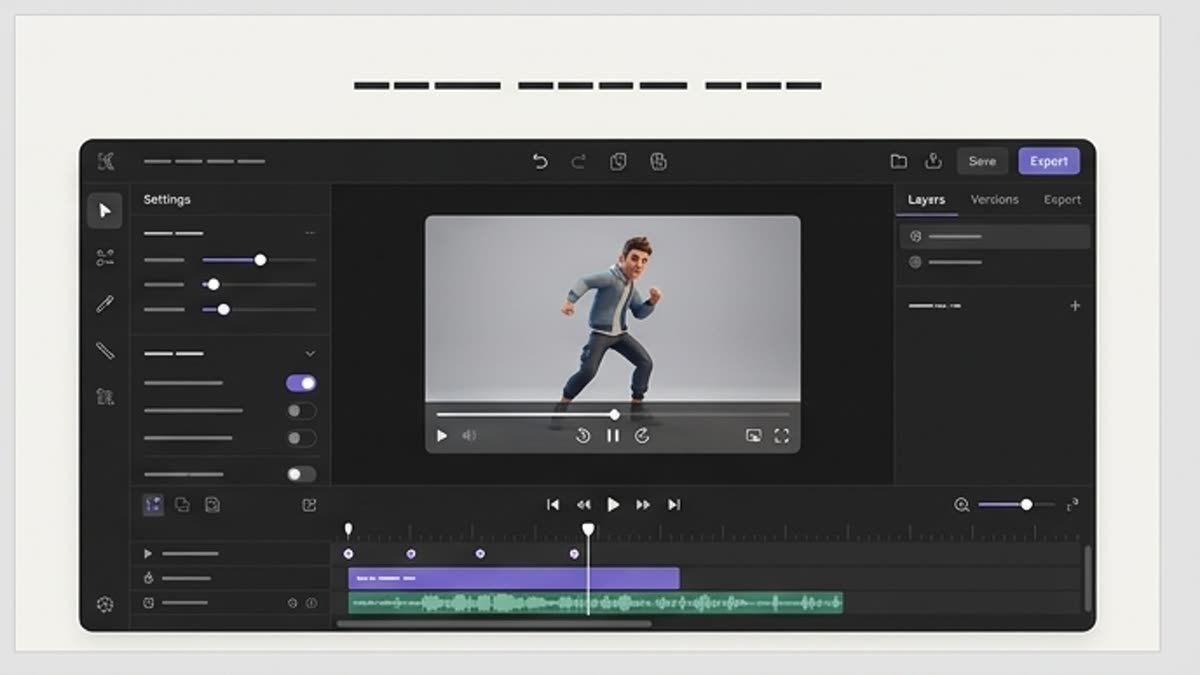
Unified controls
Prompts, presets, sizes, history and export live in the same interface as the rest of the studio.
Production-ready
Compare variants, keep the strongest version and ship it in commercial campaigns and client work.
Workflow
How it works inside Keter Labs.
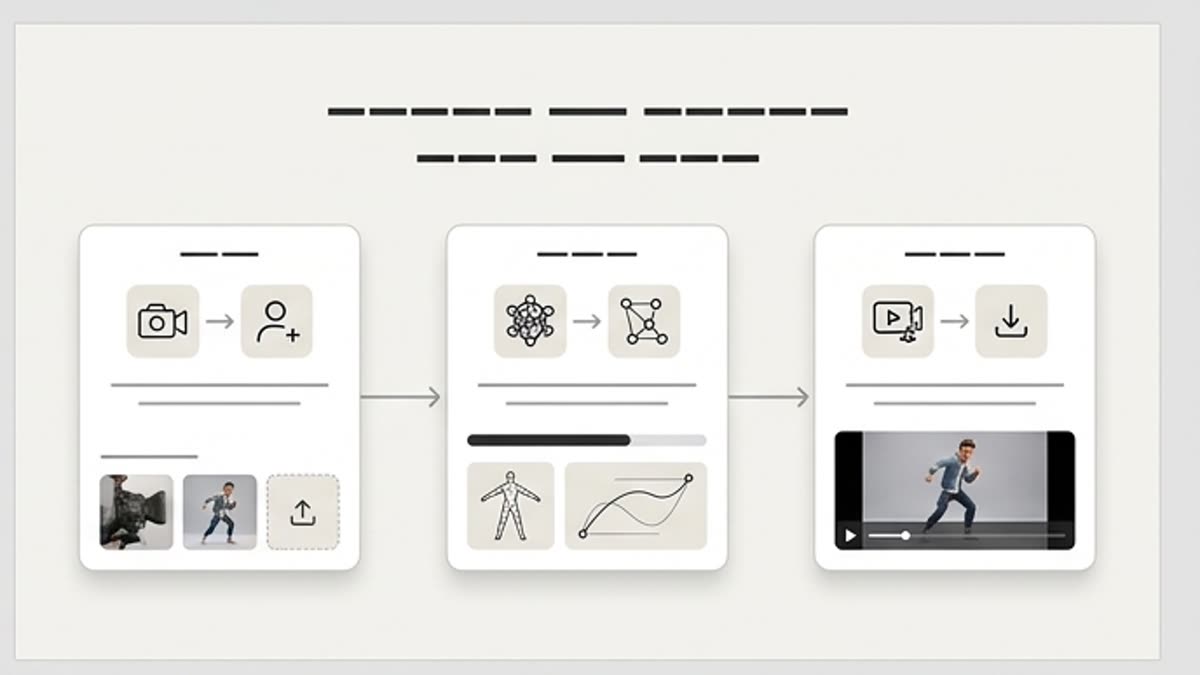
Every section in Keter Labs follows the same shape: a clear brief, a fast first draft, refinement in the editor, and a result saved into the project.
Step 1
Pick the model and the output type.
Step 2
Describe the scene, style and technical constraints.
Step 3
Compare variants and send the winner into the editor.
Related sections
Where to go next.
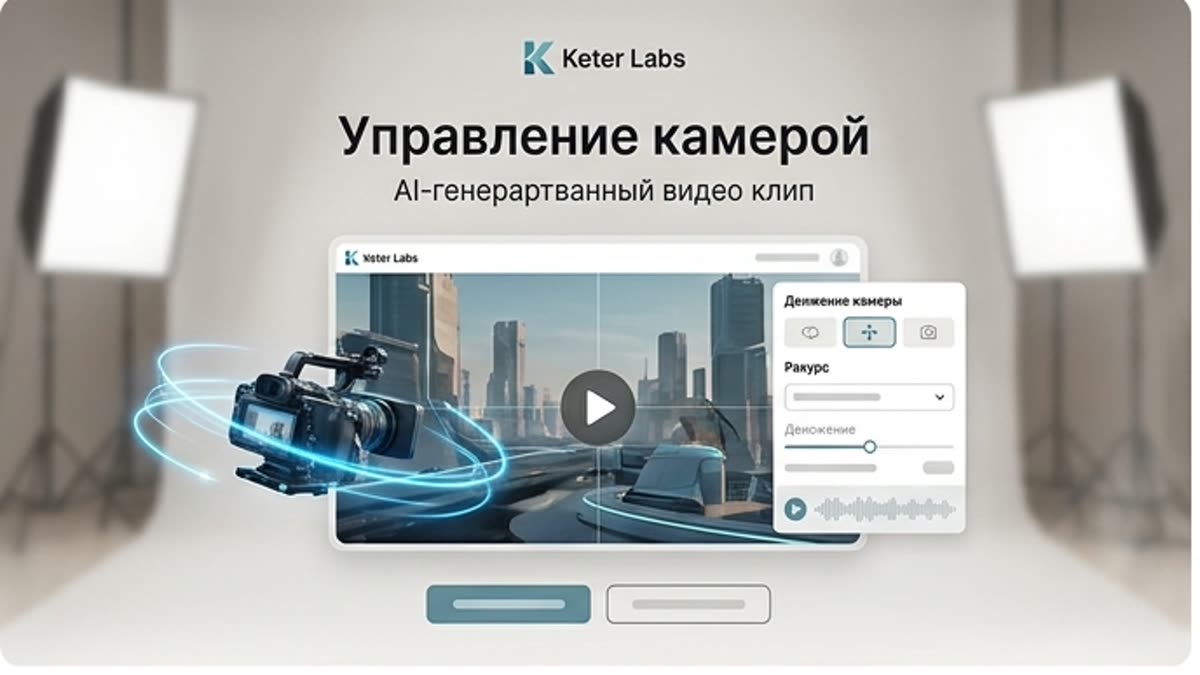
Camera control
Camera control helps you shape camera movement and angle on generated clips fast — from first idea to finished asset for ads, social, decks, presentations and team projects.
Open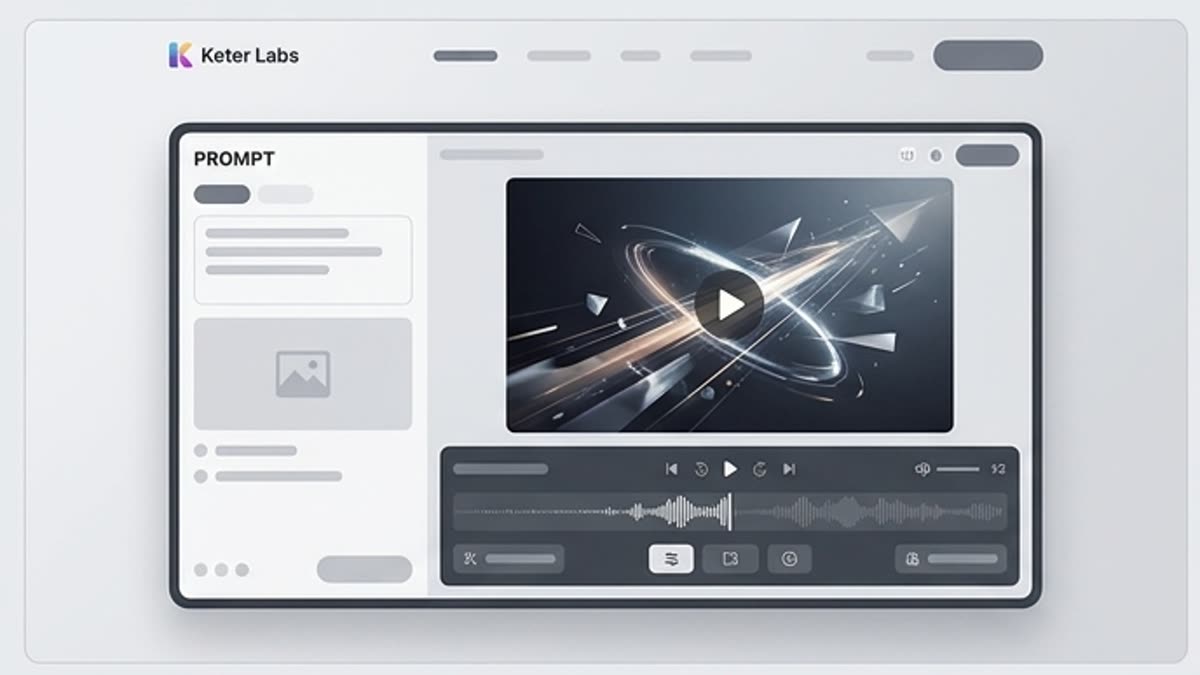
Video generator
Video generator helps you produce short videos, scenes and motion content fast — from first idea to finished asset for ads, social, decks, presentations and team projects.
Open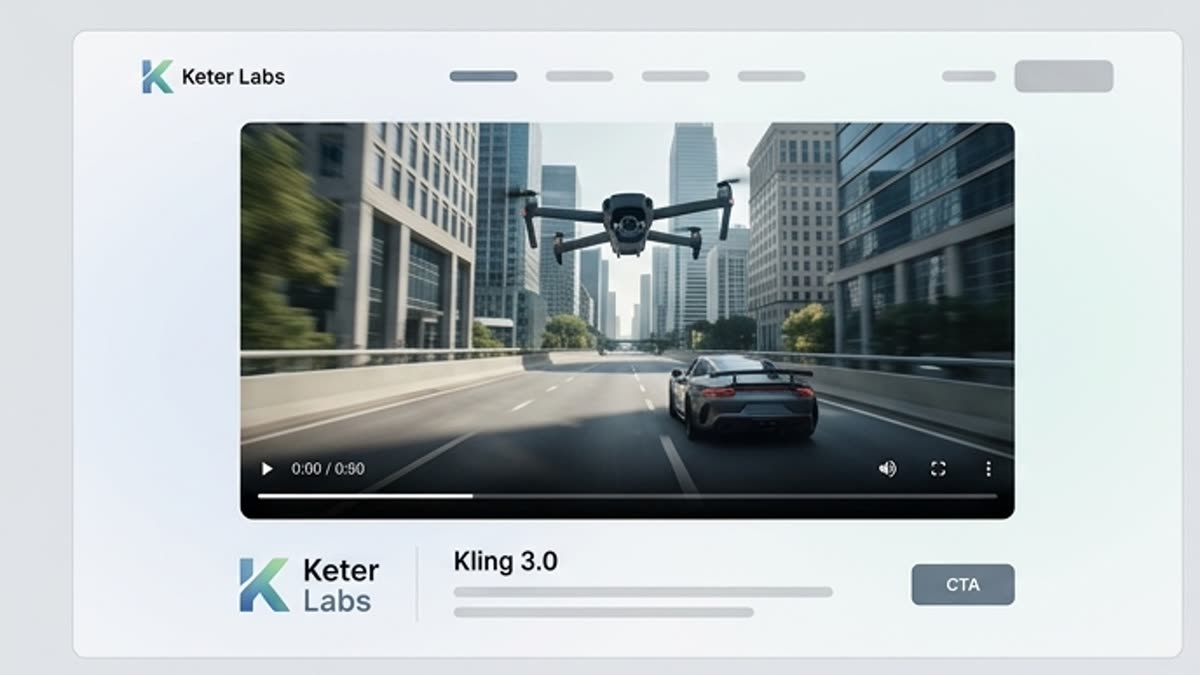
Kling 3.0
Kling 3.0 plugs a modern generation model into the unified Keter Labs workflow. Reach for it when you need dynamic clips and expressive motion, stable output and a clear path to refinement.
OpenReady when you are
Bring this workflow into your next project.
Spin up assets, lock in versions and align your team around a single creative platform.
Create account