Video models
Kling 3.0
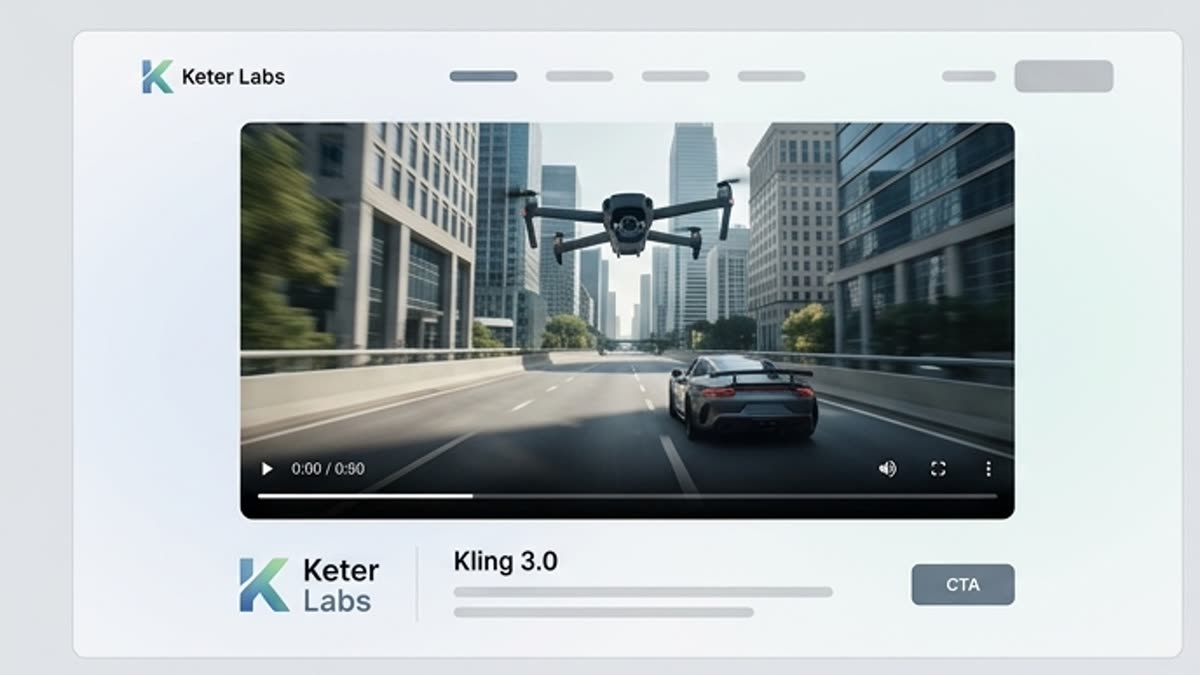
Choose Kling 3.0 for dynamic AI video: camera movement, character action, product shots, ad clips or short scenes where energy, stability and expressive delivery matter.
What's included
What this section gives you.
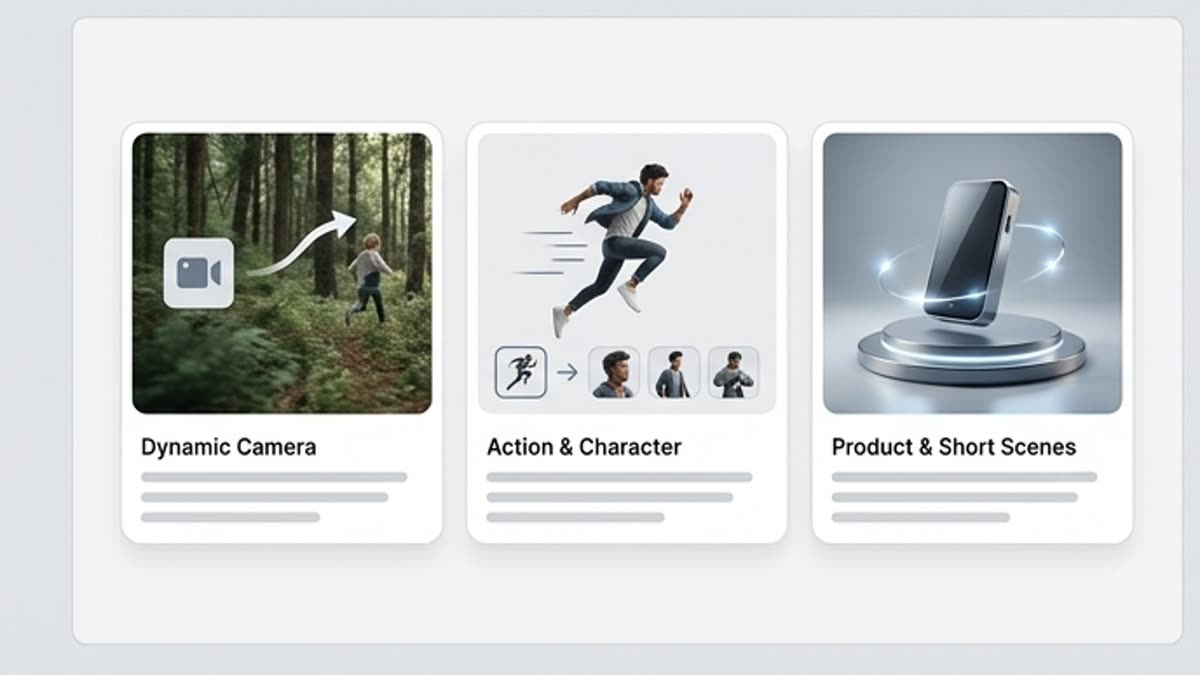
Strong in-frame motion
The model suits clips where the subject, camera or character should move noticeably but stay controlled.
More stable across series
Use Kling 3.0 when you need several videos in a similar style and want to compare options fast.
Convenient for ad work
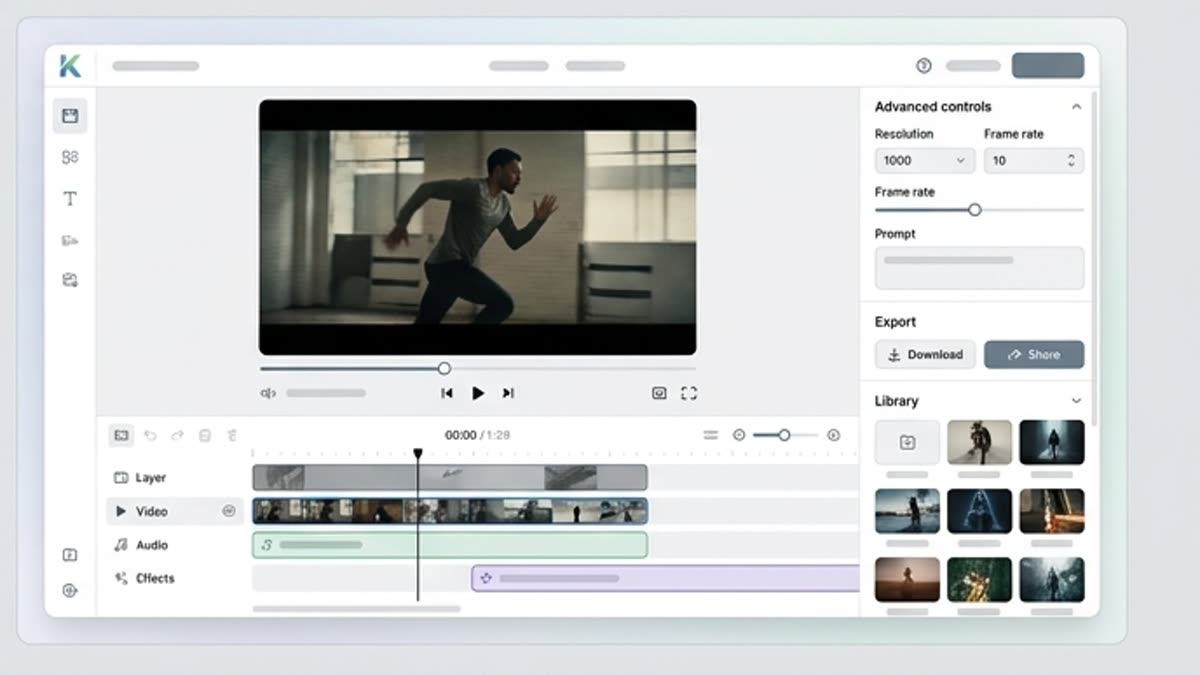
Short promo scenes, product video, teasers and social clips come together faster and can be finished in the editor.
When to use it
Common jobs this section is built for.
These examples make it easier to choose where to start and which nearby section to open next.
You need to bring a product to life
Create a short product video for a landing page, ad, presentation or social campaign.
You need a dynamic teaser
Build a clip with camera movement, action and a clear visual accent.
You need to test a video direction fast
Generate several motion variants before the final edit.
Workflow
How it works inside Keter Labs.
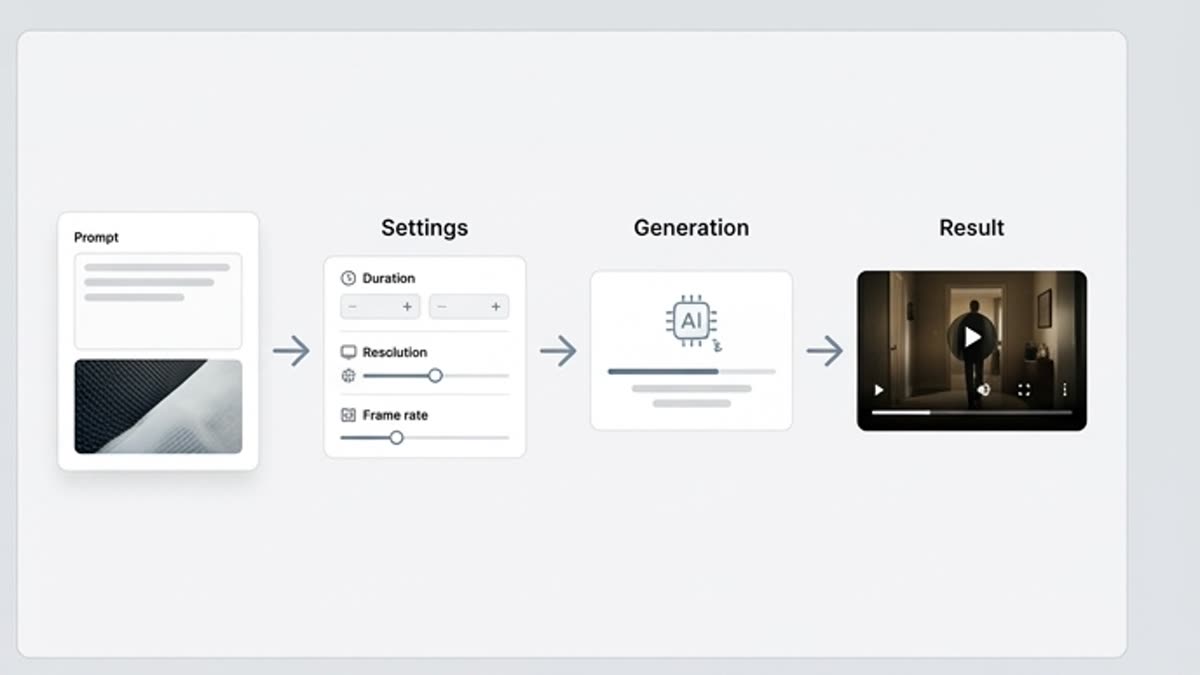
Every section in Keter Labs follows the same shape: a clear brief, a fast first draft, refinement in the editor, and a result saved into the project.
Step 1
Describe the action, speed, camera movement, subject and visual mood of the video.
Step 2
Add a source image or reference if you need to keep the product, character or style.
Step 3
Compare several clips and send the best one to upscaling, editing or further fixes.
Related sections
Where to go next.
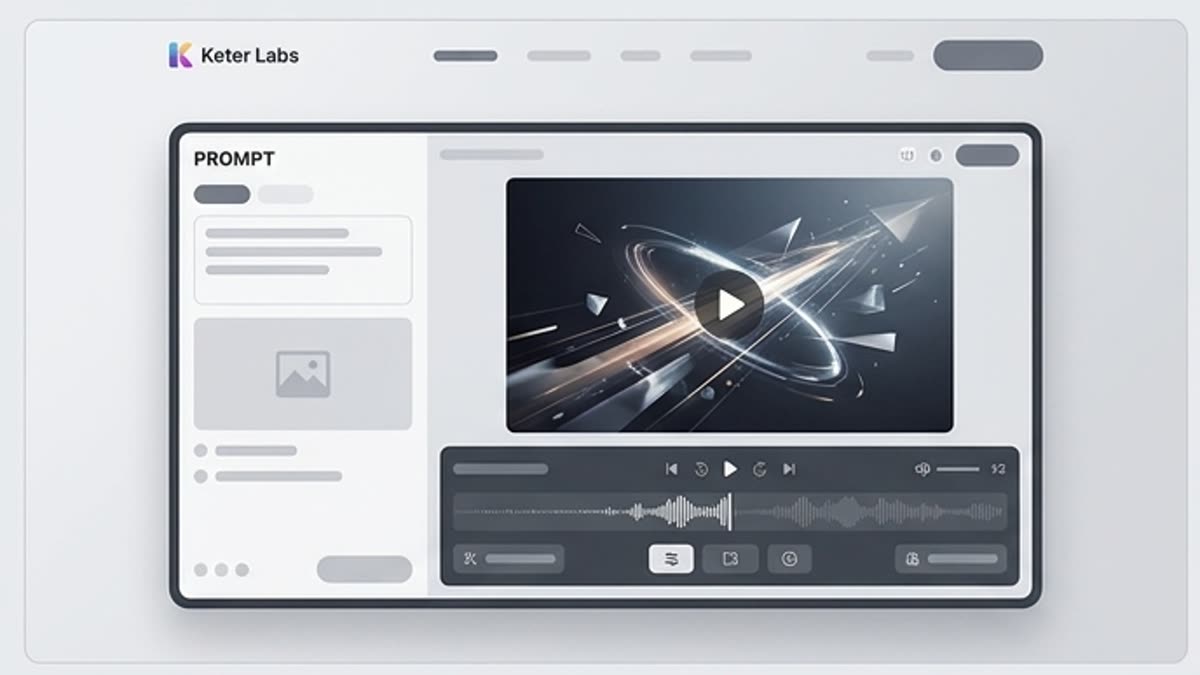
Video generator
An AI video generator for short ad scenes, social content, product motion, mood videos and first drafts of clips. Start from text, an image or a reference, define the motion and bring the clip to a format you can show the team.
Open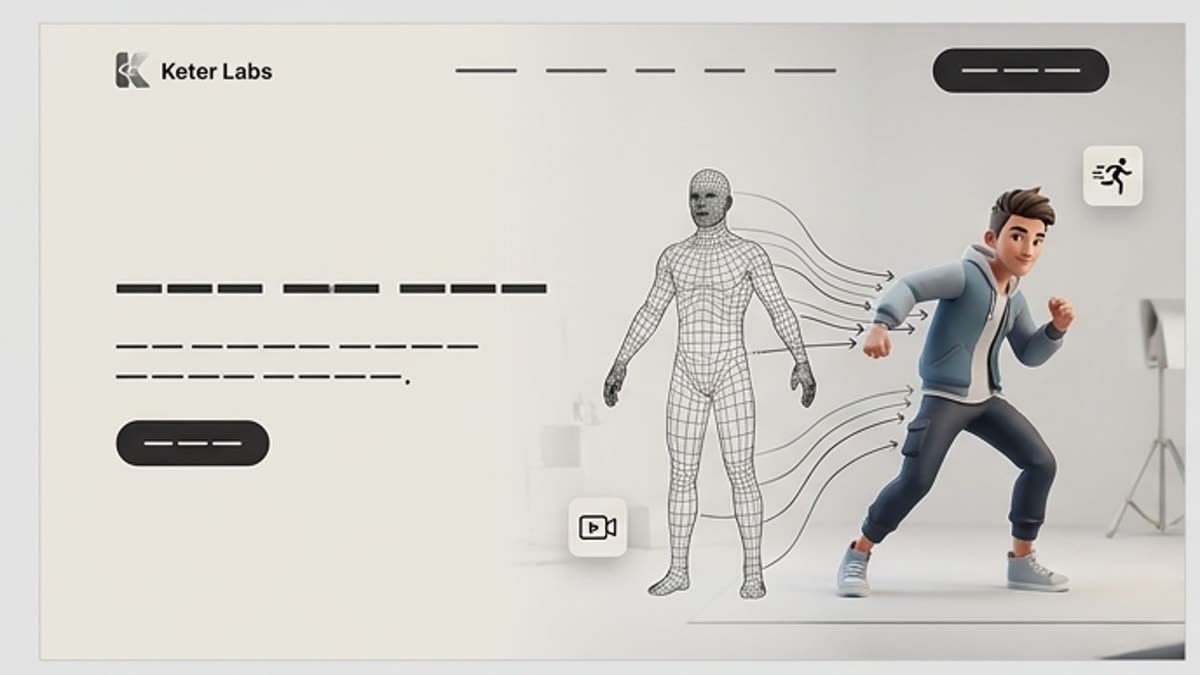
Kling 3.0 Motion Control
Kling 3.0 Motion Control is for cases where motion can't be left to chance. The model helps transfer a performance, keep a subject stable, set a motion reference and control the camera, gesture, pose or action more precisely.
Open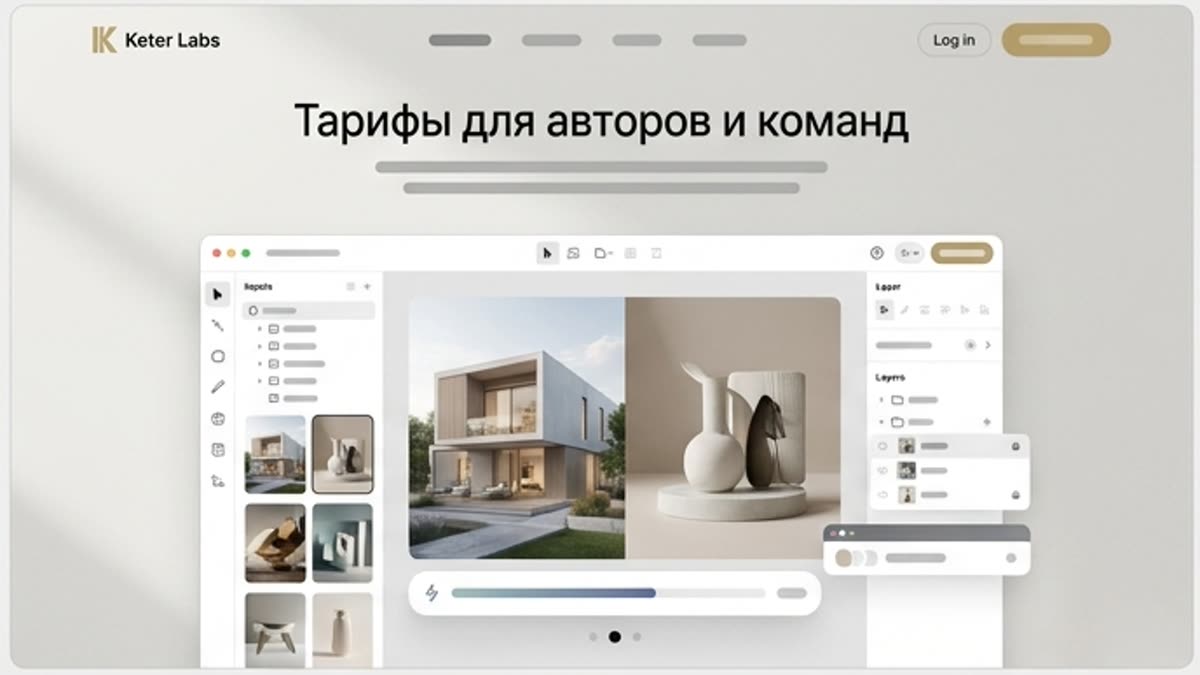
Pricing for creators and teams
Pick the plan that fits your generation volume, team workflow and commercial output — from solo creators to production studios.
OpenReady when you are
Bring this workflow into your next project.
Spin up assets, lock in versions and align your team around a single creative platform.
Create account