Developers

API for integrations

API for integrations explains how developers can connect Keter Labs to internal tools, assistants, and repeatable creative production systems. It focuses on useful inputs, predictable outputs, authentication, and the checks needed before an integration reaches production.

apiintegrationautomation
API for integrations — Keter Labs
Assistant

What's included

What this section gives you.

Integration context

Developers can see what the endpoint or workflow is for, which inputs matter, and how it fits into a larger product or assistant flow.

Predictable handoff

The page keeps attention on request shape, output handling, authentication, permissions, and failure states instead of abstract platform claims.

Production checks

Before shipping, teams can review quality, usage rights, rate limits, billing behavior, and where generated assets should be stored.

When to use it

Common jobs this section is built for.

These examples make it easier to choose where to start and which nearby section to open next.

Internal creative tools

Product teams can connect Keter Labs to dashboards, assistants, and automated content systems.

Repeatable production

Developers can turn a manual creative step into a controlled workflow with predictable input and output handling.

Team governance

The integration can respect roles, billing, storage, and approval rules instead of bypassing the production process.

Details

What to know before you use it.

What to keep from the reference

The important part of API for integrations is the workflow logic: what the user brings in, what the system produces, and how the result moves forward. The page should not copy old interface wording or brand-specific presentation.

How to keep the page useful

The copy should stay direct and concrete. It should explain what to upload, what to expect, what can go wrong, and how to judge the final output.

Where it connects next

Every page should point naturally to related tools, workflows, docs, or examples so users can continue without searching through the whole site.

Workflow

How it works inside Keter Labs.

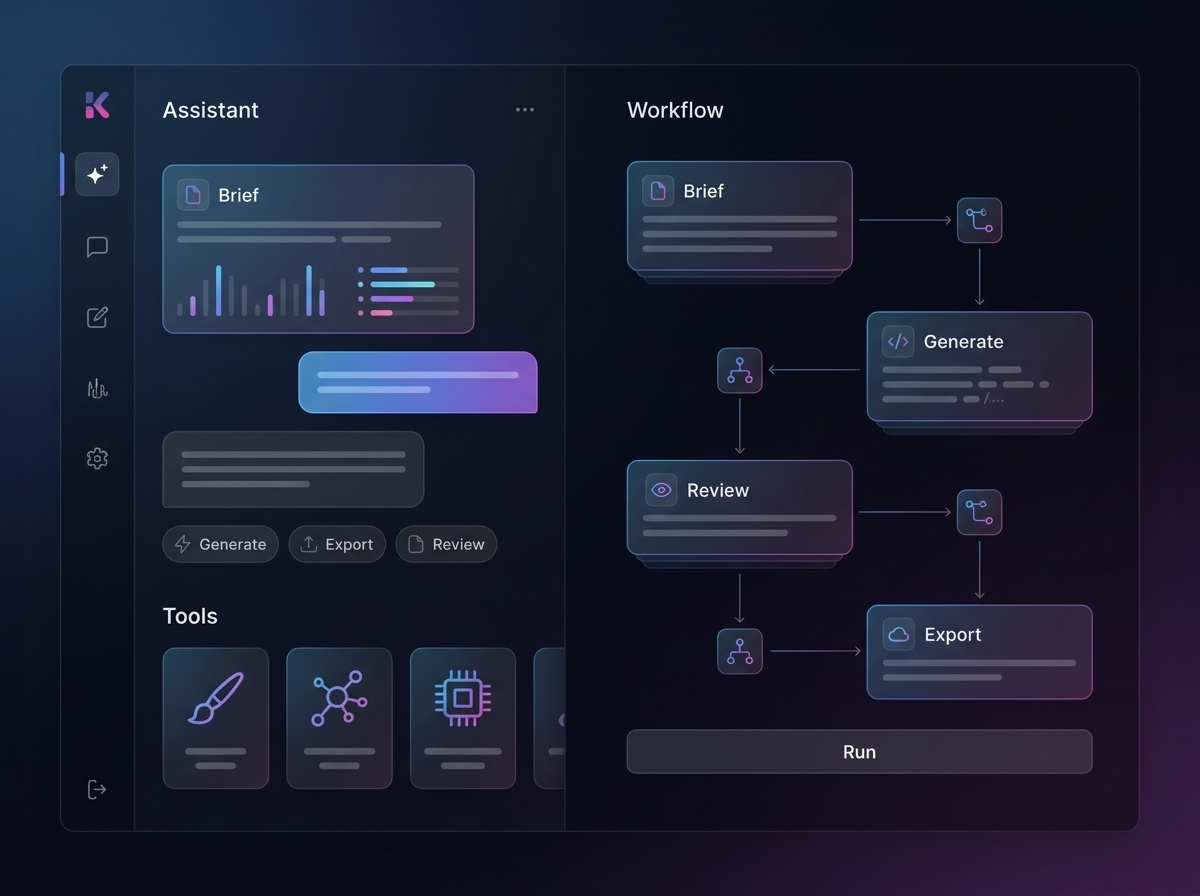
Every section in Keter Labs follows the same shape: a clear brief, a fast first draft, refinement in the editor, and a result saved into the project.

1

Step 1

Define the job the integration must perform and the files, prompts, IDs, or parameters it will receive.

2

Step 2

Test the request shape in a controlled environment and inspect the returned asset, status, and error behavior.

3

Step 3

Add authentication, permissions, logging, billing checks, and storage rules before connecting the workflow to users.

4

Step 4

Document the handoff so the creative team knows where outputs appear and how to review or rerun them.
Ready when you are

Bring this workflow into your next project.

Spin up assets, lock in versions and align your team around a single creative platform.

Create account