Workflow
How it works inside Keter Labs.
Every section in Keter Labs follows the same shape: a clear brief, a fast first draft, refinement in the editor, and a result saved into the project.
1Step 1
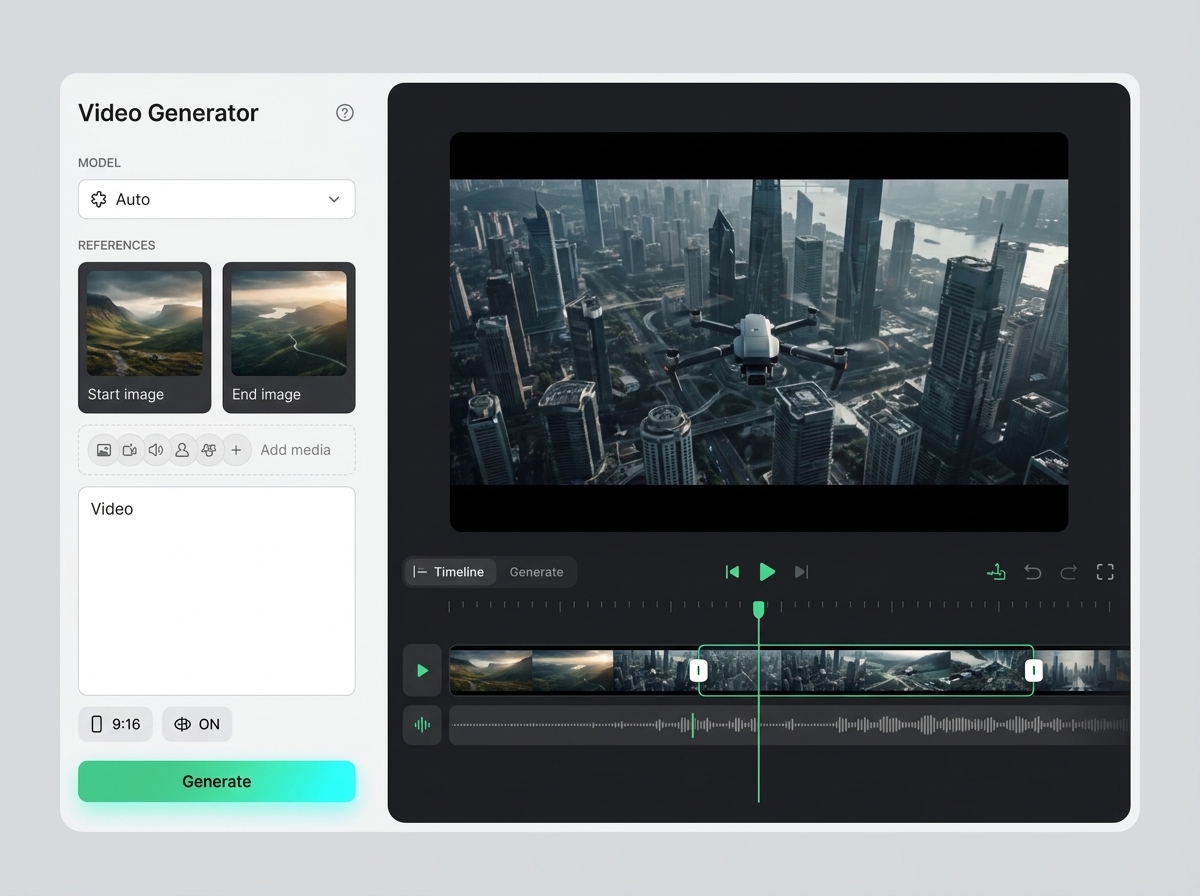
Define the specific task: create AI videos from text, an image, or a reference and control the scene up to the first result. Record who is responsible for the result and where it will be used.
2Step 2
Prepare the scene idea, prompt, references, duration, format, style, sound, and credit budget. For team work, confirm roles, access, and where materials are stored right away.
3Step 3
Complete the action in Keter Labs and save the important parameters, versions, files, prompts, or links inside the project.
4Step 4
Before finishing, check the scene, motion, artifacts, prompt adherence, rights, and readiness for editing; then move on to the related topics: video models, clip editor, video upscaler, and audio tools.