What to understand
The main idea of this section is to compare plans, understand the limitations and choose a plan for personal work or a team. It answers a practical user question and shows which limitations to consider in advance.
Documentation
Plans and pricing is a practical Keter Labs reference on how to compare plans, understand the limitations and choose a plan for personal work or a team. The section helps you quickly understand the preparation, limitations, order of steps and criteria for a finished result without a long search across different pages.
What's included
The page explains how to compare plans, understand the limitations and choose a plan for personal work or a team. You get working context rather than a general overview: where to start, what to check and when to move on to the next step.
Before you start, prepare the number of users, the type of tasks, the tools you need, generation volume, budget and rights requirements. This reduces the number of accidental iterations and helps the team agree on the result in advance.
After completing a step, check limits, credits, roles, content rights, support and the cost of scaling. Once these points are covered, the material, setting or process can be safely handed off.
When to use it
These examples make it easier to choose where to start and which nearby section to open next.
Open this section when you need to compare plans, understand the limitations and choose a plan for personal work or a team, but do not want to spend time searching for similar answers in different parts of the help center.
The material is easy to share with colleagues: it captures the preparation, expected result, checks and neighboring sections needed for a complete workflow.
Use the page as a checklist: limits, credits, roles, content rights, support and the cost of scaling should be clear before the task goes to a client, the team or production.
Details
The main idea of this section is to compare plans, understand the limitations and choose a plan for personal work or a team. It answers a practical user question and shows which limitations to consider in advance.
Start with the goal and input materials, then follow the steps in the interface and save decisions in the project. For this topic, the number of users, the type of tasks, the tools you need, generation volume, budget and rights requirements matter most.
If the task goes beyond one section, move on to related topics: billing, business plan, credits and enterprise. This way you keep the context and assemble a complete workflow faster.
Workflow
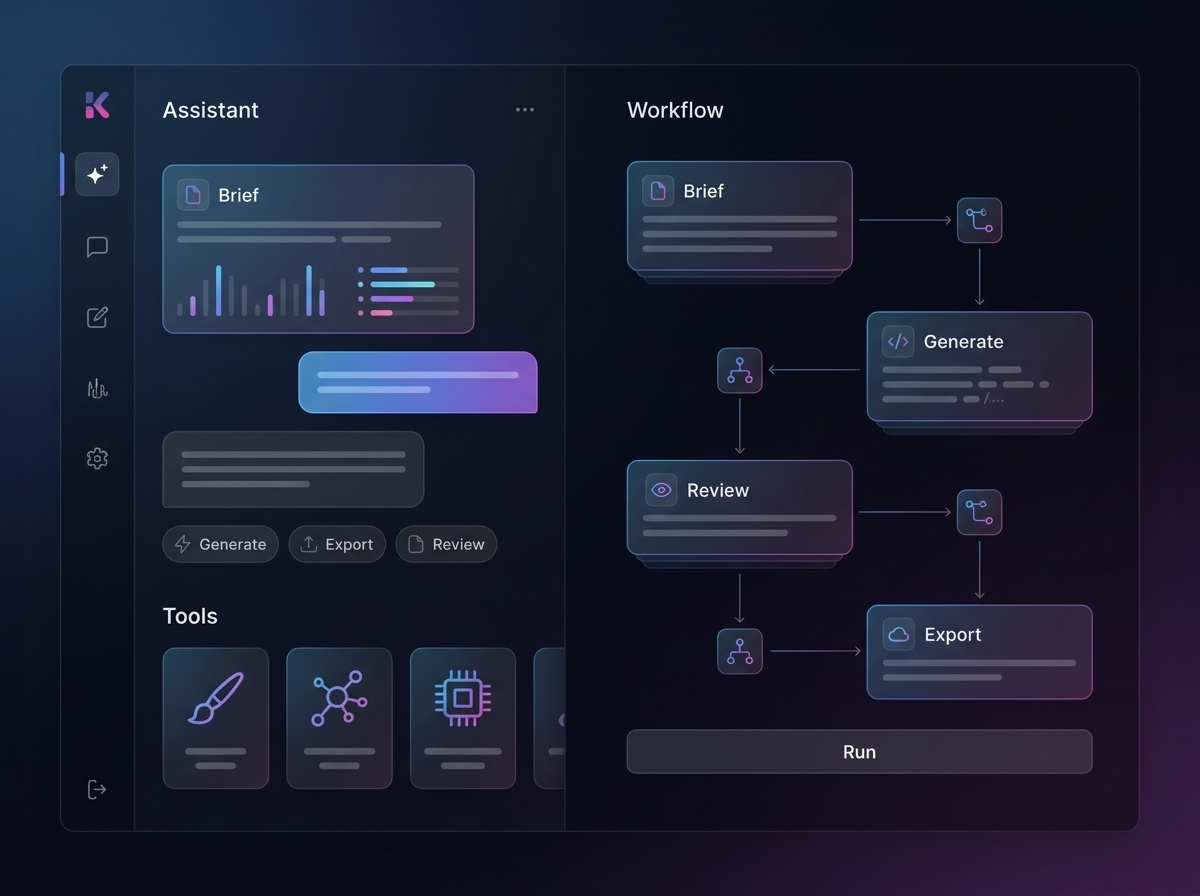
Every section in Keter Labs follows the same shape: a clear brief, a fast first draft, refinement in the editor, and a result saved into the project.
Define the specific task: compare plans, understand the limitations and choose a plan for personal work or a team. Record who is responsible for the result and where it will be used.
Prepare the number of users, the type of tasks, the tools you need, generation volume, budget and rights requirements. For team work, check roles, access and where materials are stored right away.
Perform the action in Keter Labs and save important parameters, versions, files, prompts or links inside the project.
Before finishing, check limits, credits, roles, content rights, support and the cost of scaling; then move on to related topics: billing, business plan, credits and enterprise.
Related sections
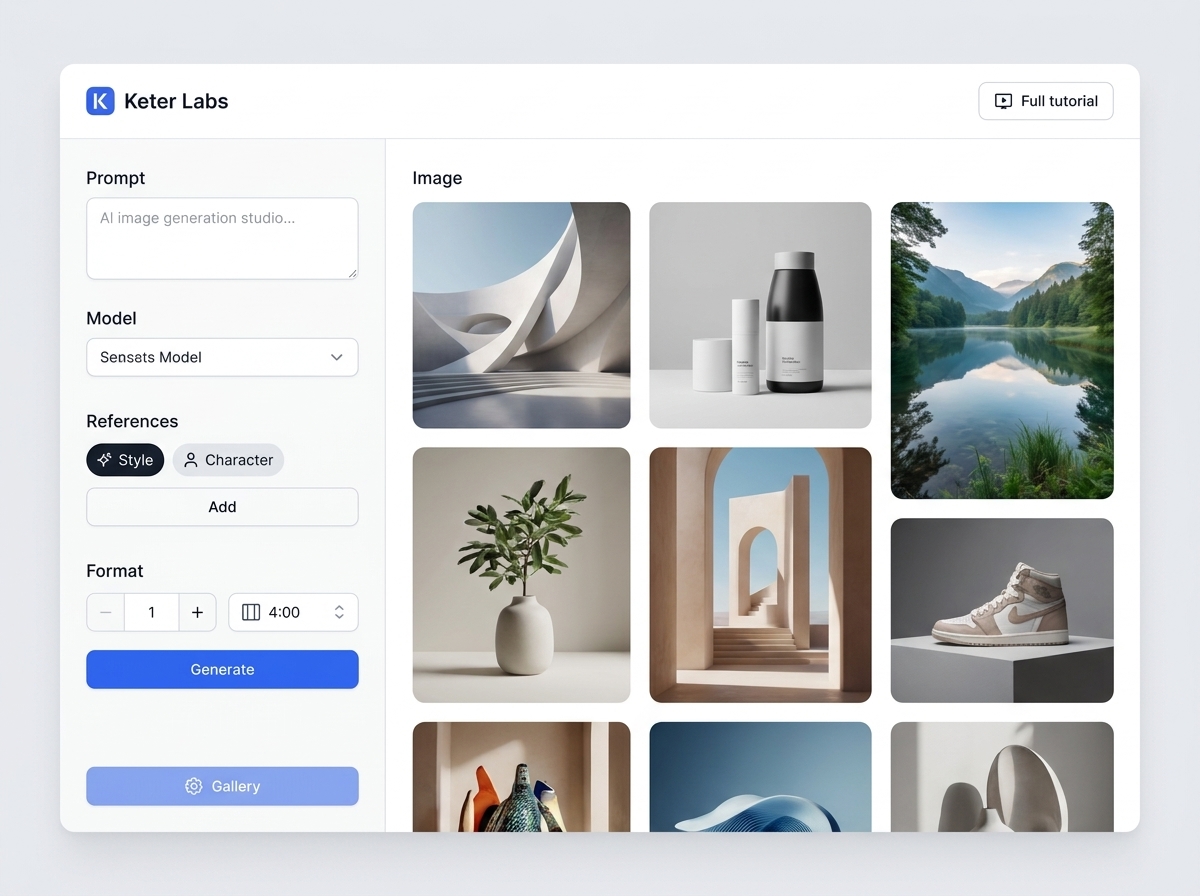
The "Keter Labs help center" section collects practical guidance on the topic: find the right instructions on tools, plans, permissions, credits, the API and teamwork. The section helps you prepare materials, complete the steps in Keter Labs, check the limits and bring the result to a working state.
Open Keter Labs help centerThe "Quickstart" section brings together practical guidance on a single topic: how to get started in Keter Labs: create a project, choose a tool, add references and save your first result. It helps you prepare materials, complete the steps in Keter Labs, check the limitations and bring the result to a working state.
Open QuickstartThe "Projects" section brings together practical guidance on a single topic: how to organize files, versions, assets and results inside Keter Labs projects. It helps you prepare materials, complete the steps in Keter Labs, check the limitations and bring the result to a working state.
Open ProjectsThe "Troubleshooting" section gathers practical guidance on one topic: quickly diagnose errors with generation, access, files, payments, exports, and result quality. It helps you prepare materials, complete the steps in Keter Labs, check the limitations, and bring the result to a working state.
Open TroubleshootingReady when you are
Spin up assets, lock in versions and align your team around a single creative platform.
Create account