Workflow
How it works inside Keter Labs.
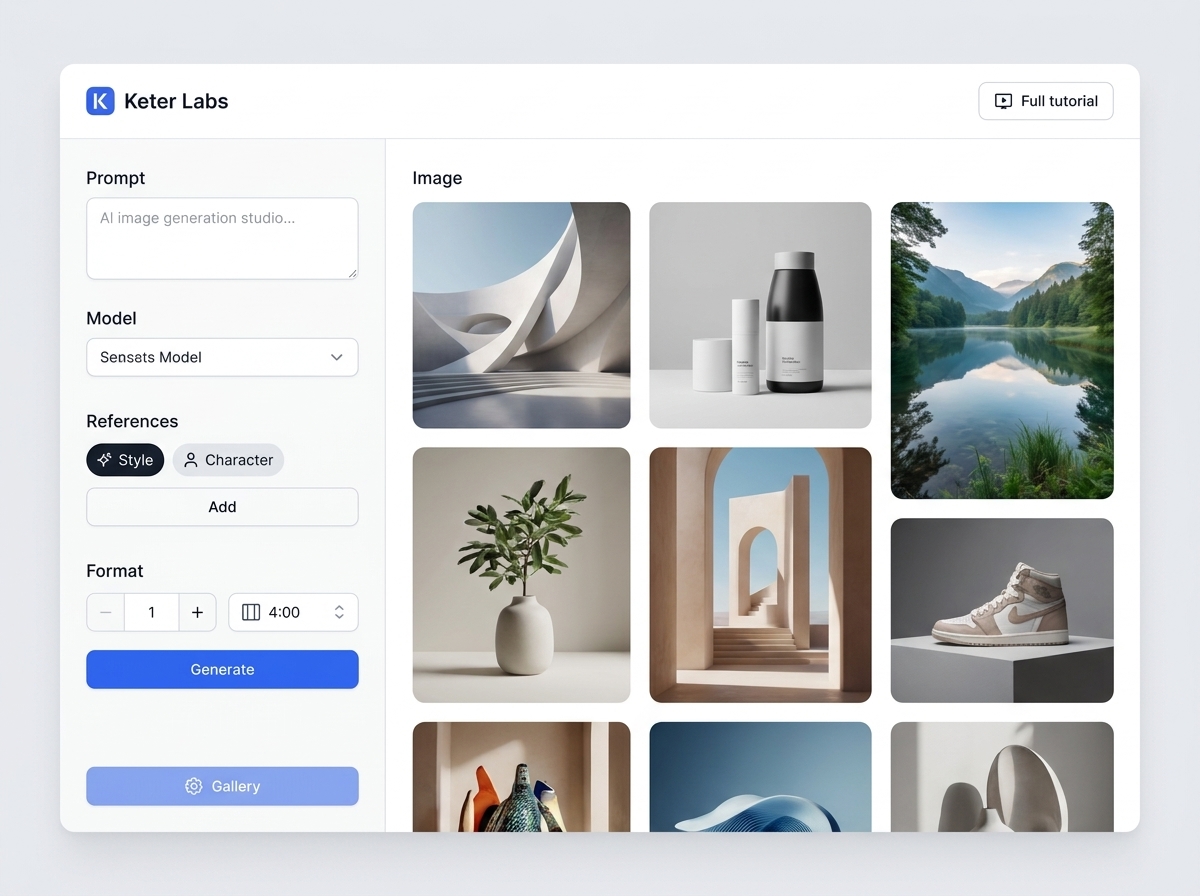
Every section in Keter Labs follows the same shape: a clear brief, a fast first draft, refinement in the editor, and a result saved into the project.
1Step 1
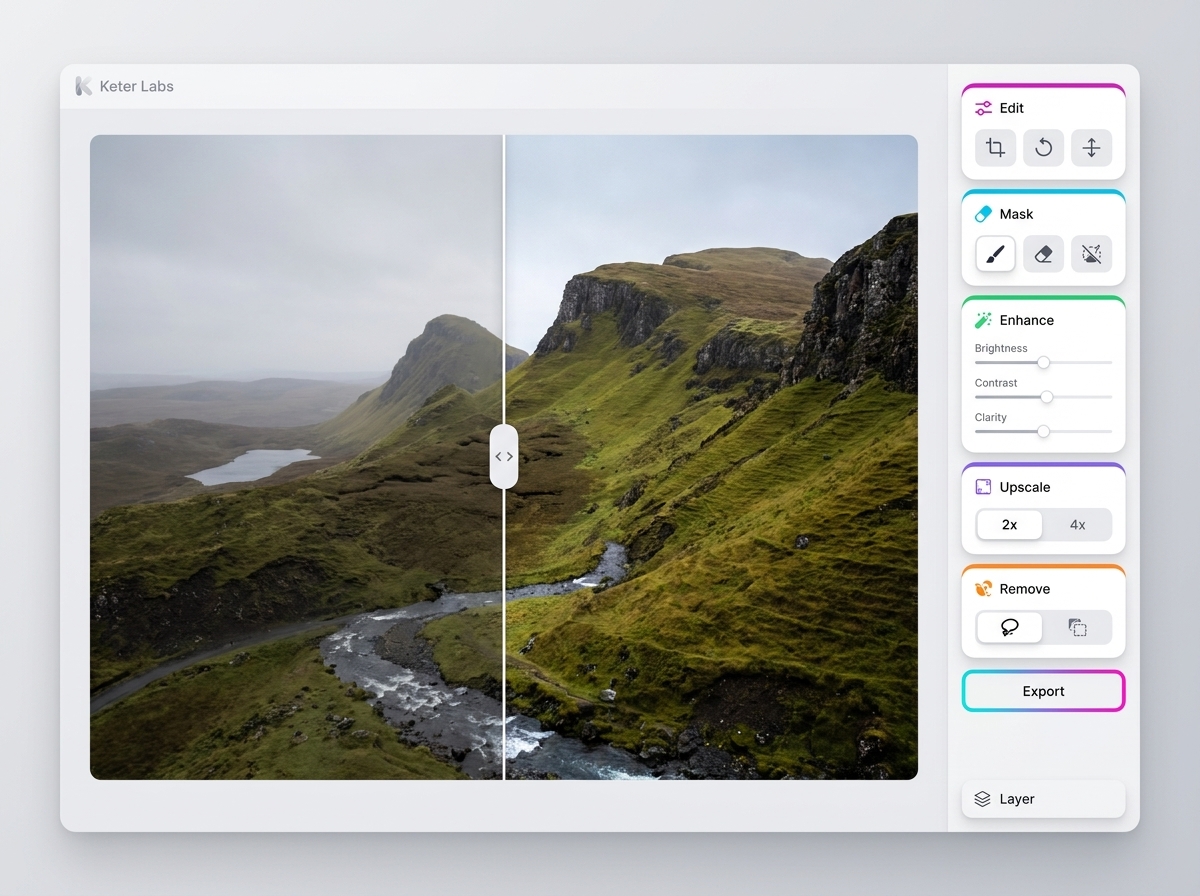
Define the specific task: remove the background from an image and prepare the subject for design, advertising, product cards or collages. Record who is responsible for the result and where it will be used.
2Step 2
Prepare the source image, the desired background, edge requirements, size and export format. For team work, check roles, access and where materials are stored right away.
3Step 3
Perform the action in Keter Labs and save important parameters, versions, files, prompts or links inside the project.
4Step 4
Before finishing, check the subject outline, hair and fine details, transparency, shadow, color artifacts and PNG readiness; then move on to related topics: change background, photo editor, PNG maker and image editor.