Platform

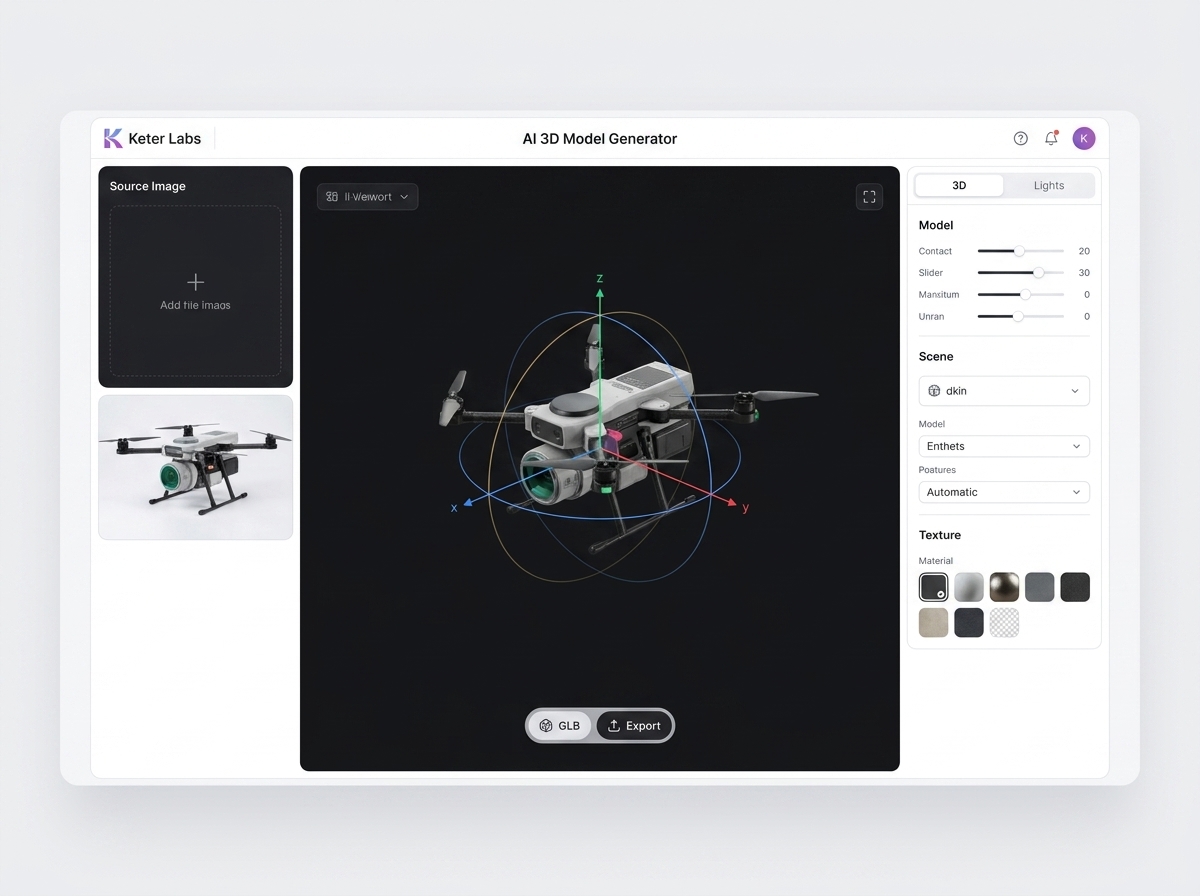
3D Model Library for Creative Assets

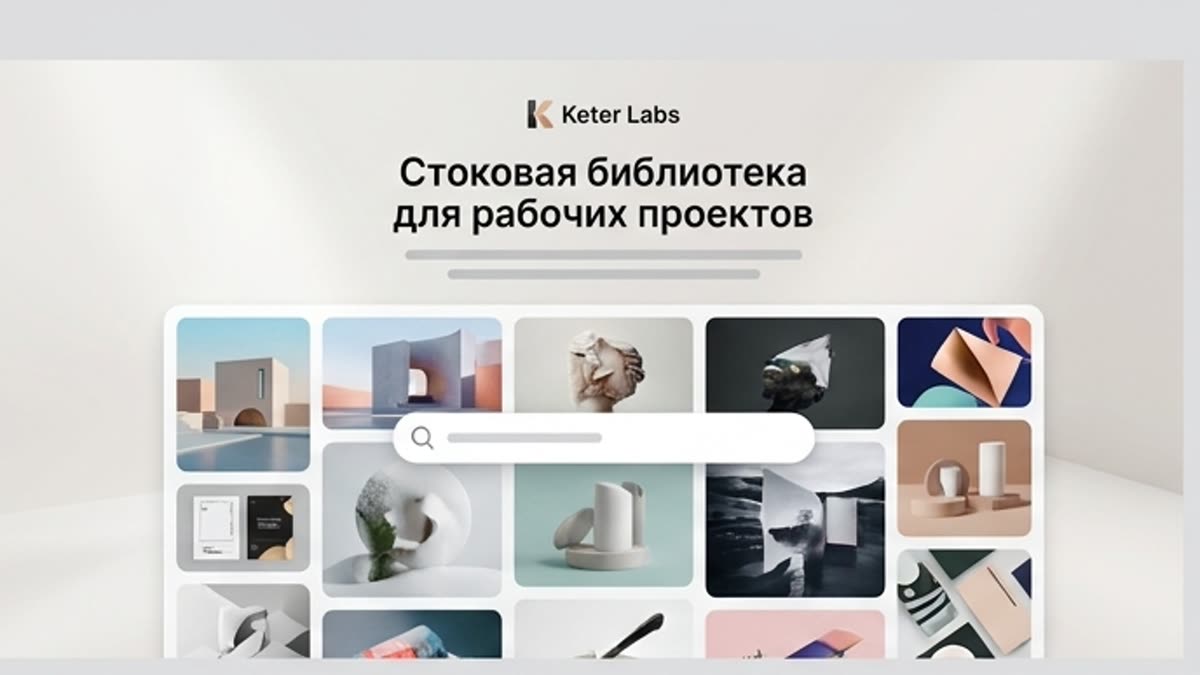
Browse 3D models for product mockups, campaign visuals, presentations, interfaces and creative production workflows in Keter Labs.

3d model library3d models3d product mockups3d creative assets3d campaign visuals3d models for presentations3d design assetsketer labs 3d model library
3D Model Library for Creative Assets — Keter Labs
3D

What's included

What this section gives you.

Practical starting point

Practical starting point

The page turns 3D-модели into a clear task with inputs, expected output, and the next action inside Keter Labs.

Less guesswork

Less guesswork

Users can see what to prepare before running the tool or workflow, which reduces random iterations and unclear reviews.

Ready to refine

Ready to refine

The result can move into editing, upscaling, export, or a related workflow without leaving the project context.

When to use it

Common jobs this section is built for.

These examples make it easier to choose where to start and which nearby section to open next.

Fast first draft

Fast first draft

Use 3D-модели when the team needs a concrete direction quickly and wants to review something visual, not just discuss a brief.

Production cleanup

Production cleanup

The workflow helps turn a promising result into something cleaner, correctly sized, and easier to hand off.

Team alignment

Team alignment

The page explains the task in a way that marketers, designers, producers, and founders can discuss together.

Details

What to know before you use it.

What to keep from the reference

What to keep from the reference

The important part of 3D-модели is the workflow logic: what the user brings in, what the system produces, and how the result moves forward. The page should not copy old interface wording or brand-specific presentation.

How to keep the page useful

How to keep the page useful

The copy should stay direct and concrete. It should explain what to upload, what to expect, what can go wrong, and how to judge the final output.

Where it connects next

Where it connects next

Every page should point naturally to related tools, workflows, docs, or examples so users can continue without searching through the whole site.

Workflow

How it works inside Keter Labs.

Every section in Keter Labs follows the same shape: a clear brief, a fast first draft, refinement in the editor, and a result saved into the project.

3D Model Library for Creative Assets workflow
1

Step 1

Clarify the task for 3D-модели: the audience, format, source material, and quality bar.

2

Step 2

Prepare references, brand constraints, output size, and any files that should guide the result.

3

Step 3

Run the tool or workflow, compare versions, and keep the strongest direction inside the project.

4

Step 4

Review rights, visual quality, export format, and the next step before handing the asset to a team or campaign.
FAQ

Frequently asked questions

What is the Keter Labs 3D model library?+

The Keter Labs 3D model library is a place to find 3D assets for product mockups, campaign visuals, presentations, interfaces and creative production workflows.

What are 3D models used for?+

3D models are used to add depth, realistic objects, product context, interface scenes and visual accents to creative projects.

Who can use the 3D model library?+

Designers, marketers, creators, agencies and teams can use the 3D model library when they need ready assets for visual production.

Can 3D models support campaign production?+

Yes. 3D models can help teams build campaign visuals, product scenes, social media assets, presentation graphics and mockup-style creative faster.

How is this different from a normal asset folder?+

Keter Labs connects 3D assets with creative workflows, AI tools, mockups, templates and project spaces instead of leaving them as disconnected files.

Ready when you are

Bring this workflow into your next project.

Spin up assets, lock in versions and align your team around a single creative platform.

Create account