Video models
Kling 2.6 Motion Control
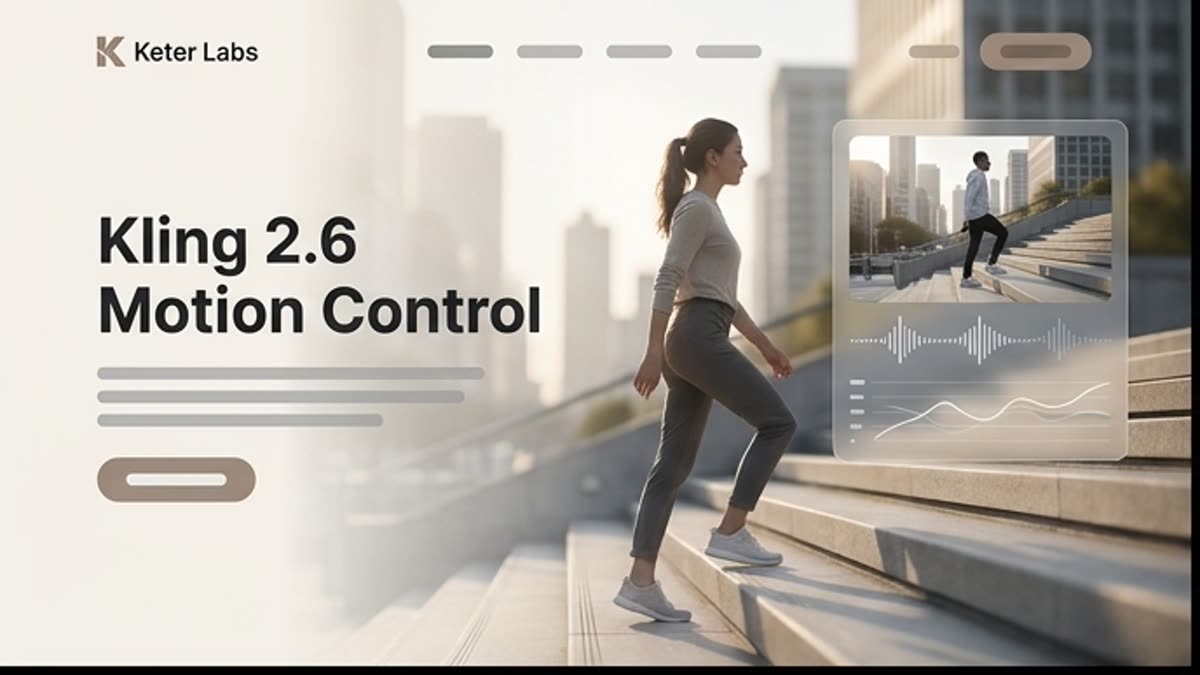
Kling 2.6 Motion Control suits short scenes that need predictable motion for a character, hands, gestures, face or camera. It is a practical choice for directed clips where control matters more than maximum visual complexity.
What's included
What this section gives you.
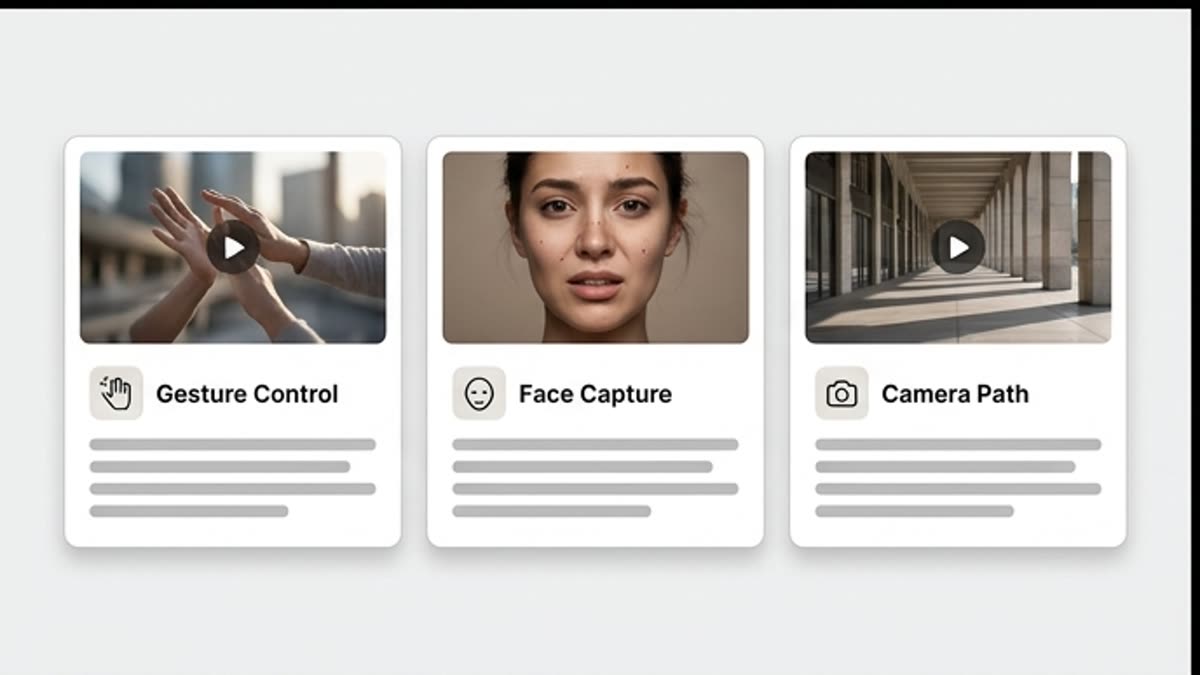
Control over gestures and poses
The model helps you define body movement, hands, facial expression and action timing more precisely.
Strong for short clips
Use Kling 2.6 Motion Control for small scenes where you need a stable result fast.
Useful for characters
A motion reference helps the character behave more predictably and break pose or gesture less often.
When to use it
Common jobs this section is built for.
These examples make it easier to choose where to start and which nearby section to open next.
You need a gesture or action
Define a short movement for a character, avatar, product or ad scene.
You need to hold face and pose
Use motion control when the character must stay recognizable and move cleanly.
You need to test a motion reference fast
Check whether the chosen motion works before running a heavier model.
Workflow
How it works inside Keter Labs.
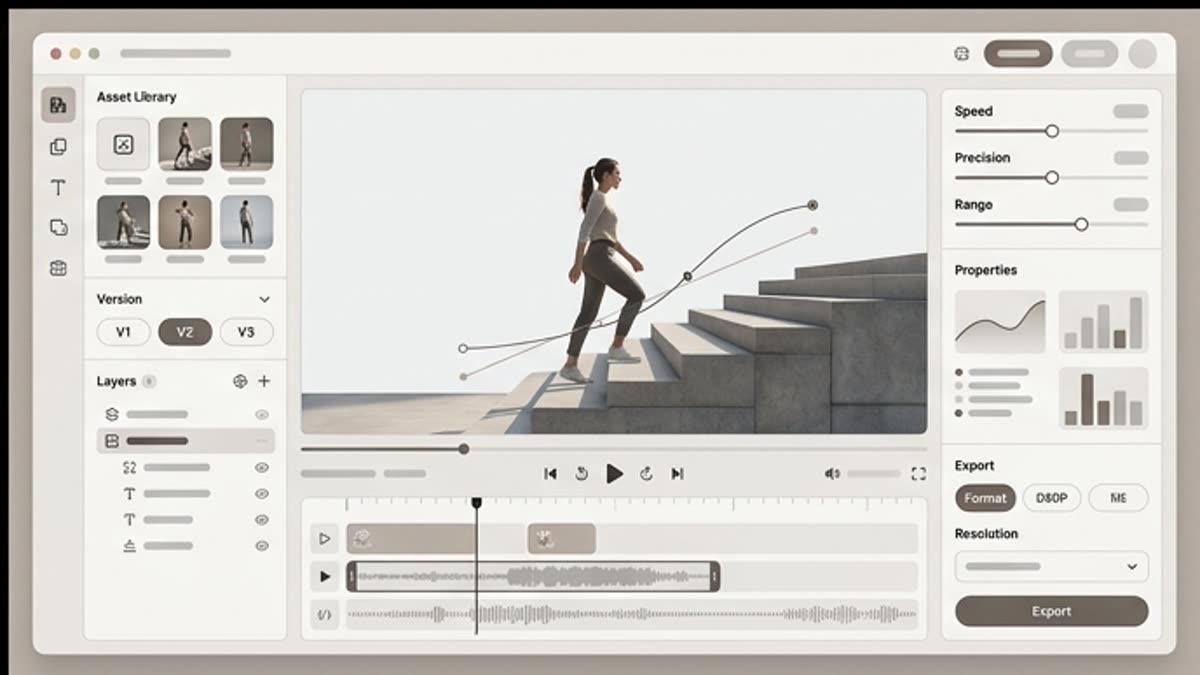
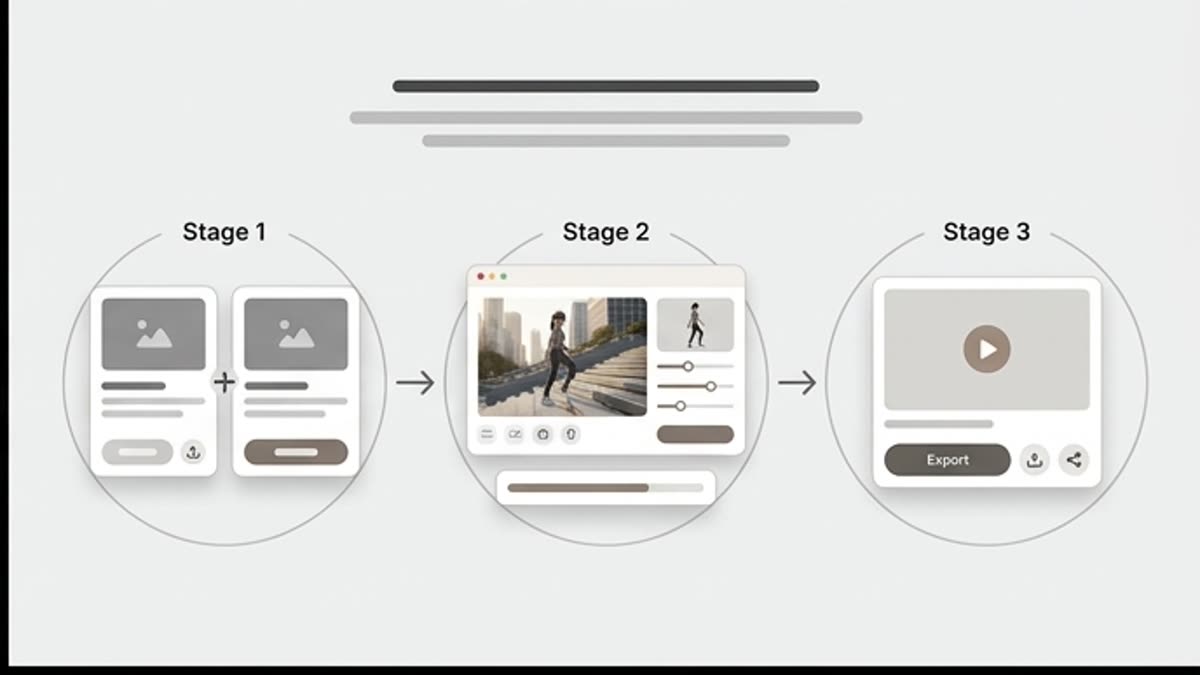
Every section in Keter Labs follows the same shape: a clear brief, a fast first draft, refinement in the editor, and a result saved into the project.
Step 1
Pick a motion reference and an image of the character, product or scene.
Step 2
Describe which parts of the motion matter: hands, face, pose, camera, pacing or sync.
Step 3
Review the short clip and save the version where the motion looks natural.
Related sections
Where to go next.
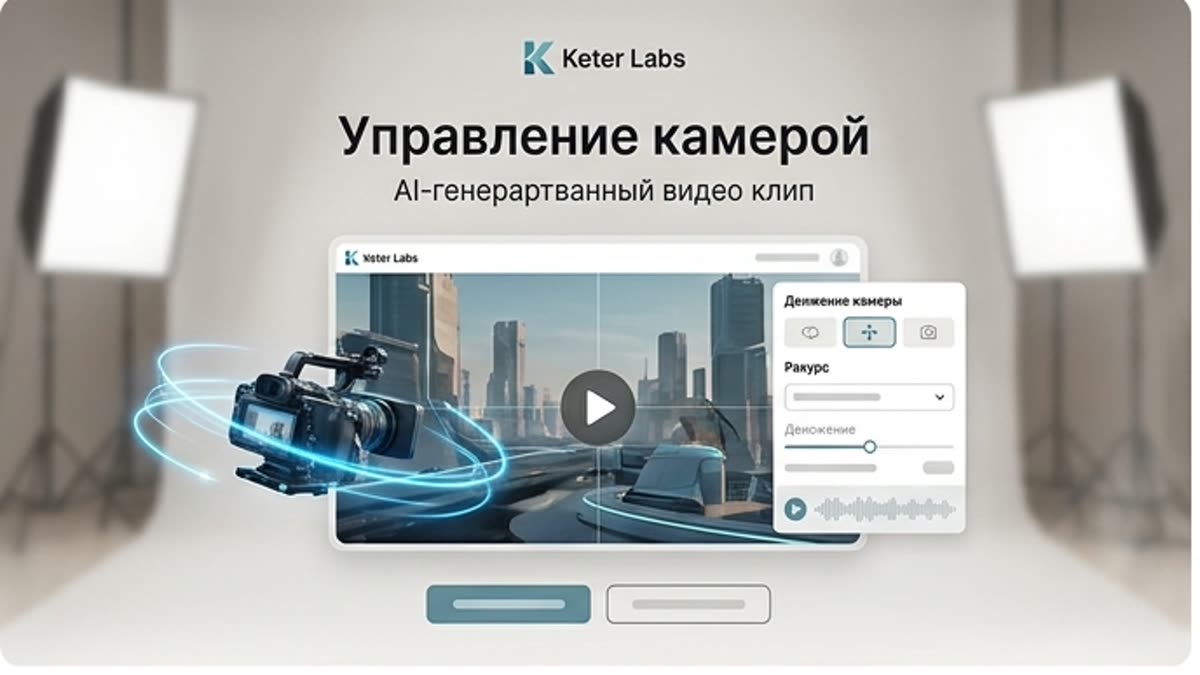
Camera control
Camera control helps you set the angle, movement and framing language of AI video. Use camera control so a clip reads like a deliberate scene: a product orbit, a soft push-in, a cinematic pan, a handheld feel or a detail reveal.
Open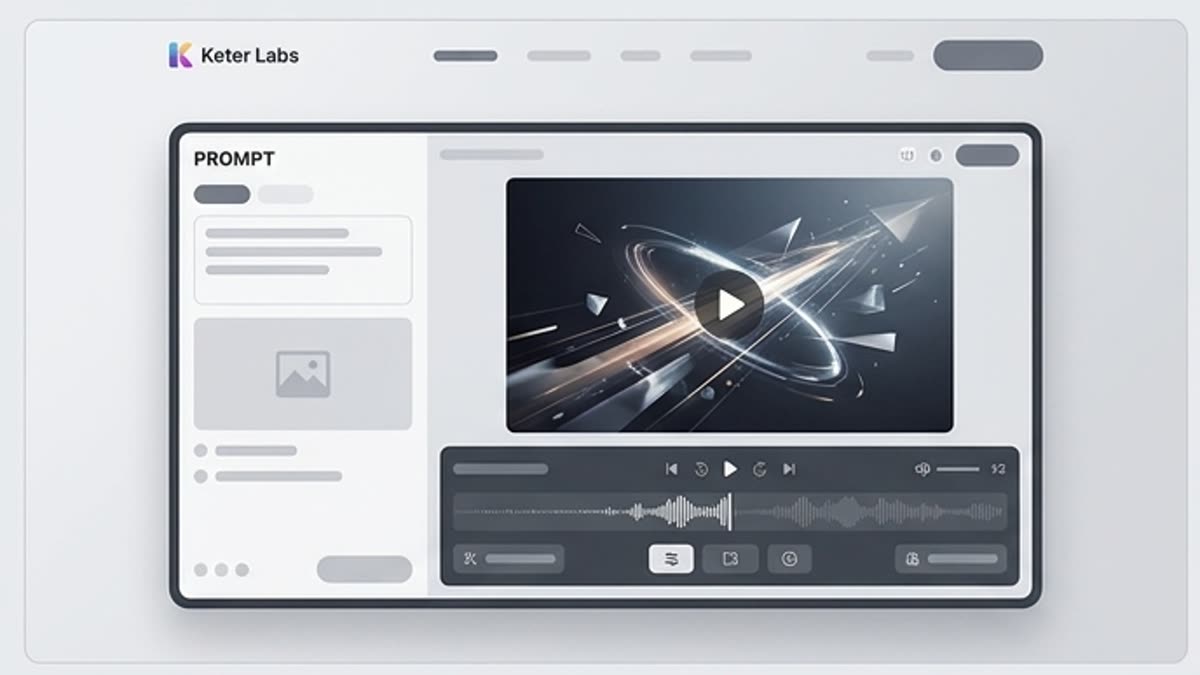
Video generator
An AI video generator for short ad scenes, social content, product motion, mood videos and first drafts of clips. Start from text, an image or a reference, define the motion and bring the clip to a format you can show the team.
Open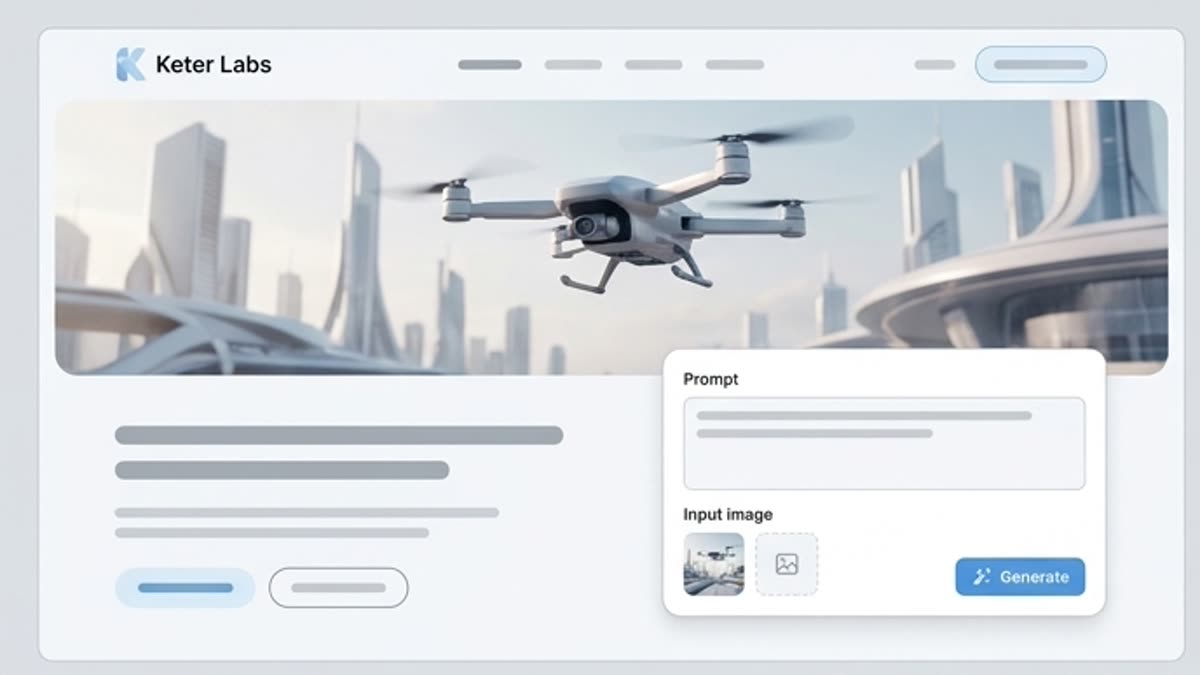
Kling 2.6
Kling 2.6 suits stable AI video and fast iteration: short ad scenes, illustrative animation, product video, image-to-video clips and variants ready for further motion control.
OpenReady when you are
Bring this workflow into your next project.
Spin up assets, lock in versions and align your team around a single creative platform.
Create account