Visual models
Flux 2 Pro
Flux 2 Pro suits photoreal and cinematic images: brand campaigns, characters, product scenes, editorial shots and visuals where light, materials, atmosphere and a finished-quality feel matter.
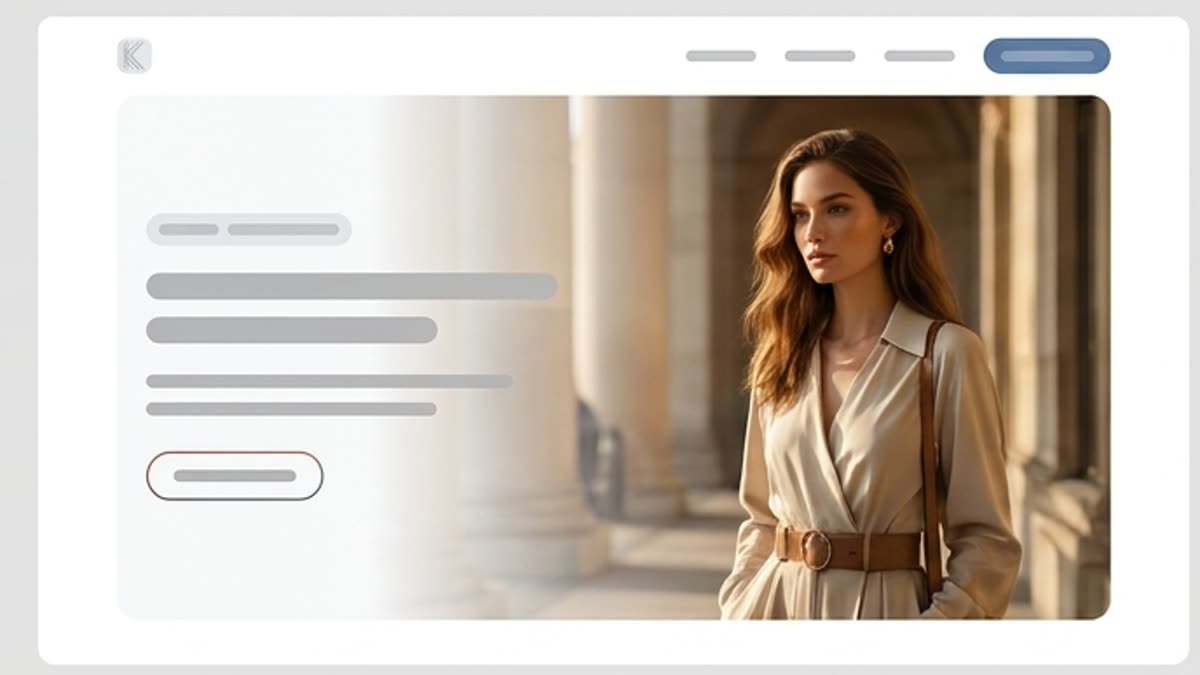
What's included
What this section gives you.
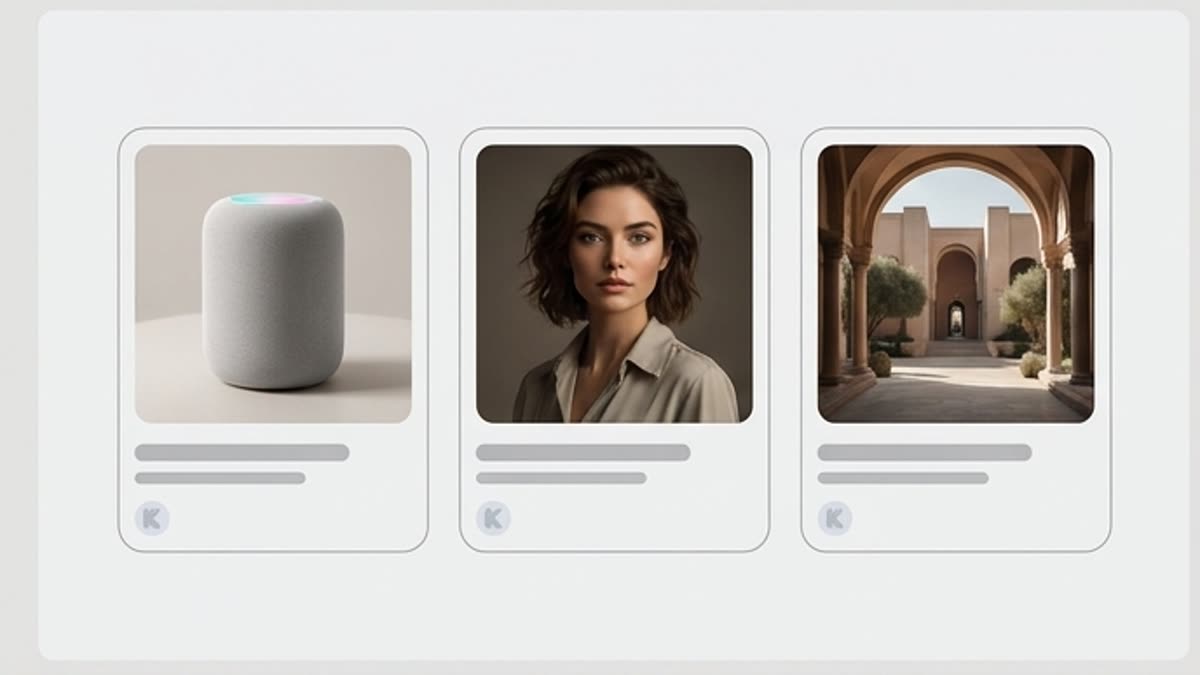
Strong visual delivery
The model produces frames with expressive light, depth, materials and the feel of a high-end shoot.
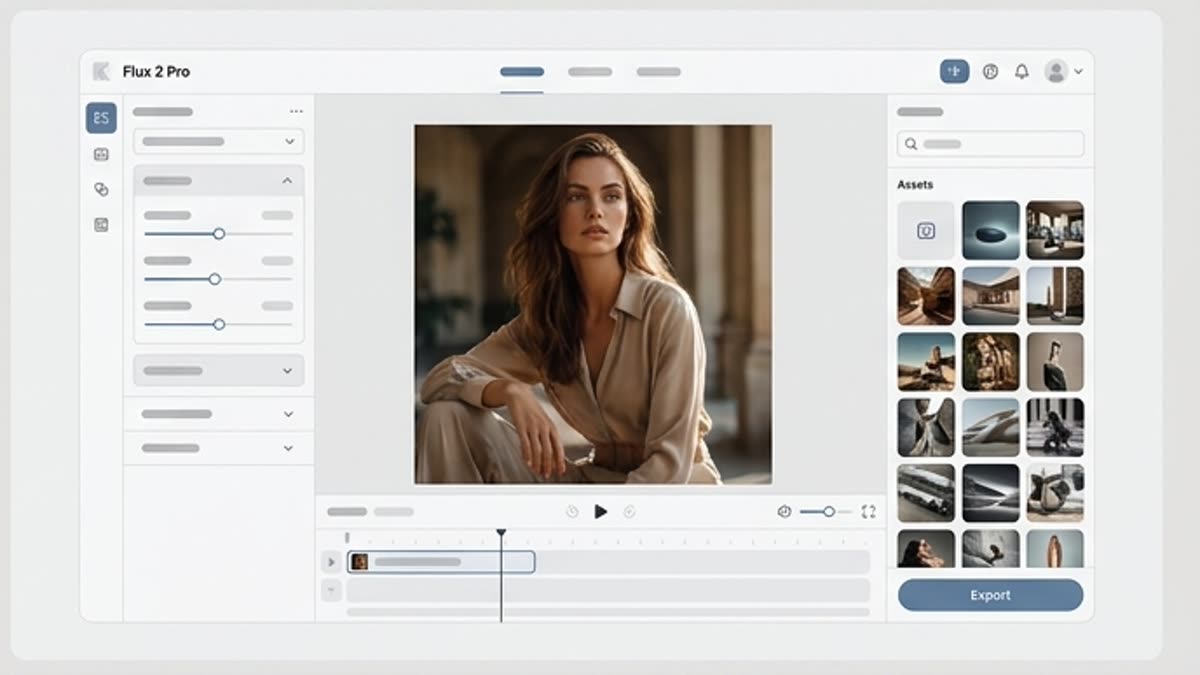
Built for brand and campaigns
Use Flux 2 Pro for hero visuals, posters, product stories, characters and presentation scenes.
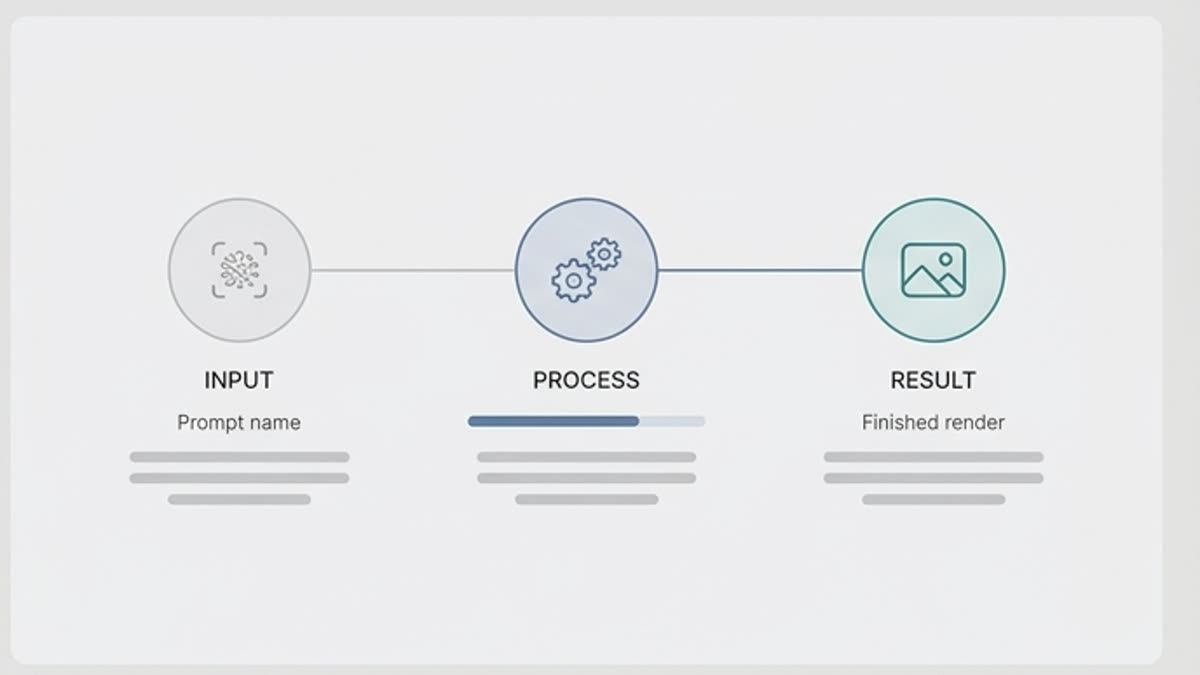
A solid base for final edits
Take the frame further with retouching, relighting, background work, upscaling, resizing or a design layout.
When to use it
Common jobs this section is built for.
These examples make it easier to choose where to start and which nearby section to open next.
You need a strong hero visual
Create an image for a hero section, presentation, ad slot or product launch.
You need a cinematic scene
Use the model for frames with atmosphere, light and expressive space.
You need a character or lifestyle shot
Build a visual that feels closer to a real shoot and works better in commercial communication.
Workflow
How it works inside Keter Labs.
Every section in Keter Labs follows the same shape: a clear brief, a fast first draft, refinement in the editor, and a result saved into the project.
Step 1
Describe the scene like a shoot: subject, light, angle, materials, background, mood and format.
Step 2
Add references if you need to hold the brand style or a specific aesthetic.
Step 3
Check the realism of the details and send the best frame to final polish.
Related sections
Where to go next.
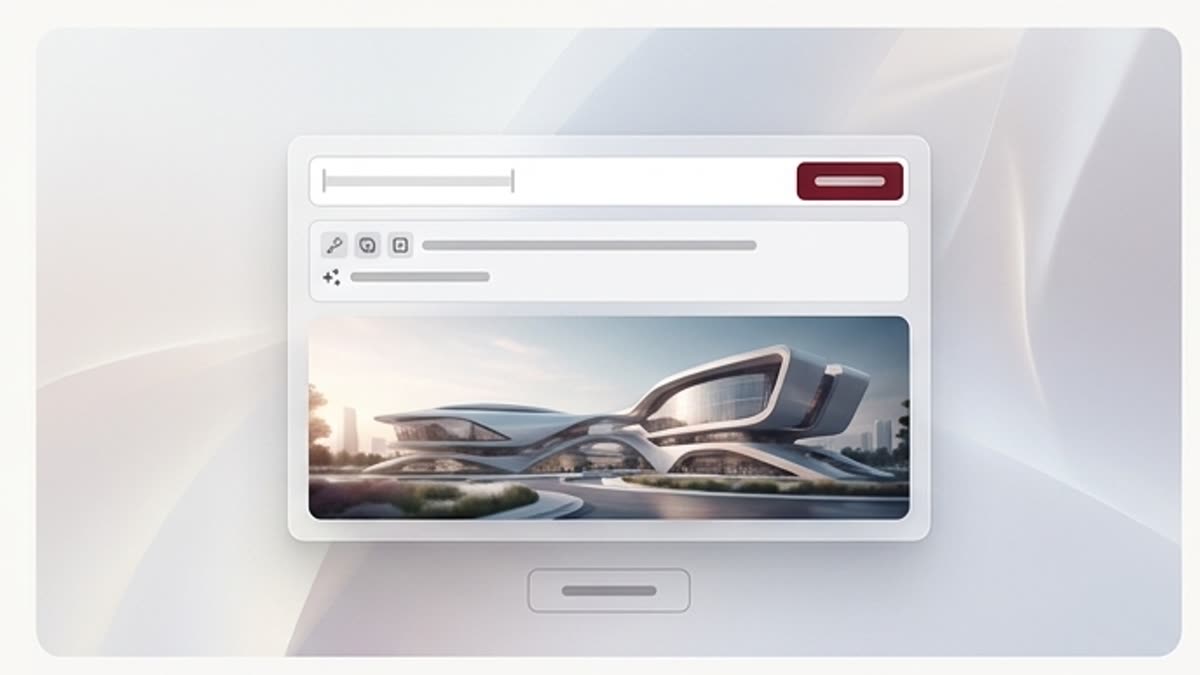
Image generator
An AI image generator for campaigns, product visuals, covers, social media and presentations. Describe the task, add references, pick a direction and bring the best variant to a working file in Keter Labs.
Open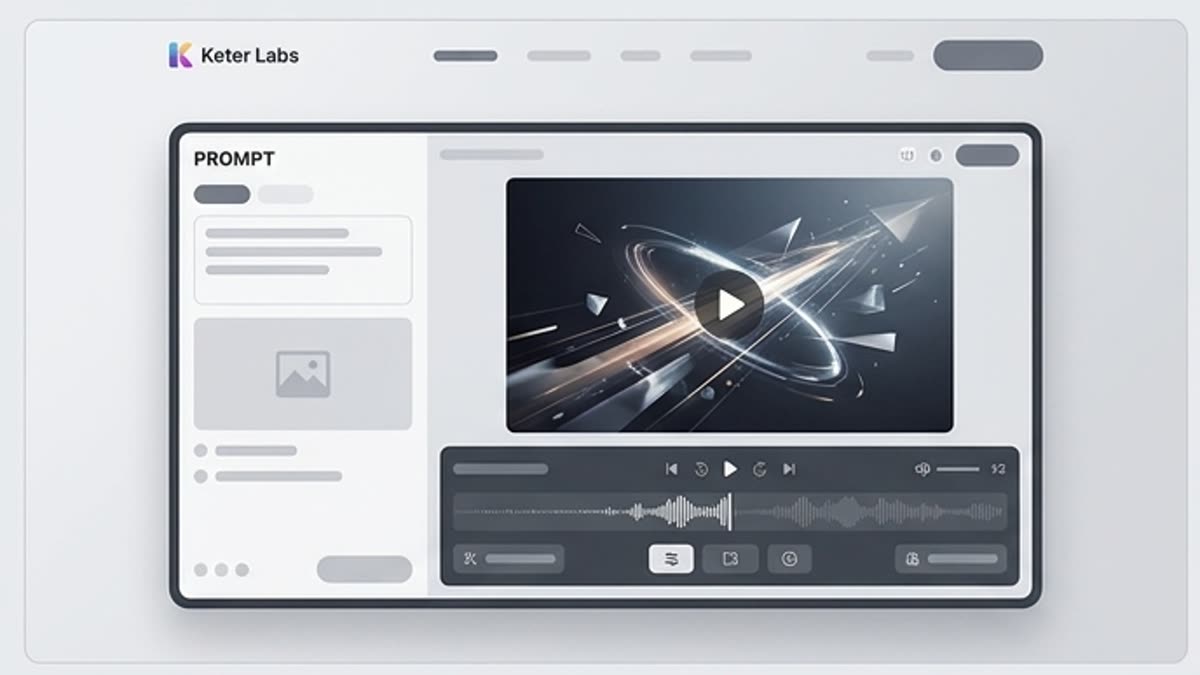
Video generator
An AI video generator for short ad scenes, social content, product motion, mood videos and first drafts of clips. Start from text, an image or a reference, define the motion and bring the clip to a format you can show the team.
Open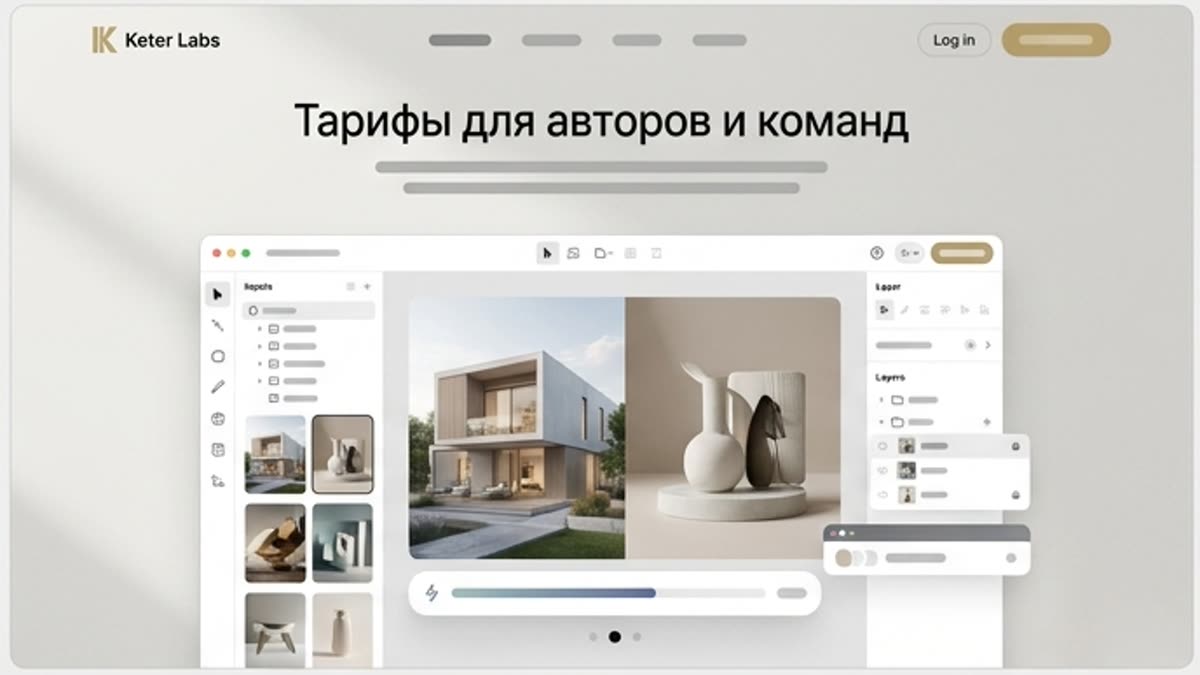
Pricing for creators and teams
Pick the plan that fits your generation volume, team workflow and commercial output — from solo creators to production studios.
OpenReady when you are
Bring this workflow into your next project.
Spin up assets, lock in versions and align your team around a single creative platform.
Create account