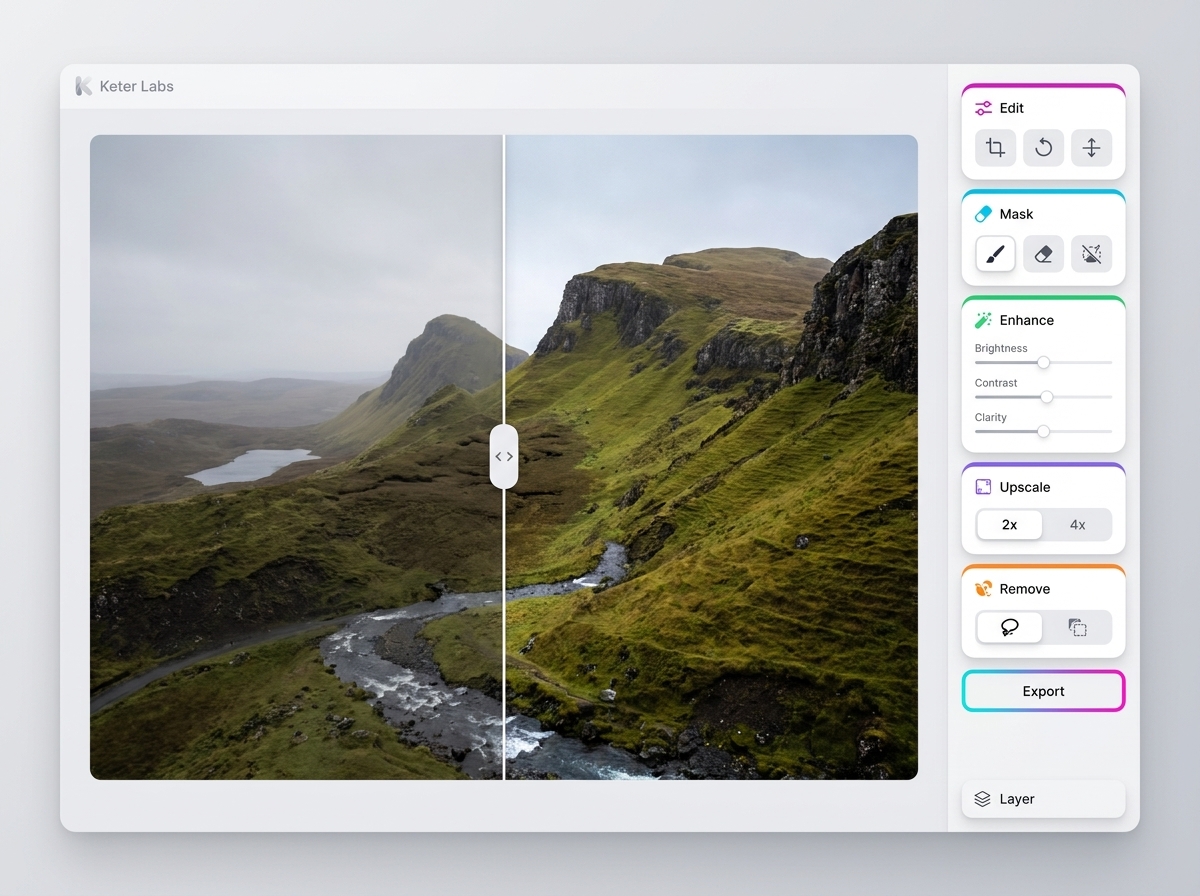
Foto

AI photo editor

AI photo editor es la página para la tarea: editar fotografías y mejorar la escena, el fondo, el encuadre y la calidad visual sin trabajo manual rutinario. Ayuda a entender rápidamente qué preparar, cómo obtener la primera versión, qué comprobaciones realizar y hacia dónde avanzar después del resultado.

AI photo editorAI image editorphoto editor AIAI photo editingonline AI photo editoredit photos with AIAI photo editor for product imagesAI photo editor for campaign visualsAI photo editor for social mediaphoto editing workflowimage editing workflowAI photo editor for marketing teamsAI photo editor for creative teamsproduct photo editingcampaign image editingsocial media image editing
AI photo editor — Keter Labs
Edit

Qué hay aquí

Cómo ayuda esta sección en el trabajo.

Refine existing images for review

Refine existing images for review

Keter Labs Photo Editor helps teams refine existing images for product visuals, campaign assets, social graphics, presentations and creative projects. Users can adjust and prepare selected photos inside supported Keter Labs image, design, mockup and creative workflows while reviewing quality, brand fit and usage requirements before publishing.
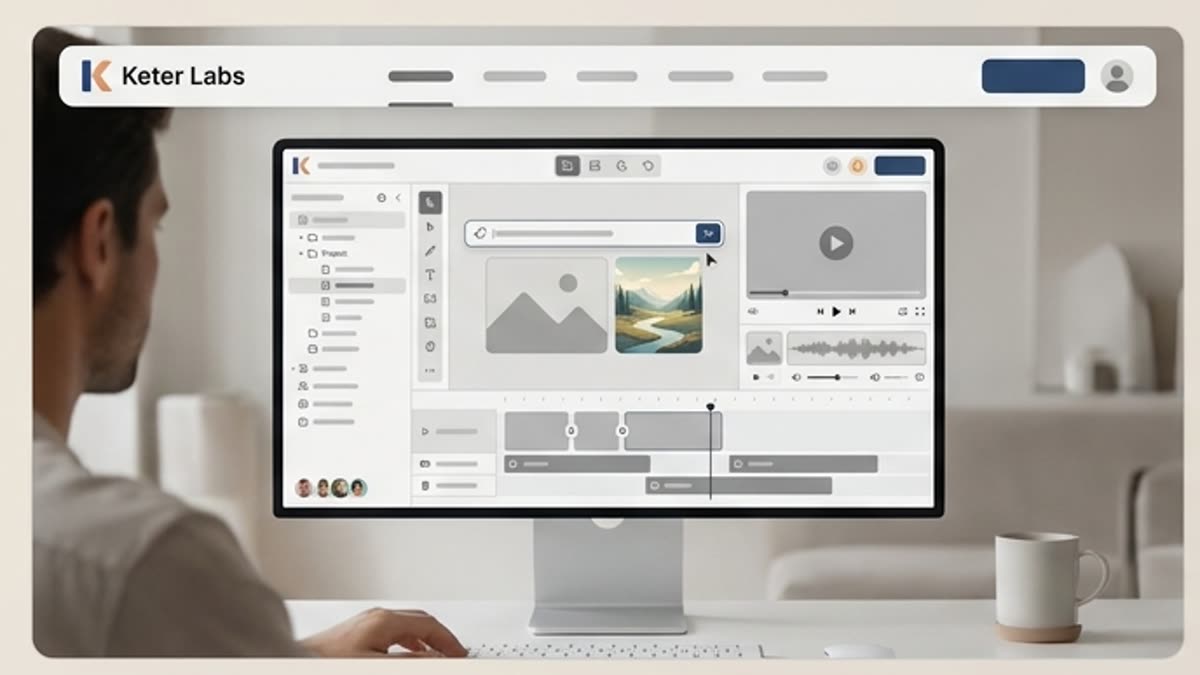
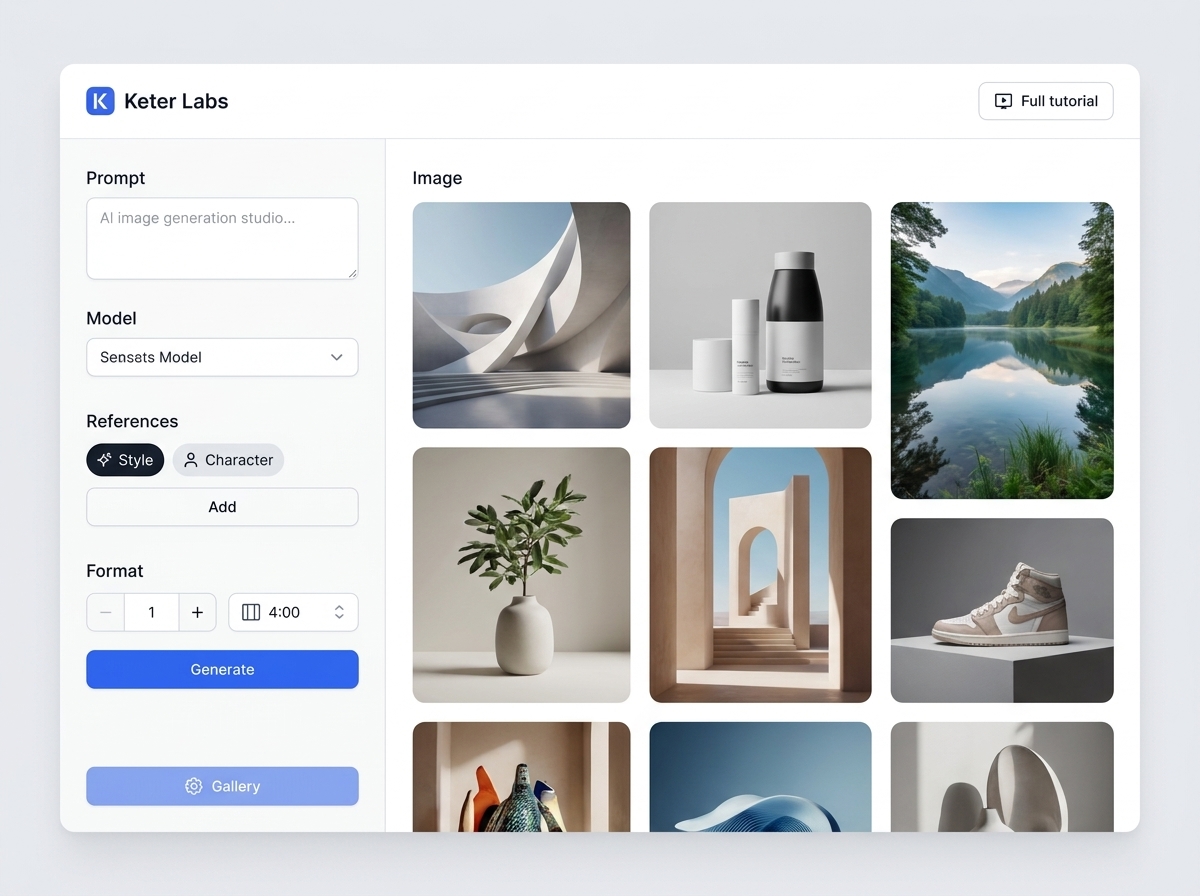
Prepare product and campaign visuals

Prepare product and campaign visuals

Use AI photo editing to support product photo editing, campaign image editing, social media image editing, landing page visuals, presentation graphics and mockup-ready assets before they move into layout or review.

Keep editing connected to production

Keep editing connected to production

Keter Labs helps teams keep image refinement close to image generation, background removal, image upscaling, design, mockups, stock media and broader creative production steps where supported.

Cuándo usarla

Tareas típicas para las que se abre esta sección.

Estos escenarios ayudan a entender rápido qué trabajo conviene empezar aquí y qué es mejor continuar en las secciones vecinas.

Product photo editing

Product photo editing

Refine selected product photos before they move into ecommerce pages, product cards, campaign visuals, presentation slides or mockup-ready assets.

Campaign image editing

Campaign image editing

Use a campaign image editing workflow when visuals need refinement before appearing in ads, landing pages, social posts or creative presentations.

Social media image editing

Social media image editing

Prepare cleaner and more consistent social graphics for campaign planning, creative approvals, posts and presentation workflows.

Presentation image refinement

Presentation image refinement

Refine photos for pitch decks, internal reviews and client-facing presentation assets before final creative decisions are made.

Landing page visual editing

Landing page visual editing

Prepare selected images for landing pages and web sections where clarity, placement context and brand fit need to be reviewed before publishing.

Ad creative preparation

Ad creative preparation

Refine images for ad concepts and campaign layouts where product accuracy, text clarity, lighting, color and visual consistency matter.

Mockup-ready image preparation

Mockup-ready image preparation

Prepare existing photos before using them in mockups so product, packaging, screen or campaign materials have a stronger starting point for review.

Client review visuals

Client review visuals

Prepare clearer visual options for client, stakeholder or team review while still checking quality and suitability before final use.

Detalles

Lo que conviene saber antes de usarla.

AI photo editor direct answer

AI photo editor direct answer

Keter Labs Photo Editor helps teams refine existing images for product visuals, campaign assets, social graphics, presentations and creative projects. Users can adjust and prepare selected photos inside supported Keter Labs image, design, mockup and creative workflows while reviewing quality, brand fit and usage requirements before publishing.

AI photo editor vs AI image generator

AI photo editor vs AI image generator

An AI photo editor and an AI image generator solve different tasks. An AI image generator creates new visuals from prompts, references or briefs, while an AI photo editor works with an existing image and helps prepare it for a campaign, product page, social post, presentation or creative workflow.

Photo editor vs background remover

Photo editor vs background remover

A photo editor can support broader image refinement, while a background remover focuses on separating the subject from the background. If the main task is removing a background from a product photo or campaign visual, users should use the dedicated background remover workflow where supported.

Photo editor vs image upscaler

Photo editor vs image upscaler

Photo editing focuses on changing, refining or preparing an existing image, while image upscaling focuses on improving image quality or size. Teams should choose the workflow that matches the task before using an image in public or client-facing work.

Review edited photos before publishing

Review edited photos before publishing

Edited photos should be reviewed before public, paid, client-facing or campaign use. Teams should check product accuracy, edge quality, text clarity, lighting, color, brand fit, visual consistency, placement context and usage requirements before treating any edited photo as final.

Cómo trabajar

El camino habitual: de la tarea al archivo terminado.

Empieza con la tarea y las referencias, obtén una primera versión, ajusta los detalles en el editor y guarda el resultado en el proyecto. Sin saltos innecesarios entre servicios.

AI photo editor workflow
1

Paso 1

Formule la tarea: editar fotografías y mejorar la escena, el fondo, el encuadre y la calidad visual sin trabajo manual rutinario. Aclare qué resultado se necesita y dónde se va a utilizar.

2

Paso 2

Prepare la tarea, las referencias, el formato del resultado, las restricciones de marca y los criterios del archivo final. Si la tarea es de equipo, compruebe con antelación los accesos, los roles y el lugar de almacenamiento del resultado.

3

Paso 3

Ejecute la herramienta o el escenario en Keter Labs y guarde las versiones acertadas, los parámetros, los prompts y los archivos dentro del proyecto.

4

Paso 4

Antes de entregar el material, compruebe la calidad del resultado, los derechos, el formato de exportación, la coherencia con la marca y la claridad del siguiente paso y, si es necesario, continúe el trabajo en las secciones relacionadas.

FAQ

Preguntas frecuentes

What is an AI photo editor?+

An AI photo editor helps teams refine existing images for product visuals, campaign assets, social graphics, presentations and creative projects while keeping review and quality checks in the workflow.

What can I use Keter Labs Photo Editor for?+

Keter Labs Photo Editor can support workflows for product photo editing, campaign image refinement, social media visuals, landing page images, presentation graphics, mockup-ready assets and client review visuals.

Is an AI photo editor the same as an AI image generator?+

No. An AI image generator creates new visuals from prompts, references or briefs, while an AI photo editor works with an existing image and helps refine or prepare it for use.

Is photo editing the same as background removal?+

No. Photo editing is broader image refinement, while background removal focuses on separating the subject from the background. Keter Labs has separate workflows where supported.

Is photo editing the same as image upscaling?+

No. Photo editing focuses on refining an image, while image upscaling focuses on improving image quality or size. Teams should choose the workflow that matches the task.

Should I review AI-edited photos before publishing?+

Yes. Teams should review edited photos for product accuracy, edge quality, text clarity, lighting, color, brand fit, visual consistency and usage requirements before using them in public or client-facing work.

Puedes empezar

Abre Keter Labs y crea tu primera versión de trabajo.

Crea imágenes, vídeo, sonido y diseños en un solo lugar, y guarda las versiones acertadas para el equipo y las próximas campañas.

Crear cuenta