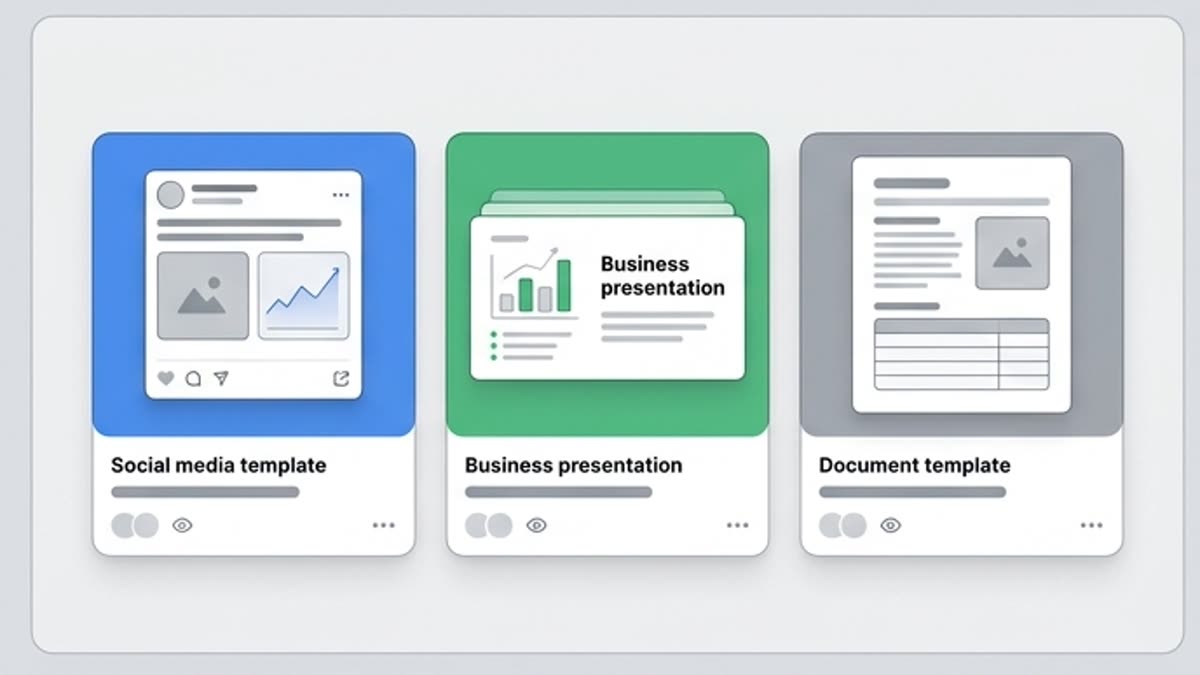
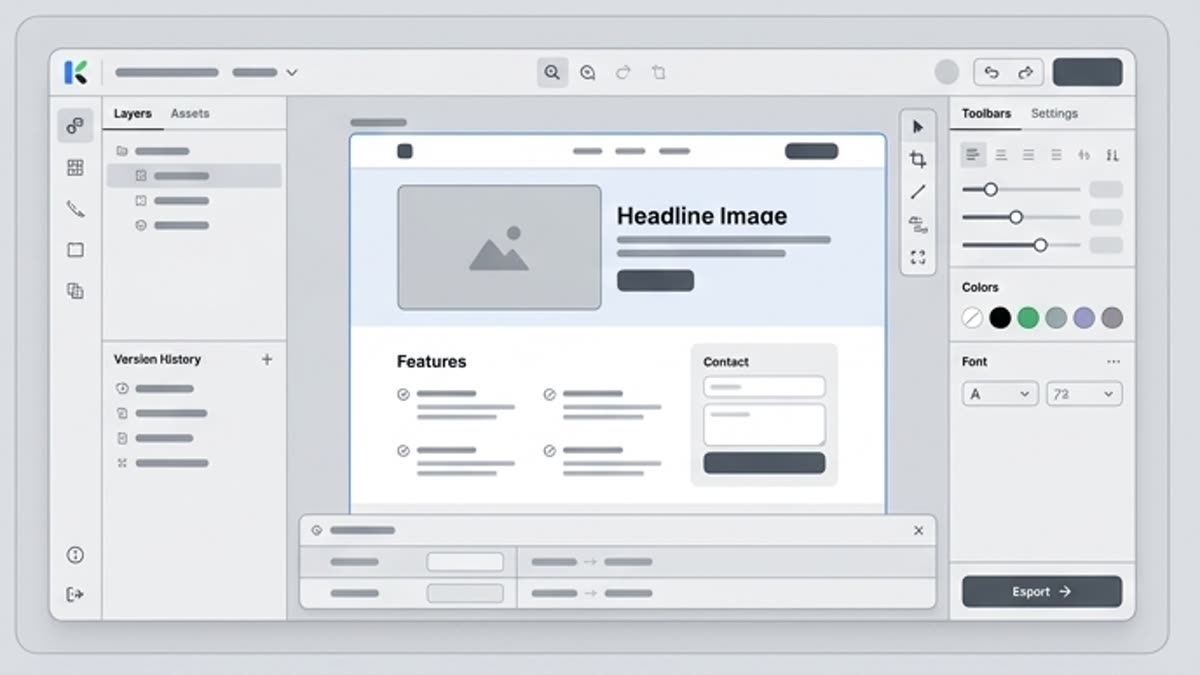
Шаблоны помогают быстрее выпускать материалы для маркетинга, брендинга, соцсетей, баннеров, презентаций, обложек, канцелярии и личных проектов. Это хорошая точка старта, когда структура уже понятна и нужно быстро довести дизайн до публикации.
design templatesmarketing templatescampaign templatessocial media templatespresentation templatesbrand templatestemplate assetseditable design templatestemplates for creative projectstemplates for marketing teamstemplates for campaign visualswebsite design templatesflyer design templatesbusiness card design templatesbrochure design templatescreative templates
Design
Что здесь есть
Чем этот раздел помогает в работе.
Готовая структура макета
Берите шаблон с уже продуманной композицией, сеткой, местами для текста, изображений и фирменных элементов.
Быстрее для регулярного контента
Шаблоны особенно полезны для постов, баннеров, презентаций, обложек, рекламных креативов и брендовых материалов.
Можно адаптировать под стиль
Меняйте текст, цвета, изображения, логотип, формат и визуальный тон, не начиная макет с пустого экрана.
Когда использовать
Типовые задачи, для которых открывают этот раздел.
Эти сценарии помогают быстро понять, какую работу лучше начать здесь, а что удобнее продолжить в соседних разделах.
Нужно быстро выпустить кампанию
Используйте шаблон как основу для серии рекламных материалов, а не собирайте каждый формат вручную.
Нужна презентация или обложка
Выберите готовую структуру и адаптируйте ее под продукт, команду, клиента или мероприятие.
Нужно сохранить визуальную систему
Создайте набор повторяемых макетов, чтобы материалы бренда выглядели согласованно.
Подробности
Что важно знать перед использованием.
Campaign Templates for Creative Teams
Use Keter Labs Templates when a campaign, social post, banner, presentation, cover, brand material, business visual or creative project needs a ready starting point. Keep this page focused on design templates, not the broader stock media library or AI design tool page.
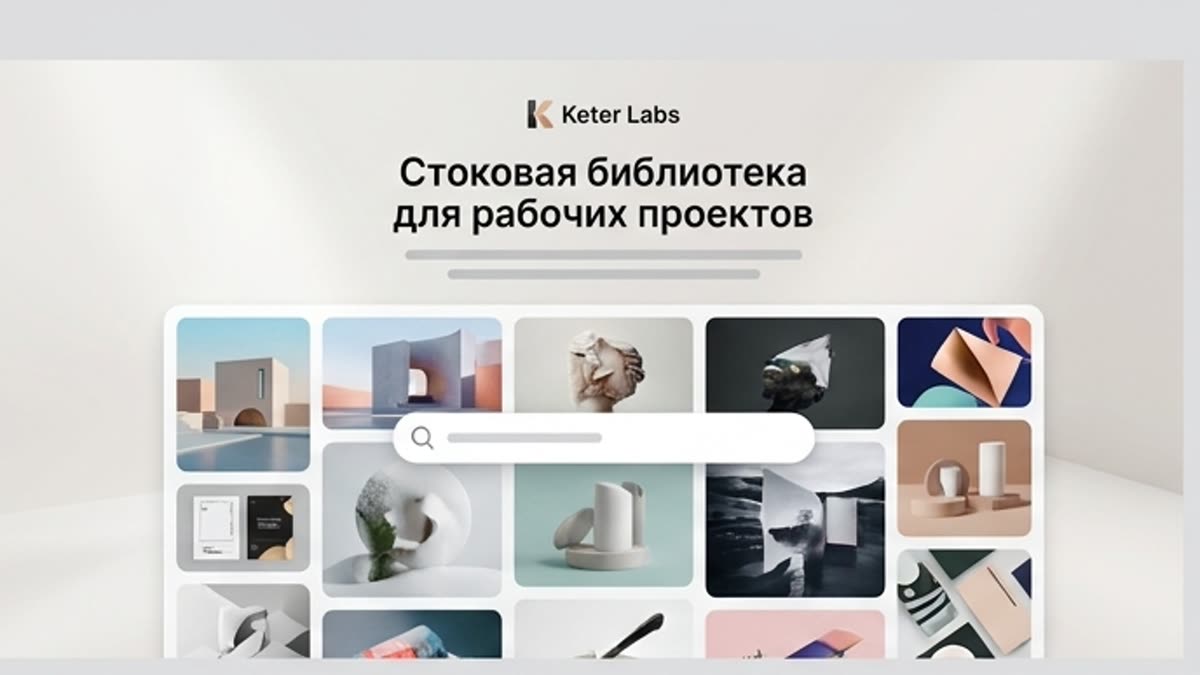
Connect Templates With Creative Workflows
Selected template assets can support the stock media library, AI design workflows, the AI mockup generator, stock photos, the icon library, the AI image generator, Keter Labs pricing review and the creative workflow platform where those connected workflows are available.
Choose the Right Template Workflow
Choose design templates when the project needs a ready layout or creative asset starting point. Choose Designer when the task needs AI design workflows from prompts, briefs or assets. Choose Mockups when the goal is to place finished designs into presentation scenes.
Design Template Questions
Use these questions to understand what design templates are, how Keter Labs Templates differs from the broader Stock page, when AI design tools may be a better starting point and why usage requirements should be reviewed before publishing.
Как работать
Обычный путь: от задачи до готового файла.
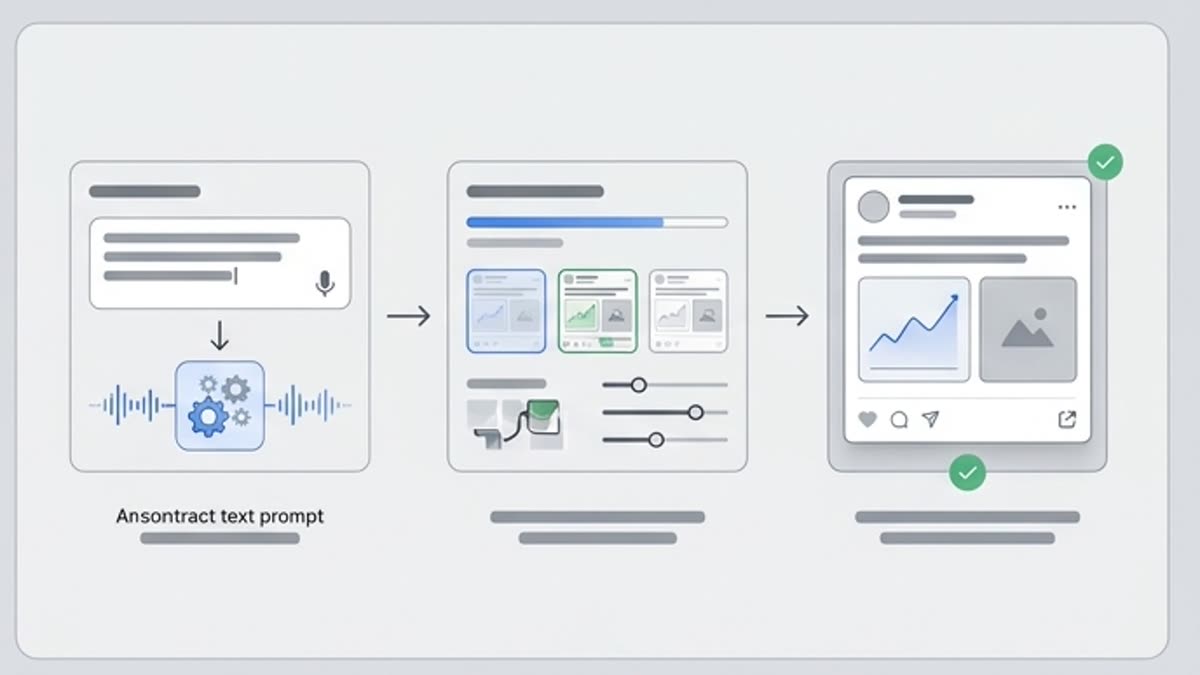
Начните с задачи и референсов, получите первый вариант, поправьте детали в редакторе и сохраните результат в проект. Без лишних переходов между сервисами.
1
Шаг 1
Выберите формат: презентация, баннер, креатив для соцсетей, обложка, бренд-материал или карточка.
2
Шаг 2
Подберите шаблон по структуре, стилю, количеству контента и задаче публикации.
3
Шаг 3
Замените тексты и визуалы, настройте брендовые элементы и сохраните готовую версию.
4
Шаг 4
Review usage requirements before publishing by checking the asset details shown in the platform for public, paid, client-facing or commercial work.
Design templates are ready layout or creative asset starting points that teams can use for campaigns, social posts, presentations, banners, brand materials, business visuals and creative projects, subject to the usage details shown for each asset.
What can I use Keter Labs Templates for?+
Keter Labs Templates can support creative workflows for campaign visuals, social media content, presentations, brand assets, banners, product launch materials and client-facing creative drafts.
How is Keter Labs Templates different from the Stock page?+
The Stock page is the broader creative asset hub, while Keter Labs Templates is focused specifically on template assets for campaign, brand and creative workflows.
Are templates the same as AI design tools?+
No. Templates provide ready structures or starting points, while AI design tools help teams explore new design directions from prompts, briefs, assets or creative direction. Teams can use the right workflow depending on the project.
Should I check usage requirements before using templates?+
Yes. Teams should review asset details and usage requirements shown in the platform before using templates in public, paid, client-facing or commercial work.
Who should use Keter Labs Templates?+
Keter Labs Templates is useful for marketers, agencies, designers, content teams, ecommerce teams and businesses that need template assets for campaigns, social content, presentations, brand materials and creative projects.
Можно начинать
Откройте Keter Labs и соберите первый рабочий вариант.
Создавайте изображения, видео, звук и макеты в одном месте, а удачные варианты сохраняйте для команды и следующих кампаний.
