Видео

Генератор видео

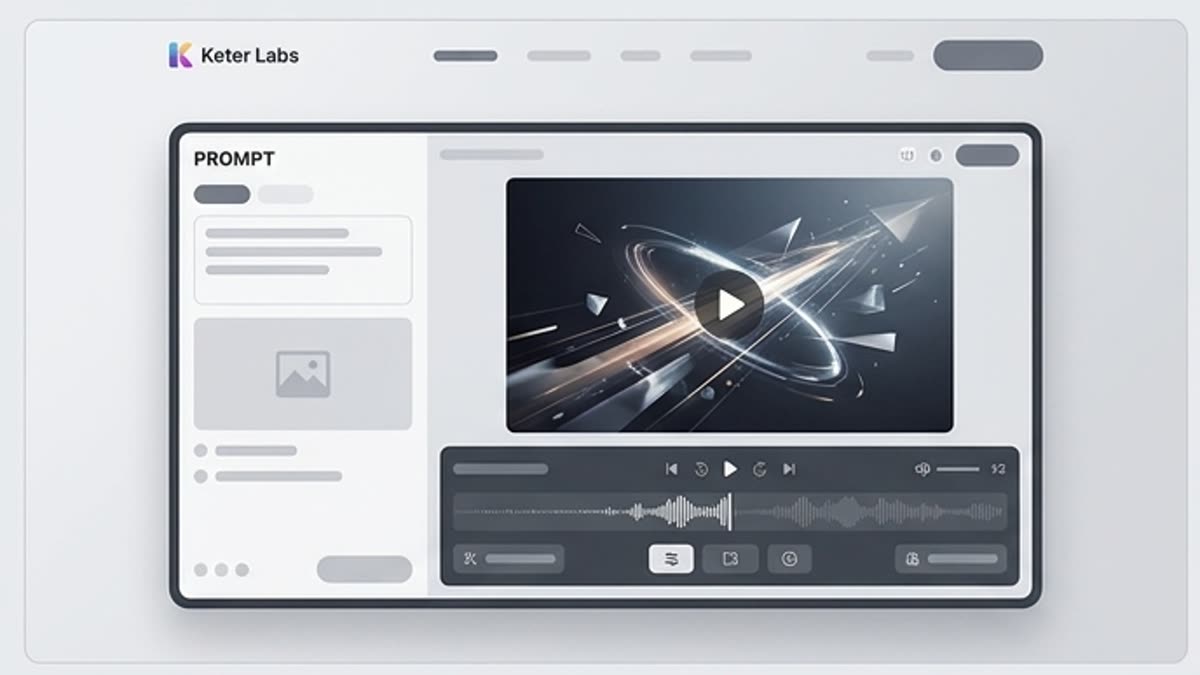
AI-генератор видео для коротких рекламных сцен, social-контента, product motion, mood-видео и первых вариантов роликов. Работайте от текста, изображения или референса, задавайте движение и доводите клип до формата, который можно показать команде.

AI video generatorAI motion creatorAI video creatorAI video makertext to video AIimage to video generatorAI video creation toolAI video generator for marketingAI video generator for social mediaAI product video generatorAI campaign video generatorAI video generator for creative teamsAI video generator for agenciesproduct videossocial media videosad conceptscampaign clipsmotion assetsvideo creative builder
Генератор видео — Keter Labs
Video

Что здесь есть

Чем этот раздел помогает в работе.

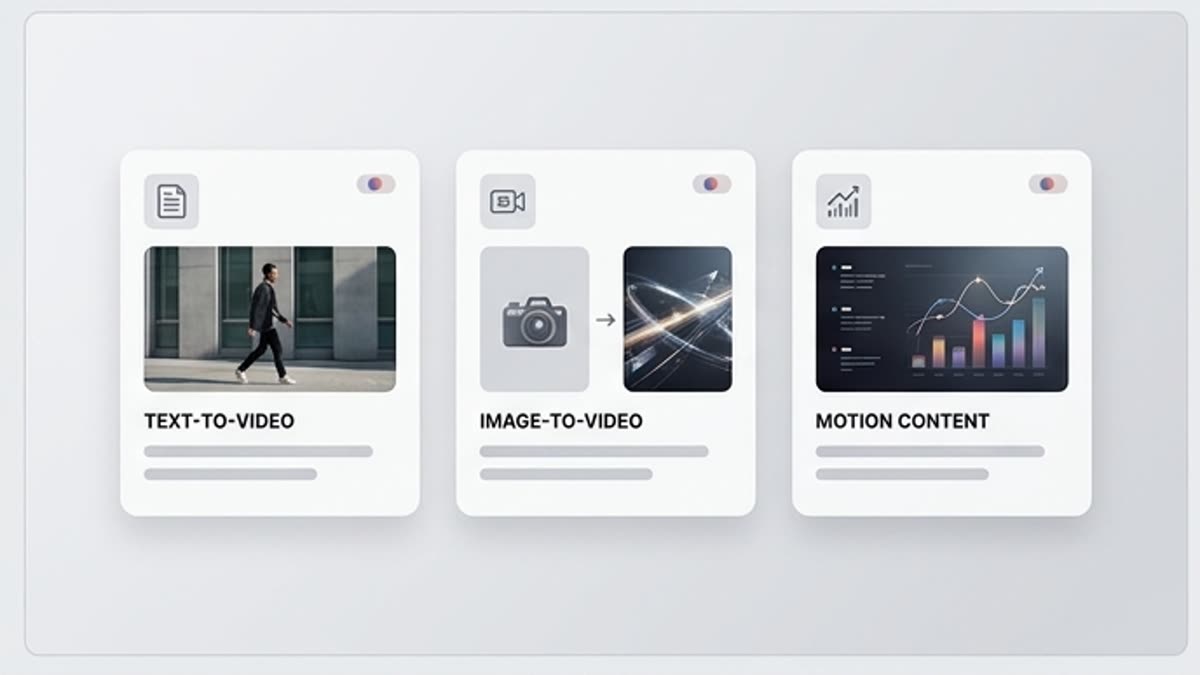
Image-to-video и text-to-video в одном процессе

Image-to-video и text-to-video в одном процессе

Начните с готового кадра, продукта или короткого описания. Так проще контролировать сцену, стиль, объект и движение камеры.

Движение задается как production-задача

Движение задается как production-задача

Опишите камеру, действие объекта, темп и элементы, которые нельзя менять. Это делает AI video generation более управляемой.

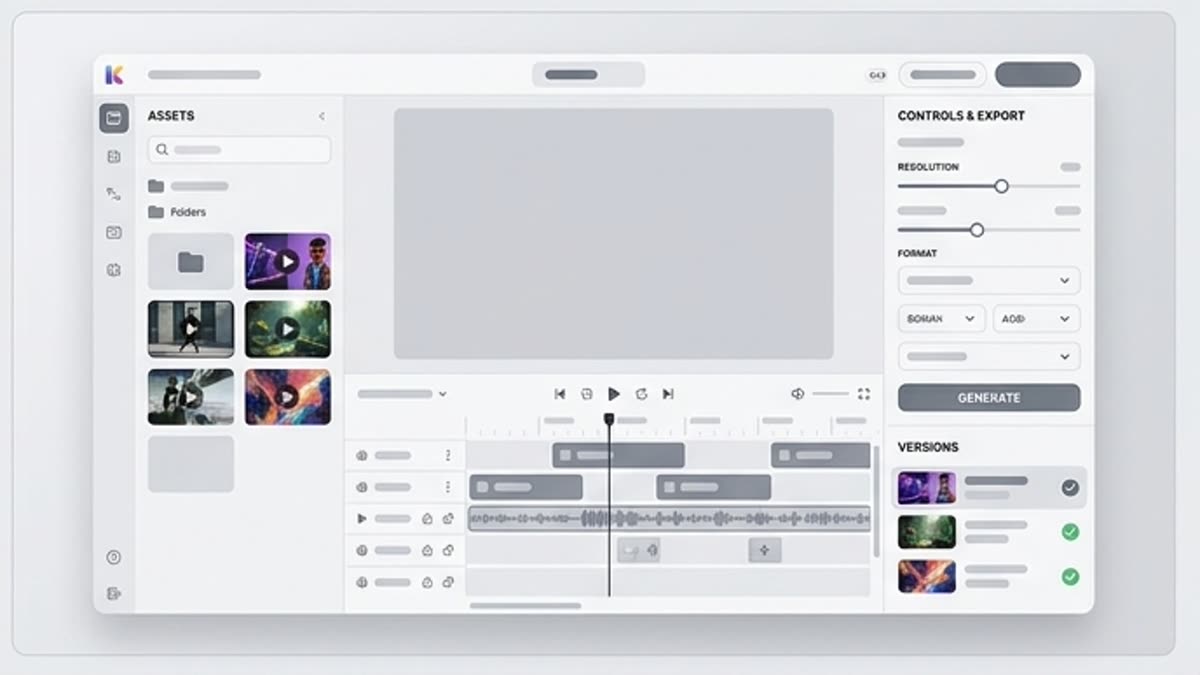
Клип можно продолжить в редакторе

Клип можно продолжить в редакторе

После генерации проверьте стабильность, обрежьте лишнее, улучшите качество, добавьте звук и подготовьте версии под каналы.

Когда использовать

Типовые задачи, для которых открывают этот раздел.

Эти сценарии помогают быстро понять, какую работу лучше начать здесь, а что удобнее продолжить в соседних разделах.

Product Launch Videos

Product Launch Videos

Create product launch videos and motion directions for announcements, ecommerce pages, landing pages and sales materials, then review accuracy, pacing and brand fit before using them in public-facing work.

Social Media Videos

Social Media Videos

Generate social media videos for posts, reels-style concepts, short campaign clips and paid social ideas when teams need more motion directions before choosing a final angle.

Ad Concepts

Ad Concepts

Explore video ad concepts for campaign messages, product storytelling, audience tests and creative reviews before sending a selected direction into editing or design workflows.

Campaign Motion Assets

Campaign Motion Assets

Create campaign motion assets that help teams translate static ideas into movement for launches, brand moments, social content and presentation narratives.

Product Clips

Product Clips

Turn product frames, image references or product ideas into short product clips that can support campaign planning, internal review and visual storytelling.

Presentation Videos

Presentation Videos

Prepare presentation videos and motion directions for internal decks, client reviews, pitch materials and stakeholder conversations where the concept needs to be clear but still reviewable.

Brand Storytelling Clips

Brand Storytelling Clips

Use motion to explore brand storytelling clips for product narratives, campaign moods, launch teasers and content calendars without making unsupported production guarantees.

Creative Drafts for Client Review

Creative Drafts for Client Review

Agencies and creative teams can use Keter Labs to prepare early motion directions, compare options and keep selected drafts connected with image, audio, design and mockup workflows.

Подробности

Что важно знать перед использованием.

AI Motion Creator for Creative Teams

AI Motion Creator for Creative Teams

Keter Labs positions AI video generation inside a broader creative studio. Creators, marketers, agencies and design teams can move from prompt, image, product idea or campaign brief to usable motion direction, then continue into image, audio, mockup, design and asset-management workflows where supported.
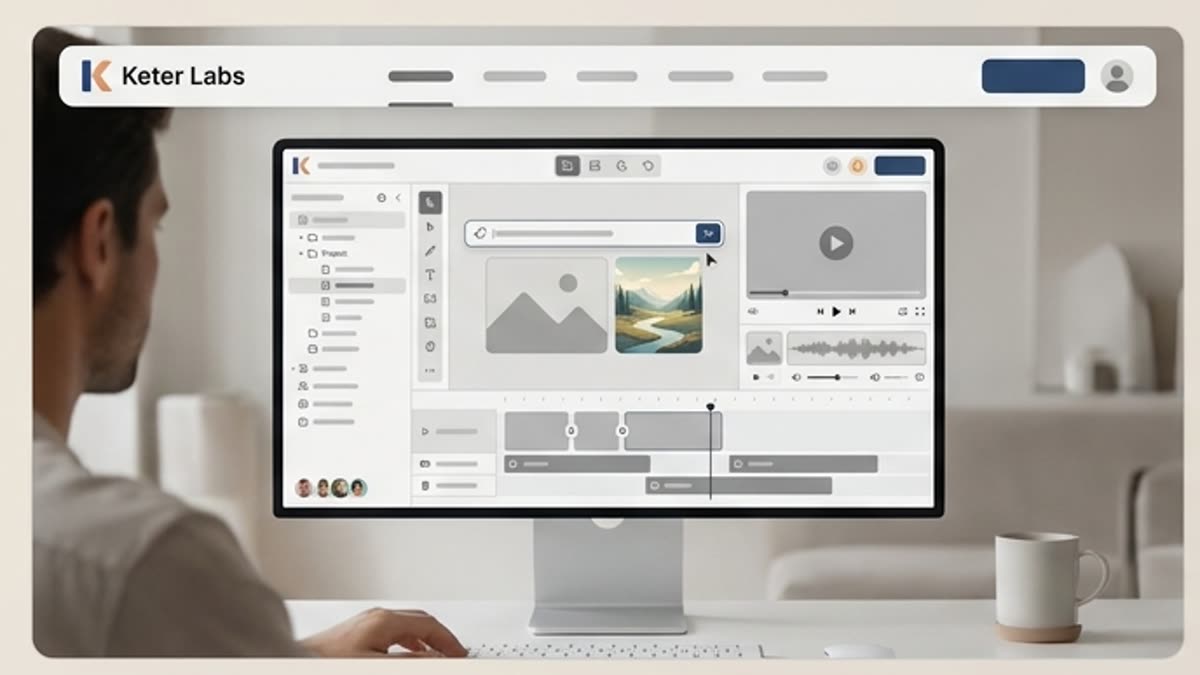
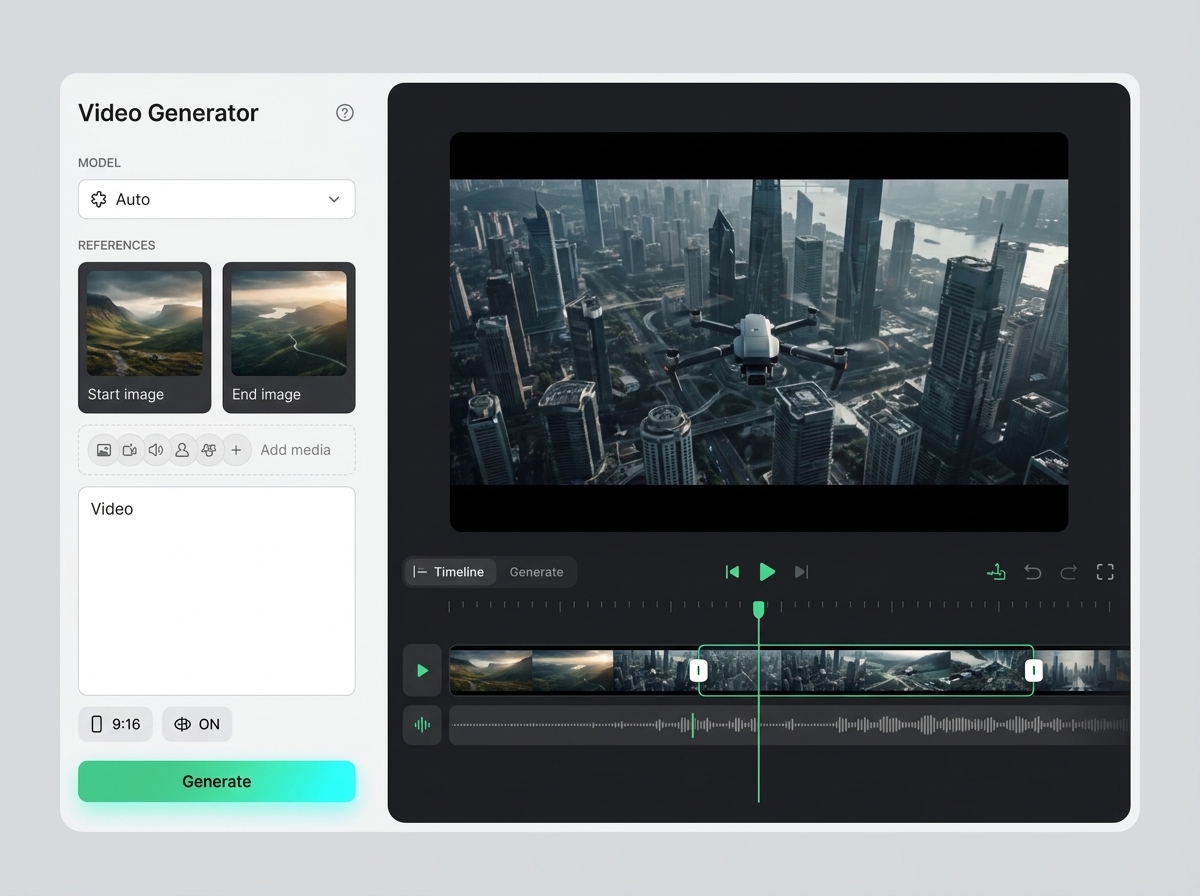
AI Video Generator With Prompts, Images and Campaign Briefs

AI Video Generator With Prompts, Images and Campaign Briefs

A strong AI motion creator workflow starts with clear creative direction. Add the product, audience, channel, message, reference image, motion direction, pacing, mood and campaign goal so video options are easier to compare and review.

AI Video Generator vs Separate Video Tools

AI Video Generator vs Separate Video Tools

Separate AI video tools can help generate quick clips, but creative teams often need more than one output. Keter Labs connects AI video generation with image creation, audio workflows, mockups, design assets and creative asset management, so teams can move from first concept to reviewed campaign asset without switching between disconnected tools.

Review AI-Generated Videos Before Publishing

Review AI-Generated Videos Before Publishing

AI-generated videos should be reviewed before publishing, client delivery or campaign use. Teams should check brand fit, product accuracy, motion quality, pacing, text inside frames, audio fit, visual consistency and usage requirements before treating any generated clip as final.

Как работать

Обычный путь: от задачи до готового файла.

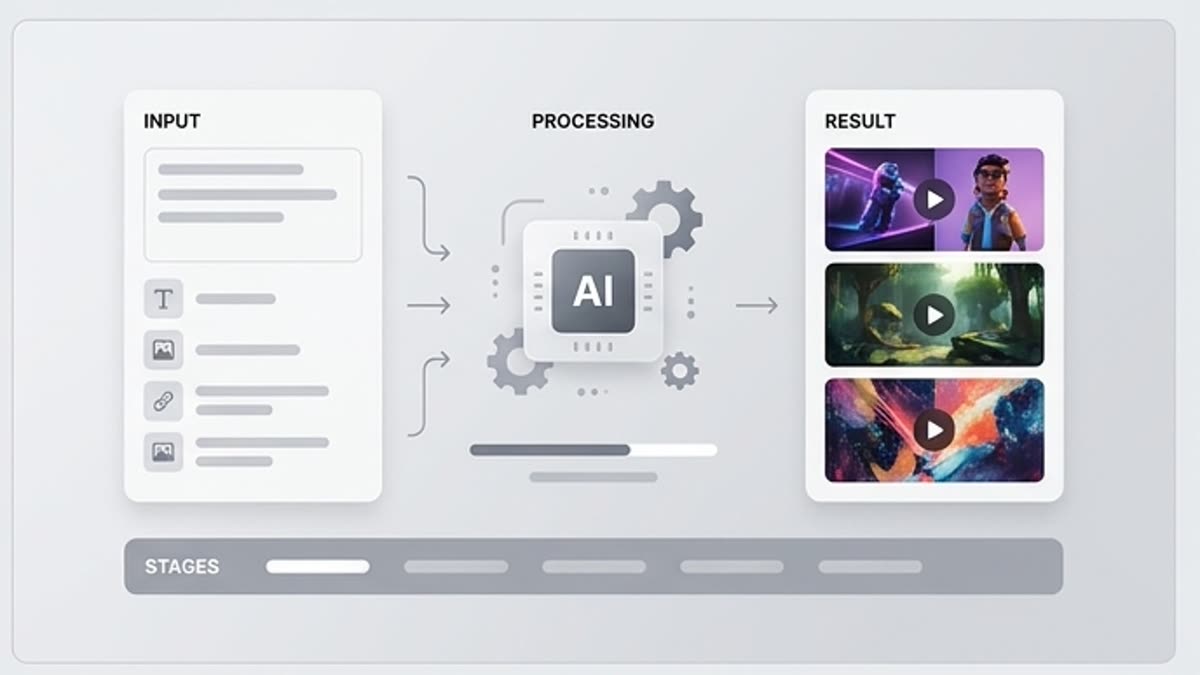
Начните с задачи и референсов, получите первый вариант, поправьте детали в редакторе и сохраните результат в проект. Без лишних переходов между сервисами.

Генератор видео workflow
1

Шаг 1

Выберите старт: текстовое описание, изображение, продуктовый кадр или референс движения.

2

Шаг 2

Опишите камеру, действие, темп, стиль и элементы, которые должны остаться стабильными.

3

Шаг 3

Сравните клипы, выберите лучший, доработайте его в редакторе и сохраните финальную версию.

FAQ

Частые вопросы

What is an AI video generator?+

An AI video generator helps users create video content from prompts, images, references or creative directions. It can support short-form videos, product clips, social media videos, ad concepts and campaign motion assets.

What can I create with Keter Labs AI video generator?+

Keter Labs can support AI-assisted workflows for product clips, campaign videos, social media videos, ad concepts, presentation visuals and creative motion directions inside one connected workspace.

Can I create videos from images or product ideas?+

Keter Labs is designed around creative workflows where prompts, images, product frames, references or campaign briefs can guide video direction where supported. Teams should review outputs before publishing or client delivery.

Is Keter Labs useful for marketing teams?+

Yes. Marketing teams can use Keter Labs to explore video concepts for campaigns, product launches, ads, social posts, presentations and brand storytelling while keeping assets connected to the wider creative workflow.

How is Keter Labs different from separate AI video tools?+

Keter Labs connects video generation with image creation, audio workflows, mockups, design assets and creative workflow management, so teams can move from first idea to reviewed campaign asset in one workspace.

Should AI-generated videos be reviewed before use?+

Yes. Teams should review AI-generated videos for brand fit, product accuracy, motion quality, pacing, text quality, audio fit, visual consistency and usage requirements before publishing or using them in client-facing work.

Можно начинать

Откройте Keter Labs и соберите первый рабочий вариант.

Создавайте изображения, видео, звук и макеты в одном месте, а удачные варианты сохраняйте для команды и следующих кампаний.

Создать аккаунт
