Интеграции

MCP-сервер для AI-ассистентов

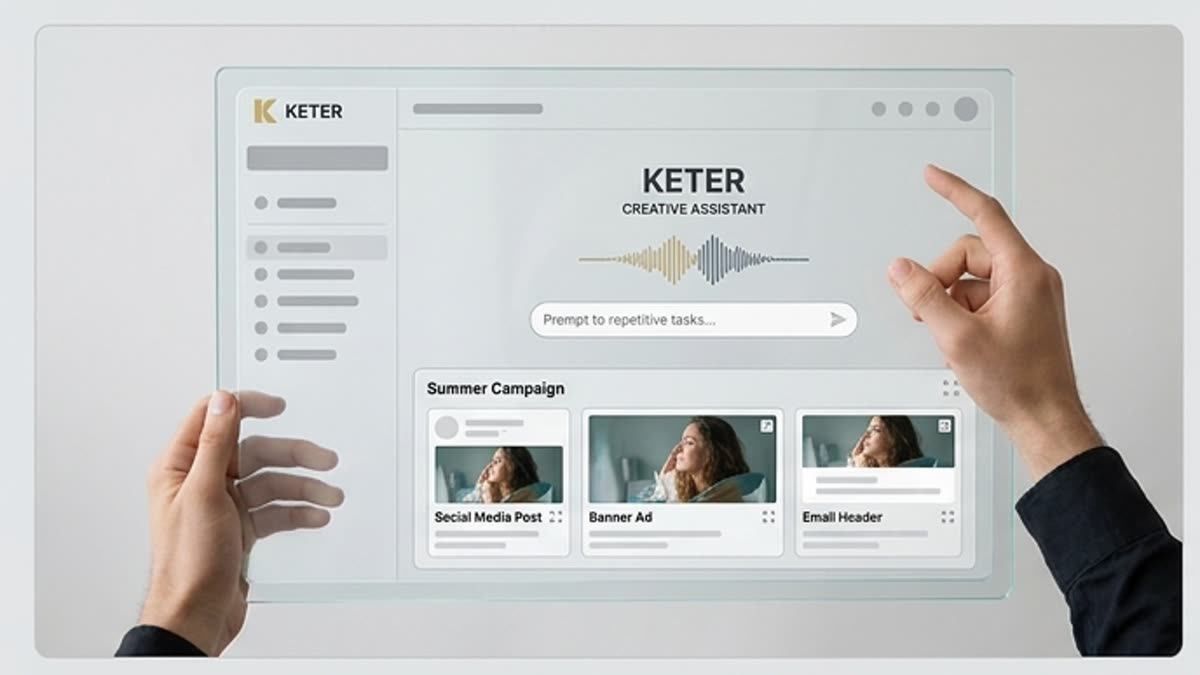
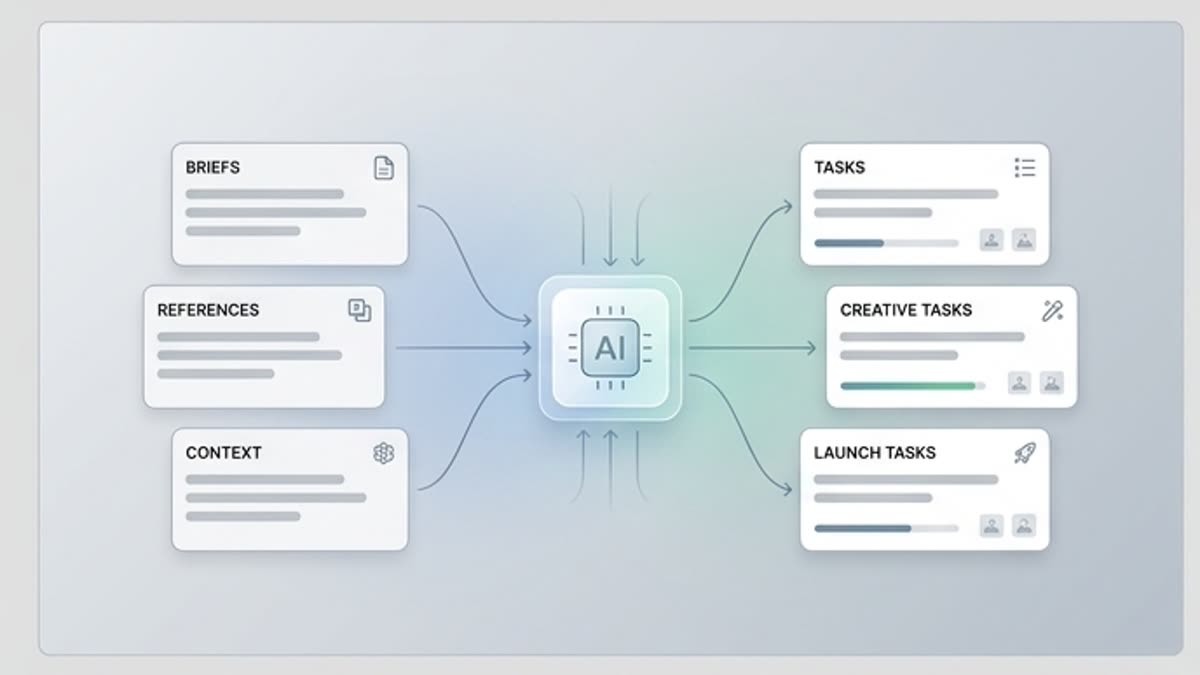
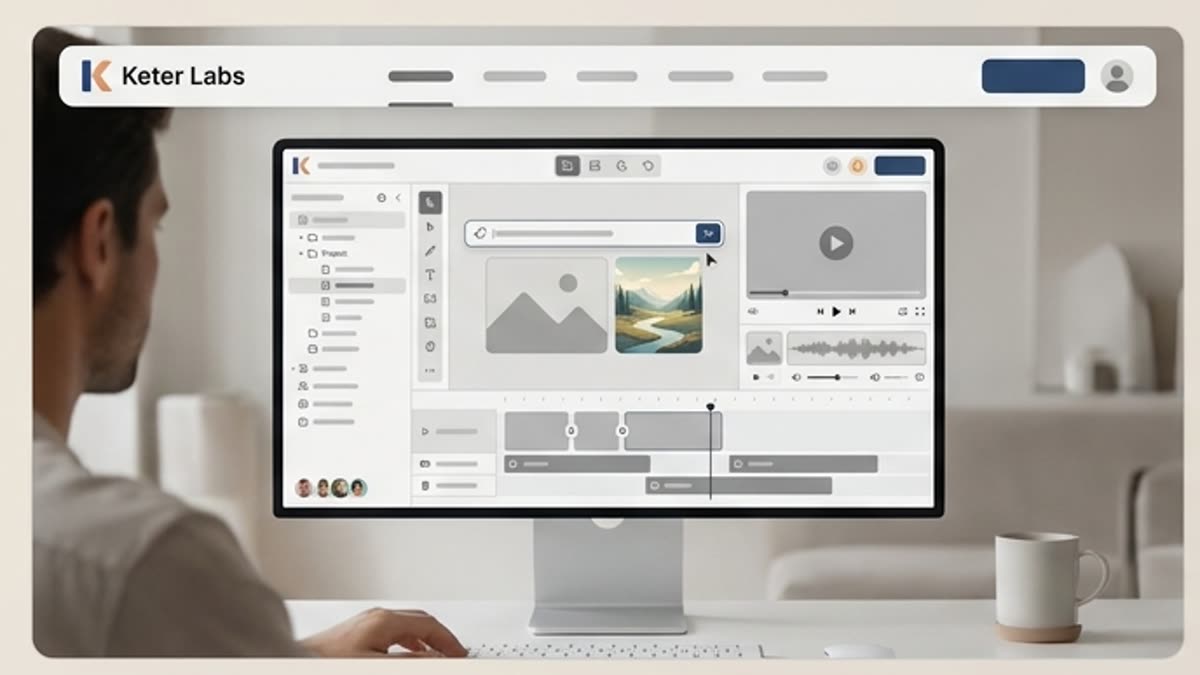
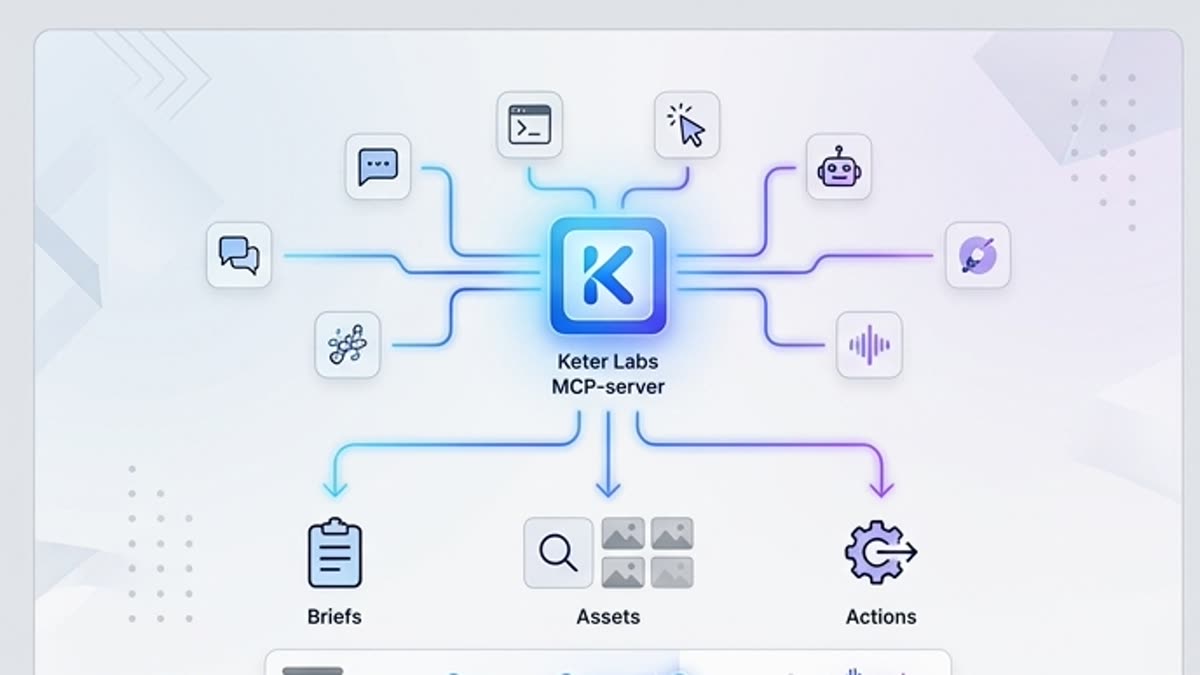
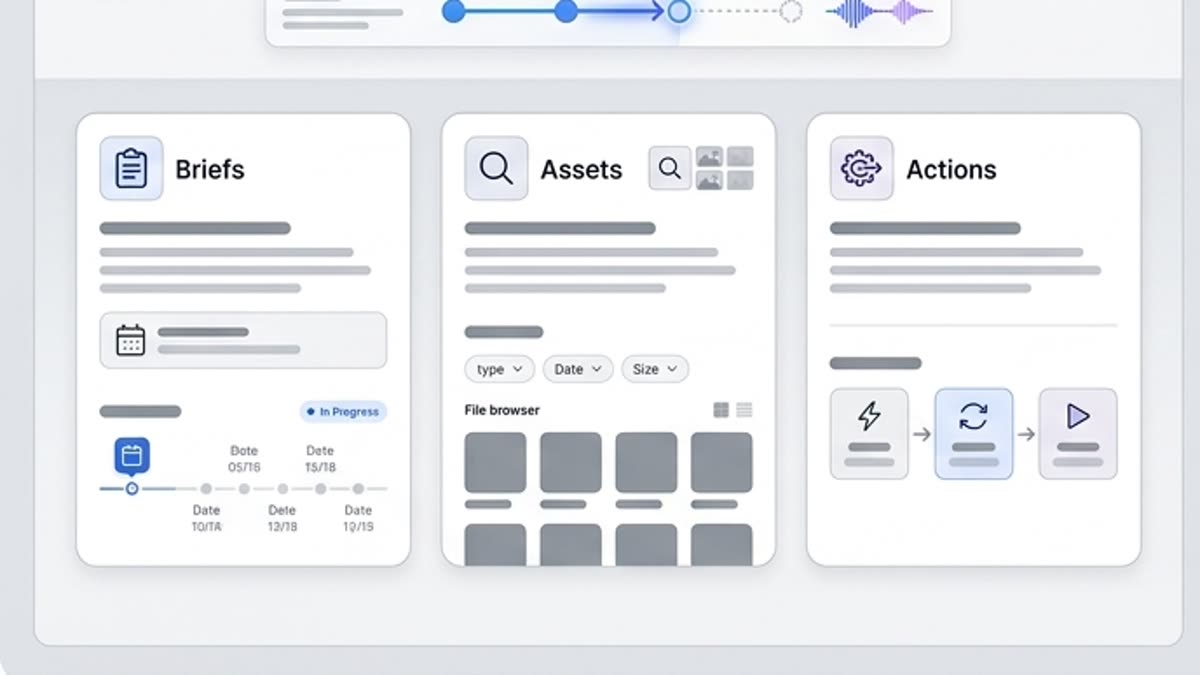
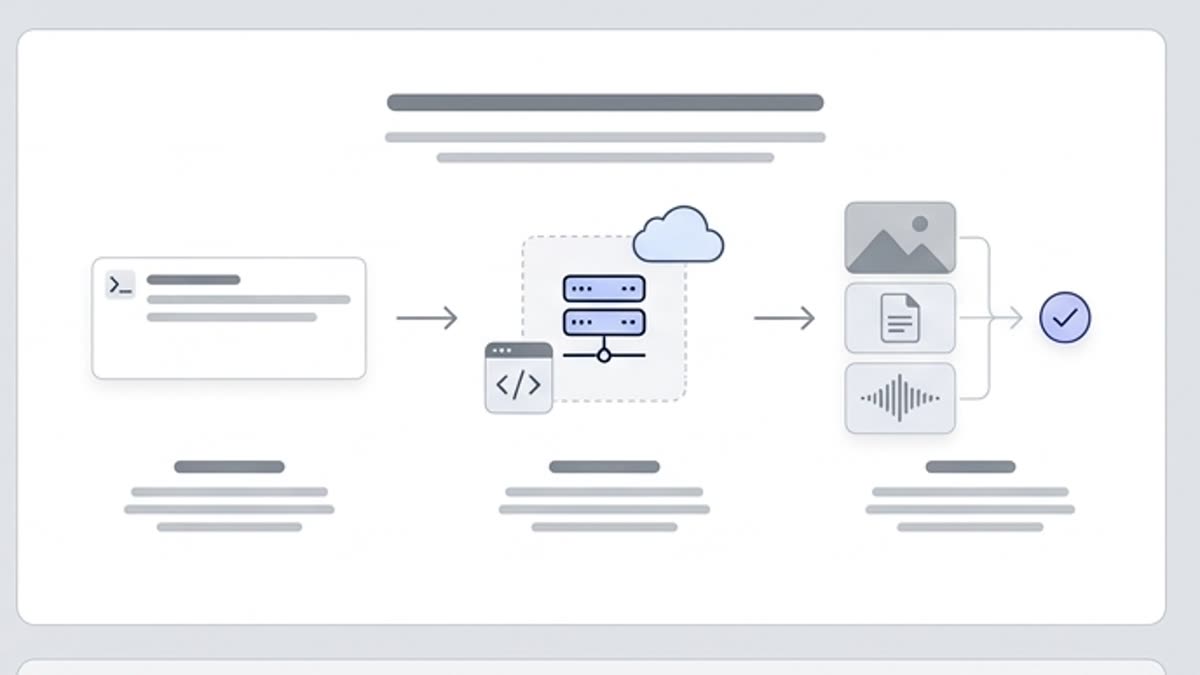
MCP-сервер позволяет подключить Keter Labs к AI-ассистентам и внутренним инструментам, чтобы они могли готовить брифы, находить ассеты и запускать повторяемые действия.

MCP serverModel Context Protocol serverMCP server for AI assistantsMCP integrationAI assistant integrationAI workflow automationAI creative workflow automationKeter Labs MCP
MCP-сервер для AI-ассистентов — Keter Labs
Assistant

Что здесь есть

Чем этот раздел помогает в работе.

MCP Server for AI Assistants and Creative Workflows

MCP Server for AI Assistants and Creative Workflows

An MCP server connects AI assistants to external tools through the Model Context Protocol. Keter Labs MCP server lets AI assistants and internal tools access supported creative workflows such as image generation, editing, stock search, project spaces and campaign asset automation from a connected AI creative workspace.

Connect AI Assistants to Keter Labs Creative Tools

Connect AI Assistants to Keter Labs Creative Tools

Use Keter Labs MCP integration to connect AI assistants with approved creative tools for image generation, image editing, stock search, project spaces and repeatable team workflows.

AI Workflow Automation for Creative Teams

AI Workflow Automation for Creative Teams

Keter Labs supports AI workflow automation and creative AI automation for creators, marketers, agencies, creative teams and developers who want assistant-driven actions connected to account permissions, plan credits and secure access.

Когда использовать

Типовые задачи, для которых открывают этот раздел.

Эти сценарии помогают быстро понять, какую работу лучше начать здесь, а что удобнее продолжить в соседних разделах.

Creative teams automating repeatable production

Creative teams automating repeatable production

Creative teams can use Keter Labs MCP server for AI workflows that generate assets, edit visuals, search stock and organize project work without rebuilding context in separate tools.

Marketers and agencies using assistant-driven workflows

Marketers and agencies using assistant-driven workflows

Marketers and agencies can connect AI assistants to campaign asset automation for briefs, variants, launch visuals, social content and client-ready production tasks.

Developers connecting internal tools

Developers connecting internal tools

Developers can use Keter Labs as a Model Context Protocol server for internal tools that need structured access to AI creative tools, team workflows, account permissions and workspace controls.

Подробности

Что важно знать перед использованием.

How Keter Labs MCP Server Works

How Keter Labs MCP Server Works

Keter Labs MCP integration gives AI assistants a structured way to trigger supported creative workflows. Teams can keep assistant actions connected to account permissions, plan credits, secure access and the same project spaces used for everyday creative production.

MCP Use Cases for Creative Teams and Developers

MCP Use Cases for Creative Teams and Developers

Use the Keter Labs MCP server to support AI assistant integration for asset generation, image editing, stock search, creative workflow management, campaign asset automation, internal tools and repeatable production workflows.

AI Workflow Automation for Images, Editing, Stock and Spaces

AI Workflow Automation for Images, Editing, Stock and Spaces

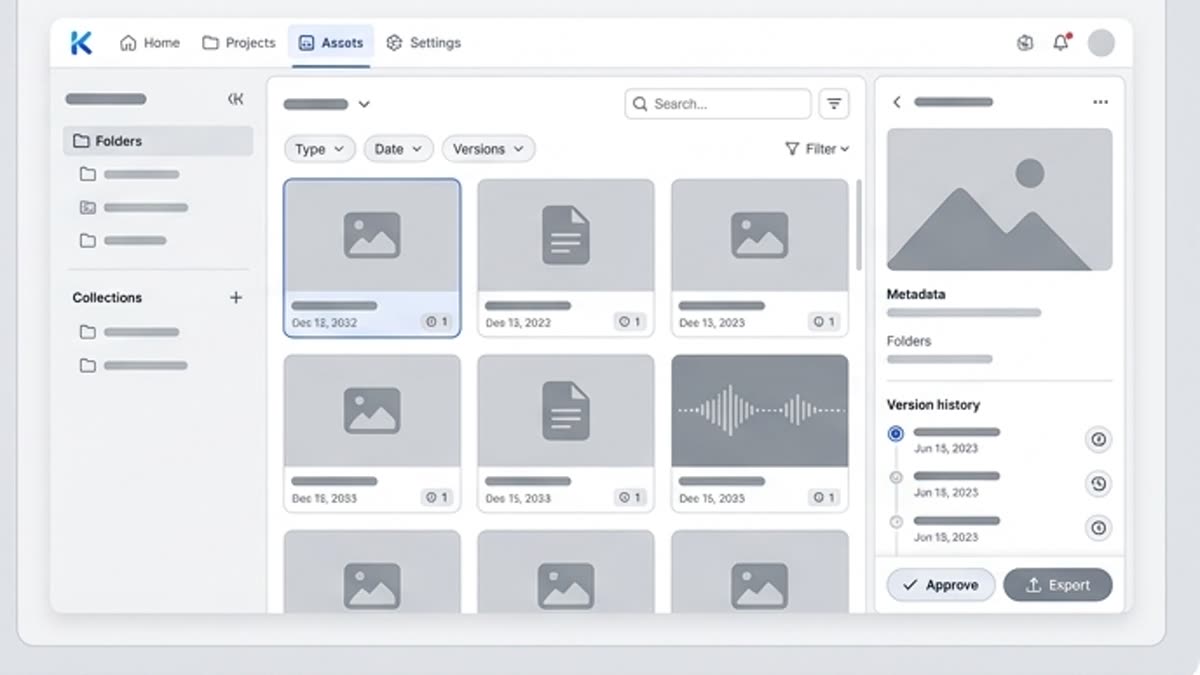
The MCP workflow connects AI assistants with Keter Labs creative tools so teams can move from request to generated image, edited asset, stock result or organized project space faster.

Start Using Keter Labs MCP Integration

Start Using Keter Labs MCP Integration

Keter Labs MCP is designed for creative teams, marketers, agencies and developers that want secure AI assistant tools for creative AI automation and connected campaign production.

Что внутри

Быстрый переход к нужной странице.

Откройте конкретный инструмент, библиотеку или рабочую поверхность внутри этого раздела. Так проще начать с нужного действия, а не искать его через меню.

AI-агенты для контент-команд
Агенты

AI-агенты для контент-команд

AI-агенты берут на себя повторяемые шаги: подготовку вариантов, ресайзы, подбор референсов, упаковку файлов и другие задачи, где уже есть понятные правила.

Открыть AI-агенты для контент-команд
Ассистент студии
Интеграции

Ассистент студии

Ассистент студии помогает превратить бриф, референсы, брендовые правила и файлы проекта в понятные задачи для генерации, редактирования и подготовки материалов. Он полезен там, где команда хочет ускориться, но сохранить контроль над решениями.

Открыть Ассистент студии
Keter Labs для бизнес-команд
Enterprise

Keter Labs для бизнес-команд

Keter Labs для команд, которым важны доступы, бренд-правила, безопасность, обучение и понятный процесс выпуска контента.

Открыть Keter Labs для бизнес-команд
Пространства для проектной работы
Рабочие пространства

Пространства для проектной работы

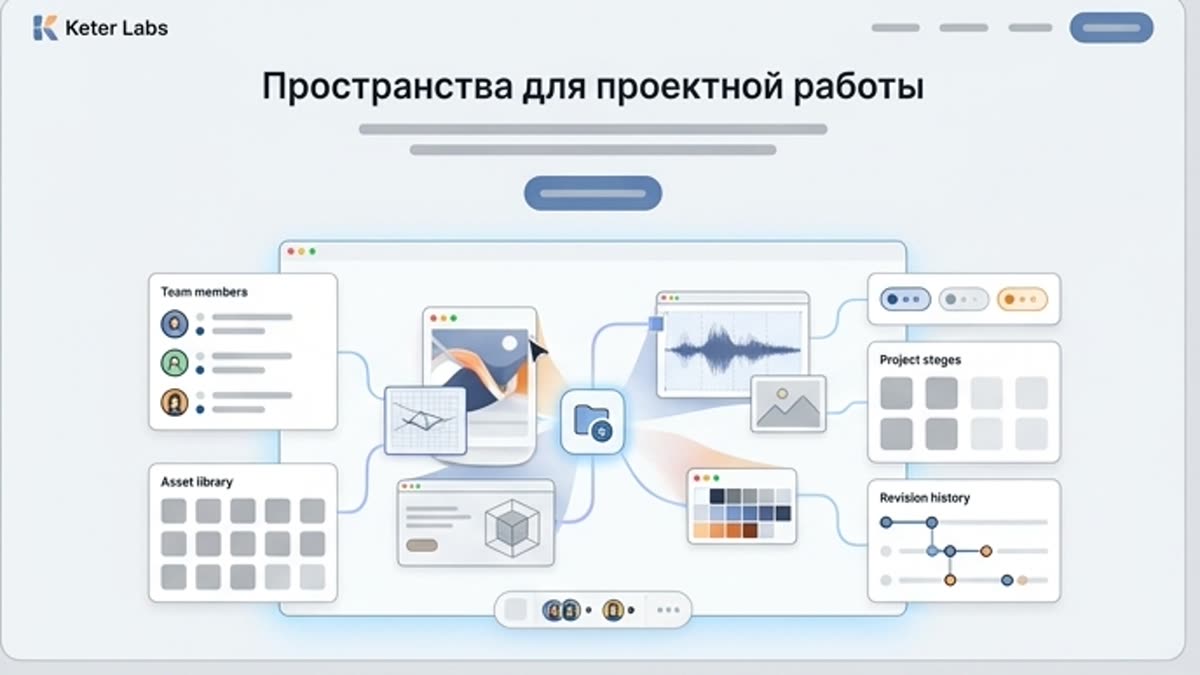
Пространства помогают держать проекты, ассеты, референсы, правки и команду в одном месте. Особенно полезно, когда кампаний и участников становится много.

Открыть Пространства для проектной работы

Как работать

Обычный путь: от задачи до готового файла.

Начните с задачи и референсов, получите первый вариант, поправьте детали в редакторе и сохраните результат в проект. Без лишних переходов между сервисами.

MCP-сервер для AI-ассистентов workflow
1

Шаг 1

Connect the Keter Labs MCP server to an AI assistant or internal tool that supports the Model Context Protocol.

2

Шаг 2

Use account permissions, team roles, plan limits and credits to control what assistant-driven workflows can access.

3

Шаг 3

Ask the assistant to help with image generation, editing, stock search, project spaces or campaign asset automation.

4

Шаг 4

Review results inside Keter Labs, save approved assets and keep creative workflow management tied to the team workspace.

FAQ

Частые вопросы

What is an MCP server?+

An MCP server lets AI assistants connect to external tools through the Model Context Protocol. It gives assistants a structured way to use approved tools, data and workflows from inside a conversation.

What does the Keter Labs MCP server do?+

The Keter Labs MCP server connects AI assistants and internal tools to supported Keter Labs creative workflows, including image generation, image editing, stock search, project spaces and campaign asset automation.

Who can use Keter Labs MCP integration?+

Keter Labs MCP integration is useful for creators, marketers, agencies, creative teams and developers who want AI assistants to trigger creative workflows or automate repeatable production tasks.

Can I use MCP for AI creative workflow automation?+

Yes. Keter Labs MCP can help teams automate creative tasks such as generating assets, editing visuals, searching stock, organizing project work and connecting assistant-driven workflows to team production.

Does the Keter Labs MCP server use my account permissions?+

Yes. MCP access should follow your Keter Labs account permissions, team roles, plan limits and credits, so assistant-driven actions stay connected to the same workspace controls.

Можно начинать

Откройте Keter Labs и соберите первый рабочий вариант.

Создавайте изображения, видео, звук и макеты в одном месте, а удачные варианты сохраняйте для команды и следующих кампаний.

Создать аккаунт