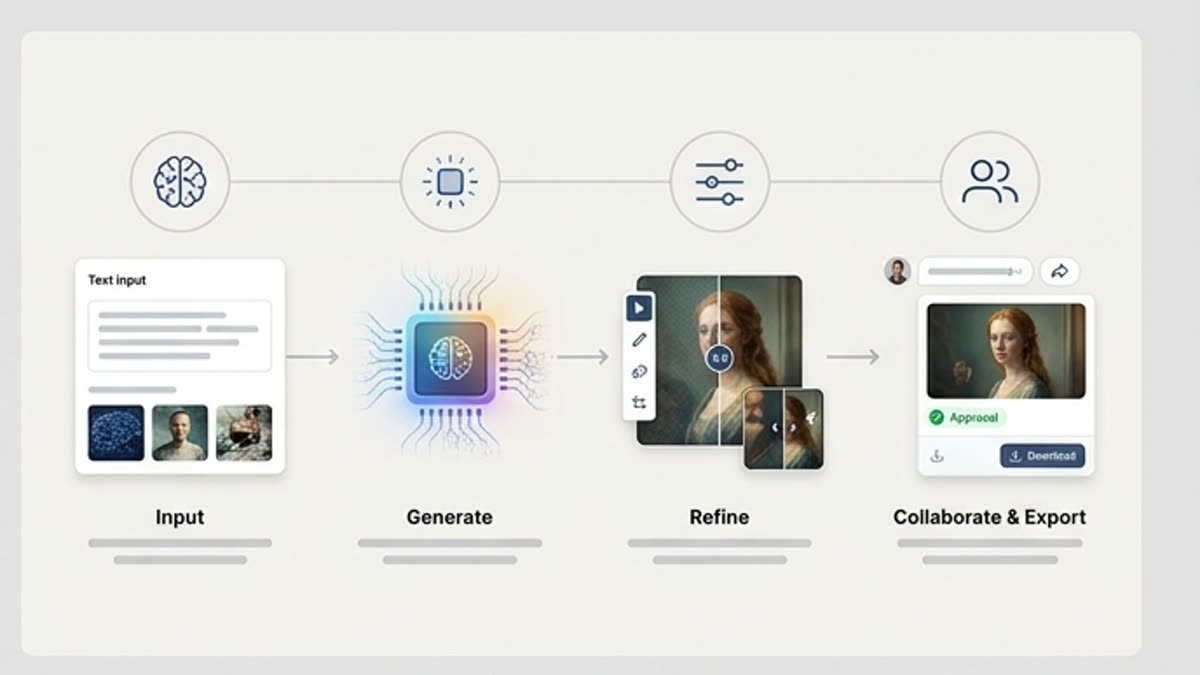
Plan the Visual Project
Start from the campaign goal, product idea, audience, references and visual direction before generating. This helps Studio keep image work tied to a creative project instead of a loose one-off result.
Изображения
Генератор изображений в студии нужен для проектной работы с AI-визуалами: брифы, референсы, промпты, варианты, история и финальные файлы живут в одном рабочем контексте.
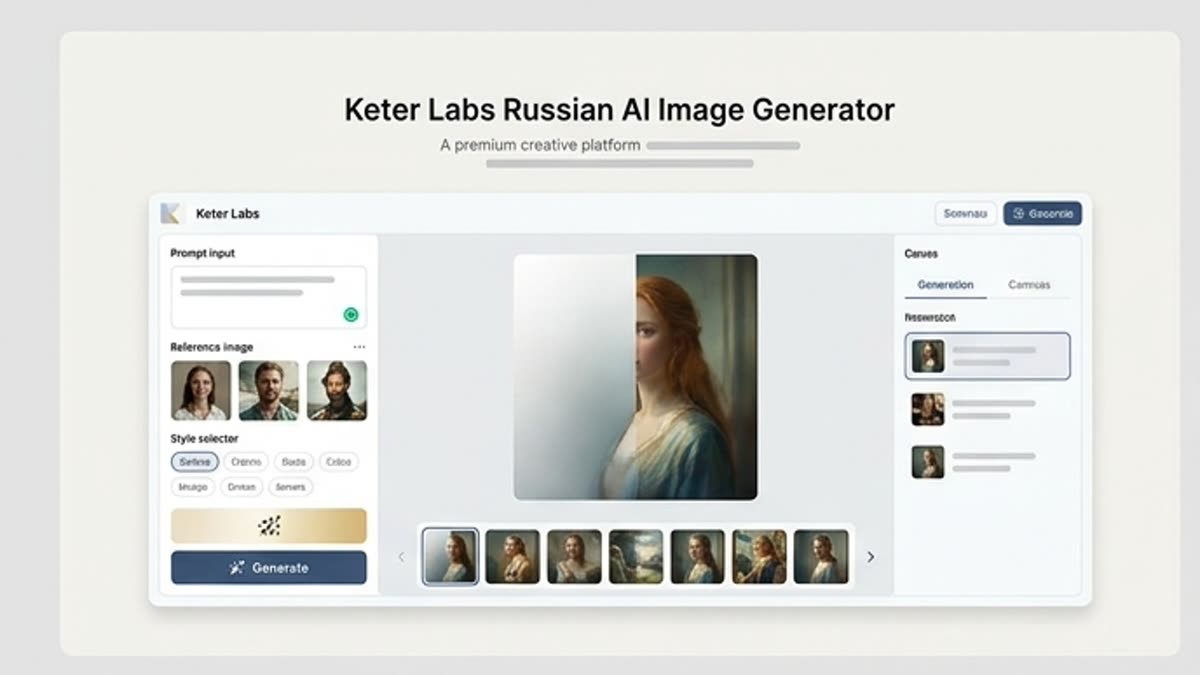
Что здесь есть
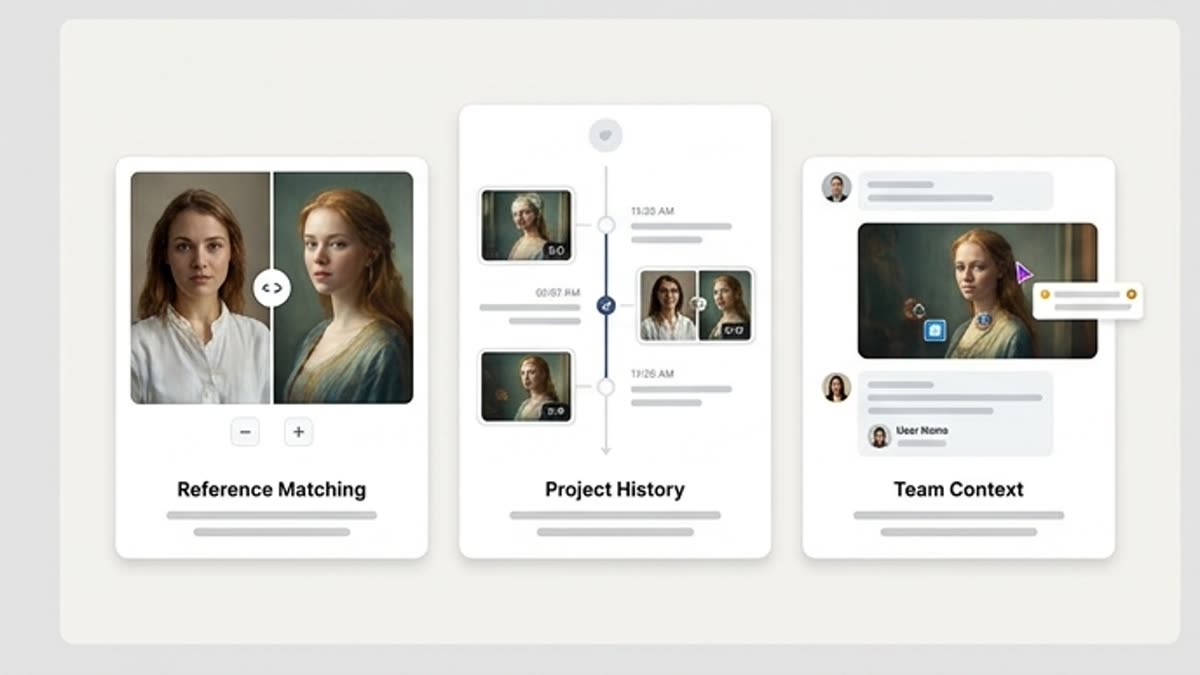
Команда видит не только финальную картинку, но и контекст: задачу, референсы, выбранные варианты и дальнейшие правки.
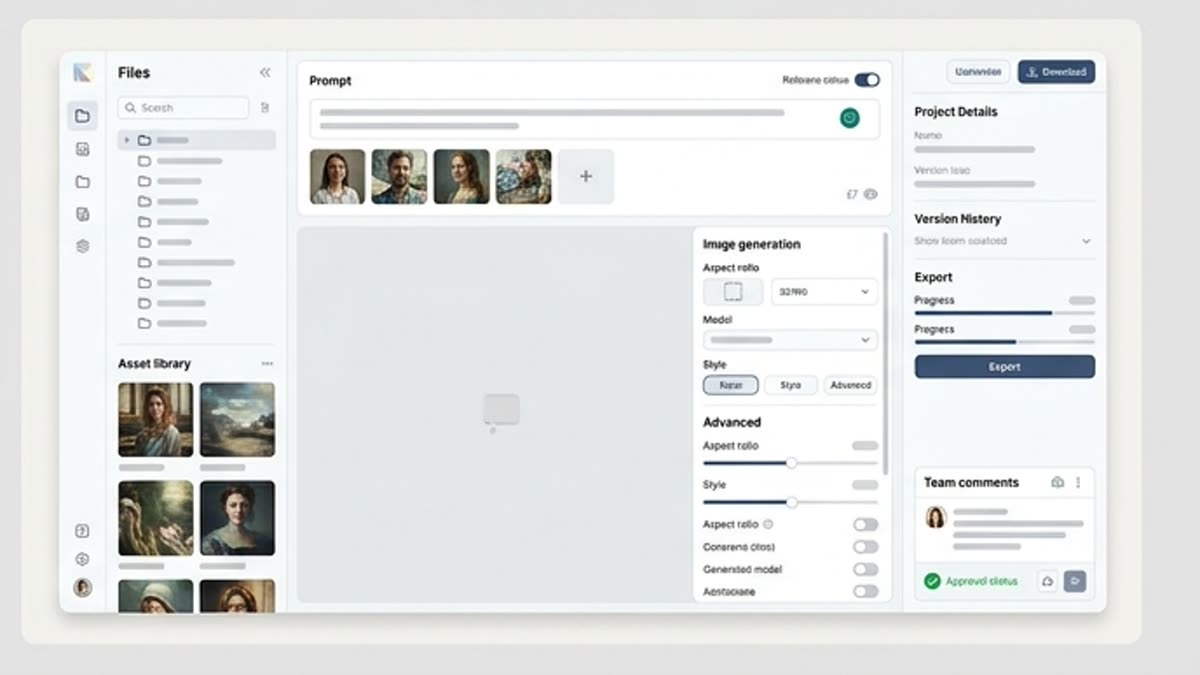
Создавайте визуалы для кампаний, продуктов, социальных каналов и презентаций, сохраняя стиль и логику проекта.
Лучший вариант можно сразу отправить в редактор, апскейл, resize, background tools или дизайнер.
Когда использовать
Эти сценарии помогают быстро понять, какую работу лучше начать здесь, а что удобнее продолжить в соседних разделах.
Once a visual direction is selected, teams can continue the workflow with editing, refinement, review or handoff steps where supported. This helps connect image generation with the wider creative production process.
Use the AI image generator page when the goal is direct image generation for campaigns, product visuals or social content. Use Studio when the work needs project context, references, variants, history, review and a continued creative workflow around selected visuals.
Connect Studio with the AI image generator for direct image creation, Designer for AI design workflows, Mockups for AI mockup generator workflows, Pricing for plan review, AI creative tools for the broader toolset and the platform page for project-based creative workspace context where links are editable.
Подробности
Start from the campaign goal, product idea, audience, references and visual direction before generating. This helps Studio keep image work tied to a creative project instead of a loose one-off result.
Use briefs, image references and prompts to guide the image generation project workflow. Keep the direction available as teams explore variants, review outputs and decide what should move forward.
Compare AI image variants against the brief, brand fit, layout needs and campaign context. Selected visuals can move into editing, refinement or review steps inside supported workflows.
Use Studio when image work needs project context, references, variants, history and review. Use the AI image generator page when the goal is direct image creation for campaigns, product visuals or social content.
Как работать
Начните с задачи и референсов, получите первый вариант, поправьте детали в редакторе и сохраните результат в проект. Без лишних переходов между сервисами.
Создайте проект, добавьте задачу, референсы и ограничения.
Сгенерируйте несколько вариантов и выберите направление, которое лучше решает бриф.
Доработайте лучший визуал и сохраните финальную версию вместе с историей.
Рядом по теме
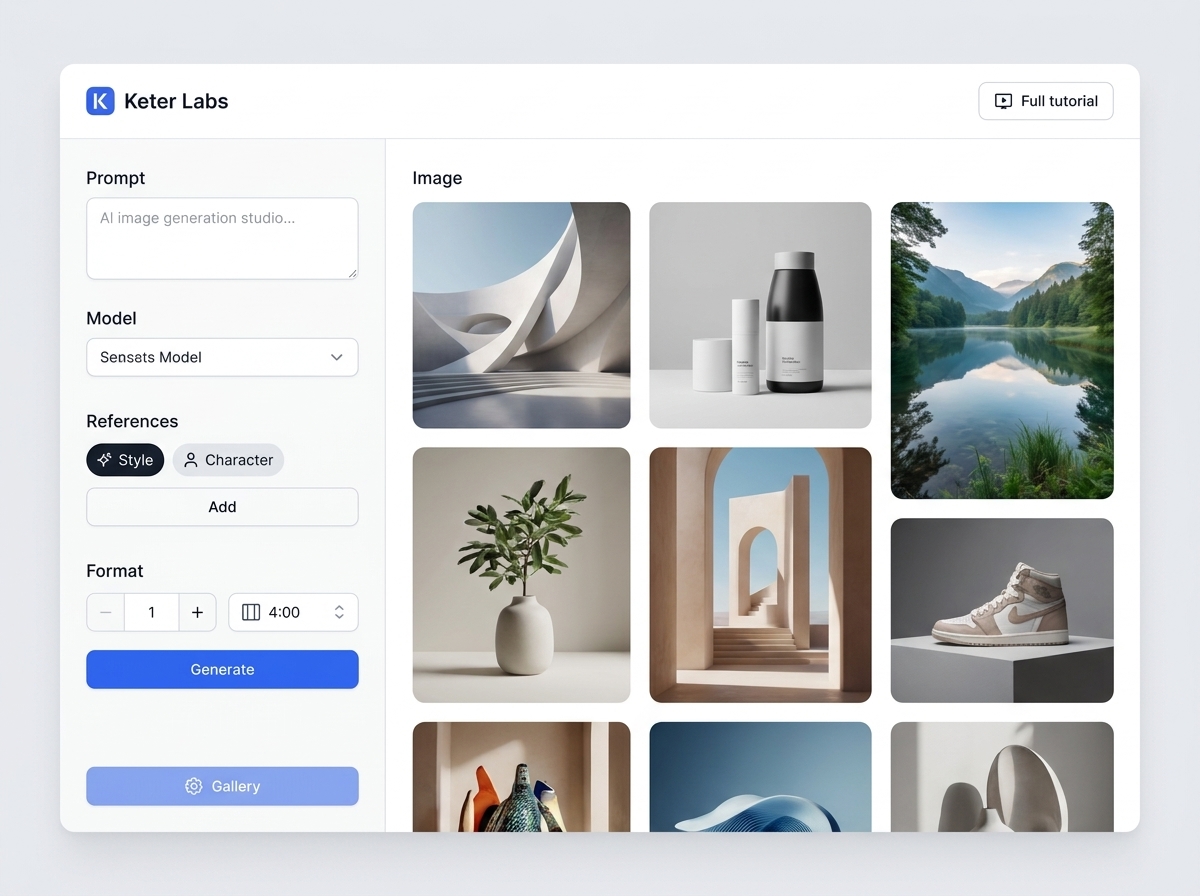
AI image generator — страница для задачи: создавать изображения по текстовому описанию, референсам и задачам кампании. Она помогает быстро понять, что подготовить, как получить первый вариант, какие проверки выполнить и куда двигаться после результата.
Открыть AI image generator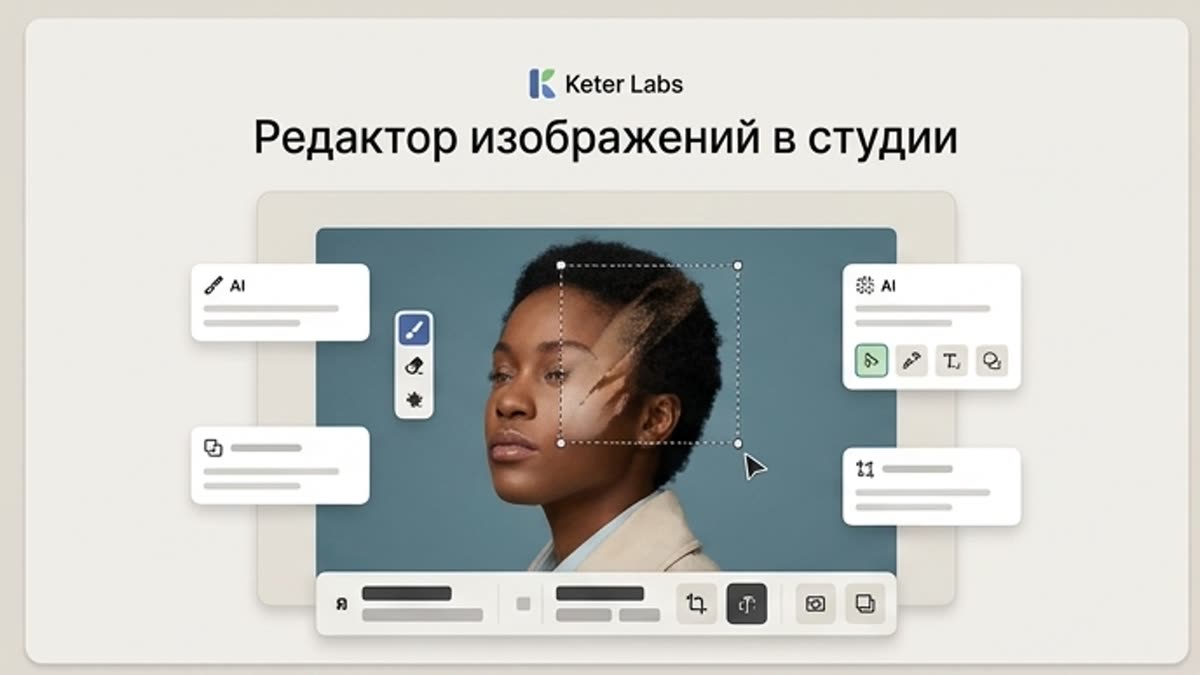
Редактор изображений в студии помогает довести AI-визуалы, фото, стоковые ассеты и product shots до рабочего состояния: фон, объект, кадр, качество, свет, размер и финальная композиция.
Открыть Редактор изображений в студии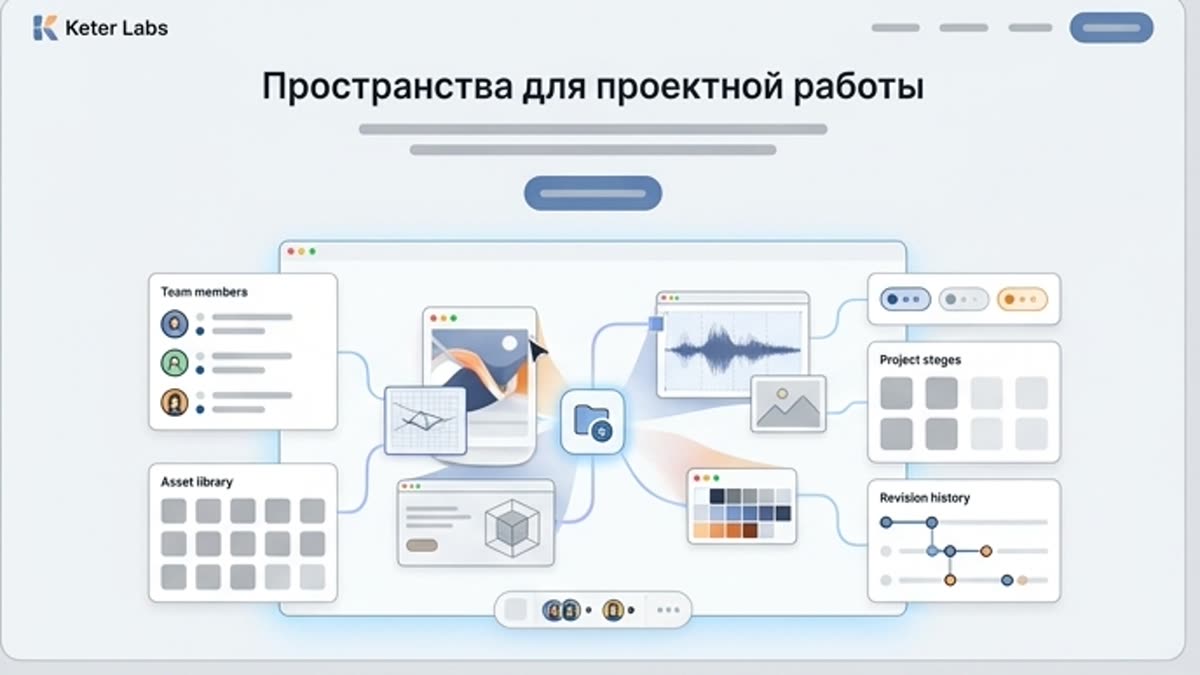
Пространства помогают держать проекты, ассеты, референсы, правки и команду в одном месте. Особенно полезно, когда кампаний и участников становится много.
Открыть Пространства для проектной работыFAQ
An AI image generation workspace helps teams manage image projects with briefs, references, prompts, variants, history, review context and selected outputs instead of treating each image as a separate one-off generation.
The AI image generator page is focused on creating images for campaigns, product visuals and social content. Keter Labs Studio is focused on project-based image workflows where teams can keep context, references, variants, history and review steps together.
Keter Labs Studio is positioned around project-based visual work, helping teams keep briefs, prompts, references, variants and selected outputs connected inside the creative workflow where supported.
Yes. Studio can support campaign visual review by helping teams compare image directions, keep project context and move selected visuals toward editing, refinement or review steps where supported.
Use the AI image generator page for direct image creation. Use Studio when the project needs references, variants, history, review context and a continued workflow around selected visuals.
Keter Labs Studio is useful for creators, marketers, agencies, designers and creative teams that need a more organized way to manage AI image work across briefs, references, variants and review steps.
Можно начинать
Создавайте изображения, видео, звук и макеты в одном месте, а удачные варианты сохраняйте для команды и следующих кампаний.
Создать аккаунт