Редактирование

Удаление фона

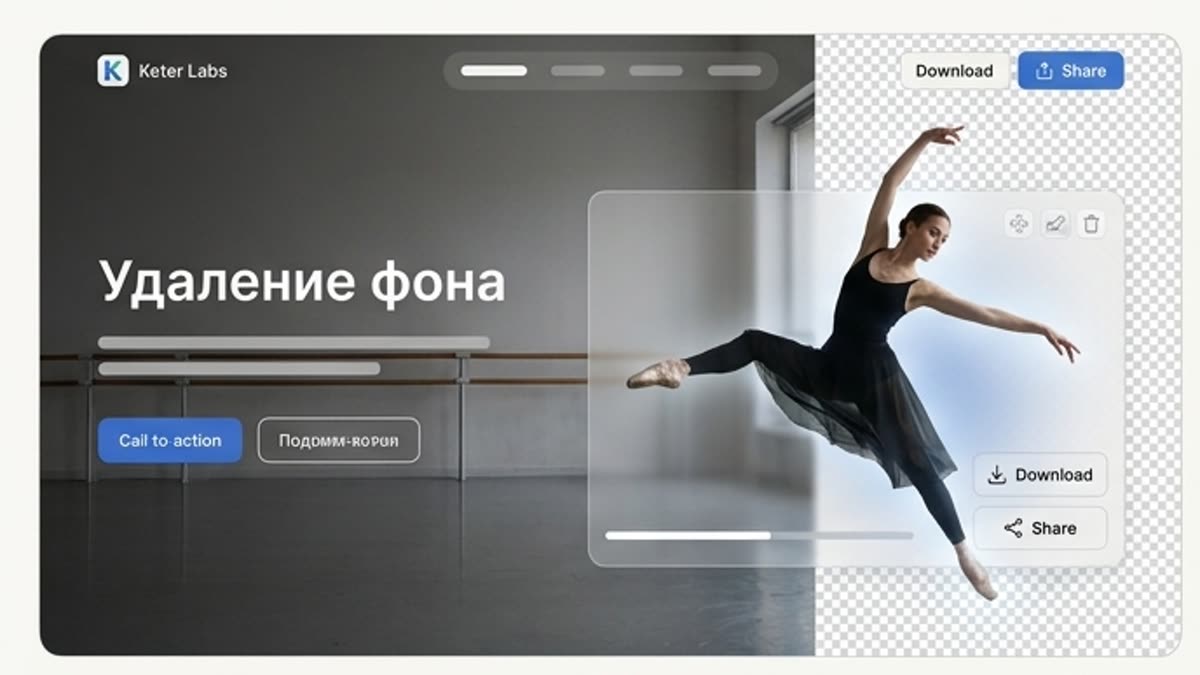
Удаление фона помогает быстро получить чистый объект, product cutout, портрет или PNG-ассет для макетов, карточек, презентаций, рекламы и дальнейшей генерации. Инструмент отделяет главный объект и сохраняет аккуратные края.

background removerai background removerremove background from imageimage background removerproduct cutout toolbackground removal for product imagestransparent backgroundcampaign asset editing
Удаление фона — Keter Labs
Remove

Что здесь есть

Чем этот раздел помогает в работе.

Clean Cutouts for Product and Campaign Work

Clean Cutouts for Product and Campaign Work

Use the background remover to isolate products, people, objects and graphics so they can be placed into product cards, ads, mockups, presentations and social creative layouts.

Move Cutouts Into Design and Mockup Workflows

Move Cutouts Into Design and Mockup Workflows

A clean subject is easier to reuse across banners, ecommerce visuals, campaign concepts, brand layouts and mockup scenes inside supported Keter Labs workflows.

Review Edges Before Final Use

Review Edges Before Final Use

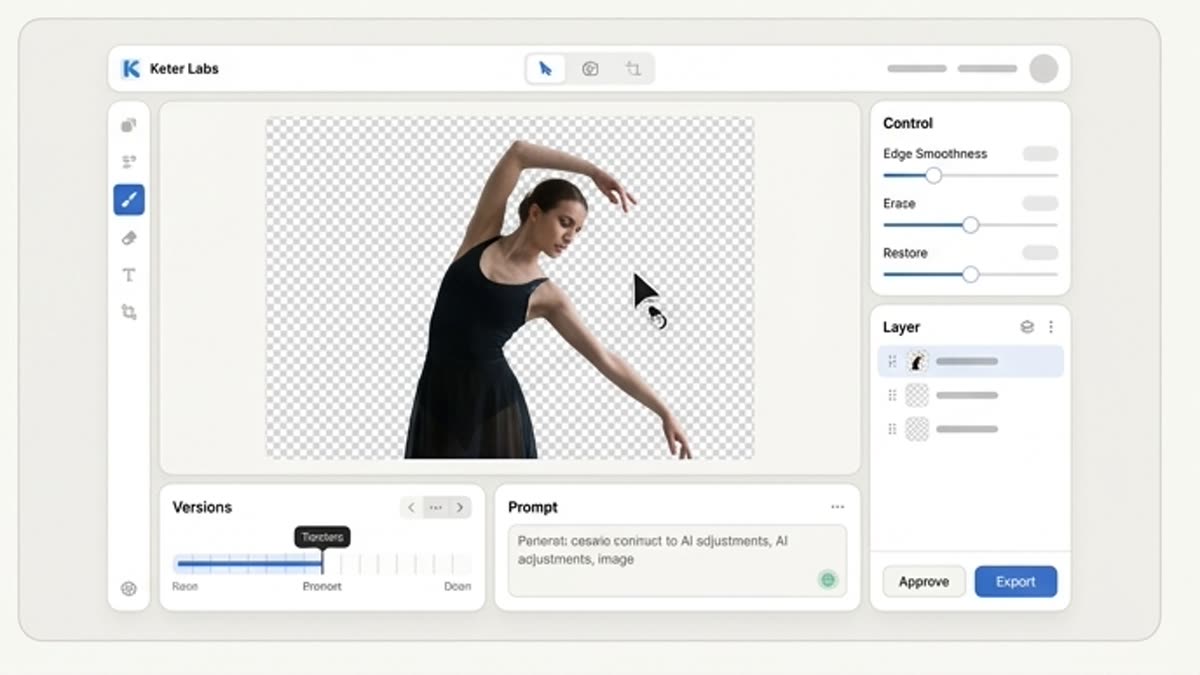
After removing a background, check edges, shadows, hair, transparent areas, product detail and layout fit before using the asset in a client, campaign or publishing workflow.

Когда использовать

Типовые задачи, для которых открывают этот раздел.

Эти сценарии помогают быстро понять, какую работу лучше начать здесь, а что удобнее продолжить в соседних разделах.

Нужен product cutout

Нужен product cutout

Отделите товар от фона для ecommerce, баннера, презентации, каталога или рекламного макета.

Нужно собрать дизайн из разных ассетов

Нужно собрать дизайн из разных ассетов

Удалите фон у объектов и людей, чтобы свободно размещать их на новом холсте.

Нужно подготовить PNG

Нужно подготовить PNG

Получите прозрачный ассет для дизайнера, лендинга, соцсетей или следующего AI-шага.

Подробности

Что важно знать перед использованием.

What Is a Background Remover?

What Is a Background Remover?

A background remover helps separate the main subject from an image so it can be reused as a cleaner creative asset. In Keter Labs, background removal supports product cutouts, portraits, graphics and campaign materials that may continue into mockups, design layouts or further image editing where available.

How Background Removal Fits Creative Production

How Background Removal Fits Creative Production

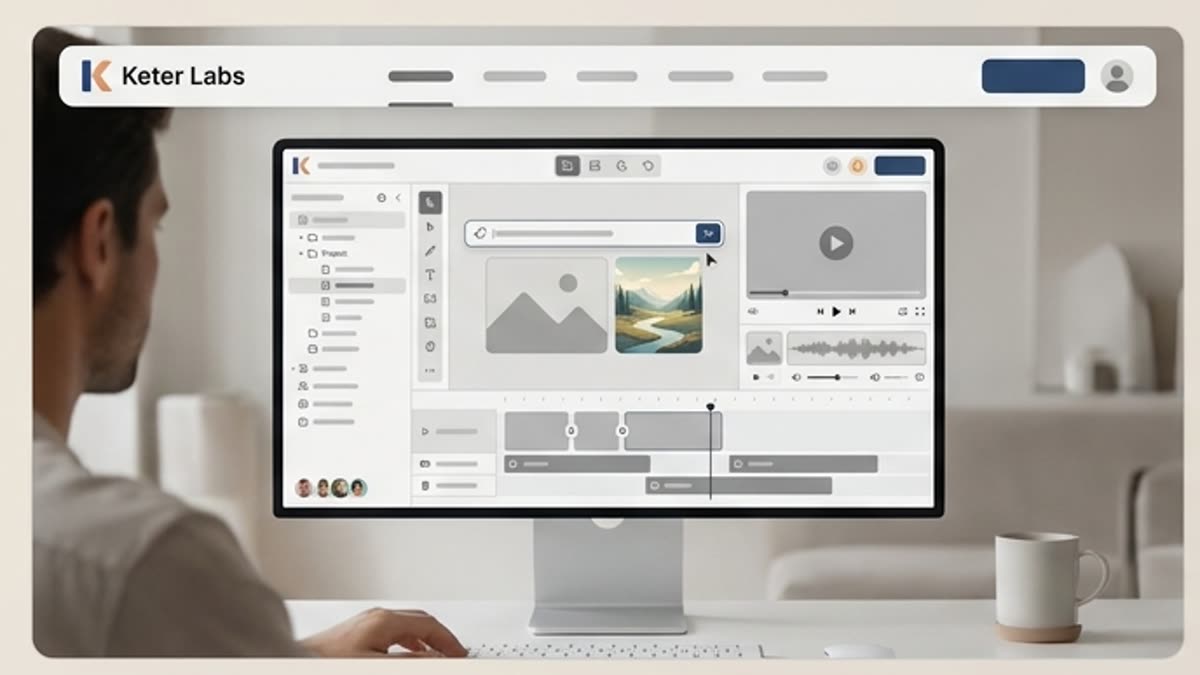
Start with a product photo, portrait or graphic, remove the background, review the subject edges and use the clean cutout in a mockup, product card, ad concept, presentation or social media design.

Best Uses for Clean Background Cutouts

Best Uses for Clean Background Cutouts

Background removal is useful for ecommerce product visuals, campaign concepts, social content, pitch decks, product cards, brand layouts and mockup scenes where the subject needs to stand apart from the original image.

Как работать

Обычный путь: от задачи до готового файла.

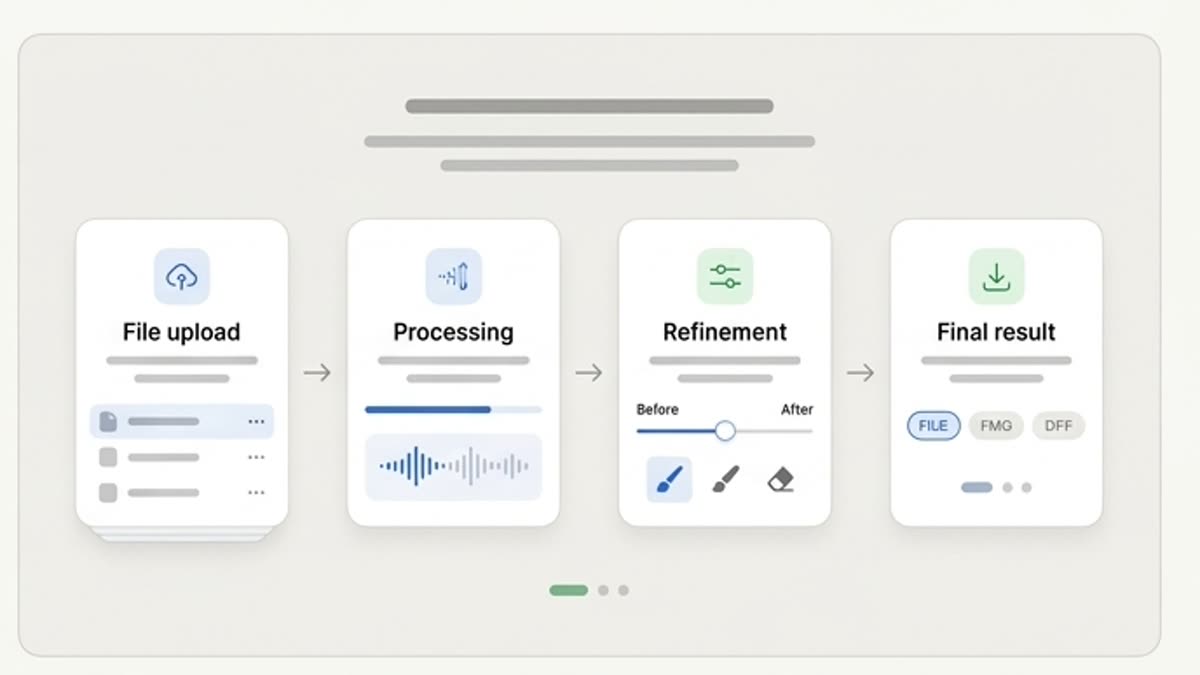
Начните с задачи и референсов, получите первый вариант, поправьте детали в редакторе и сохраните результат в проект. Без лишних переходов между сервисами.

Удаление фона workflow
1

Шаг 1

Загрузите изображение с объектом, который нужно отделить от фона.

2

Шаг 2

Удалите фон и проверьте края, сложные детали, волосы, прозрачные зоны и тени.

3

Шаг 3

Сохраните cutout или продолжите работу с новым фоном, макетом или PNG-экспортом.

FAQ

Частые вопросы

What is a background remover?+

A background remover is a tool that separates the main subject from an image so the result can be used as a clean cutout in designs, mockups, product cards, ads and presentations.

Who is Keter Labs background remover for?+

It is useful for creators, marketers, agencies, designers, ecommerce teams and business teams that need clean product, portrait or graphic cutouts for creative work.

What can I use background cutouts for?+

You can use clean cutouts in mockups, product cards, campaign visuals, social media posts, presentations, banners, catalogs and other design workflows.

How does background removal connect with Keter Labs workflows?+

After removing a background, users can continue into supported workflows such as design layouts, mockups, image editing, product visuals or campaign asset production.

What should I check after removing a background?+

Check subject edges, transparent areas, shadows, hair, product details and whether the cutout still looks natural in the final layout or mockup.

Можно начинать

Откройте Keter Labs и соберите первый рабочий вариант.

Создавайте изображения, видео, звук и макеты в одном месте, а удачные варианты сохраняйте для команды и следующих кампаний.

Создать аккаунт